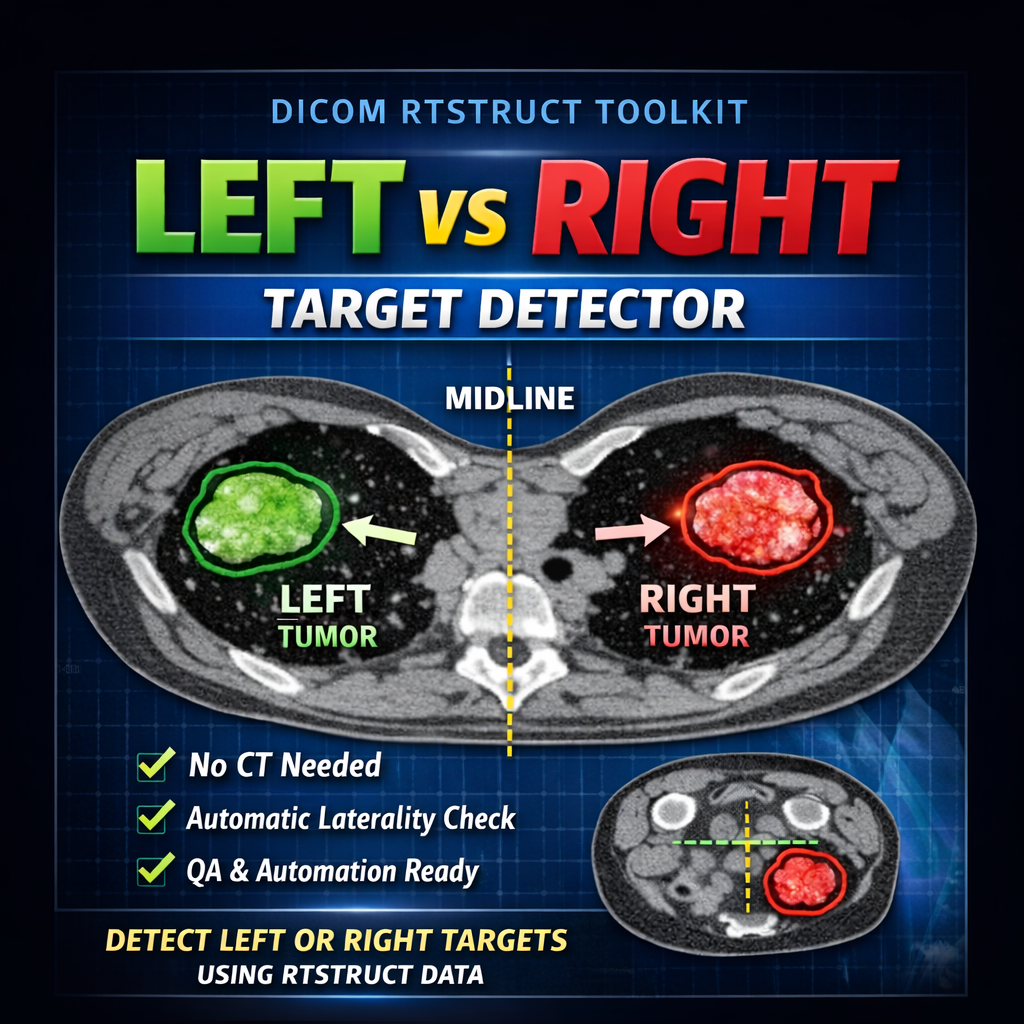
RTSTRUCT Laterality Detector – Identify Left vs Right Targets Without CT
🚀 Detect Left vs Right Targets — Without CT
When working directly with DICOM RTSTRUCT data, determining target laterality isn’t always straightforward.
This tool provides a simple, robust method to identify whether a structure is on the left, right, or midline — using only RTSTRUCT contour geometry.
💡 What This Tool Does
✔️ Computes body-based midline from external contour
✔️ Calculates ROI centroid from contour points
✔️ Classifies target as Left / Right / Midline
✔️ Works directly from RTSTRUCT — no CT required
⚙️ Key Features
• No image loading or visualization needed
• Fully based on DICOM RTSTRUCT geometry
• Lightweight and fast — ideal for automation
• GUI-based workflow for easy ROI selection
• Ready for integration into QA pipelines
🧪 Use Cases
👉 TPS-independent plan checks
👉 Automated QA workflows
👉 DICOM data validation
👉 Research and scripting projects
⚠️ Important Notes
This method assumes a symmetric body contour.
👉 For extremity setups (arms, legs) or partial-body scans,
the external contour may not represent the true patient midline.
In those cases, laterality results may be unreliable and should be interpreted with caution.
🎯 Why This Matters
In many automated or backend workflows, CT images are not available.
This tool gives you a clean, geometry-based solution to extract clinically meaningful information directly from RTSTRUCT — enabling more scalable and robust pipelines.
🛠️💡 Need customization? Contact me to adapt this tool to your workflow.