
Good Faith Estimate Tracker Google Sheets for Therapists, GFE Expiry & Reissue Log, No Surprises Act Admin Spreadsheet, Excel Download
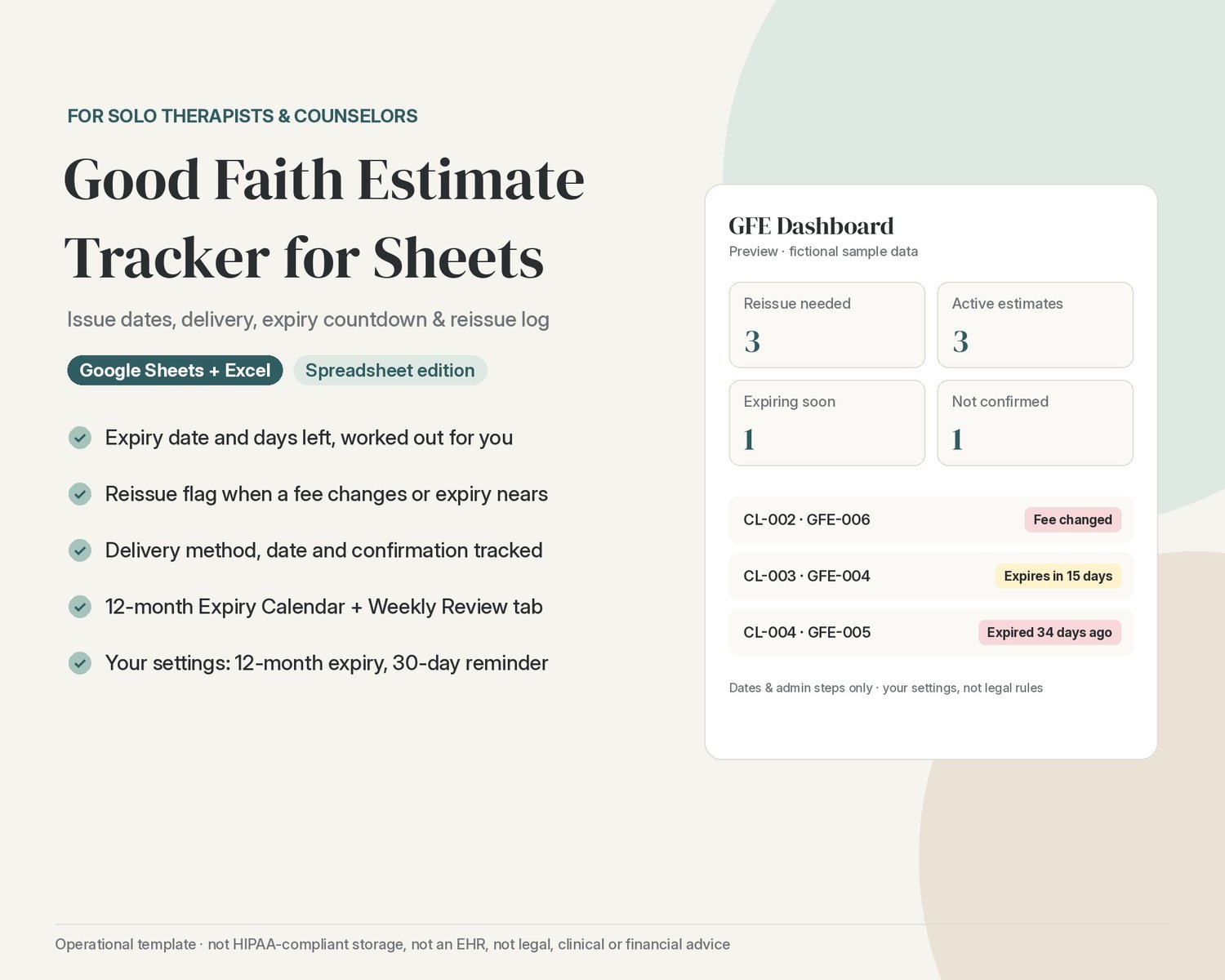
Keep every Good Faith Estimate you issue organized in one calm spreadsheet, without digging through emails and folders.
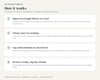
Google Sheets / Excel only. This is the spreadsheet edition of the TherapistOps Good Faith Estimate Tracker. Everything runs inside one Google Sheet (or Excel workbook), on desktop or the Google Sheets phone app. Nothing else to install.
Want the Notion version too? The full TherapistOps Good Faith Estimate Tracker includes it. This listing is the spreadsheet only.
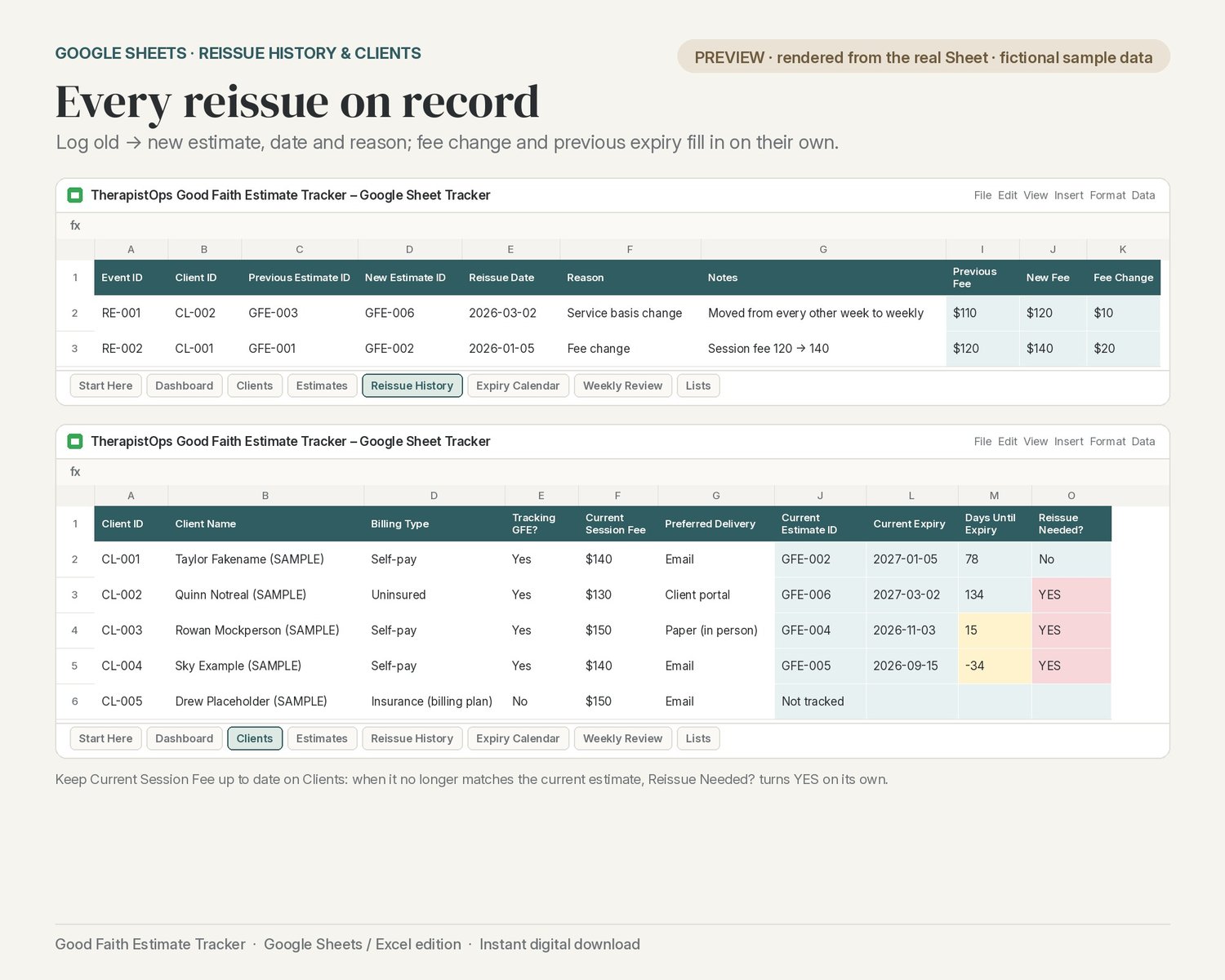
It logs each estimate's issue date, delivery method and delivery date, works out the expiry date (12 months after issue by default) and counts down the days left. When a client's session fee changes or an estimate is about to lapse, it flags that a reissue looks needed. Each reissue is recorded with the old and new estimate, the date, the reason and the fee difference.
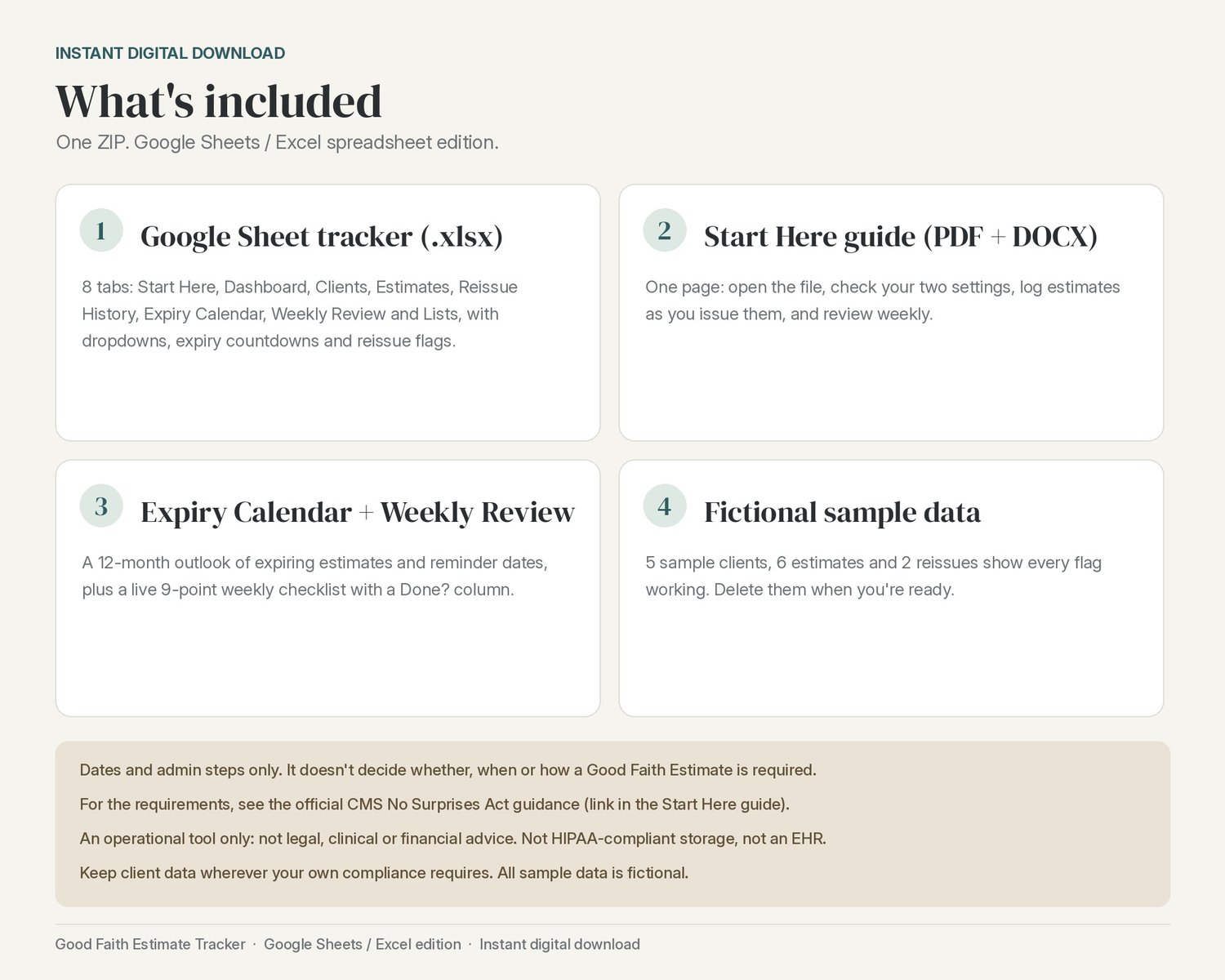
What's in the spreadsheet (8 tabs)
- Start Here: the setup steps, right inside the file
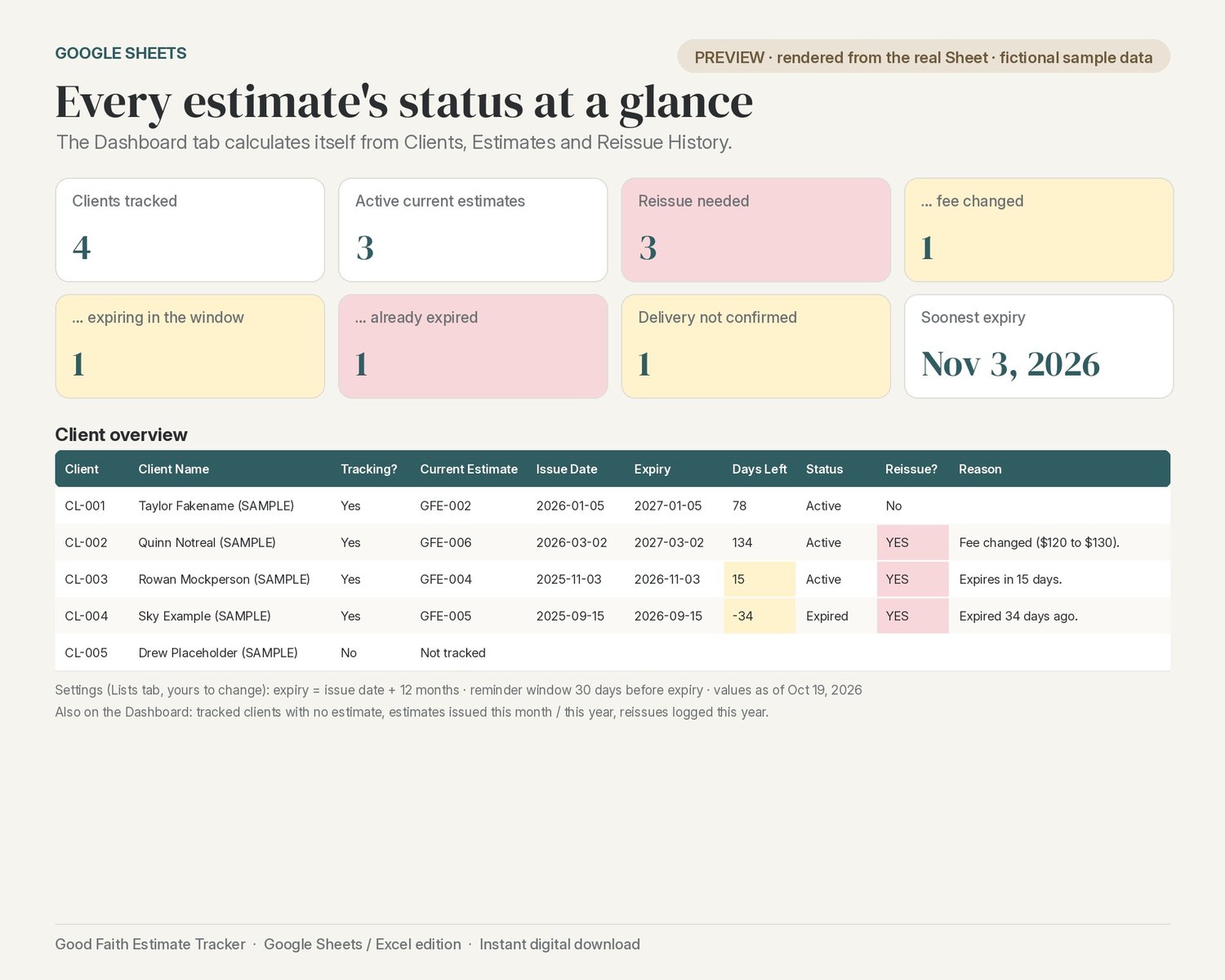
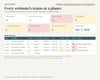
- Dashboard: clients tracked, active estimates, reissues needed (fee changed / expiring / expired), deliveries not confirmed, soonest expiry, and a client overview
- Clients: one row per client with Tracking GFE? and Current Session Fee; the current estimate, expiry, days left and reissue flag fill in on their own
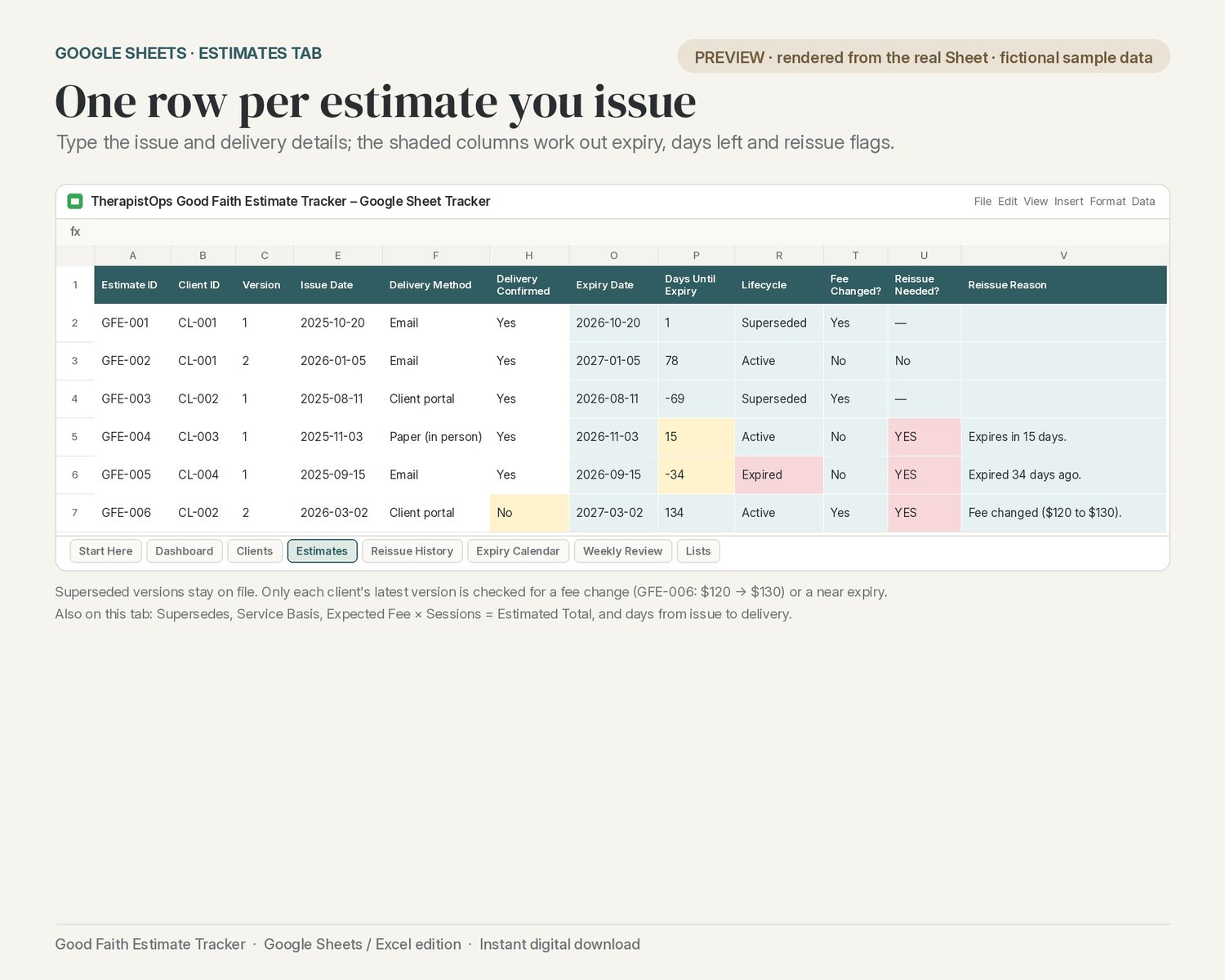
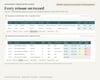
- Estimates: one row per estimate (version, supersedes, issue date, delivery method / date / confirmed, expected fee and sessions); expiry, days left, lifecycle, fee changed, reissue needed and the reason calculate
- Reissue History: old → new estimate, date and reason; previous fee, new fee, fee change and previous expiry fill in
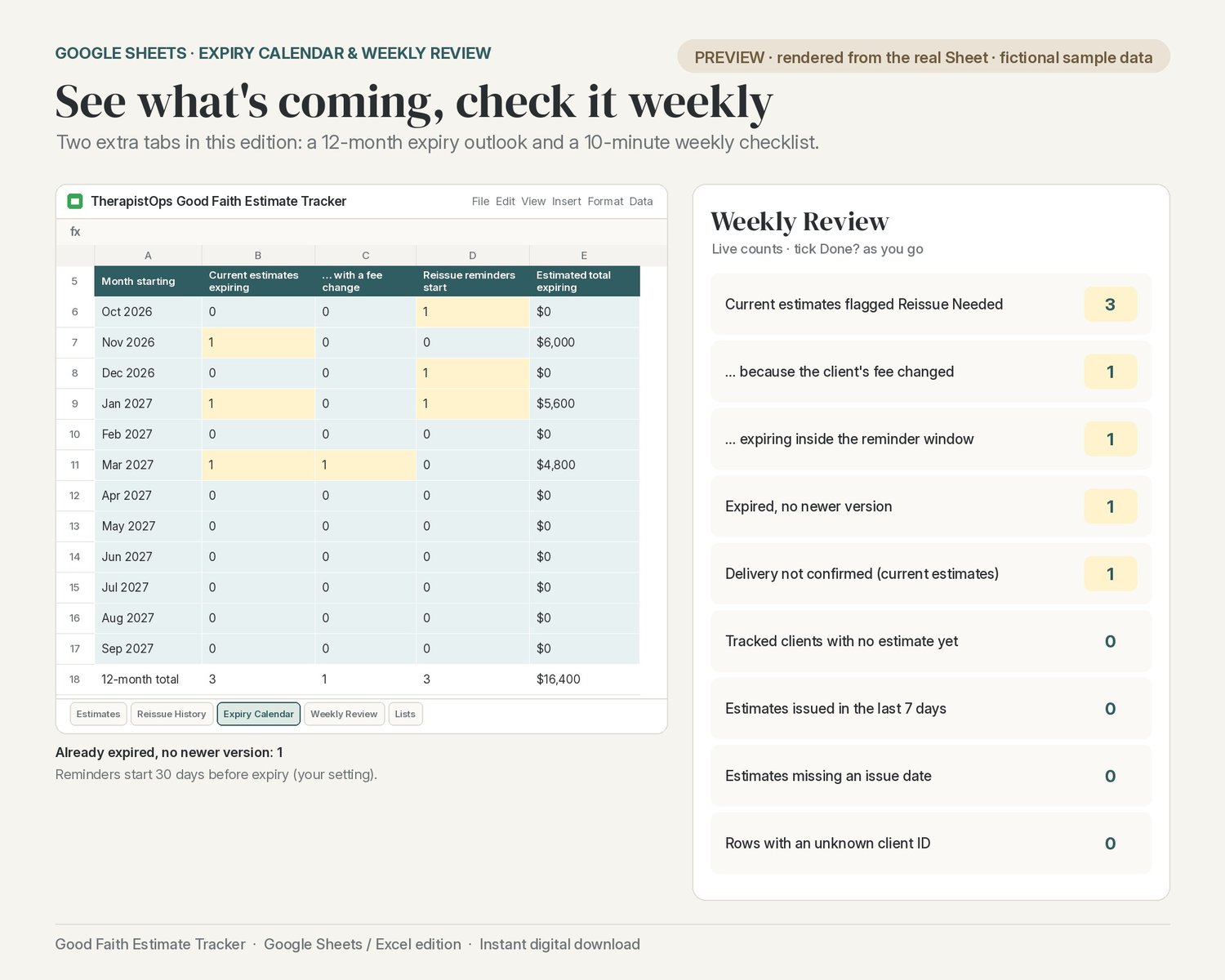
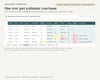
- Expiry Calendar: the next 12 months, with current estimates expiring each month, fee changes, when reissue reminders start and the estimated totals
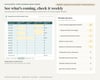
- Weekly Review: a live 9-point, 10-minute weekly checklist with a Done? column
- Lists: dropdown options plus your two settings (12-month expiry, 30-day reminder window)
What you'll get (instant download, one ZIP)
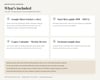
- Google Sheet tracker (.xlsx; open it in Google Sheets or Excel)
- One-page Start Here guide (PDF + DOCX)
Good to know
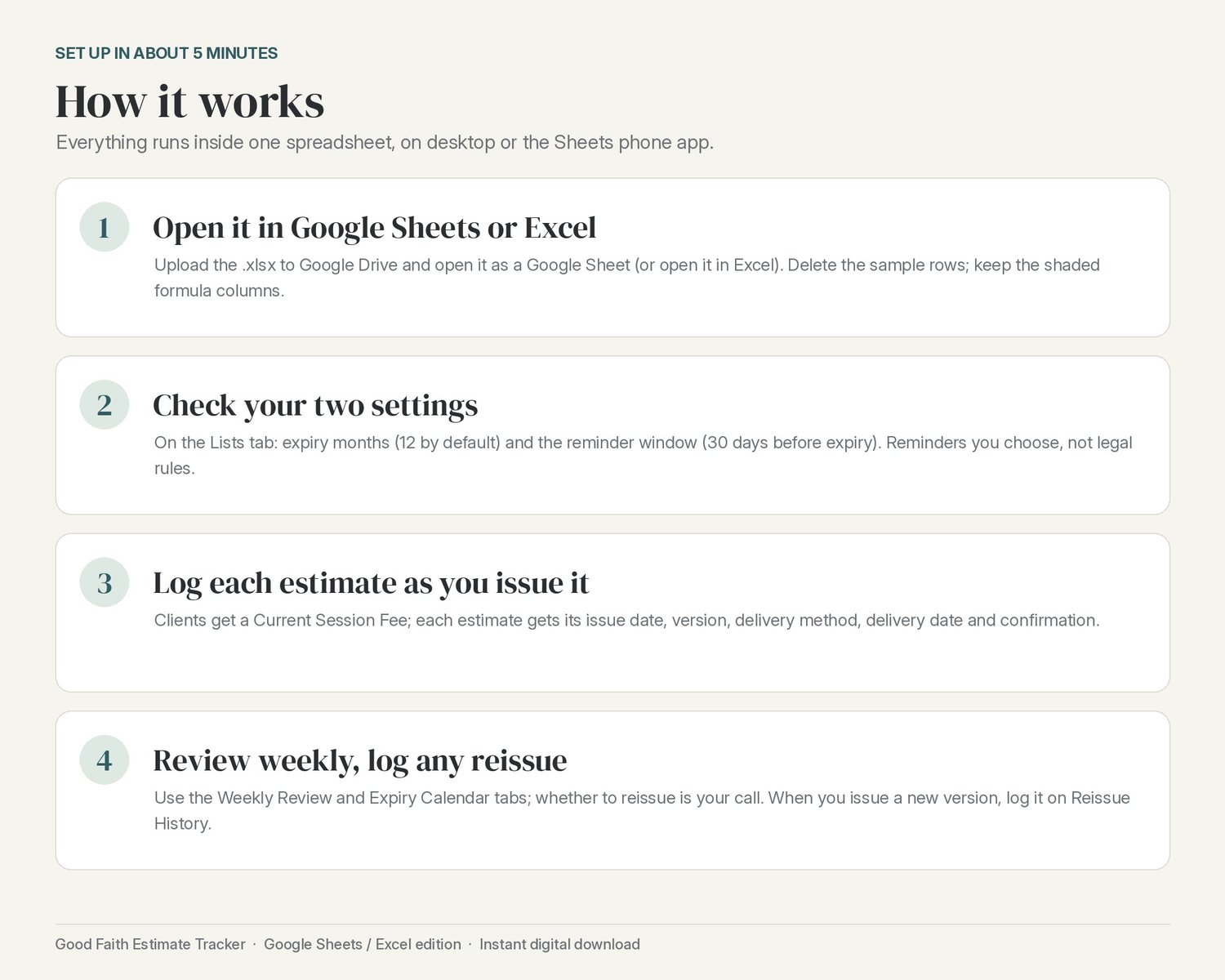
- Set up in about 5 minutes: open the file, delete the fictional SAMPLE rows, check your two settings.
- The 12-month expiry and 30-day reminder window are settings you can change. They're reminders you choose, not rules.
- Formulas are pre-filled through row 300 and shaded so you know not to type over them.
- Fictional sample data (5 clients, 6 estimates, 2 reissues) shows how everything works.
- The images are previews rendered from the real spreadsheet with its fictional sample data. Menu wording in Google Sheets or Excel may differ slightly.
- You'll need your own Google account (free) or Microsoft Excel.
- This is a date and admin tracker only: it doesn't decide whether, when or how a Good Faith Estimate is required, or what one must contain, and it doesn't create the estimate document itself.
Digital download
This is a digital product: you'll download one ZIP file right after purchase. No physical item will be shipped. Because it's a digital file, returns and exchanges aren't accepted, but message me if anything doesn't open and I'll help.
Fine print
Not HIPAA-compliant storage. Not an EHR. This is an operational tool only, not clinical, legal or financial advice. Keep client data wherever your own compliance obligations require.
This tracker records dates and admin steps only. It does not decide whether, when, or how a Good Faith Estimate is required, or what one must contain, and it does not create the estimate document. For the requirements, see the official CMS No Surprises Act guidance: https://www.cms.gov/nosurprises/policies-and-resources/provider-requirements-and-resources
All sample data is fictional.