













Gif2SL Studio 1.1.8
Gif2SL Studio — Animation and Audio Tools for Second Life
Bring your GIFs, videos, and audio into Second Life with a Windows toolkit built for creating animated textures and preparing sound.
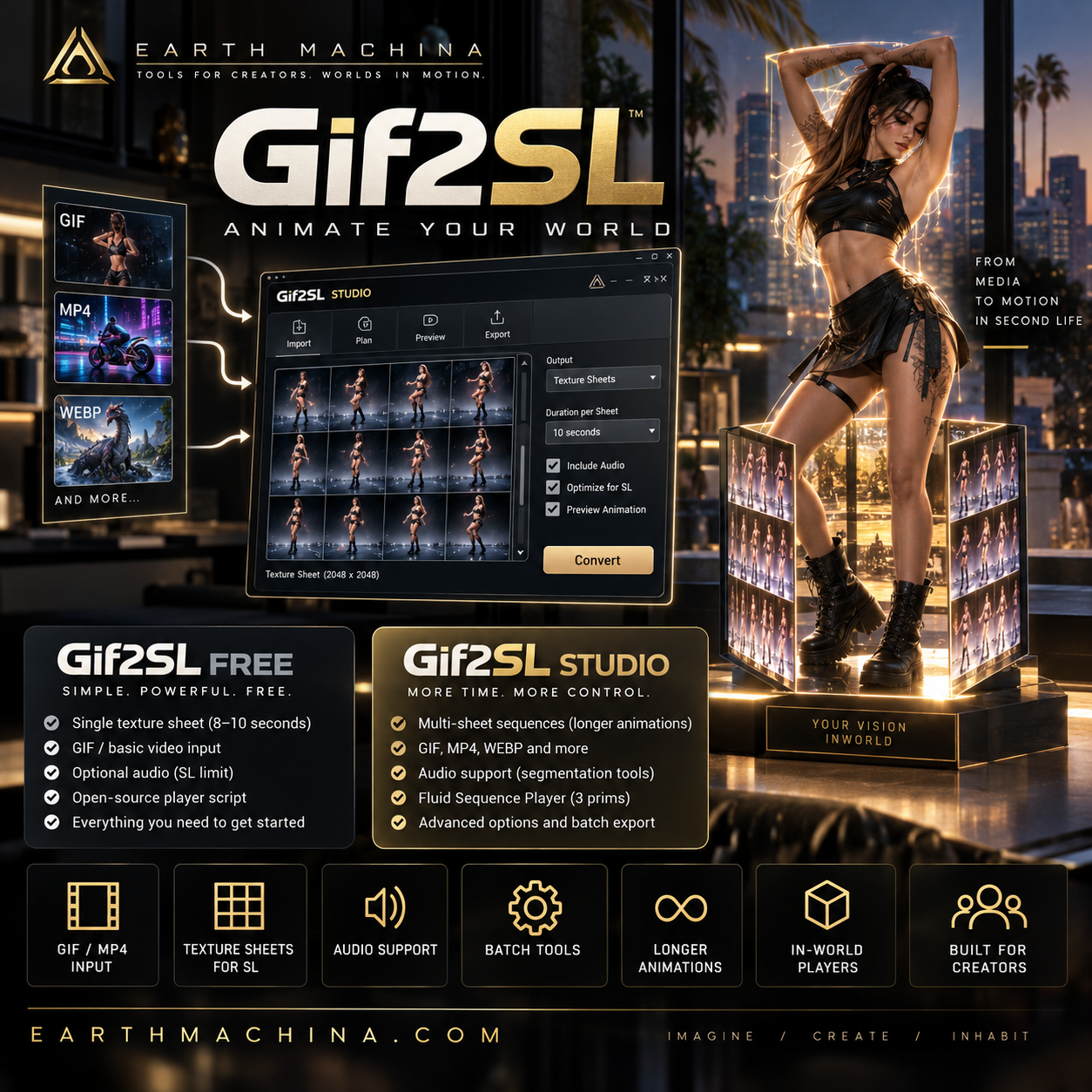
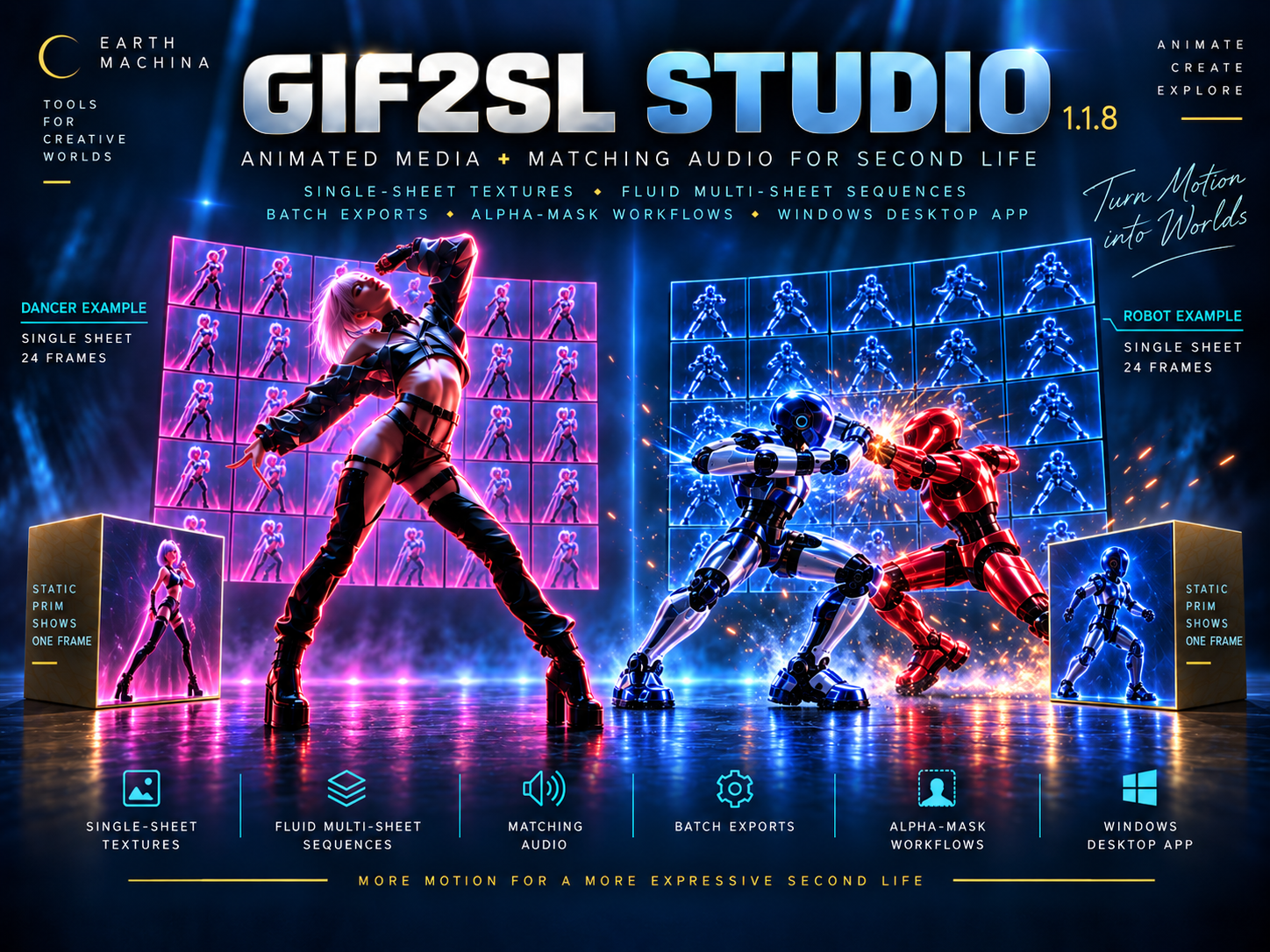
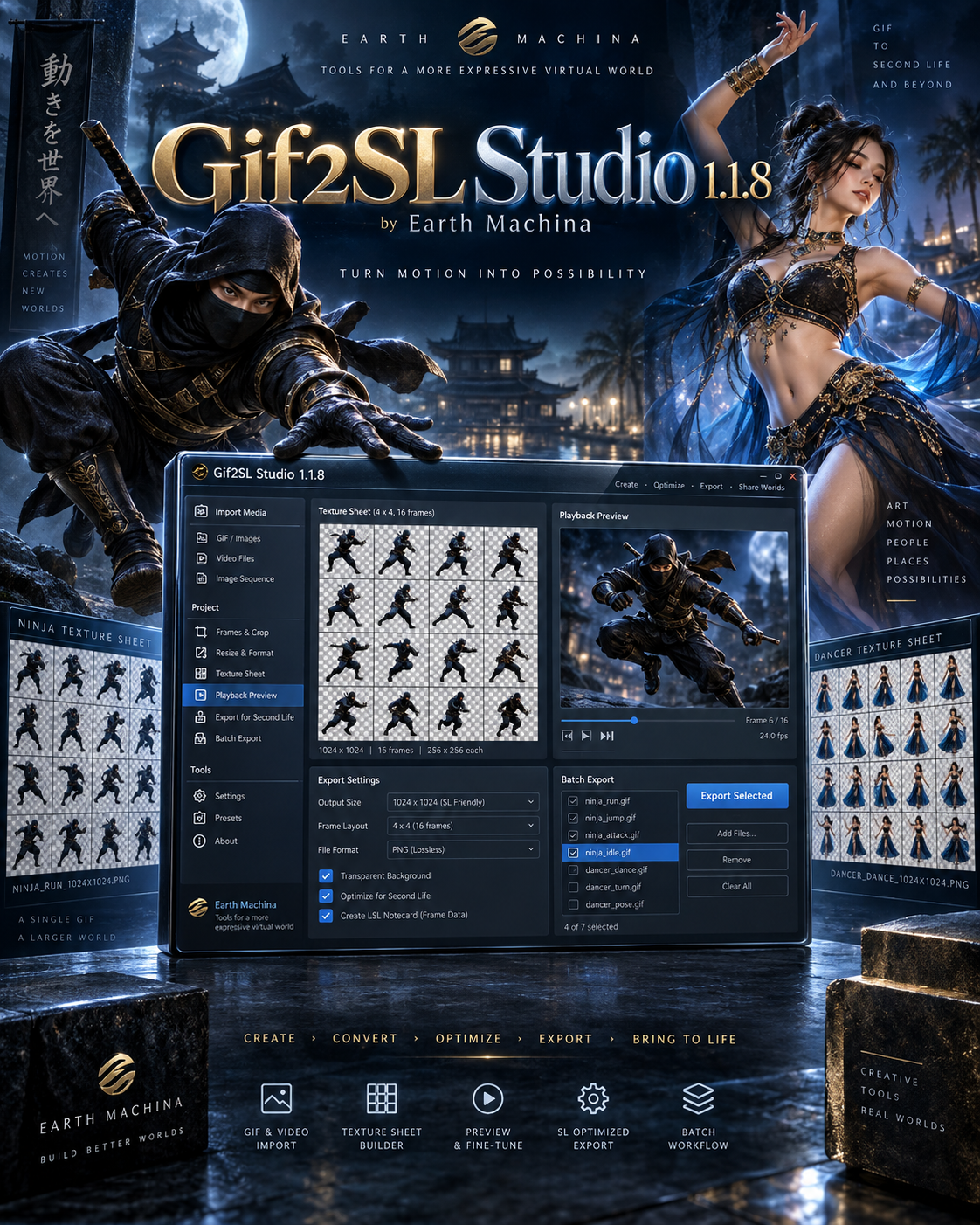
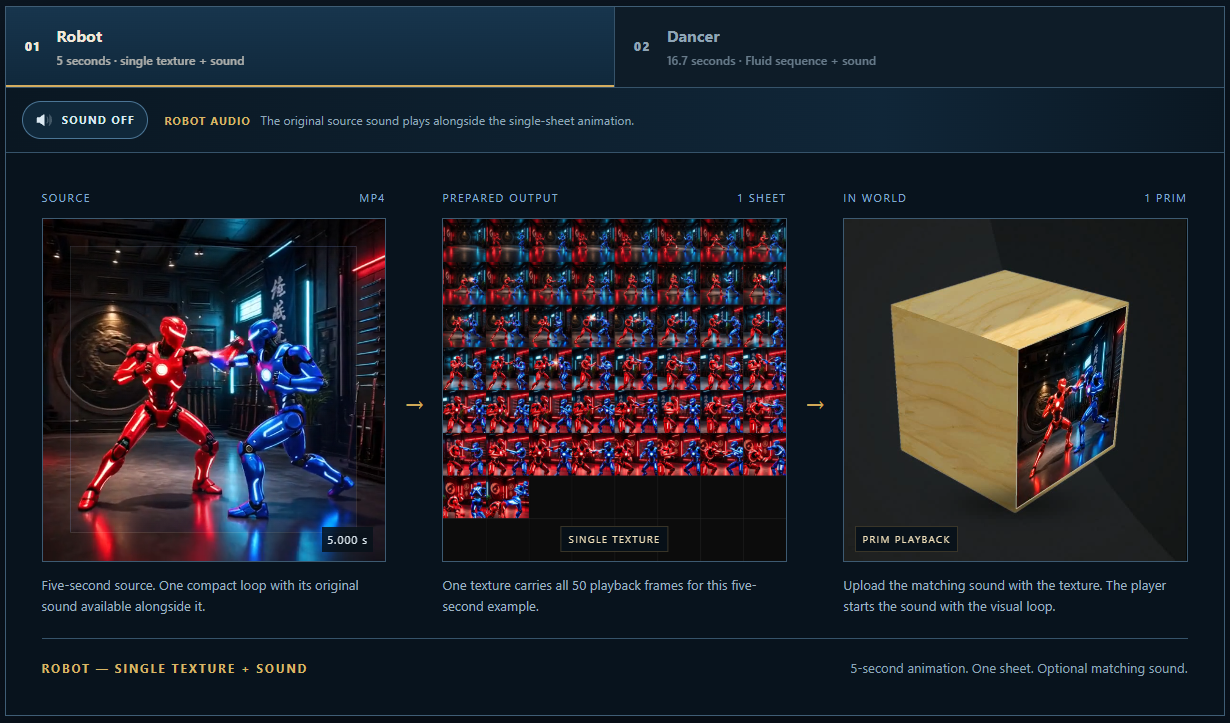
Gif2SL Studio takes you from simple single-sheet loops to longer animations spread across multiple texture sheets. It adds batch processing, audio extraction and segmentation, an alpha-mask workflow, and dedicated in-world players.
Use it for animated signs, display screens, art installations, product displays, ambient visuals, and other objects that benefit from motion or sound.
Studio includes the Free edition’s core tools and expands what you can create:
- Single-sheet animation export. Turn short GIFs and videos into a tiled texture sheet for looping animation, with optional companion sound playback.
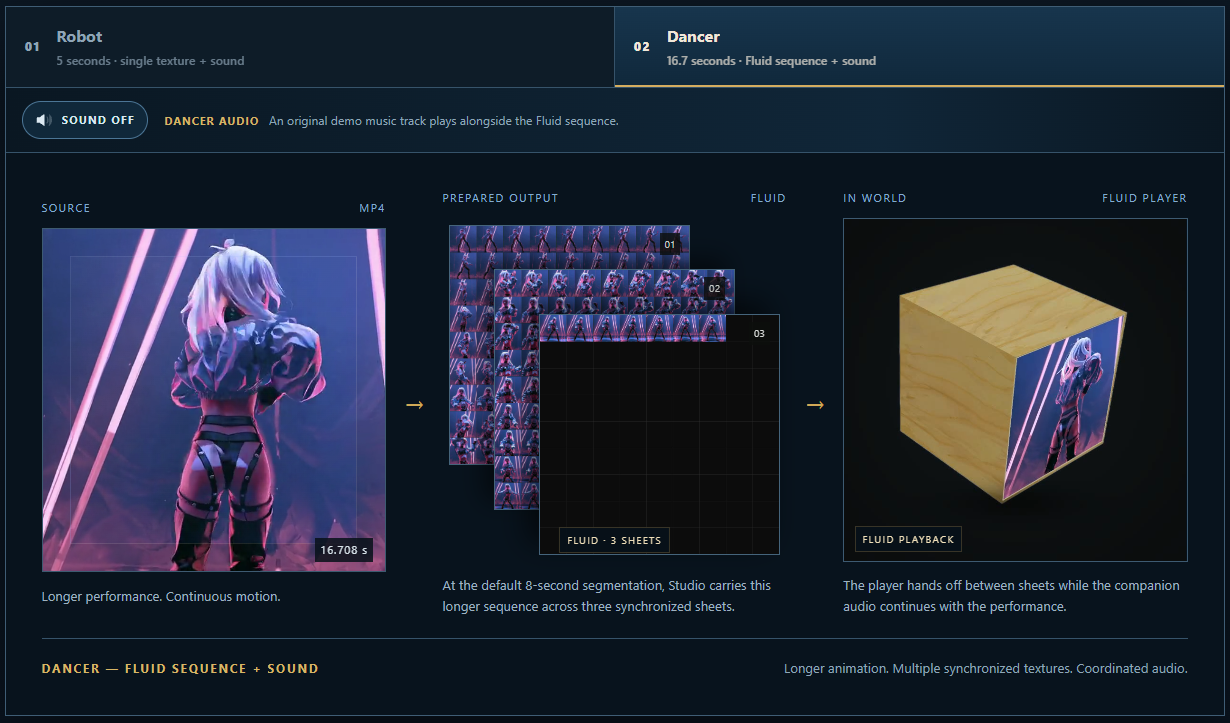
- Fluid multi-sheet sequences. Export longer animations across consecutive texture sheets and play them in order with the included Fluid Sequence Player.
- 1024 and 2048 texture output. Choose the texture size appropriate for your project. Frame count, layout, and texture size affect how much detail each frame retains.
- Batch visual and audio export. Process multiple media files in a batch to reduce repetitive export work.
- Matching audio extraction and segmentation. Extract audio from supported video and prepare corresponding sound segments for your visual sequence.
- Standalone audio segmentation. Prepare longer audio as a series of sound segments for audio-only projects.
- MP4/WebM alpha-mask workflow. Use the supported mask workflow for video projects that need transparency.
- Fluid Sequence Player and Audio Player. Use the included in-world players to display exported visual sequences and play prepared audio.
Your purchase includes the Gif2SL Studio Windows application, the included player scripts and setup documentation, and a unique Studio license key. Payhip delivers the Studio ZIP and license key after purchase.
Download the ZIP, extract the complete folder, and follow the included instructions to open and activate Studio. Keep the application and its supporting files together.
A typical project follows four steps:
- Open your source media in Studio and choose the export settings.
- Export the texture sheets and any required audio files.
- Upload those assets through your Second Life viewer.
- Follow the included documentation to configure the appropriate in-world player.
Studio is a one-time software purchase. Second Life texture and sound upload fees are separate. Longer sequences can require more uploaded assets, so consider your project’s length and texture settings before uploading.
Please check these practical requirements and limitations before purchasing:
- Windows desktop software. The application runs on your Windows computer. You will also need a Second Life account and a compatible viewer to upload and use the exported assets.
- Some in-world setup is required. You should be comfortable uploading textures and sounds, editing objects, and following instructions for scripts and notecards.
- Designed for animated object surfaces. Gif2SL creates texture animations; it does not generate avatar skeletal animations or rigged 3D models.
- Results depend on your project. Source quality, frame count, texture size, and export settings affect the result. In-world loading and playback also depend on viewer settings, connection speed, and region performance.
- Use media you have rights to use. Only process and upload images, video, and audio that you own or have the necessary permission to use.
- License terms apply. Use of the application and included components is governed by their accompanying license terms and third-party notices.
- Promotional artwork is illustrative. Packaging images demonstrate the product’s visual direction and possible uses; they are not a guarantee of a particular export result.
If your projects only need short single-sheet loops, you can start with Gif2SL Free. Choose Studio when you need longer sequences, batch processing, or the expanded audio tools.
Explore Earth Machina: www.EarthMachina.com
Product questions and support: support@earthmachina.com
Second Life, SL, and inSL are trademarks of Linden Research, Inc. Gif2SL Studio is not affiliated with or sponsored by Linden Research.
License: Includes a personal license key for up to 3 activations. Internet access is required for first activation; normal use is offline-friendly afterward.