

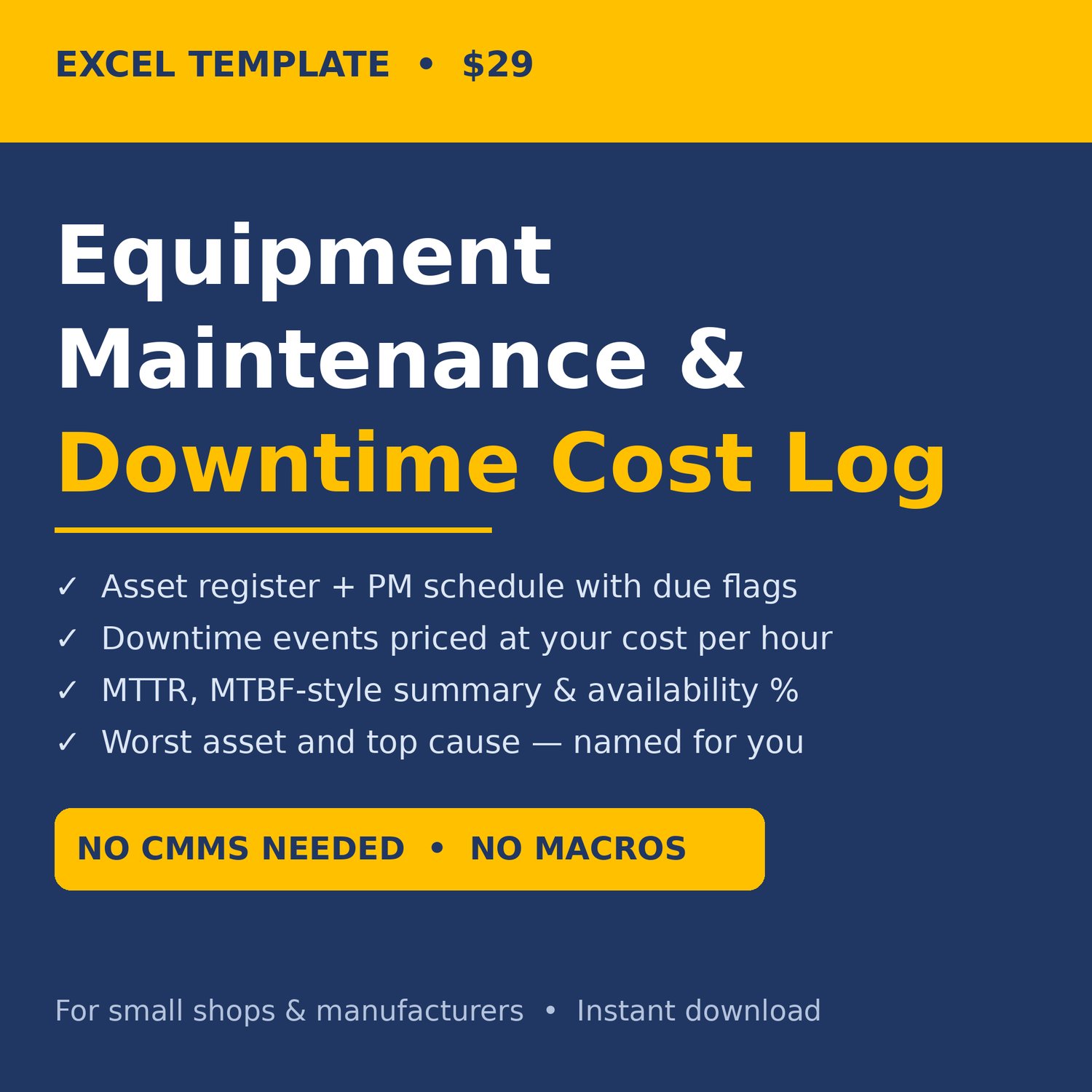
Equipment Maintenance & Downtime Cost Log | Excel Template — PM Schedule, Due Flags & Downtime Cost Per Hour
A stopped machine costs money every hour.
Most small shops never put a number on it.
This Excel tool puts the number on each stop.
You list your machines and PM tasks.
The sheet flags what is overdue.
You log each stop.
The Dashboard shows the total cost.
WHAT YOU GET
- Equipment Maintenance & Downtime Cost Log (.xlsx) with live formulas
- Guide PDF (plain, short steps)
- Sample data included so you can learn fast
SHEETS
1. Start Here — short steps to start
2. Asset & PM Log — asset register, PM task, interval, last PM date, next due date, OVERDUE / Due Soon / On Track flags
3. Downtime Log — one row per stop: hours down, cost per hour, lost production cost, labor, parts, total event cost
4. Dashboard — total downtime hours and cost, planned vs unplanned split, MTTR, MTBF-style hours, availability %, worst asset, top cause
KEY FORMULAS (all live, no typing over them)
- Next PM Due = Last PM Date + PM Interval (days)
- Lost Production Cost = Downtime Hours x Cost per Hour for that asset
- Total Event Cost = Lost Production Cost + Labor Cost + Parts Cost
- Availability % = (Operating Hours - Downtime Hours) / Operating Hours
WHO IT IS FOR
- Small manufacturers, job shops, and makers with 5 to 50 machines
- Maintenance leads who track PMs on paper or a whiteboard
- Owners who want the true cost of downtime before they buy CMMS software
HOW TO USE
1. List each machine and its PM interval.
2. Enter your cost of one lost hour per machine.
3. Log each stop. Read the Dashboard each week.
REQUIREMENTS
- Microsoft Excel or LibreOffice Calc
- Basic typing only. No macros. No add-ins.
Instant download. No shipping. For use in your own business.