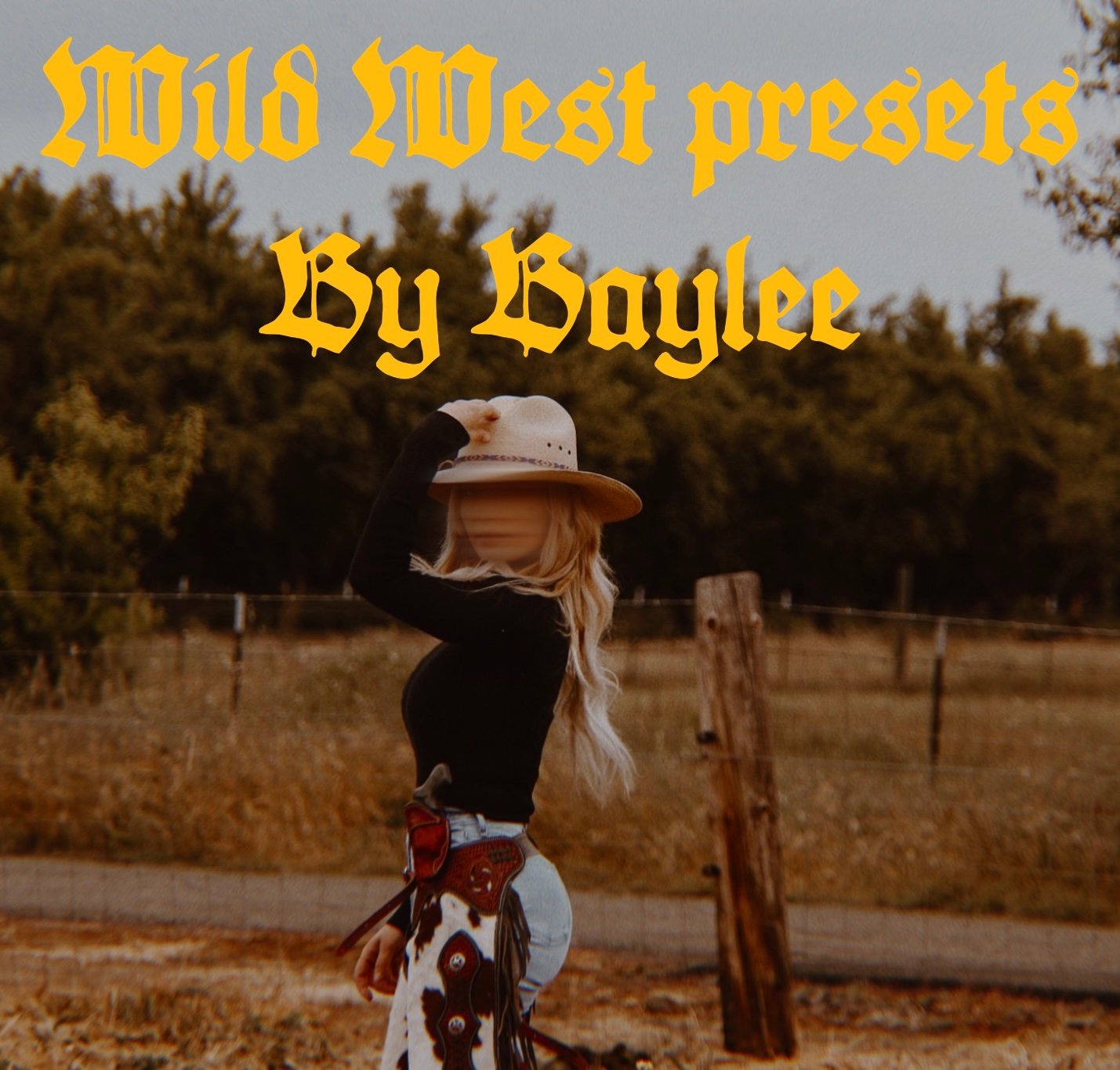


Wild West Presets
3 presets
WILD WEST OUTLAWS
Lightroom Presets — Download & Installation Guide
Thank you for supporting Wild West Outlaws!
I created these presets to help you achieve beautiful, western-inspired edits with natural tones, warm colors, and that signature Wild West look. Follow the steps below to download and install your presets.
STEP 1: Download Your Presets
- After purchasing your presets through Payhip, open your download page.
- Tap the download link to download your preset ZIP file.
- Save the file to your device.
On iPhone:
- Open the Files app.
- Tap Browse, then Downloads.
- Find your downloaded ZIP file.
- Tap the ZIP file once to unzip it.
- Open the extracted folder to find your .xmp preset files.
STEP 2: Import Your Presets Into Lightroom Mobile
- Open the Adobe Lightroom app.
- Open any photo in Lightroom.
- Tap Presets.
- Select Yours.
- Tap the three-dot menu or options menu.
- Select Import Presets.
- Locate the extracted .xmp files in your Files app.
- Select the preset files you want to import and wait for them to finish importing.
Your presets should now appear under Presets → Yours → User Presets.
STEP 3: Apply Your Presets
- Open the photo you want to edit.
- Tap Presets.
- Go to Yours → User Presets.
- Select your favorite Wild West Outlaws preset.
- Tap the checkmark to apply it.
That’s it! Your preset is ready to use.
STEP 4: Get the Best Results
Every photo is different, so a little adjustment may be needed to get your desired look.
- Exposure: Adjust the brightness.
- White Balance: Adjust the warmth or coolness.
- Contrast: Fine-tune the light and dark areas.
For the best results, use photos with good lighting and adjust each image to suit your style.
PLEASE NOTE
- These presets are designed for Adobe Lightroom.
- Presets may look different depending on lighting, camera settings, and the original photo.
- Keep your original downloaded files as a backup.
- If you have trouble downloading or installing your presets, please contact me through my Payhip store.
Thank you for supporting my small business and being part of Wild West Outlaws!
Wild West Outlaws by Baylee
Keep it wild. Keep it real.