
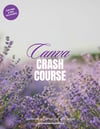
Canva Crash Course: From Beginner to Confident Creator
A complete 72-page Canva crash course with over 1.5 hours of video tutorials — from your very first design to selling your own digital products. Works with free and Pro accounts.
Main description
You've opened Canva. You've scrolled the templates. You've changed the words on one and it still looks… off.
That's not a talent problem. Nobody ever showed you how the tool actually works.
This crash course does. Eight chapters, 72 pages of walkthroughs, and over 1.5 hours of video tutorials built in — so you can read it, watch it, or do both. It starts at "how do I make an account" and ends at "here's how to design and sell a planner."
No design background needed. Everything works on a free Canva account, with Pro-only features clearly marked so you always know what you're looking at.
What's inside
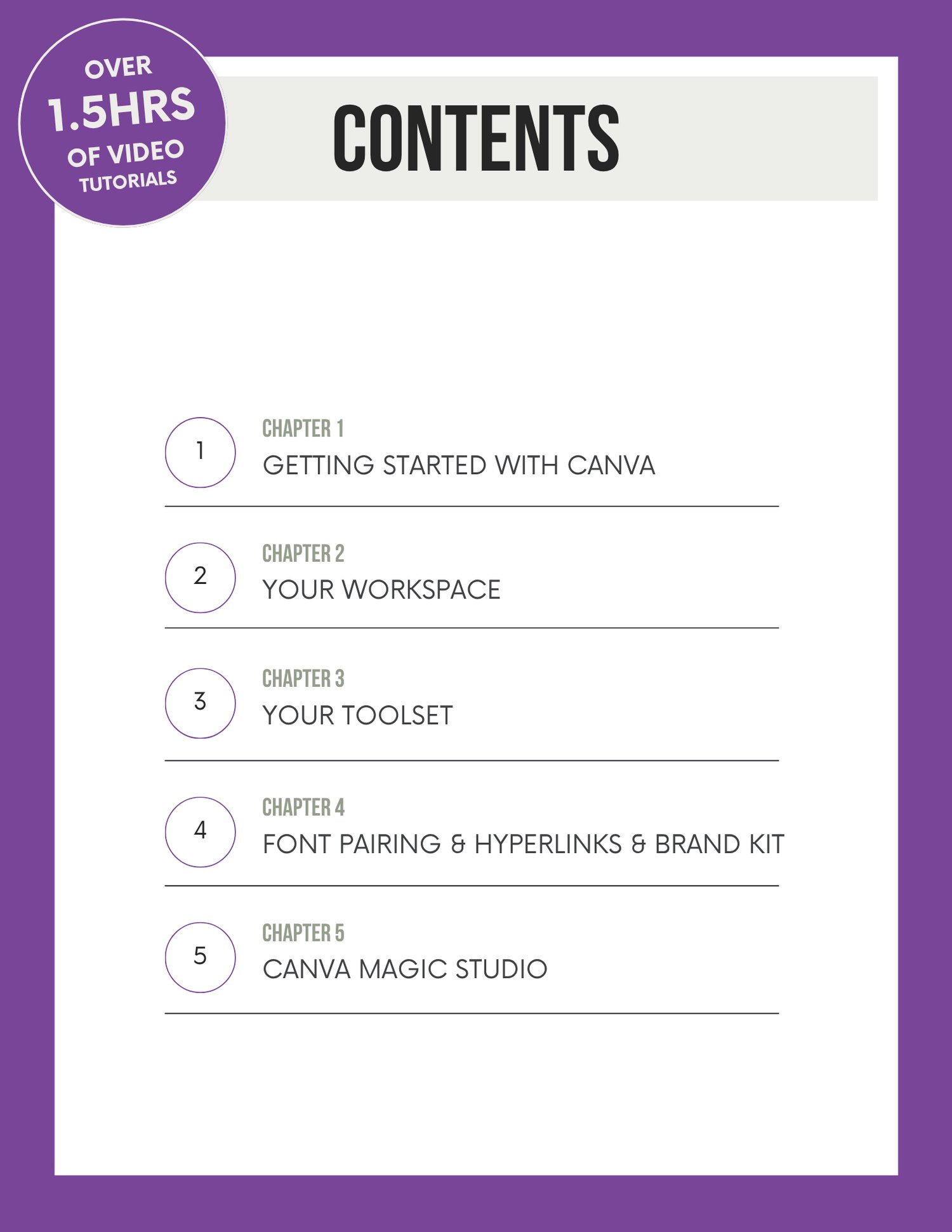
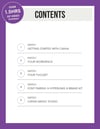
Chapter 1 — Getting Started with Canva
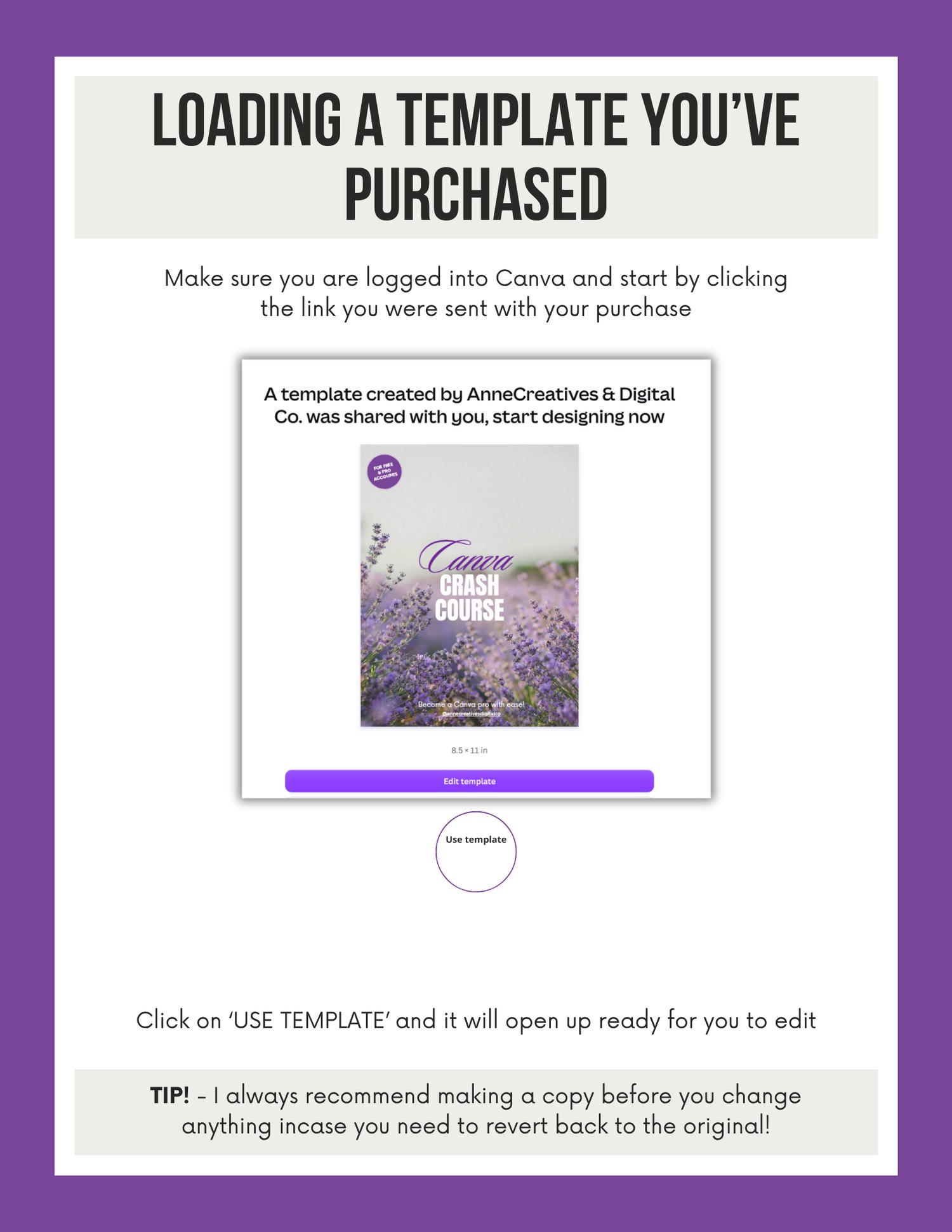
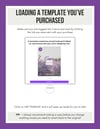
Setting up your account, free vs. Pro, starting a design from a template, a custom size, or a template you've purchased.
Chapter 2 — Your Workspace
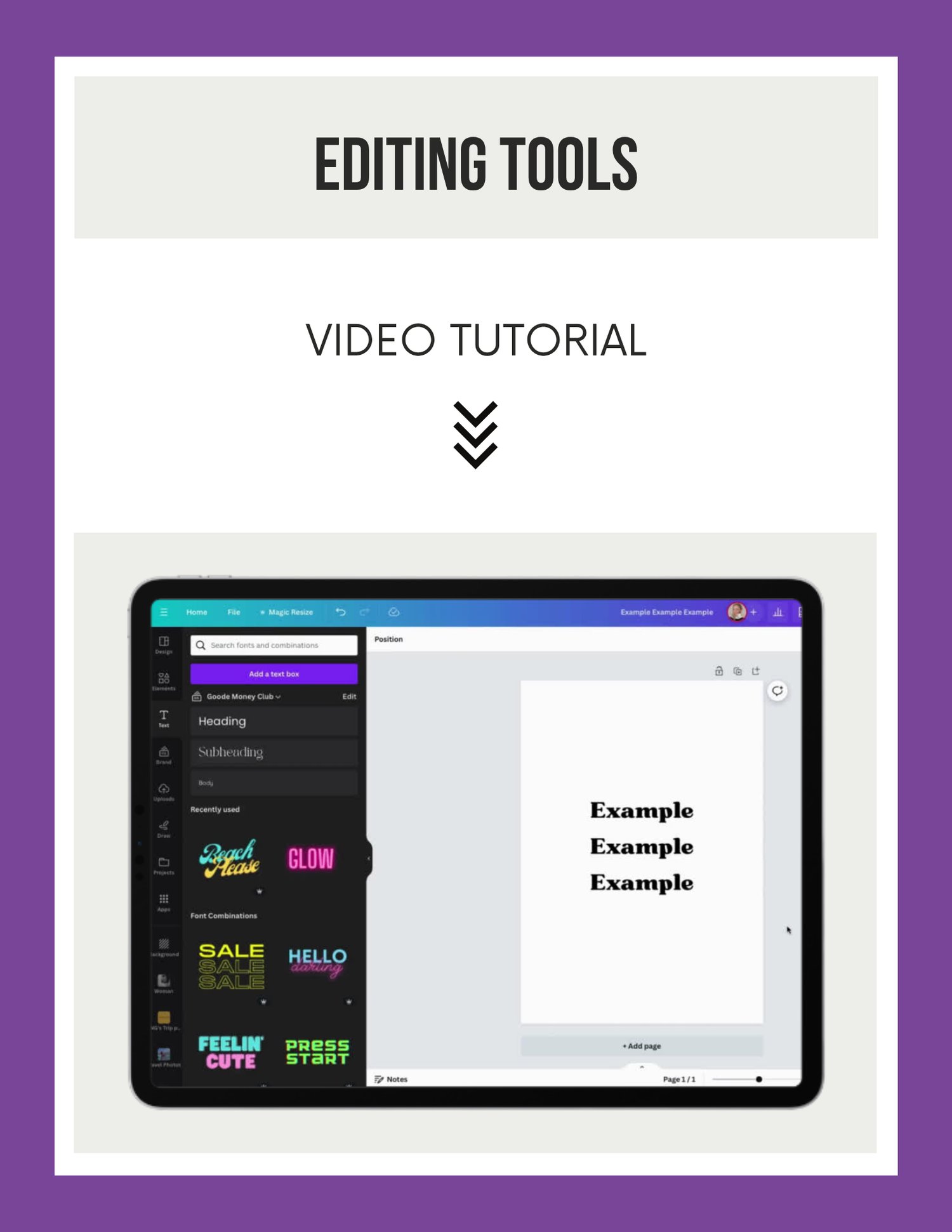
The full toolbar decoded: fonts, spacing, alignment, layers, transparency, copy-and-paste styles, and the quick-actions most beginners never find.
Chapter 3 — Your Toolset
Uploading and organising your own photos and video, working with the Elements library, photo grids, frames, mockup frames, effects, animation, layers, and the lock tool.
Chapter 4 — Font Pairing, Hyperlinks & Brand Kit
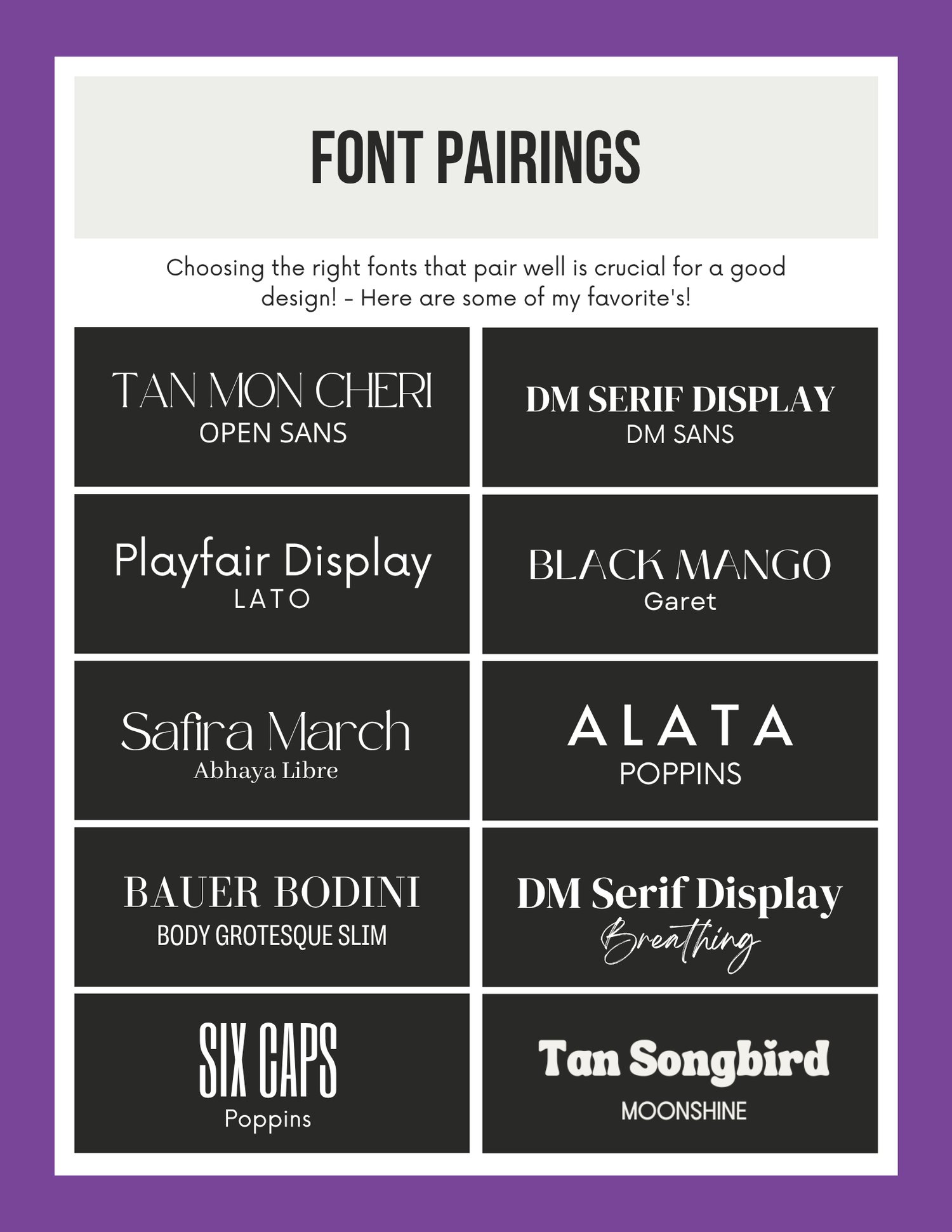
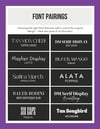
Three full pages of curated font pairings you can copy straight into your designs. Plus how to link buttons, text, and images — and how to build a Brand Kit so your designs stay consistent.
Chapter 5 — Canva Magic Studio
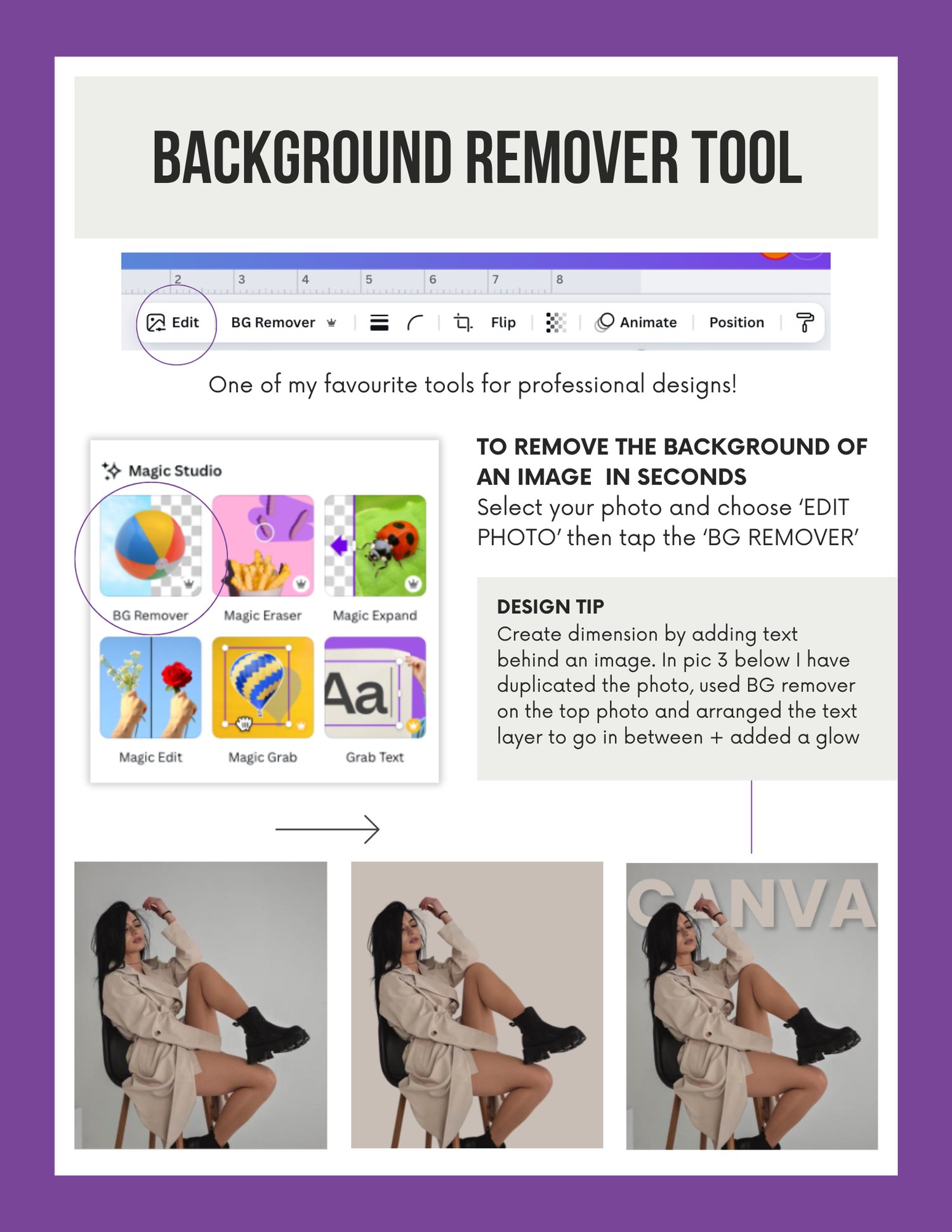
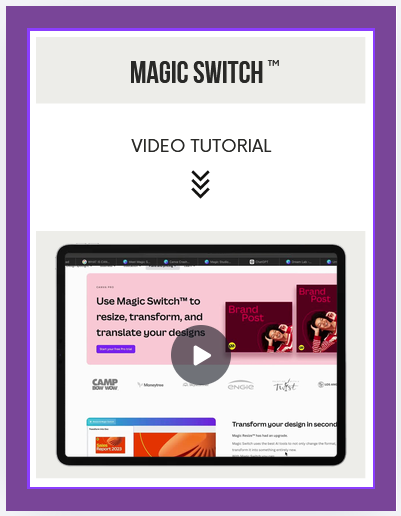
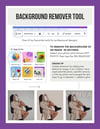
The AI toolkit, tool by tool: Background Remover, Magic Eraser, Magic Expand, Magic Edit, Magic Grab, Magic Resize, Magic Design, Magic Media & Dream Lab, Magic Switch, Magic Write, and Magic Layers. Filters and photo effects too.
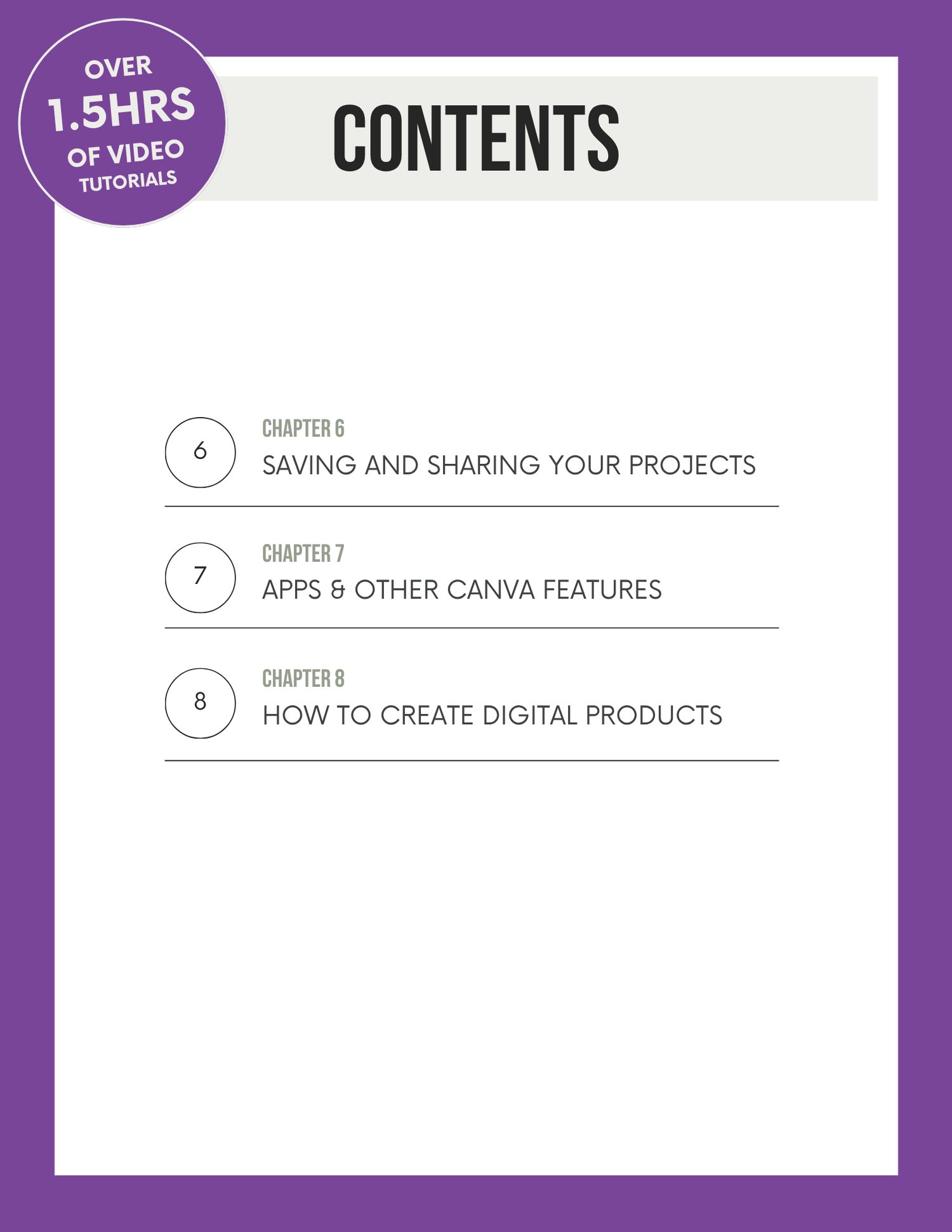
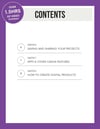
Chapter 6 — Saving & Sharing Your Projects
Which file type to use and when, how to share an editable template link, transparent backgrounds, and publishing straight to Meta Ads Manager.
Chapter 7 — Apps & Other Canva Features
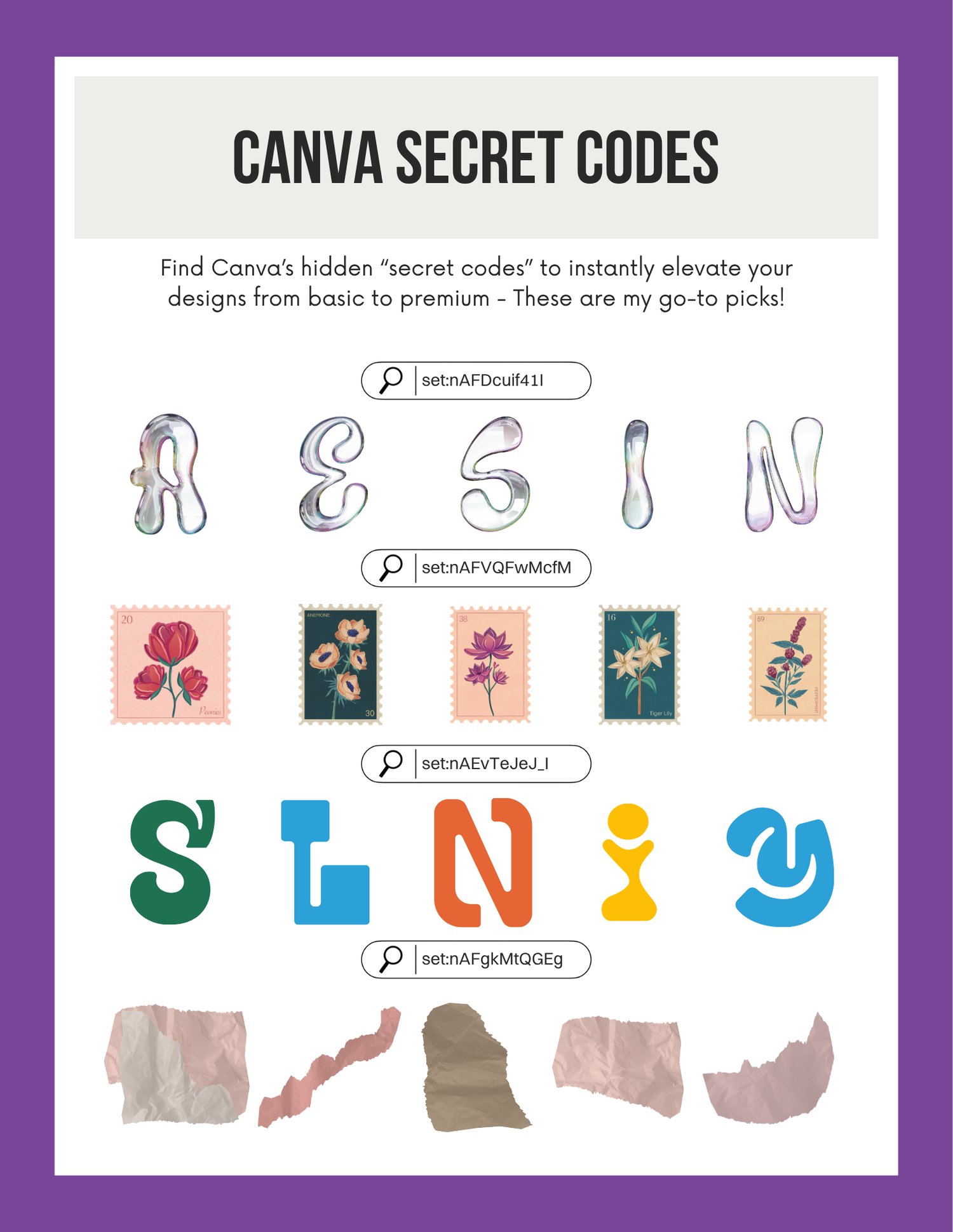
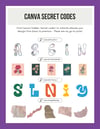
Whiteboards, the app library, creating realistic product mockups, Magic Morph, Replace Background — plus a set of Canva "secret codes" that instantly upgrade the look of a design.
Chapter 8 — How to Create Digital Products
Step-by-step video walkthroughs for building a planner, an e-book or guide, and flashcards — the three most sellable formats to start with.
Who this is for
- Small business owners making their own graphics instead of outsourcing
- Creators and solopreneurs who want a repeatable, professional look
- Anyone starting a digital product shop who needs a design tool they can actually drive
- Beginners who'd rather learn it properly once than google it every single time
Who this isn't for
- Experienced designers and advanced Canva users — this covers fundamentals
- Anyone looking for resell or distribution rights — this is a course for your own learning and your own work
Delivery
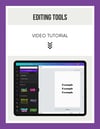
Instant access after purchase. Video tutorials are embedded throughout, so you can watch each one right where it's explained. Yours to keep and revisit whenever you need a refresher.
Stop guessing your way through Canva. 8 chapters, 1.5+ hours of video, one afternoon.