




Red Stripe Christmas Photo Card
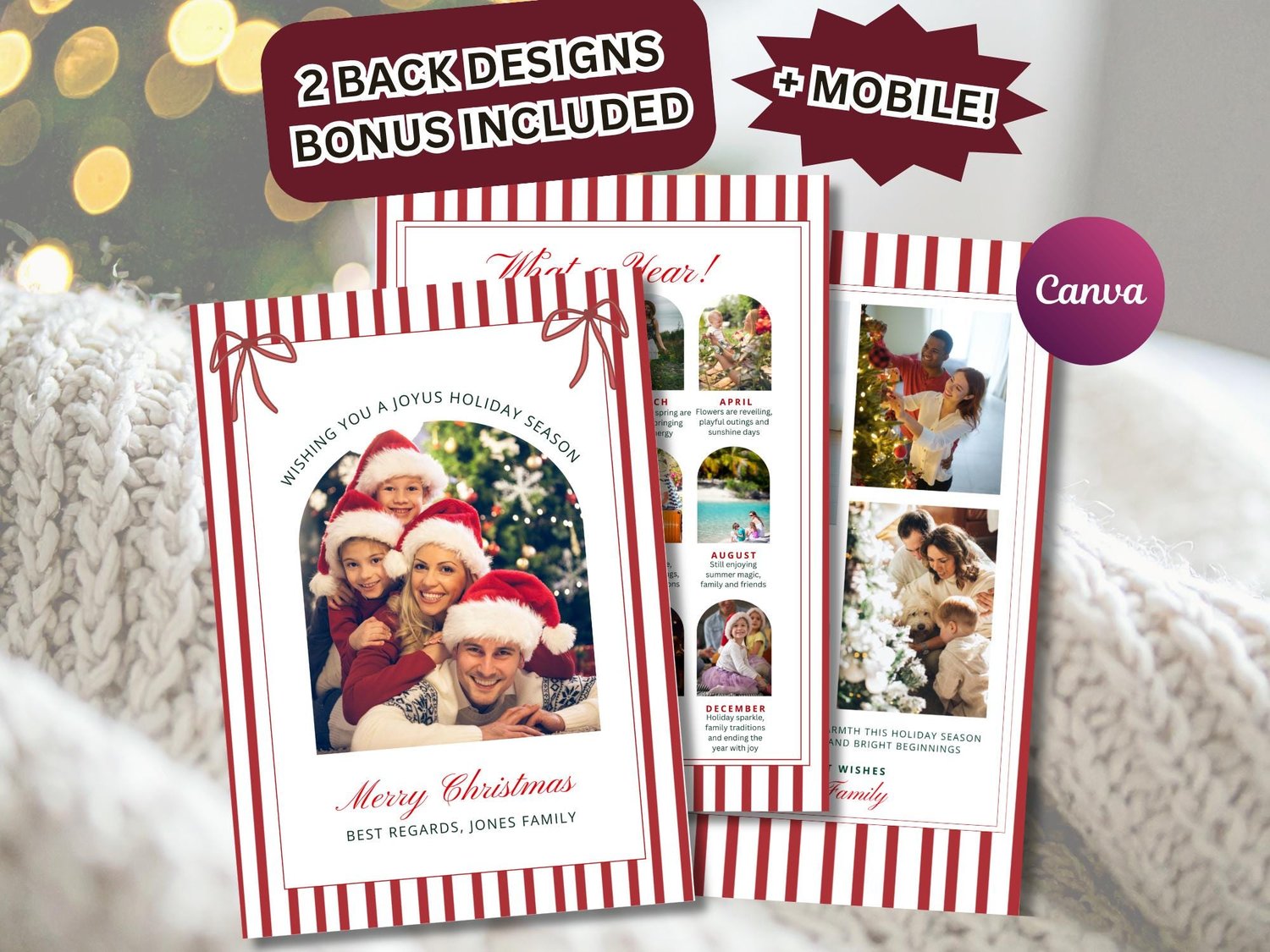
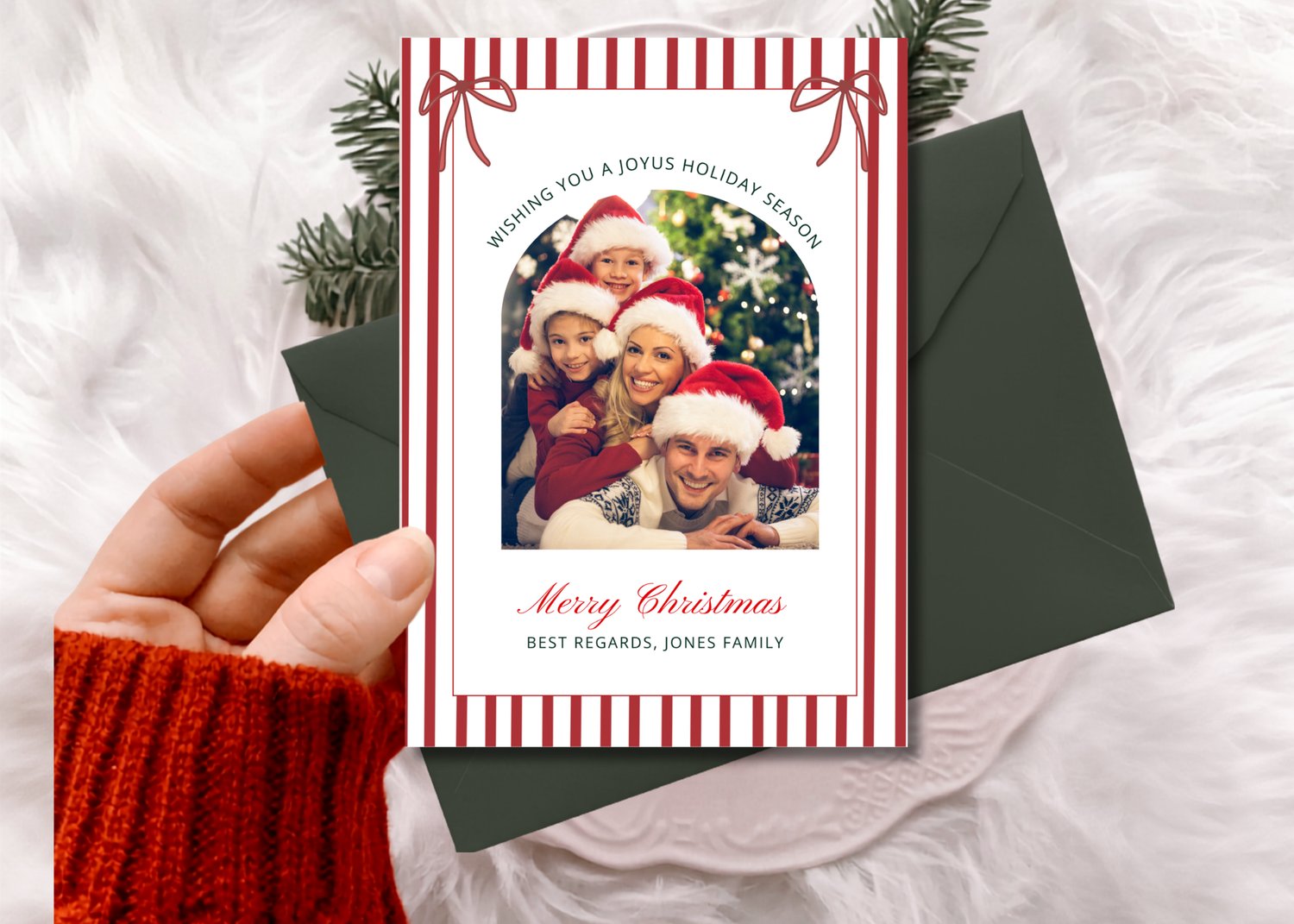
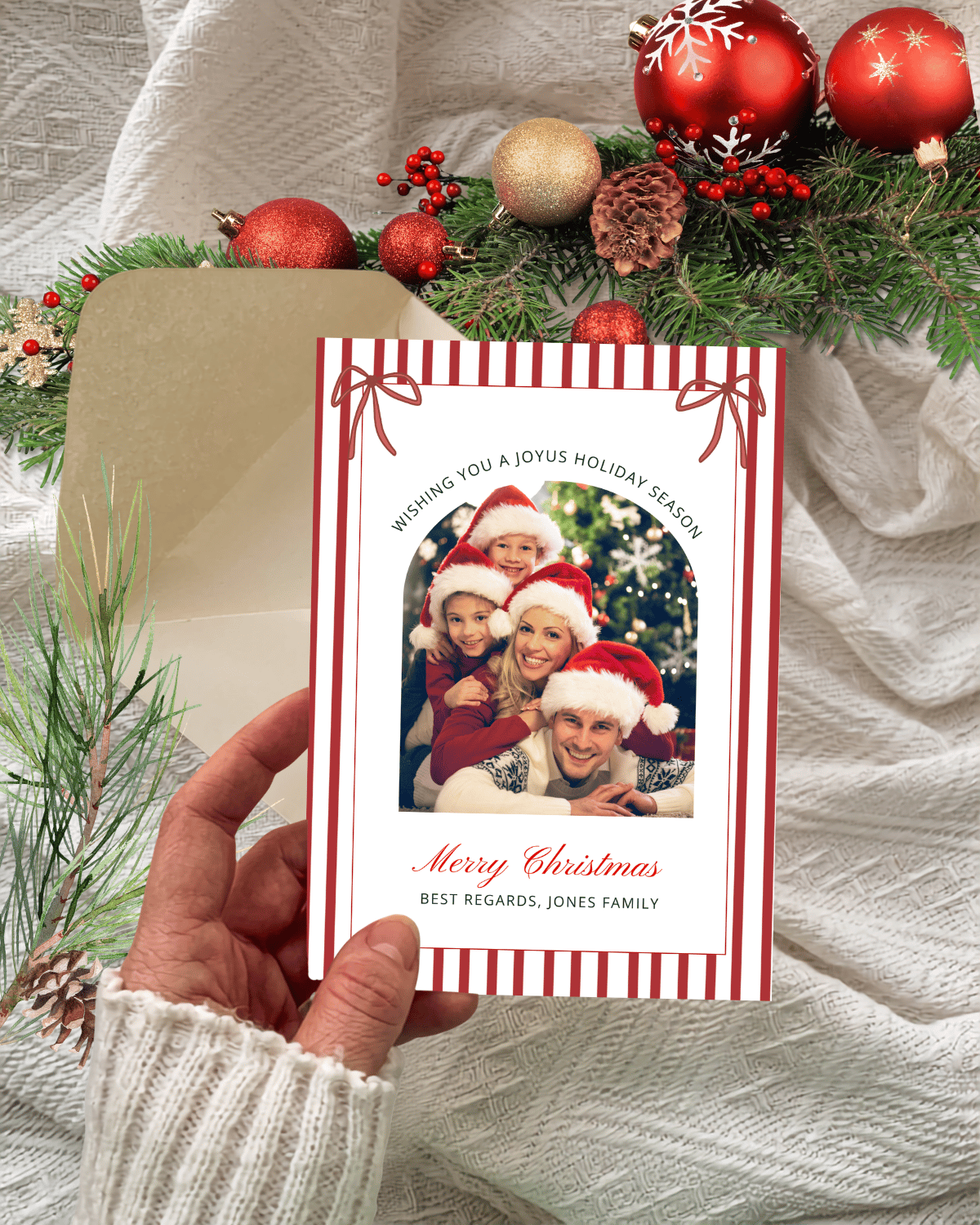
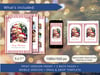
Personalize this Red Bow Stripes & Garland Holiday Photo Card with your own wording and pictures. Designed with a charming hand-drawn frame that beautifully highlights your photo.
Set the tone for the season with our elegant Red Stripes and Red Bow Christmas Greetings! This editable and printable template features a beautifully red velvet bow with as a center piece a photo, striking the perfect balance between classic and modern for your holiday greetings. Easy to customize and quick to download, this DIY card makes sending out your holiday greetings simple and stress-free.
What you will receive:
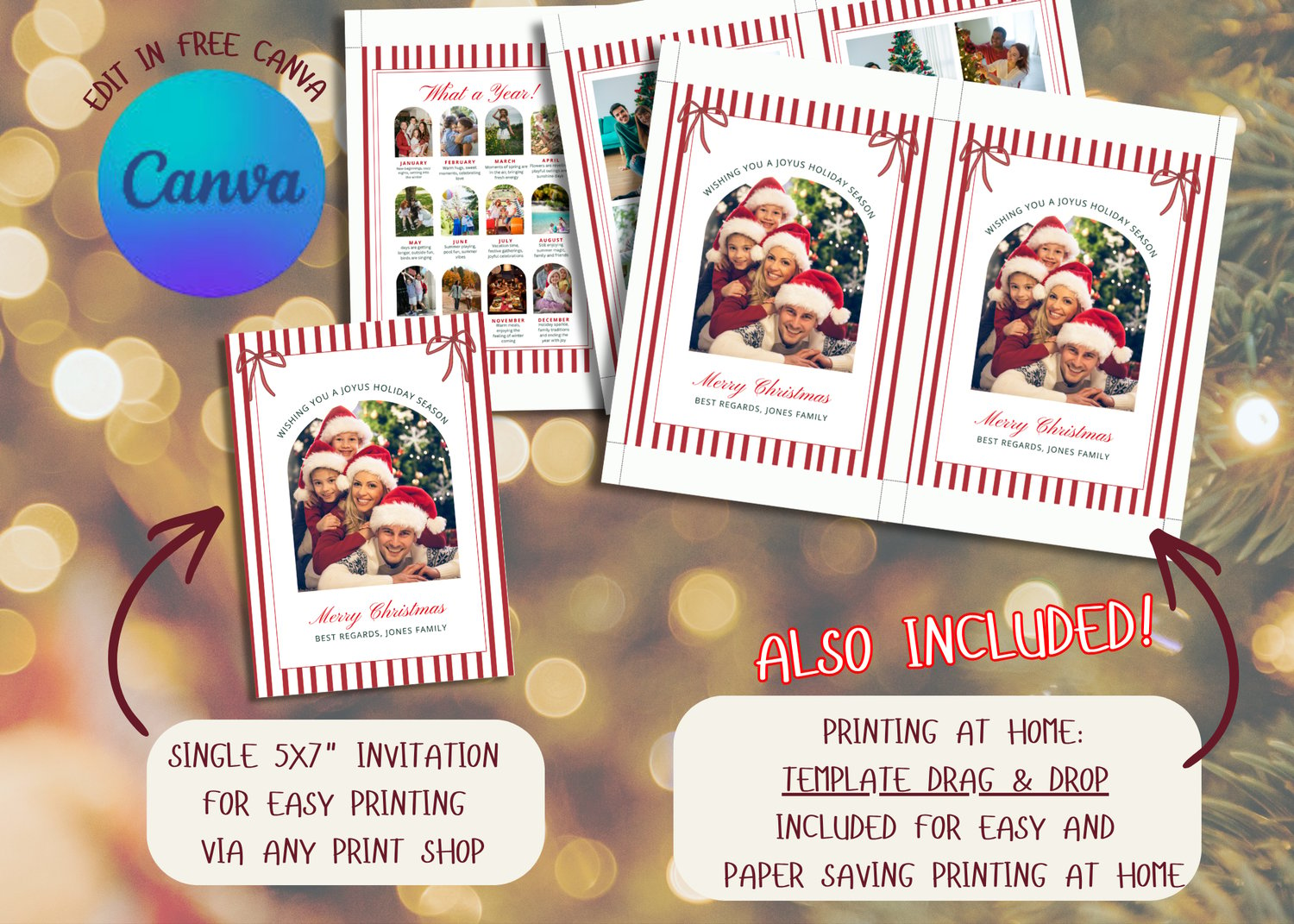
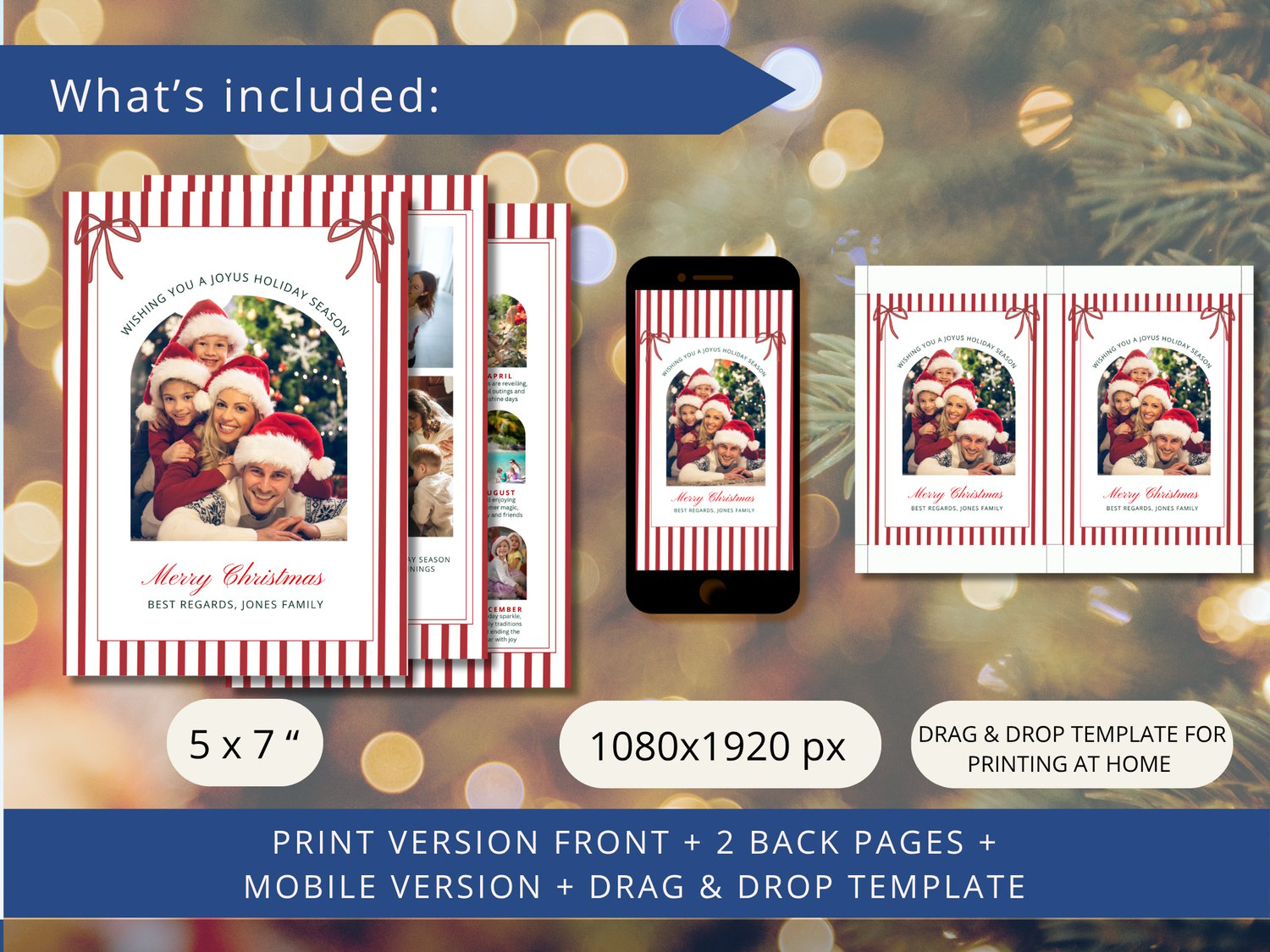
• 1 editable 5x7 inch invitation (printable)
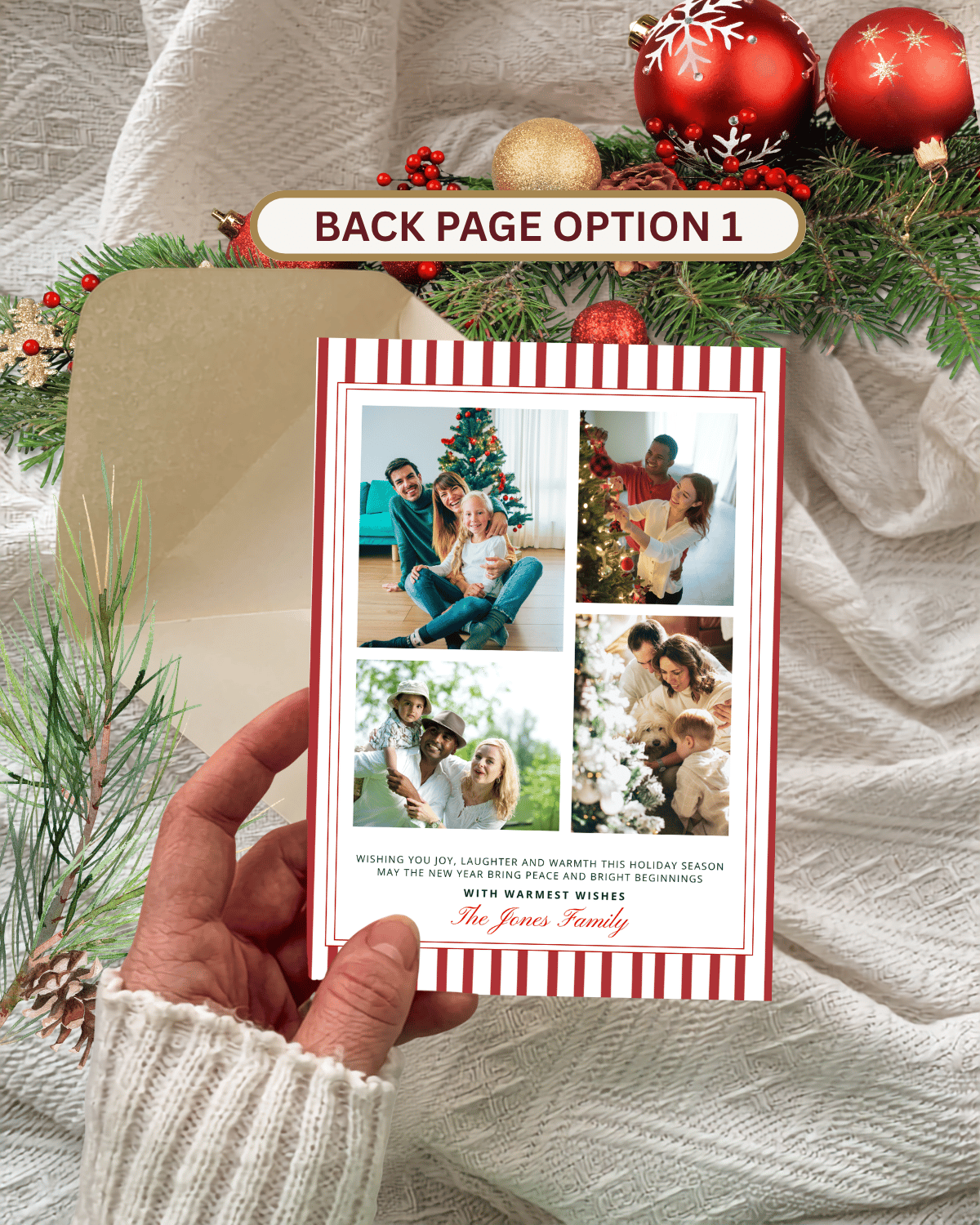
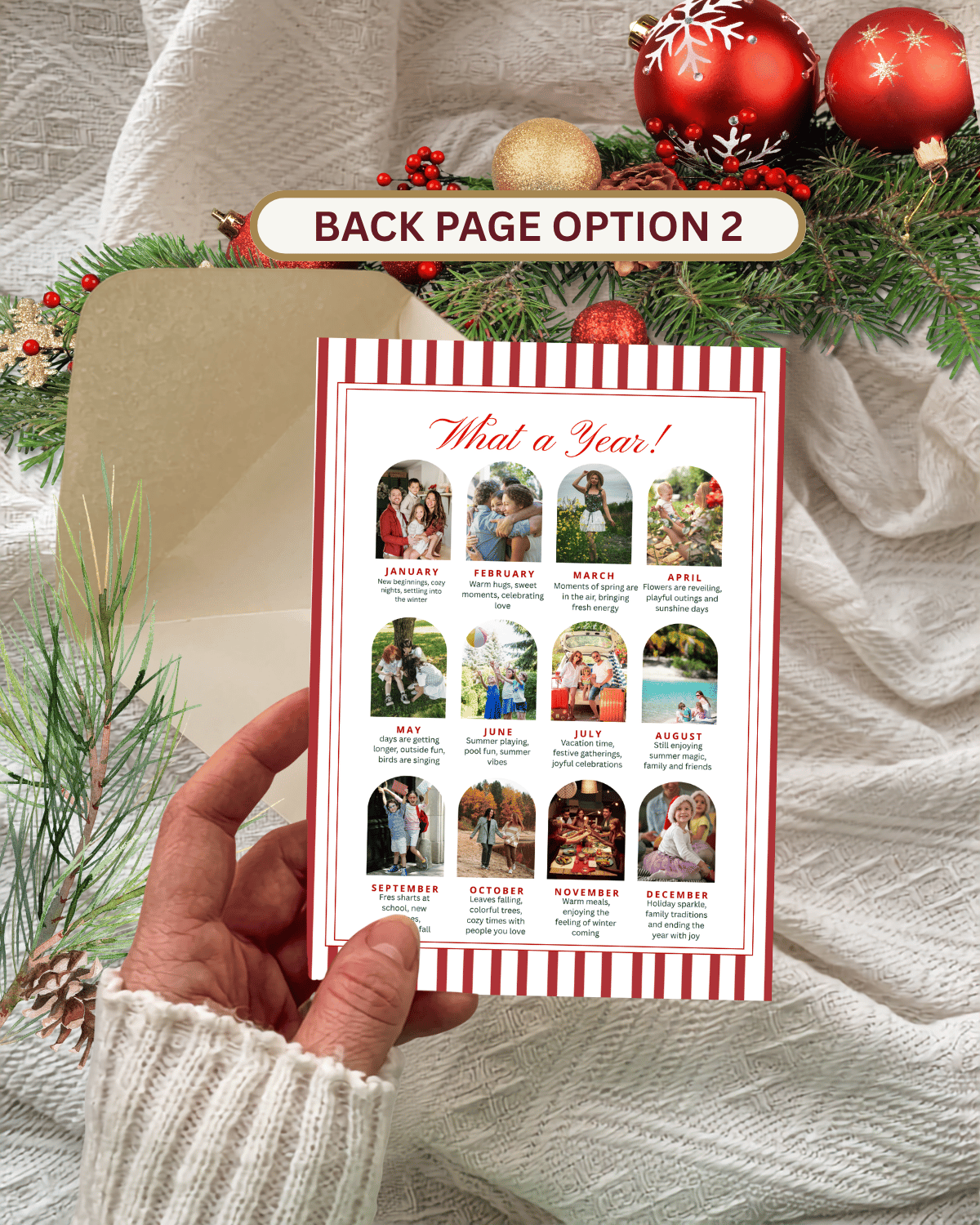
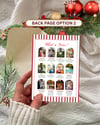
• 2 BONUS optional back pages, with 4 or 12 photo frames
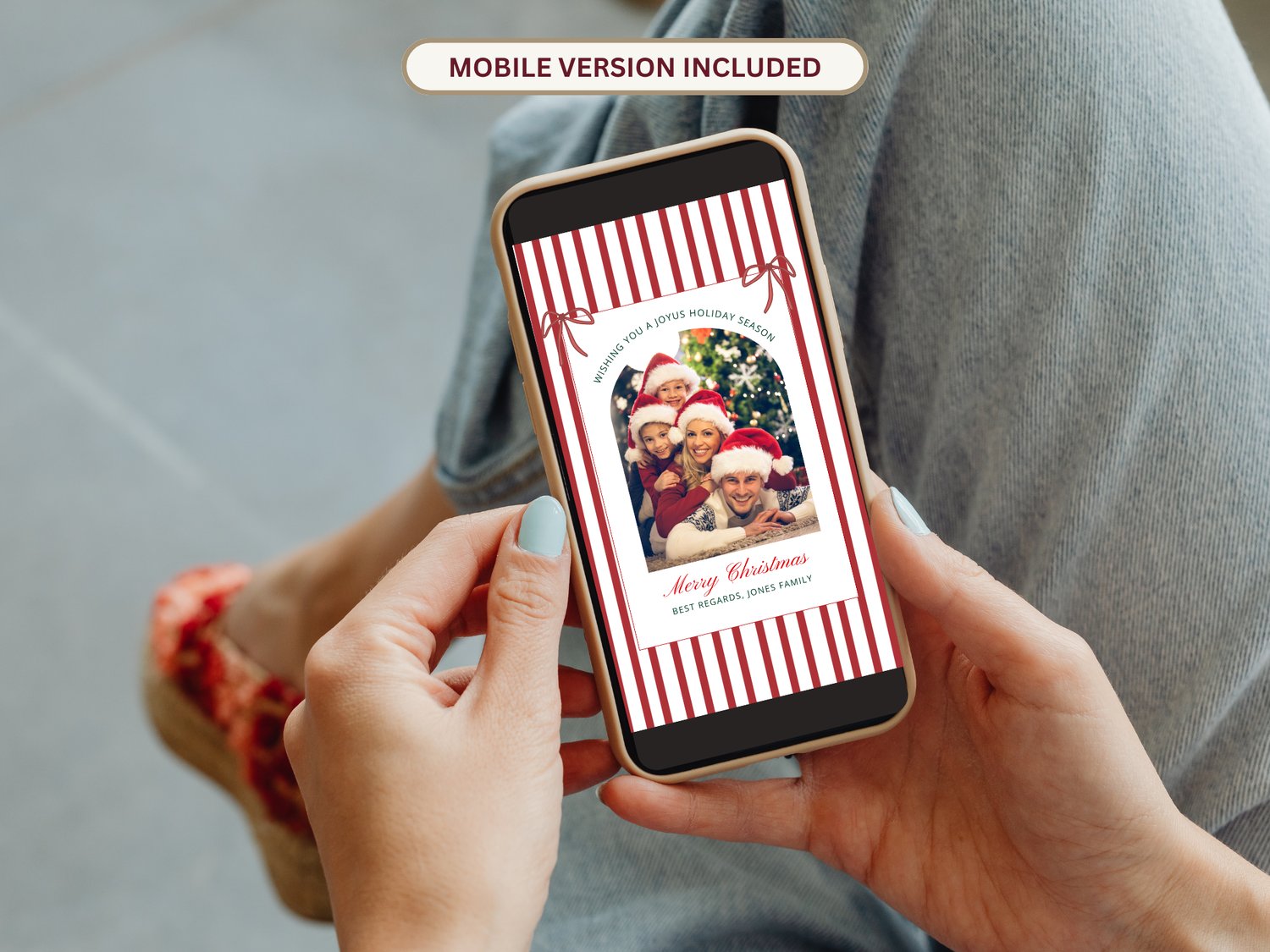
• 1 1080×1920 px mobile evite (ideal for texting or social sharing)
• 2 BONUS optional 1080x1920 px "back pages" with 4 or/and 12 photo frames (for mobile sharing you can use both)
• 1 drag-and-drop "2 per page" template for easy, paper-saving home printing
• A fully editable Canva template, free to use, no software required
• A quick Canva starters guide
• An "easy-to-do info sheet" on how to add your photos
How it works
• Purchase the listing
• Download the PDF with your Canva access link from your email
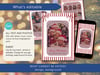
• Edit text, colors, photos and details to match your party
• Download and print, or send instantly
• Fast, simple!
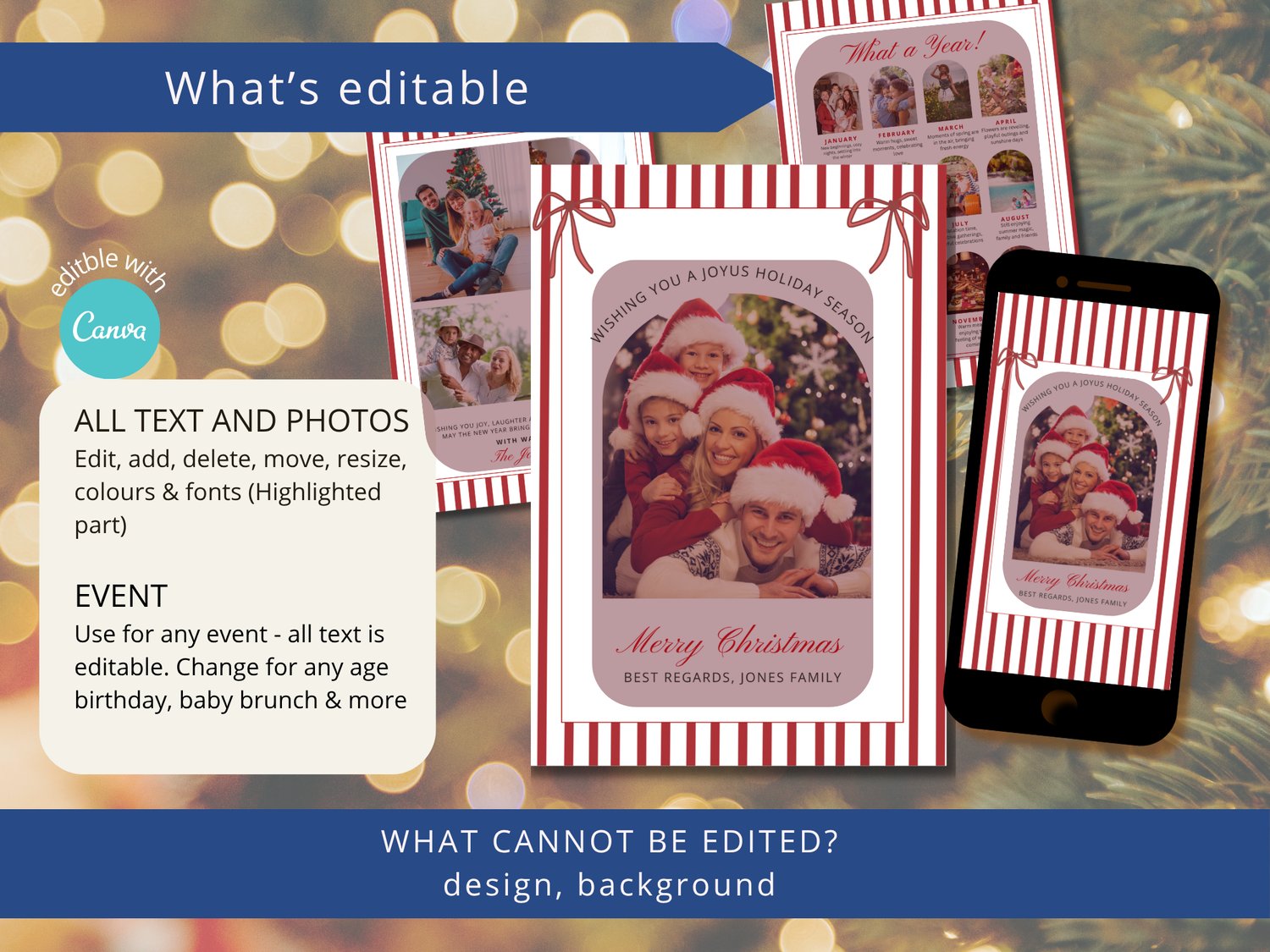
What can be edited:
• Text wording
• Fonts
• Text colors
• Text size
• Text placement
• All photos
What can not be edited
• Overall size and orientation
• Design: Frame, Red Bows, Background
HOW IT WORKS
• Check your email for the link to access your Canva template
• Open the template in Canva and customise it with your photo and message
• Download the finished design as a JPG, PNG, or PDF
• Print it or share it digitally
Why choose this template
• Edit everything easily, perfect even for last-minute planners
• Create unlimited versions (great for matching party items)
• Professional layout with space for all greetings
Quick Printing Guide
✔ Use thick white cardstock for best results (300 gsm–110 lb recommended)
✔ Print at home or upload to online printers (our suggestion is Prints of Love)
✔ Use the included 2-per-page template to print two on one sheet at home
Trim along the cut lines after printing
✔ Use A7 envelopes (5.25 x 7.25)
Avoid printing directly onto 5x7" sheets at home, use a full sheet and trim
For professional quality printing we advise Prints of Love:
Direct link to Prints of Love:
printsoflove.com/ref/maggiesdesigns1
Use our coupon code to receive 10% discount off your order of $49 or more:
maggiesdesignsshop10
How to Send Your Invitation Digitally
1. Finish editing your invitation in Canva and download it as a JPG
2. Save the invite to your phone's gallery
3. Open your email app or messenger app
4. Attach the file and send it directly to family and friends
5. You can also share it instantly via text message or social media
Technical Support
• Unlimited download support included
• For Canva issues, please contact Canva Helpdesk.
⚠️ Important Notes
• This is a digital product. No physical item will be shipped.
• Printing can be done at home, at a local print shop, or via online printing services
• Colors may vary slightly due to screen and printer differences.
• Because this is a digital product, I can't offer refunds or exchanges. All sales are final, but if you have any questions, please feel free to send me a message, I'm happy to help!
• You can download the file unlimited times.
• Requires a free Canva account to edit the template.
• PDF reader needed for opening (Adobe Reader recommended).
❗Please note: 𝘊𝘢𝘯𝘷𝘢 𝘥𝘰𝘦𝘴 𝘯𝘰𝘵 𝘰𝘧𝘧𝘦𝘳 𝘗𝘚𝘋, 𝘈𝘐, 𝘐𝘕𝘋𝘋, 𝘚𝘝𝘎 𝘰𝘳 𝘞𝘰𝘳𝘥 𝘧𝘪𝘭𝘦𝘴. 𝘗𝘭𝘦𝘢𝘴𝘦 𝘥𝘰 𝘯𝘰𝘵 𝘱𝘶𝘳𝘤𝘩𝘢𝘴𝘦 𝘪𝘧 𝘺𝘰𝘶 𝘸𝘢𝘯𝘵 𝘵𝘰 𝘦𝘥𝘪𝘵 𝘶𝘴𝘪𝘯𝘨 𝘢 𝘱𝘳𝘰𝘨𝘳𝘢𝘮 𝘰𝘵𝘩𝘦𝘳 𝘵𝘩𝘢𝘯 𝘊𝘢𝘯𝘷𝘢
🚫 These files are for personal use only. They may not be resold, redistributed, or used commercially in any way.
Thanks for visiting! Enjoy the holidays!
With love,
Maggie