
Australian Wedding Planner Spreadsheet | Excel and Google Sheets
A wedding planning workbook with an Australian checklist. Enter your wedding date and the task dates fill in; track budget, vendors, guests, RSVPs, meals and seating in one file. Works in Excel 2016+/365 and Google Sheets. A planning tool only, not legal or financial advice.
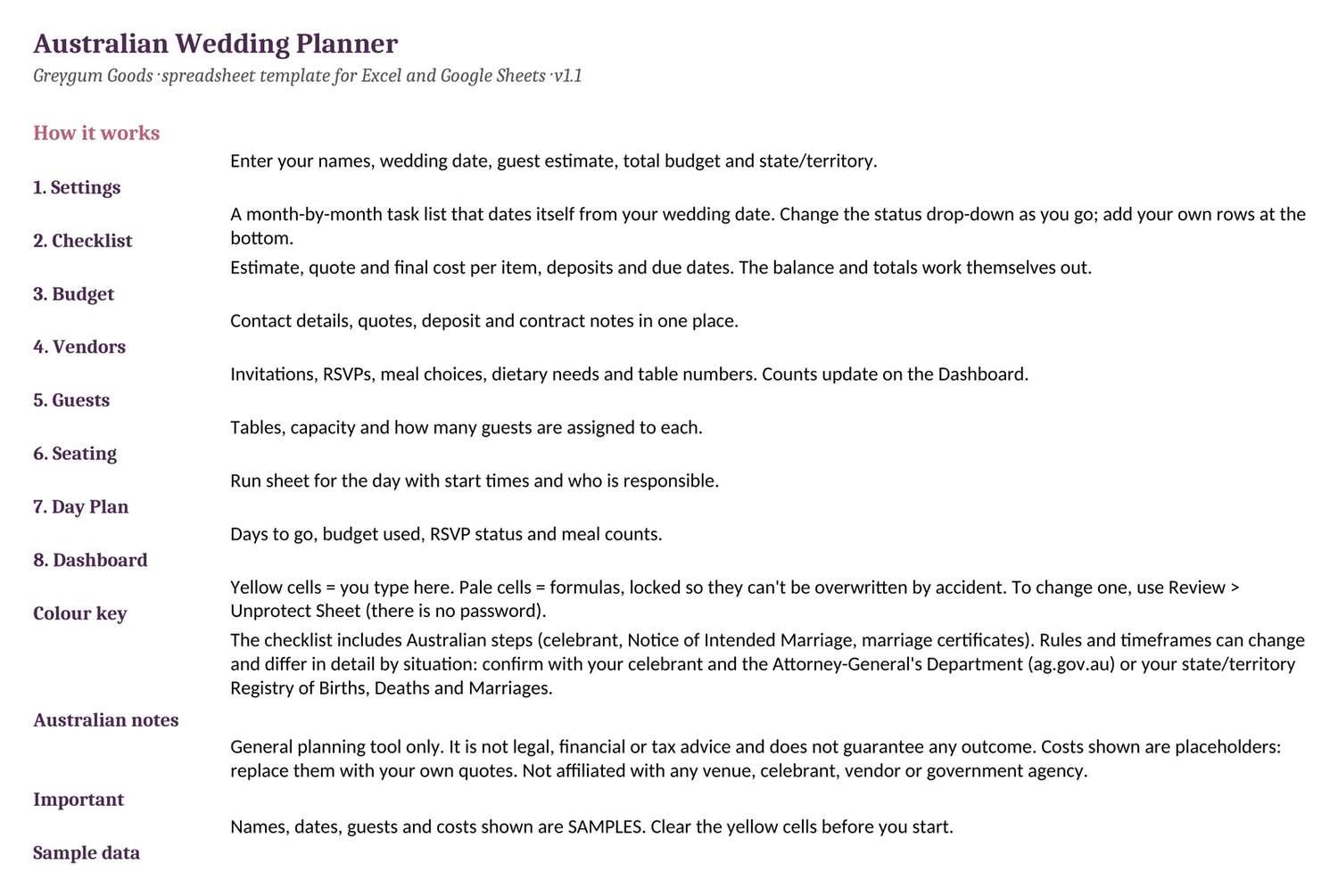
One file for the whole plan
- Start Here: step-by-step instructions.
- Settings: wedding date, names and budget.
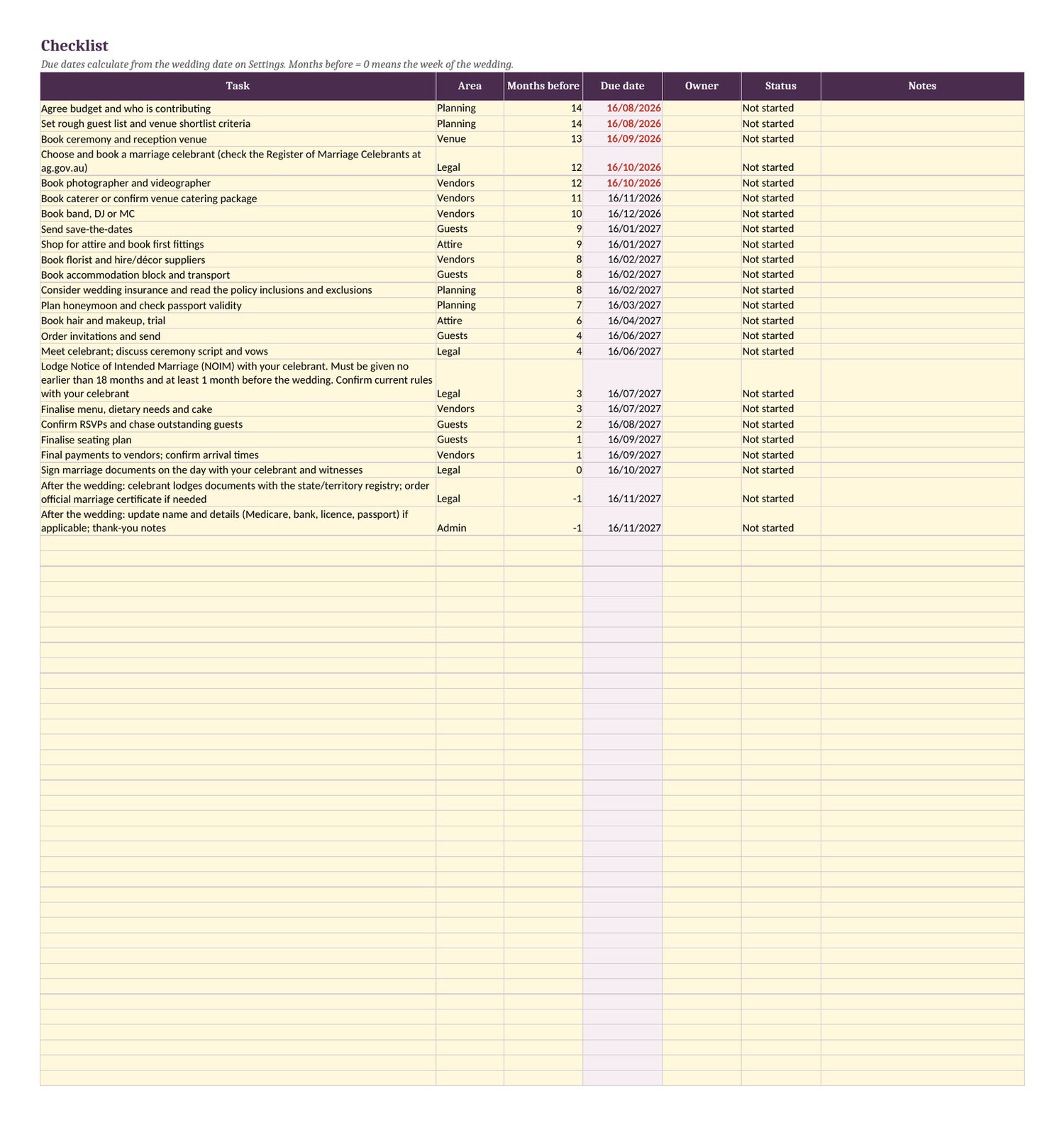
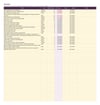
- Checklist: 24 tasks from about 14 months out to after the wedding, with due dates that calculate from your wedding date. Includes Australian steps such as choosing a registered celebrant, the Notice of Intended Marriage and post-wedding paperwork. Always confirm requirements with your celebrant and official sources.
- Budget: estimate, quote, final cost and deposits per item, with balance due, total committed vs your budget, and an OVERPAID flag when paid exceeds the expected cost.
- Vendors: contacts, quotes, deposits and contract terms.
- Guests: invitation status, RSVPs, meal choices, dietary needs and table numbers.
- Seating: table capacity, seats filled and over-capacity warnings.
- Day Plan: a run sheet for the day.
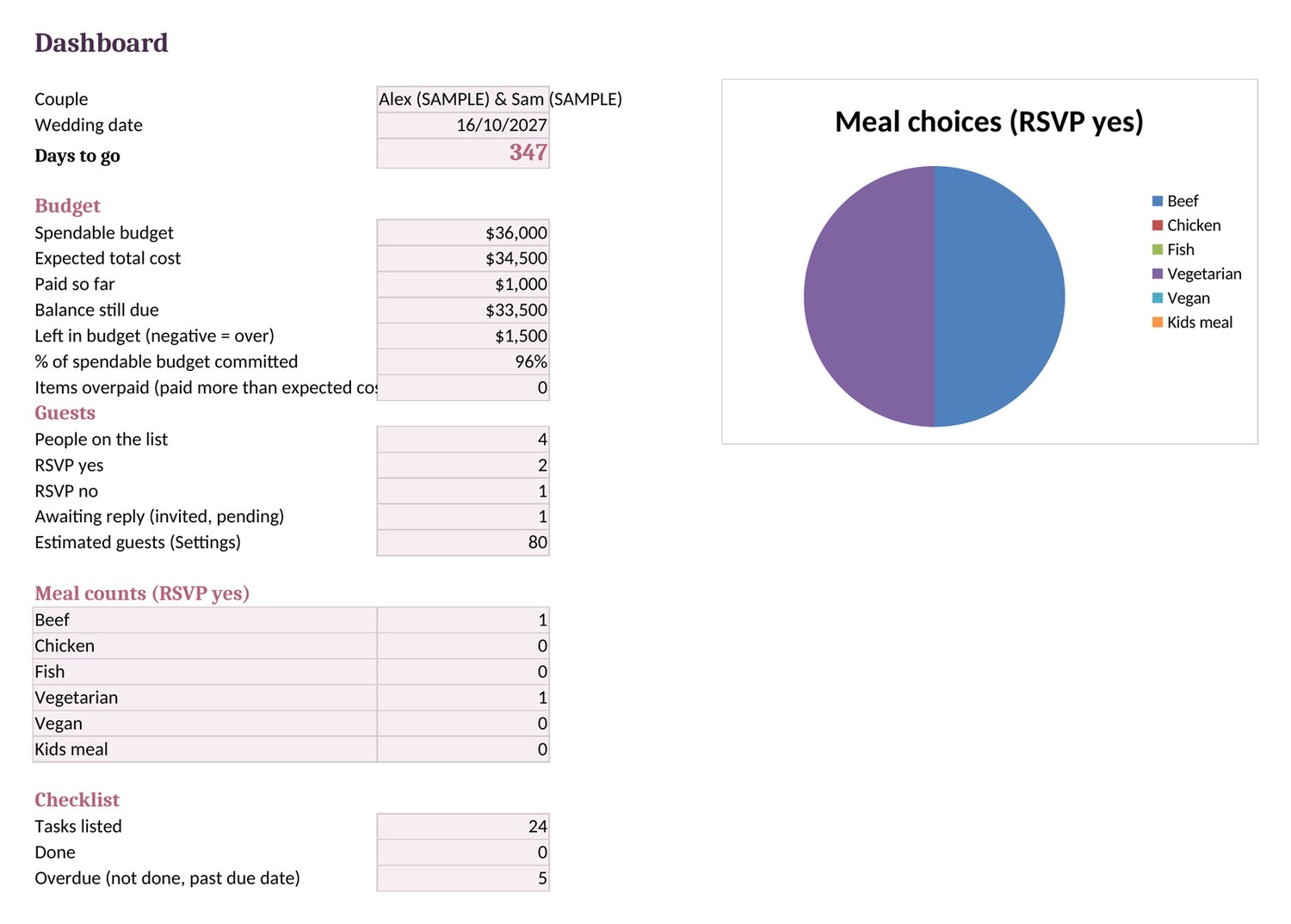
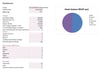
- Dashboard: days to go, budget committed, RSVP and meal counts, overdue tasks and overpaid items.
How it works
- Download the .xlsx file after purchase.
- Open it in Excel, or upload to Google Drive and open with Google Sheets.
- Clear the SAMPLE entries (yellow cells) and enter your wedding date on Settings.
Good to know
- Digital product. Nothing is posted.
- Amounts in the sample are placeholders only, not recommendations or price guides.
- Sheets are protected without a password to avoid overwriting formulas (Review > Unprotect Sheet).
- Personal use only. Please do not resell or share the file.
- Not affiliated with any venue, celebrant, vendor or government agency.
Disclaimer and refunds
See the disclaimer below.
Features
- Checklist with due dates that calculate from your wedding date
- Budget tracker with deposits, balances due and an overpaid warning
- Guest list with RSVPs, meal choices, dietary notes and table numbers
- Seating plan with capacity and over-capacity warnings
- Vendor tracker and a run sheet for the day
What's included
- 1 x Excel workbook (.xlsx), Greygum-AU-Wedding-Planner-v1.2.xlsx, 9 sheets, with SAMPLE data you clear before use
- Start Here instructions inside the file
- Instant download; for personal use
FAQ
- Does it work in Google Sheets? Yes, upload the .xlsx to Google Drive and open it with Google Sheets. It uses standard functions available in Excel 2016 and later.
- How many guests can it hold? The guest list has room for about 250 guests and the seating sheet about 30 tables.
- Are the checklist steps legal advice? No. They are a general planning prompt. Confirm requirements, such as the Notice of Intended Marriage, with your celebrant and official sources.
- Can I change the checklist and categories? Yes. Yellow cells are editable; you can unprotect a sheet without a password if you need to change more.
- Can I use it on my phone? You can open it, but it is built for a desktop or laptop.
Works in Excel 2016 and later (including Microsoft 365) and Google Sheets. Excel file (.xlsx), no macros.
This planner provides general information and a planning layout only. It is not legal, financial or tax advice, and costs shown are placeholders, not price guides. Check marriage requirements with your celebrant and official sources. We do not promise any particular saving or outcome. Not affiliated with any venue, celebrant, vendor or government agency.
Refunds and support: this is a digital download, but Australian Consumer Law consumer guarantees still apply. If the file will not open, or does not work as described, contact us at hello@greygumgoods.com.au and we will fix it, replace it or refund you as the law requires. Nothing here limits your rights under the Australian Consumer Law.