
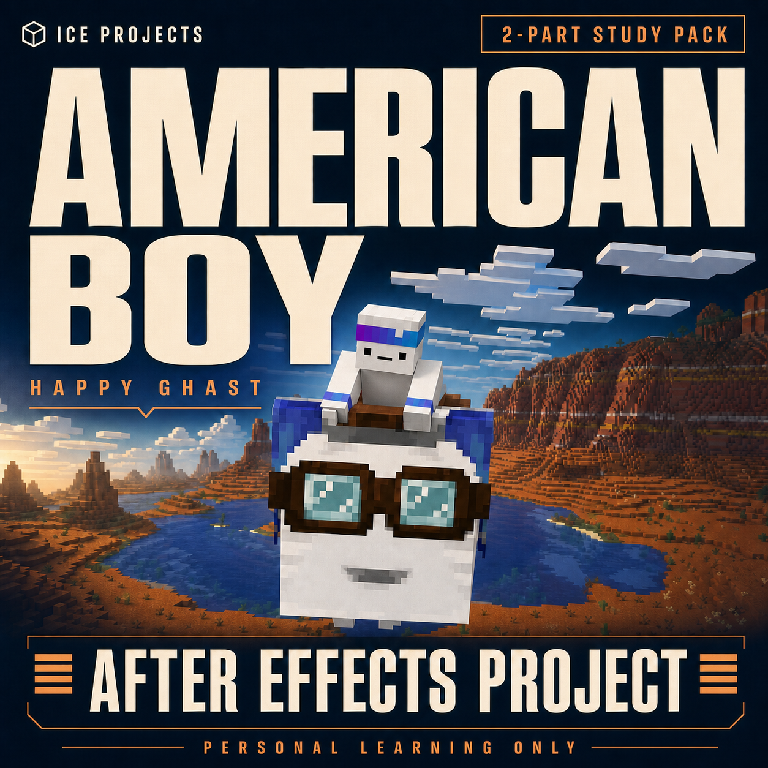
Happy Ghast | AE Project File
American Boy — Happy Ghast | 2-Part After Effects Study Project
Explore the layers behind my American Boy animation, from the Nether-to-Overworld opening to the Happy Ghast finale.
This two-part After Effects project is organized for editors who want to study how character animation, layered environments, animated typography, and scene transitions fit together. Open the compositions, inspect the keyframes, and experiment privately at your own pace.
Please read the requirements before purchasing. This is a learning resource, not a commercial-use template or a recorded video course.
What's included
- 2 editable After Effects project files — Part 01 and Part 02 of the animation.
- Organized English composition and layer names, color-labelled timelines, and section markers.
- Layered PSD setups with their internal Photoshop layer references preserved.
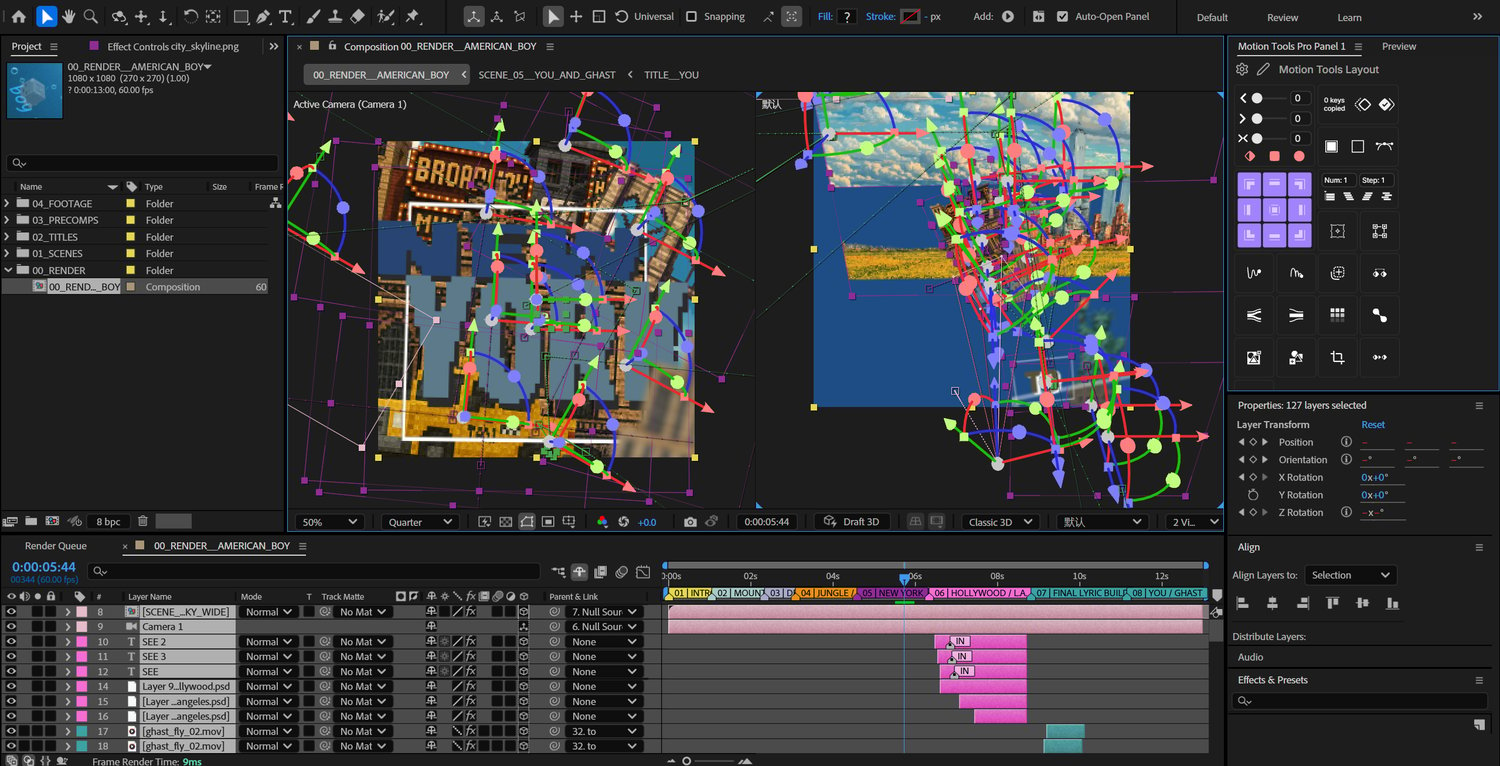
- 3D model setups, character rigs, expressions, and supporting precompositions to explore.
- 2 MP4 reference previews, one for each part, plus a still preview.
- An English written user guide, quick-start README, project structure guide, dependency list, and license information.
What you can study
- How characters, backgrounds, cameras, and effects are assembled into scenes.
- How text animation and scene changes are timed across a short edit.
- How layered PSD artwork is used inside After Effects.
- How controllers, expressions, and 3D model layers work within the project.
- How a complex timeline is organized into readable sections.
Project details
- Software: created and tested in Adobe After Effects 2025, version 25.2.
- Resolution: 1080 × 1080.
- Frame rate: 60 fps.
- Part 01: approximately 4.67 seconds.
- Part 02: 13 seconds.
- Documentation: English.
- Experience level: basic-to-intermediate After Effects knowledge is recommended.
Earlier After Effects versions are not supported. Compatibility with other versions has not been verified.
Required plugins and controls
- Part 01: Boris FX Continuum/BCC and Maxon Trapcode Particular.
- Part 02: Boris FX Continuum/BCC, Boris FX Sapphire, and the AI Color Match effect (BSKLAIColorMatch). The project also uses Limber 2 and Elastic Controller pseudo-effect controls.
Compatible licensed effects are needed to reproduce the supplied previews. Script panels and pseudo-effect definitions may be needed for full rig editing. Plugins, script panels, and their licenses are not included. Missing effects or fonts may change the result.
Fonts used: Aldrich Regular, MV Boli, Minecraft Bold, Minecraft Regular, Georgia Bold, Protest Strike Regular, Rammetto One Regular, Segoe Print, Staatliches Regular, and Viner Hand ITC. Font files and font licenses are not included; confirm access to the required fonts before purchase.
Not included
- The original music recording.
- Atom/AtomX template content. The Atom transition and related text-animation content have been removed; Atom/AtomX is not required for this edition.
- Adobe After Effects, third-party plugin installers, font files, or licenses for those products.
- A commercial-use license or a narrated video tutorial.
The supplied previews show this cleaned edition. Part 01 retains non-music sound effects; Part 02 is silent. If you first saw the original edit elsewhere, the removed music and Atom effects are not part of this download.
Usage terms
For personal learning and private practice only. No commercial use.
Do not resell, redistribute, share, upload, or claim the source project as your own. Paid client work, advertising, monetized content, and other commercial uses are not permitted by this license.
The project license applies only to content ICE owns or is authorized to license. No third-party rights are granted by this purchase, including rights to Minecraft-related content, lyric text, artwork, footage, sound effects, fonts, plugins, or other third-party materials. Their respective terms and applicable law continue to apply.
This is an independent, unofficial project. It is not endorsed by or associated with Mojang or Microsoft.
Support and refund requests
Need help opening the project or understanding a technique? Email the support address listed in the included README with your After Effects version, question, and a screenshot when possible.
For a refund request, email the same address with your order information and a detailed explanation of the reason. Requests will be reviewed in accordance with applicable store policies and mandatory consumer rights.
Thank you for supporting my work — ICE