

Working from home can feel scattered. Here are simple habits to plan your week, track your clients, and keep your social media on schedule, with two planners to help.
Working from home gives you freedom, but it can also blur the line between work and rest. If you're a freelancer, virtual assistant, or small business owner, you might know the feeling: lots of tasks, no clear plan, and a nagging worry that you missed something.
You don't need a complicated system to fix this. A few small habits, written down in one place, can help your days.
1. Plan the week before it starts
Take ten minutes at the start of the week to list your fixed commitments, your focused work, your admin time, and your recovery time. Seeing the whole week at once makes it easier to say no to things that don't fit.
2. Choose your top priorities each day
Pick one top outcome and a short must-do list. Sort tasks by impact and urgency, then give the important ones a time block. A plan can change during the day and still be a good plan.
3. Keep client work in one view
Write down each client, project, due date, stage, and next follow-up. Fewer loose ends mean easier follow-through, and fewer late-night "did I reply to that?" moments.
4. Do a monthly money check-in
Log your income, recurring costs, and business expenses once a month. It doesn't have to be perfect. It just has to be regular.
5. Add small habits you can actually keep
Start gently, take a real break, and close your workday. Then reflect: what worked, what felt heavy, and what one change would help next week?
Planning your social media without the stress
If you manage social media for clients or for your own brand, a little structure goes a long way:
- Get to know the brand: voice, audience, goals, and offers.
- Choose 3 to 4 content pillars, so you always know what to post about.
- Map the month, then plan each week.
- Write the hook, caption, and call to action before you publish.
- Keep your hashtags and keywords in one place.
- Check your numbers once a month and change one thing.
Two planners to help
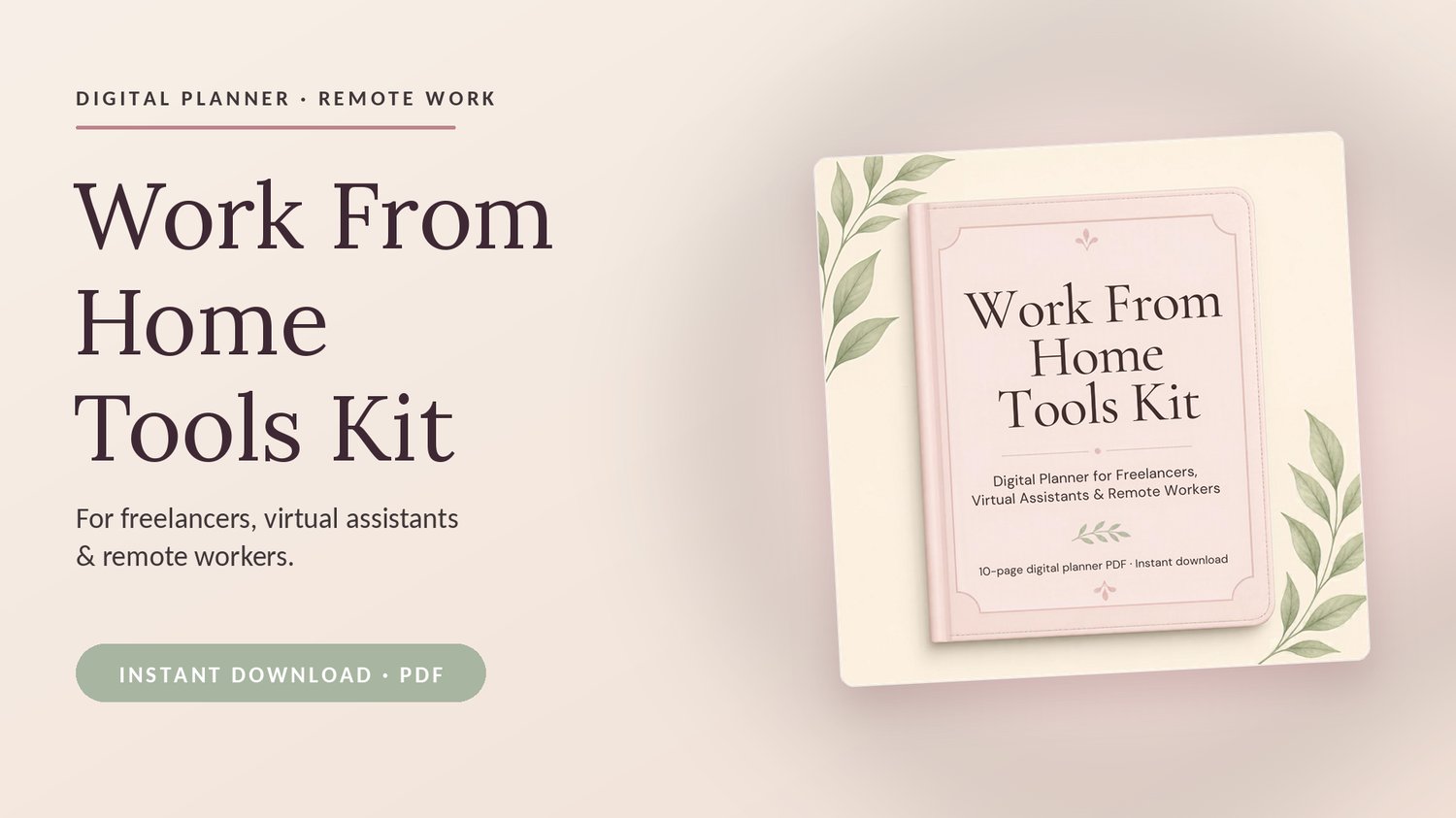
Work From Home Tools Kit is a 10-page digital planner with a weekly planner, monthly goal tracker, daily focus page, client and project tracker, money check-in, habit tracker, and home office checklist.
Social Media Manager Planner is a 10-page digital planner with a brand snapshot, content pillars, monthly content calendar, weekly posting planner, post and caption planner, hashtag bank, and analytics tracker.
Both planners have a soft blush, cream, and sage design. You can print them or use them on a tablet with a PDF app such as GoodNotes or Notability. They are digital downloads for personal use only.
One last thought
Use the planners as a starting point. Keep the pages that help you, and skip the rest. Small changes count.
Questions?
Email me at creatifyco.main@gmail.com.