

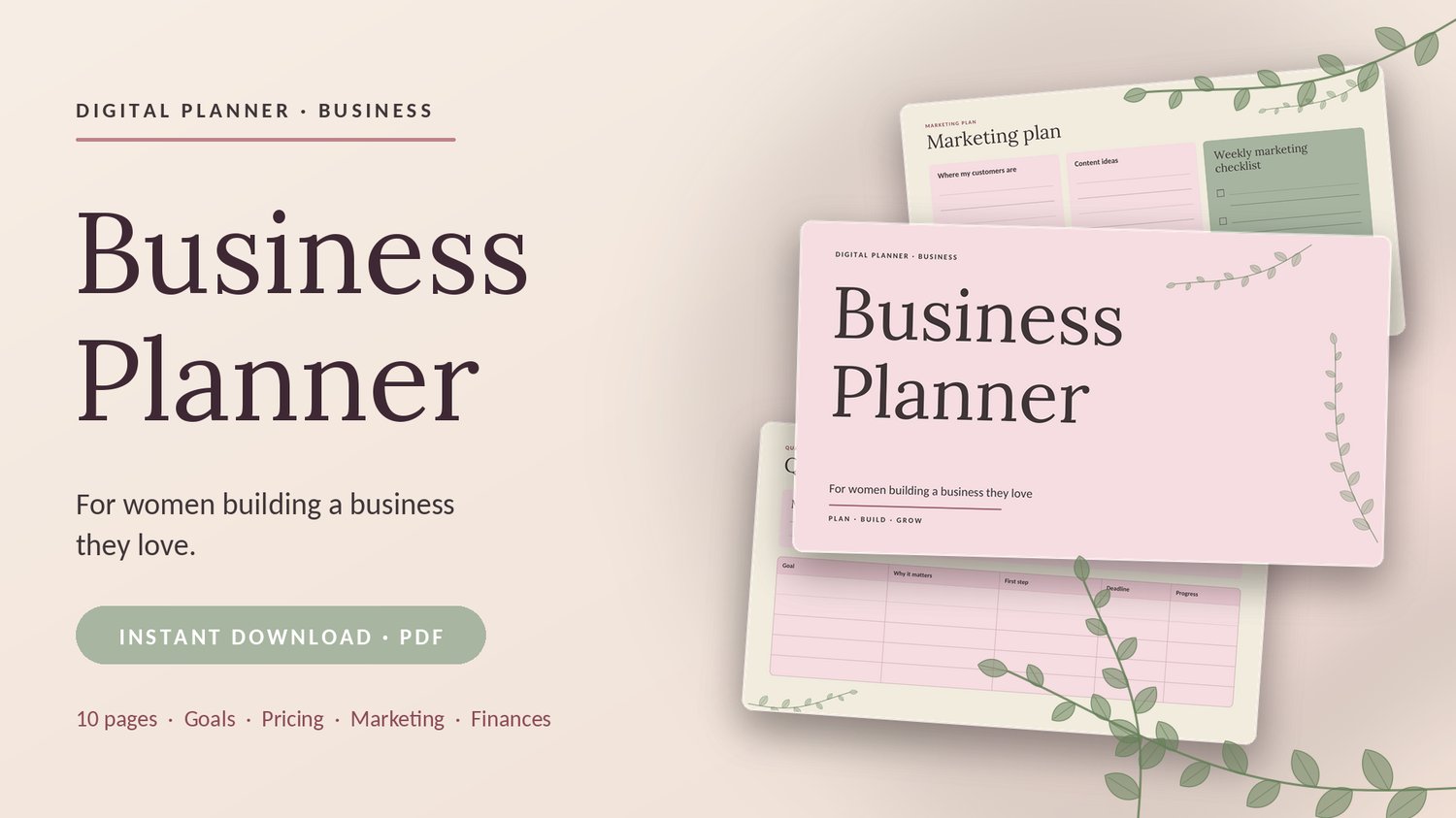
A closer look at the digital planner for women building a business they love, from Creatify Co
If you are thinking about buying a business planner, you probably want to know exactly what is inside before you click "buy." This post walks through every page of the Business Planner, so you can see how each one helps you plan, build, and grow.
The Quick Overview
- Format: digital PDF, instant download
- Length: 10 pages, landscape
- Look: soft blush pink, sage green and cream, with a gentle leaf touch
- Made for: women starting or growing a business, including freelancers, creators, coaches, small shop owners, and side-hustlers
- Use it: print it, or write on it with a PDF annotation app on your tablet
The whole planner follows one simple idea: Plan, Build, Grow.
Page 1: Cover
A calm, simple cover to set the tone. The tagline says it all: for women building a business they love.
Page 2: Start Here
This page shows you how to use the planner in three steps:
- Start with your business snapshot.
- Set goals and plan your offers.
- Review your numbers every month.
It also includes a reminder to use the open fields for notes, not perfection. You do not need neat handwriting or perfect answers.
Page 3: Business Snapshot
Your business on one page. You fill in:
- Business name
- What I offer
- Who I help
- The problem I solve
- What makes me different
- My main goal this year
- My values in 3 words
Why it helps: when your message is clear, everything else (pricing, marketing, content) gets easier.
Page 4: Quarterly Goals
Start with a monthly focus, then list your goals in a tracker with columns for:
- Goal
- Why it matters
- First step
- Deadline
- Progress
Why it helps: big goals feel smaller when you break them into a first step and a deadline.
Page 5: Offers and Pricing
A table to list each product or service with:
- Who it is for
- Price
- Cost to deliver
- Notes
Why it helps: seeing your price next to your cost makes it easier to spot offers that need a higher price or less work.
Page 6: Marketing Plan
Four planning boxes plus a weekly checklist:
- Where my customers are
- Content ideas
- Email or newsletter plan
- Promotions this month
- A weekly marketing checklist with check boxes
Why it helps: you always know what to post, send, and promote next, without starting from a blank page.
Page 7: Leads and Clients Tracker
Keep track of everyone who shows interest, with columns for name, source, what they are interested in, status, next step, and follow-up date.
Why it helps: Many sales come from a friendly follow-up. This page makes sure nobody gets forgotten.
Page 8: Income and Expenses
A monthly summary (income, expenses, profit, and notes) plus a simple log with date, description, category, income, and expense columns.
Why it helps: you see how your business is really doing, without needing complicated software.
Page 9: Monthly Review
A reflection page with space for:
- What worked
- What did not
- Numbers that matter
- What I learned
- One change for next month
- Small wins
Why it helps: this is the habit that turns planning into progress. A few minutes each month shows you what to keep, what to change and what to celebrate.
Page 10: Thank You and Terms of Use
A thank-you note and a short terms-of-use reminder: the planner is for personal use only, and it should not be resold, redistributed, or shared as your own.
Who Is This Planner For?
This planner is a good fit if you:
- Are starting a business and feel unsure where to begin
- Already have a business, but your plans are scattered
- Prefer simple pages over complicated systems
- Like a soft, calming design that makes planning feel less stressful
It may not be the right choice if you want fillable digital fields that you can type into directly, since this version is designed for printing or writing with an annotation app.
How to Use It Each Month
- Fill in your business snapshot once, then update it when things change.
- Choose your monthly focus and goals on the quarterly goals page.
- Update your offers, marketing plan, and leads tracker as you go.
- Record income and expenses through the month.
- Finish with your monthly review and decide on one change for next month.
Frequently Asked Questions
What file format is it? It is a PDF with 10 pages, delivered as an instant download.
Can I print it? Yes. You can print the pages you need, as many times as you like, for your own use.
Can I use it on a tablet? Yes. Open the PDF in a PDF annotation app and write on it with a stylus.
Can I type directly into the pages? This version is made for handwriting, either printed or on a tablet.
Can I resell it or share the file? No. It is for personal use only.
Ready to Plan, Build and Grow?
If you want one calm, simple place to organize your goals, offers, marketing, clients, and finances, you can get the Business Planner here: Business Planner for Women: Digital PDF Planner to Plan, Build & Grow Your Business
Questions? Email creatifyco.main@gmail.com.
Thank you for building with intention.