
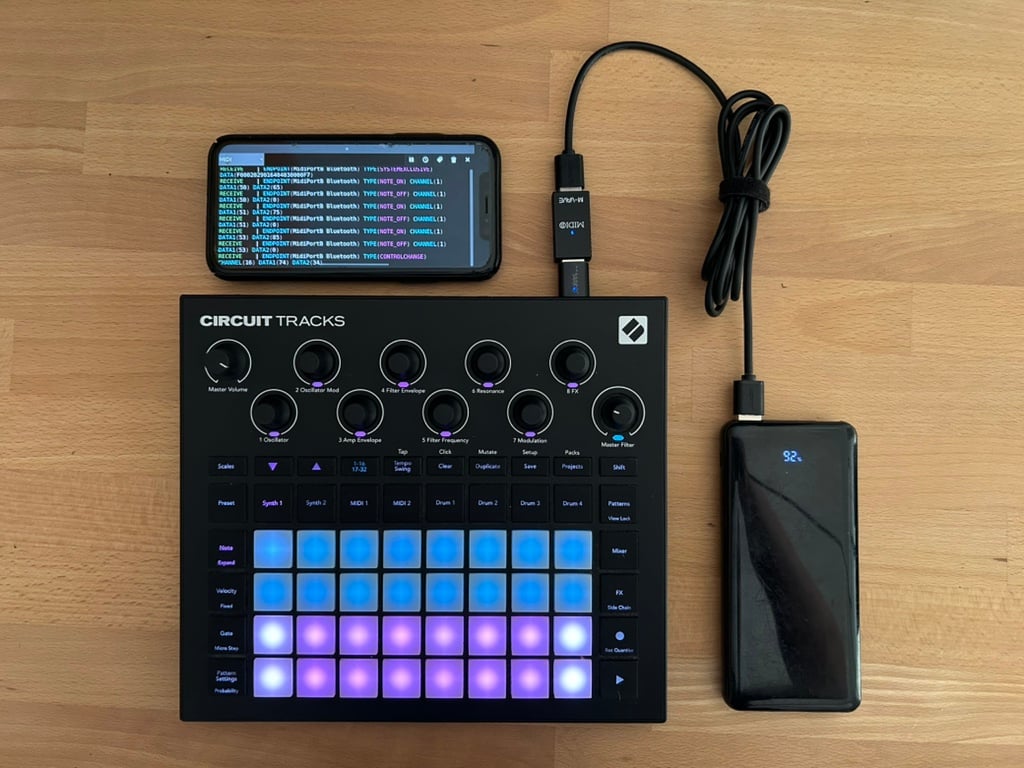
The MIDI implementation of the Novation Circuit is, by and large, solid and comprehensive, but there was one - somewhat strange - design decision: MIDI Sysex data is available exclusively via the USB interface and is not sent to the MIDI ports.
The idea behind this was probably that MIDI Sysex is only needed for managing packs, samples, and patches - things you’d presumably do on a laptop, which in turn would likely be connected via USB. But what if it isn’t?
What doesn't work
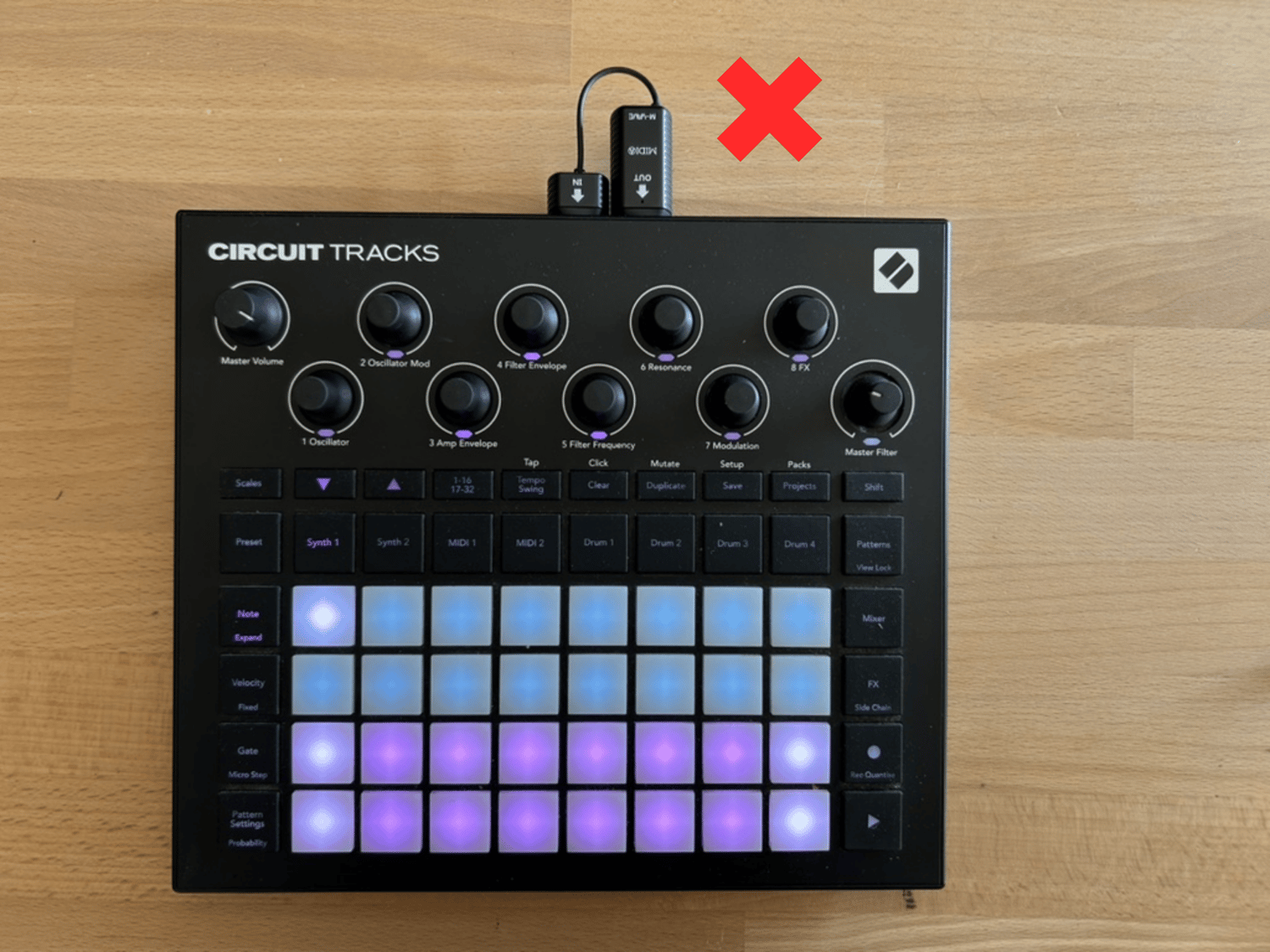
Unfortunately, this implementation rules out the usage of Components or any other editor with most wireless solutions, which have become widely adopted via the MIDI interface.
These Midi dongles, like the CME WIDI Master or WIDI Jack are growing increasingly popular in the minimalist ecosystem that often includes Circuits.
While they can be used to send and receive Midi notes, cc and clock, without MIDI Sysex support, they cannot be used to edit patches or manage packs.
What could work
However, there are some wireless MIDI solutions that also connect via USB! There are a few CME MIDI hosts that can be retrofitted with Bluetooth WIDI, such as the H4MIDI WC, but also the more affordable M-Vave MS1, which I took a closer look at.
How it works
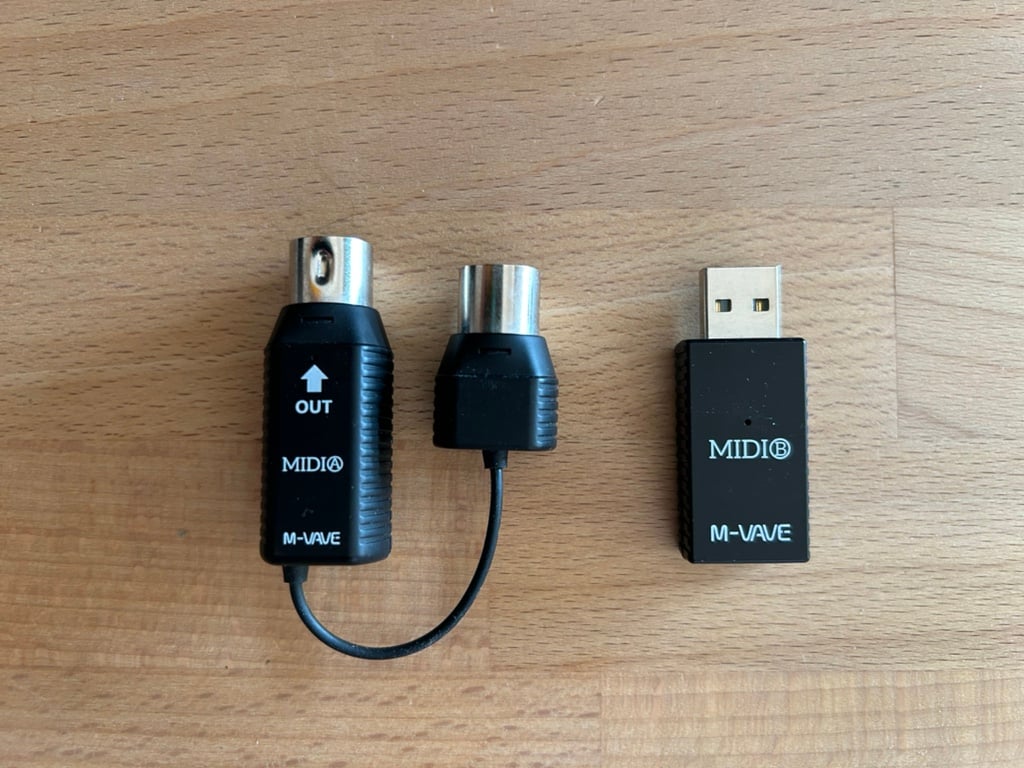
The M-Vave MS1 is also marketed under the name “Wireless MIDI System.” There are a number of unbranded clones that look strikingly similar to the MS1 (raising suspicions that they come from the same factory in China).
In addition to the well-known MIDI dongle (“MIDI A”), the set also includes the USB dongle (“MIDI B”), which has caught our interest.
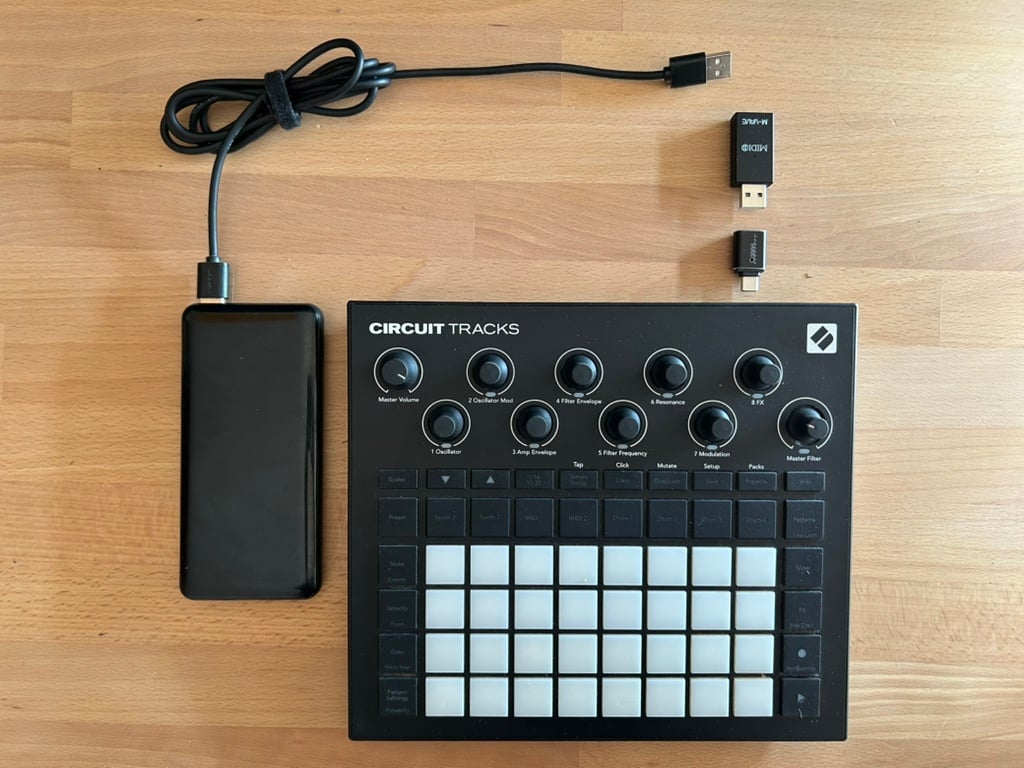
To test it on a Circuit Tracks, we also need a USB-A to USB-C adapter. Once plugged in... nothing happens. Unfortunately, the Tracks doesn’t supply power to the dongle, so we have to connect an additional power source. For this purpose, the dongle has an additional USB-A port on the other side. When connected to a power bank via a USB-A to USB-A cable, the dongle finally shows a sign of life and starts flashing. From here on, it’s simple: just pair the target device bluetooth with "MIDI B", and “MIDI B” will appearin the MIDI connections.
And it actually works! yay! Midi Apps, Junit, NC Editor .. all available in a wireless setup now. All of them? Well all but Components... in another bold move Novation decided not to let the user choose the actual midi connection, but insists on connecting to a midi conneciton called "Circuit Tracks" which doesn't exist...so - no Components.
And what's up with Old Granny Circuit?
Connecting to an OG circuit works too and it works in the very same way except that you'll need an USB-B to USB-A (female) adapter.
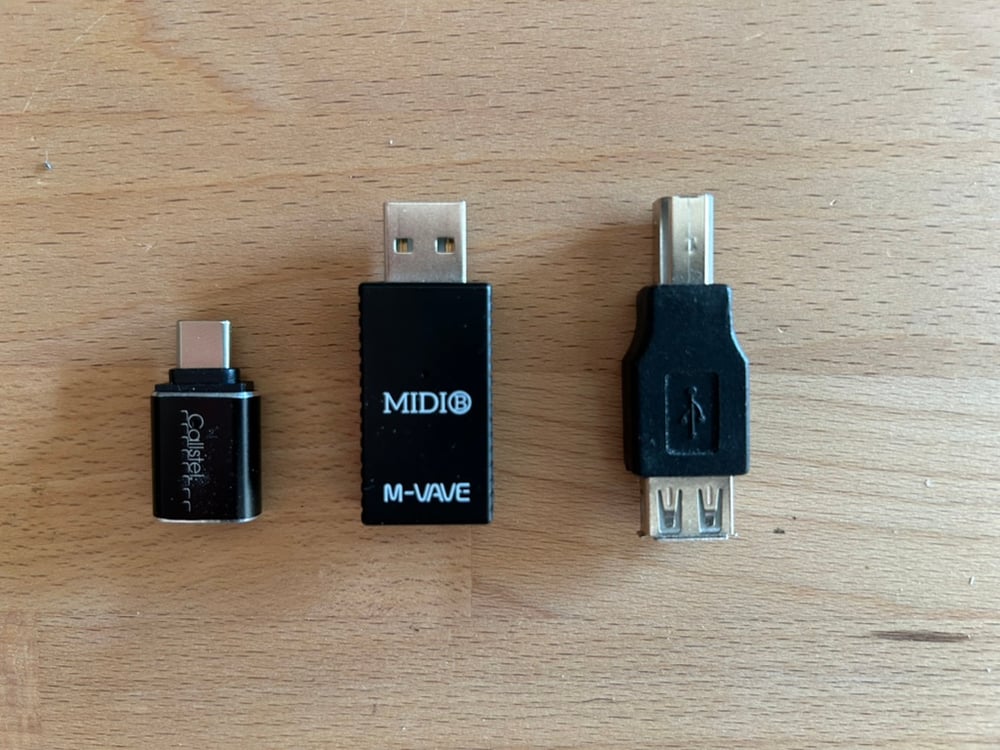
left: USB-C to USB-A for Tracks, right: USB-B to USB-A for OG Circuit
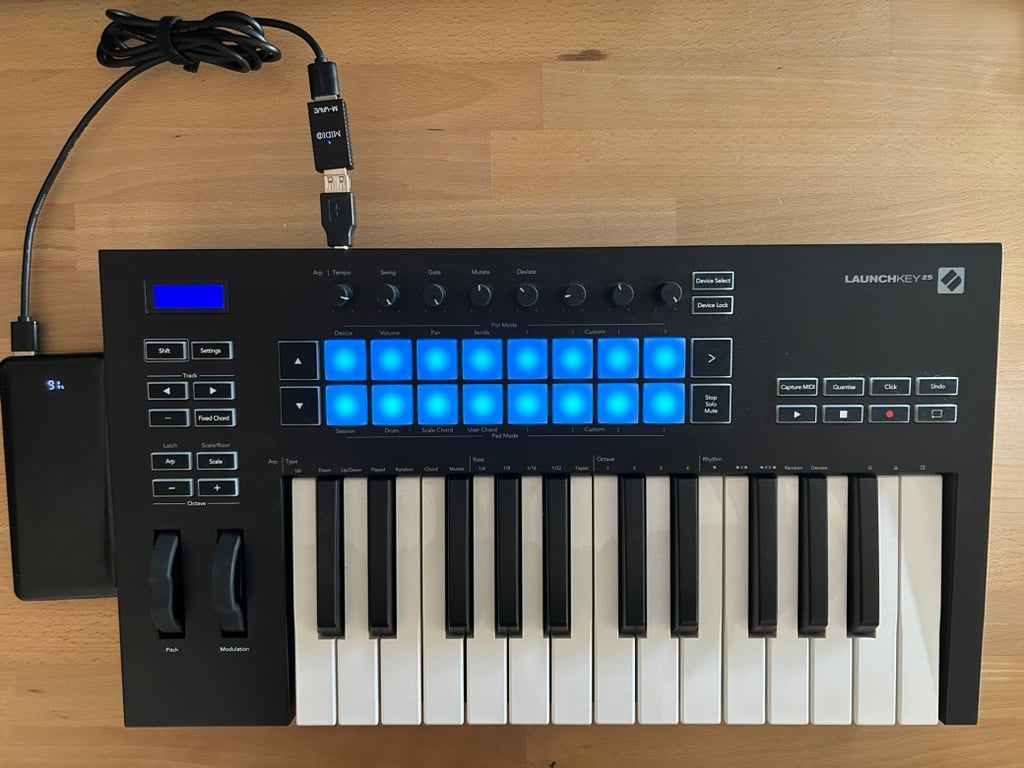
Interestingly, using the "MIDI-B" on a USB-B connection actually allows you to run a Midi Keyboard like the Novation Launchkey mobile and wireless, because in this case the dongle routes power through to the usb input of the keyboard:
TL;DR
- The M-Vave “MIDI-B” allows you to establish a wireless connection via the USB port on a music device.
- The need to use an external power source limits mobility, but it's often a good idea to have an additional power source in your setup anyway.
- OG Circuit and Circuit Tracks patches can be edited over this connection, because the Circuits provide Midi Sysex over USB.
- Components doesn't work, since the MIDI connection is named "MIDI B" not "Circuit" or "Circuit Tracks"
- Keyboards and other controls connected via USB-B will be powered through the "MIDI B" dongle.