

JD-800 Companion
On Sale
$0.00
Pay what you want:
$
JD-800 Companion
JD-800 Companion runs the Roland JD-800 plug-in inside itself and adds what it doesn’t have: better cropped zoom, fast patch browsing, better preset browser, volume reduction for high volume presets with distortion , live-performance tools and advanced MIDI mapping control. The sound is the JD-800’s own.
A sharper, bigger JD-800
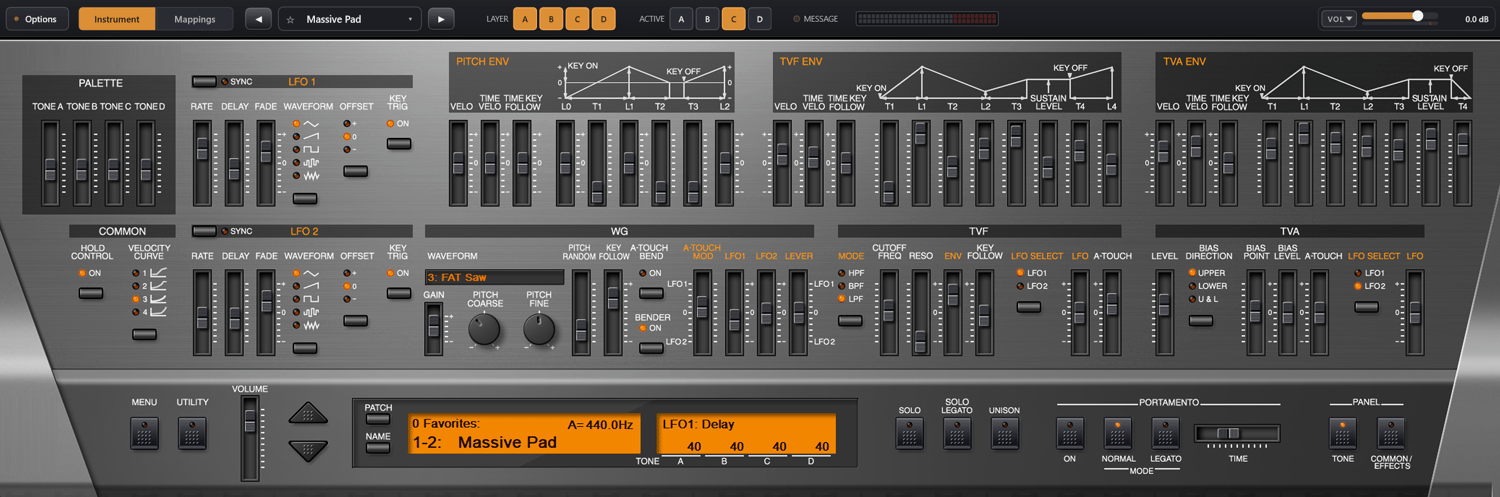
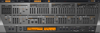
- Crisp zoom. The JD-800’s own zoom just stretches its normal-size artwork, so it looks soft. The Companion rescales the panel with high-quality upscaling that keeps sliders, labels and the display crisp at any size.
- Fit to screen. One click makes the panel as large as your monitor allows, from 50% to 300%. It adjusts when you move the window to a different monitor.
- Compact panel. The on-screen keyboard and empty margins are cropped away, so the screen space goes to the controls you actually use. You can fine-tune the crop pixel by pixel.
- Everything in reach. The LAYER and ACTIVE tone switches and the MESSAGE display move into a slim top bar next to patch selection and volume.
Find any sound in seconds
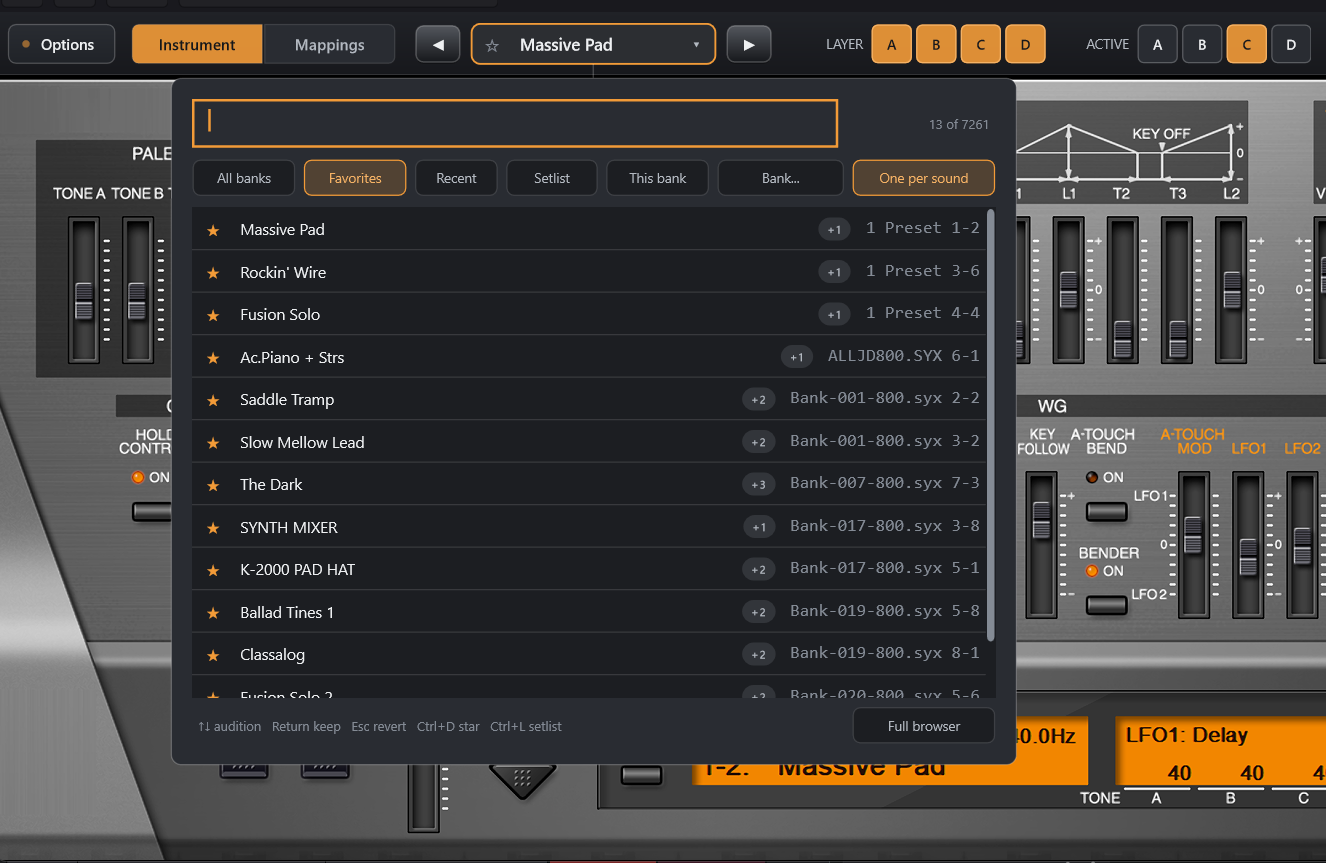
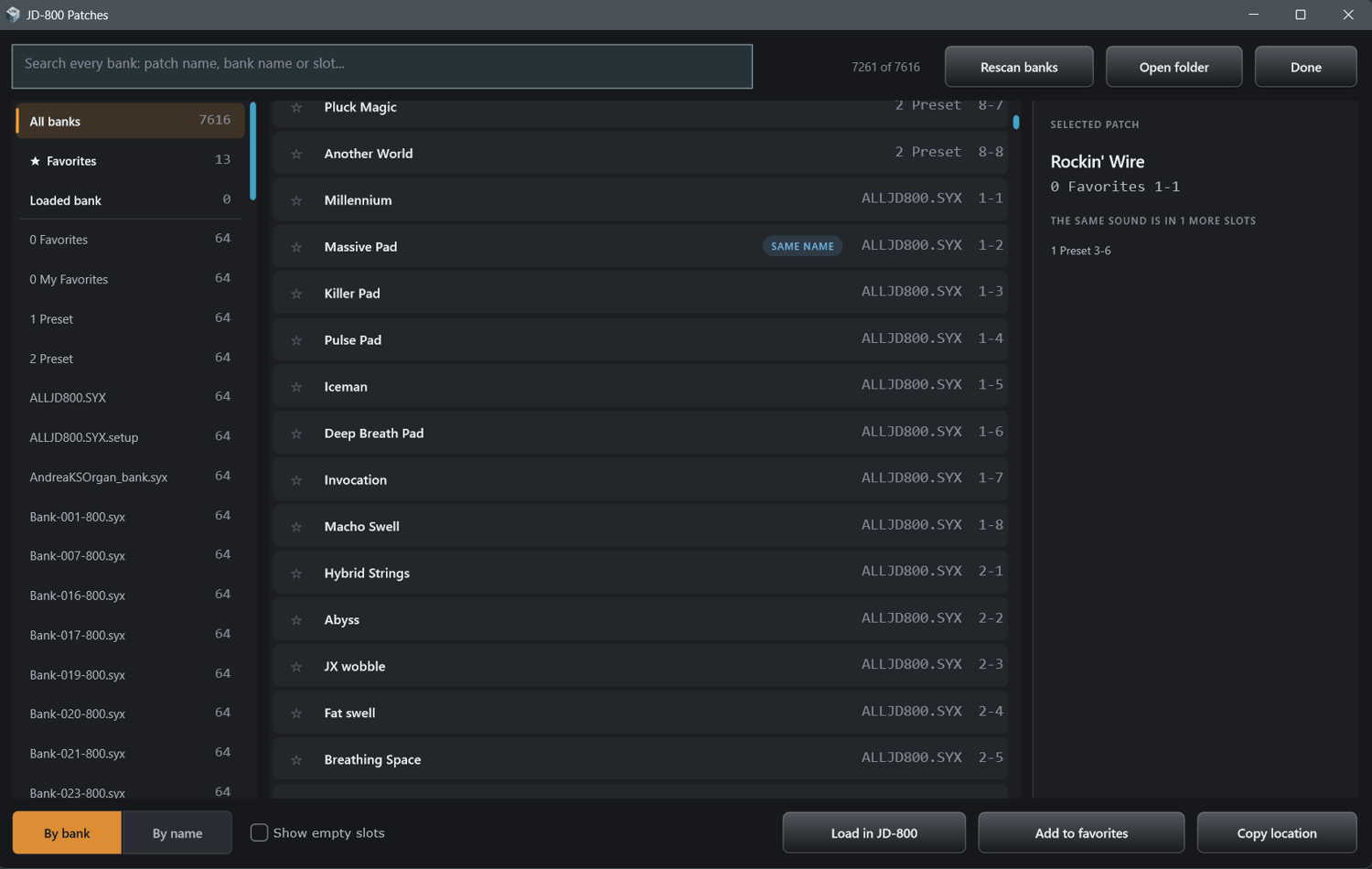
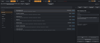
- Search every bank at once, thousands of patches, by name, bank or slot.
- Patches load instantly from any bank, with no clicks or pops between sounds.
- The same sound stored in several banks shows up once, so duplicates stay out of your way.
- Star your favorites and go back to recently played patches.
Built for the stage
- Put patches for a gig in order in a setlist, and step through it with a pedal or a button.
- A compact, zoomed panel fills your screen with the JD-800’s controls and leaves out the on-screen keyboard.
- LAYER and ACTIVE tone switches sit in the top bar, along with a MIDI activity light and an output meter.
Control everything from your keyboard
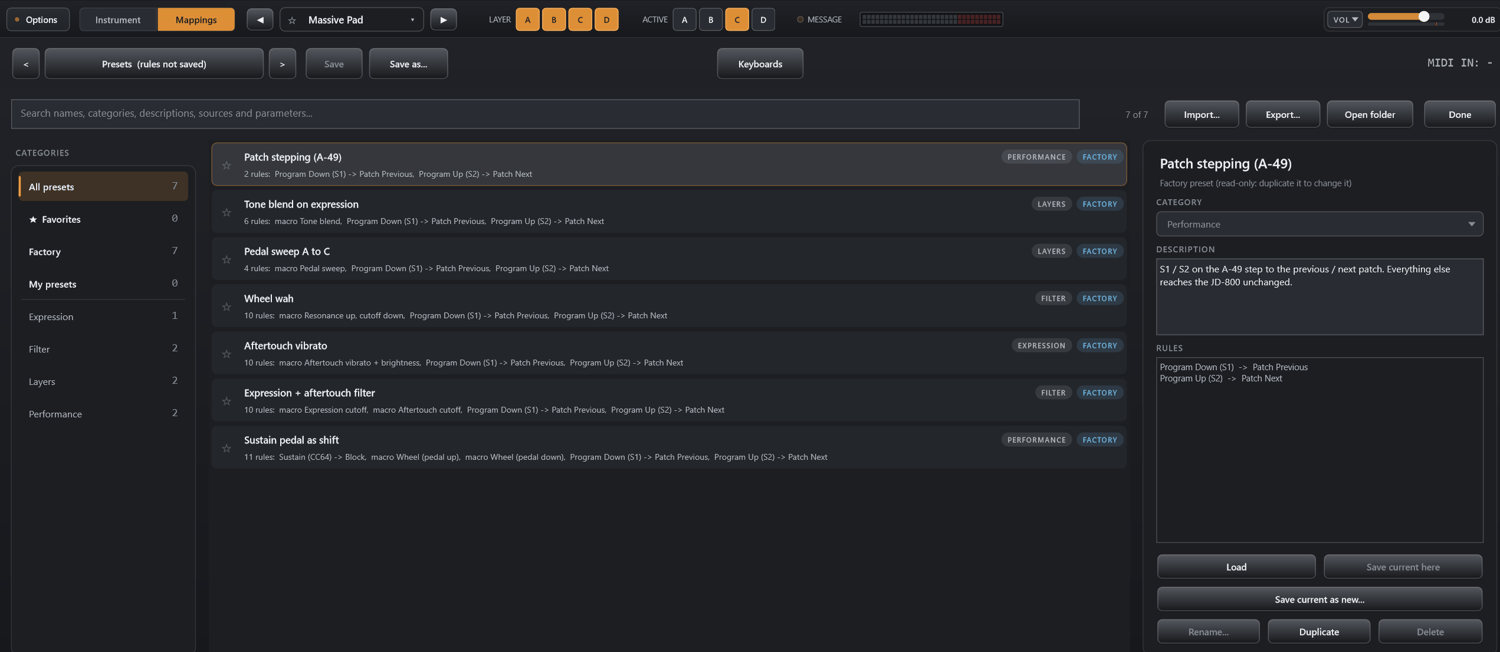
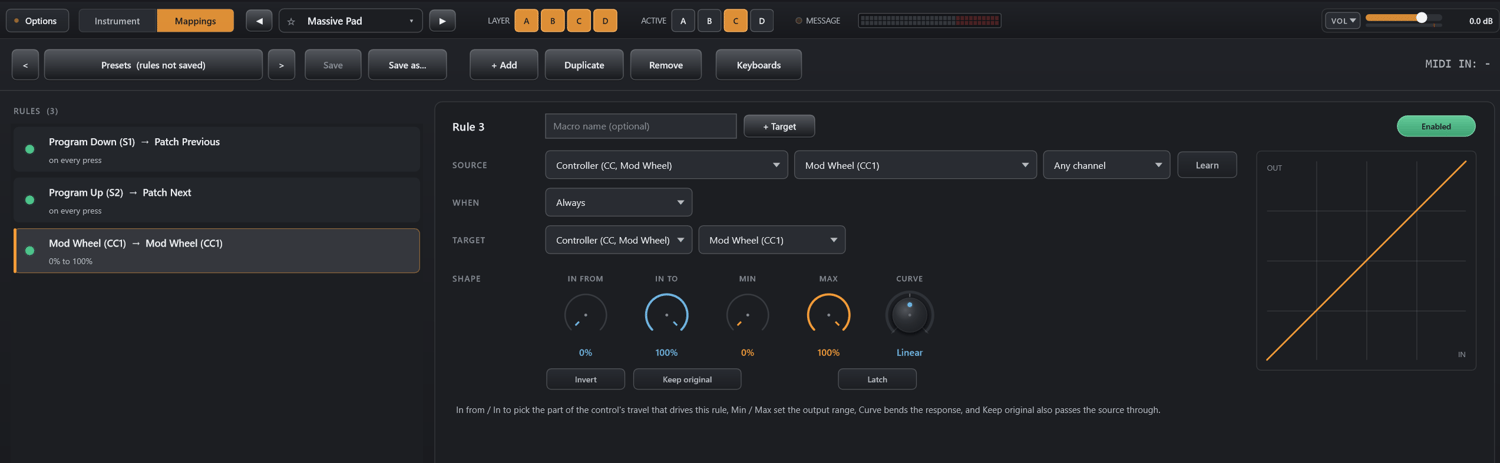
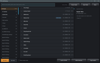
- Map any MIDI controller to any of the JD-800’s 388 panel parameters, including the ones it doesn’t offer for automation, like phaser, chorus, distortion and enhancer.
- Crossfade tones with one pedal, latch effects on and off with the sustain pedal, or hold a pedal so the mod wheel takes on a second job.
- One knob can drive several parameters at once.
- Save your mappings as presets and switch between them.
- In the standalone app, two keyboards can each play their own part of a split patch.
Safe and balanced output
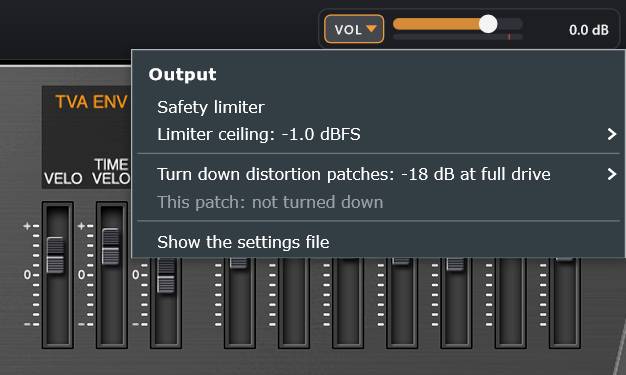
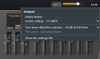
- A volume control with a peak meter, which your DAW can automate.
- Patches with heavy distortion are turned down automatically so they don’t jump out of the mix. You choose how much, or switch it off.
- An optional safety limiter.
- Windows 10/11 (64-bit), VST3 and standalone.
- Requires the Roland Cloud JD-800 plug-in, which you obtain from Roland.
- JD-800 Companion is not affiliated with or endorsed by Roland Corporation.