
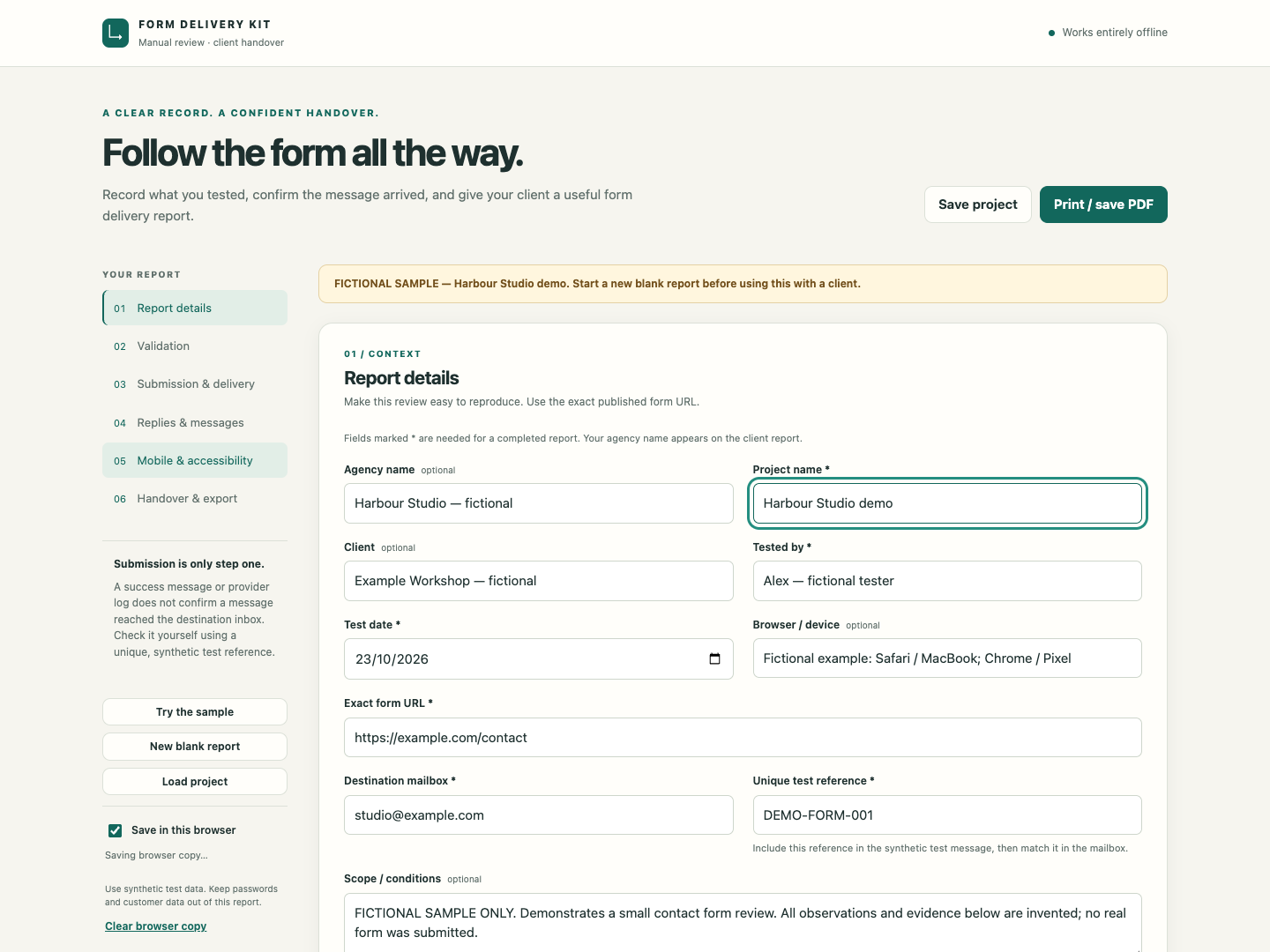
A form’s success message answers one question: what did the visitor see after submitting? A useful handover also records whether the intended recipient received the enquiry and whether its contents arrived correctly.
For freelance web designers, these are three separate observations worth recording. The following seven-step check gives you a practical starting point. Run it on a site you own or have permission to test, using synthetic information rather than a real customer enquiry.
1. Agree what should happen. Write down the form URL, required fields, intended recipients and expected confirmation. Check whether an automatic reply is part of the agreed design. Identify someone who can open the receiving mailbox. Without that access, leave inbox receipt as “Not tested” in your report.
2. Check validation and recovery. Try an empty required field and a clearly invalid email format. Read the errors, correct the entries, and check whether the rest of the message remains intact. Record the browser and the specific result. Keep invalid-format checks separate from proof that an email address exists.
3. Submit a uniquely marked enquiry. Put a reference such as FORM-CHECK-20261023-01 in the message and record the submission time and timezone. Include synthetic values for the fields you need to verify. Note the exact confirmation or error you see; keep a screenshot or redacted excerpt where useful.
4. Confirm the matching inbox message. Ask the authorized recipient to find that exact reference in the intended mailbox. Record the arrival time, folder and who verified it. If it arrives in spam, record that as a problem to investigate. A success banner or provider acceptance record alone does not establish inbox receipt.
5. Compare content and routing. Check every submitted field against the received message. Inspect line breaks, special characters and any supported test attachment. Choose Reply and inspect the destination before sending. If an automatic acknowledgement is expected, check the controlled submitter mailbox too. Mark features outside the agreed design “N/A” and explain why.
6. Repeat the usable journey. Complete the form with a keyboard and in a recorded mobile browser or clearly labelled emulation. Inspect labels, focus, errors and the submit control. State what you actually tested; one browser or device does not establish universal compatibility. Check failure handling only in an authorized, controlled setting. Leave inaccessible checks “Not tested.”
7. Hand over evidence and remaining work. Give each check a result, a short observation and a next action where needed. Keep submission acceptance, inbox receipt and content accuracy separate. After a fix, use a fresh reference and date for the retest. Save the earlier report if you need a history.
A completed report is a dated record of what you observed. It cannot guarantee future delivery. That boundary makes the handover more useful: clients can see what passed, what failed and what still needs attention.
Form Delivery Kit puts this workflow into an offline browser report builder with 16 manual checks, project backups, Markdown export and a print layout for PDF. It includes commercial use across unlimited client projects for A$19 once.