
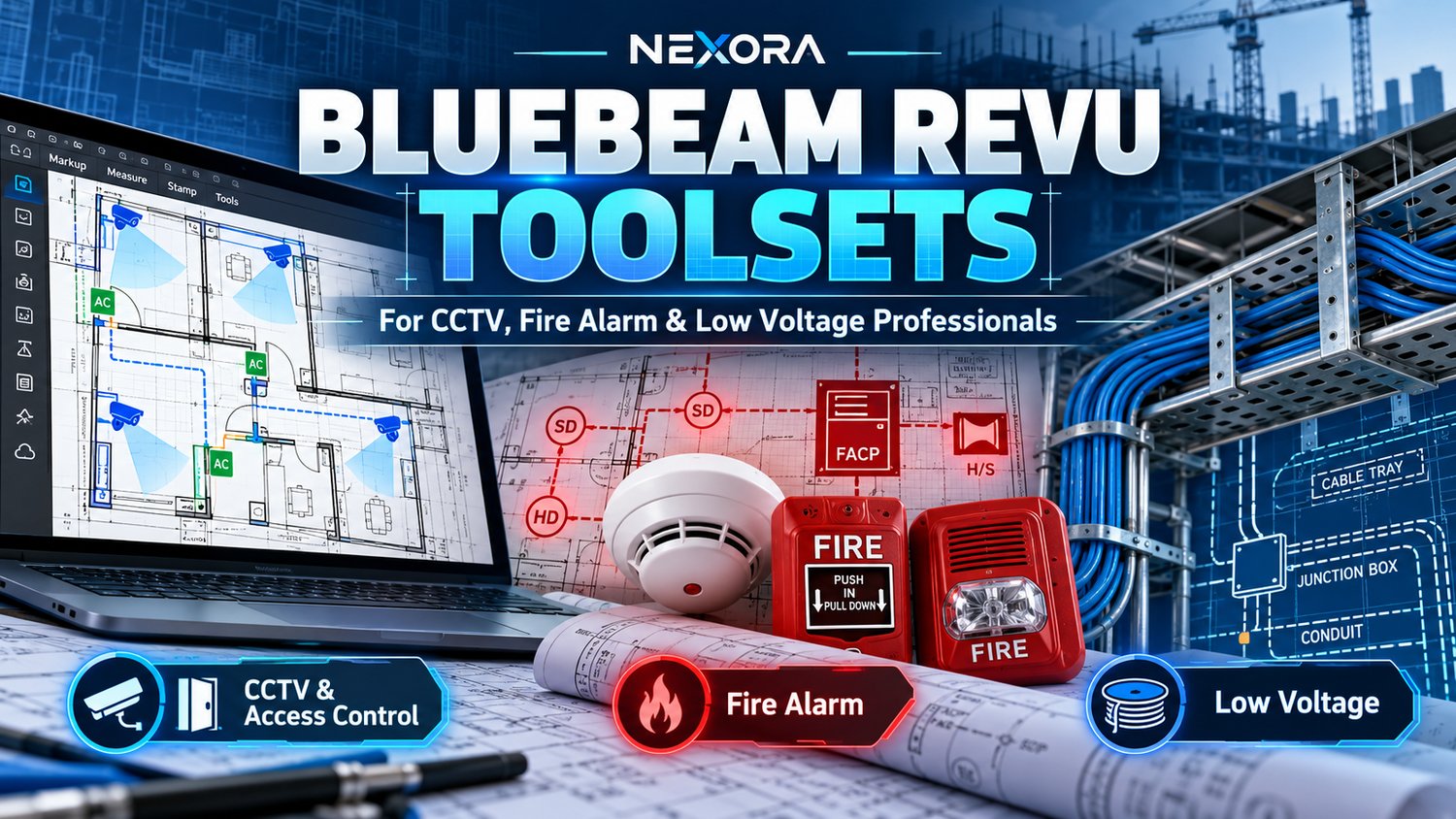
Best Bluebeam Revu Toolsets for CCTV, Fire Alarm & Low Voltage Projects
Working on CCTV, access control, fire alarm, or low voltage installations often involves reviewing complex construction drawings, marking device locations, organizing equipment information, and preparing project documentation.
For estimators, designers, low voltage contractors, and security system integrators, a well-organized Bluebeam Revu toolset can make these tasks easier to manage.
In this guide, we'll explain how Bluebeam toolsets can support your workflow and introduce practical digital resources for security and fire protection projects.
What Are Bluebeam Revu Toolsets?
Bluebeam Revu is a PDF markup and collaboration application widely used in construction-related workflows.
Its Tool Chest feature allows users to organize and reuse markup tools across different drawings.
Instead of manually creating the same device symbols repeatedly, you can build a library of reusable markups for common equipment.
Examples include:
- CCTV cameras and surveillance equipment
- Access control readers and door hardware
- Network and data outlets
- Cable pathways and conduit
- Fire alarm devices and notification equipment
Reusable symbols can help teams maintain consistency when preparing drawing markups and equipment layouts.
1. Low Voltage Toolsets for CCTV and Access Control
Security projects often require detailed layouts showing cameras, access readers, network equipment, and related infrastructure.
A low voltage symbol library can make it easier to mark these devices on PDF floor plans.
NexoraTools: 96 Bluebeam Revu Low Voltage Tools
Our digital toolkit brings together 96 tools covering CCTV, access control, AV/data, and related project documentation.
Designed for professionals working with low voltage systems, it provides reusable resources to support drawing markup and project organization.
Explore the toolkit:
96 Bluebeam Revu Low Voltage Tools
2. Fire Alarm Toolsets for PDF Markups
Fire alarm documentation can involve many device types, including smoke detectors, heat detectors, manual call points, notification appliances, and control equipment.
Having clearly organized symbols can improve the consistency and readability of fire alarm drawing markups.
NexoraTools: 240 Fire Alarm Bluebeam Tools
This toolkit includes:
- 240 fire alarm tools
- 8 BTX toolsets
- Editable SVG resources
- Excel closeout tracking resources
It is intended for professionals preparing fire alarm markups and supporting documentation.
Explore the fire alarm tools:
Note: All fire alarm designs and documentation should be checked against applicable codes, project specifications, and authority requirements.
3. Cable Pathway and Conduit Symbols
Low voltage projects also involve identifying cable routes, conduit runs, trays, junction boxes, and associated infrastructure.
These details are particularly useful for planning and reviewing installation work.
NexoraTools: 150 Bluebeam Revu BTX Symbols
This toolkit includes 150 cable pathway and conduit symbols, along with an Excel takeoff estimator.
It can support drawing markup and quantity tracking for low voltage professionals.
View the toolkit:
4. Inspection and Project Closeout Documentation
Marking up drawings is only one part of a professional workflow.
Contractors also need to organize inspection records, deficiencies, corrective actions, project information, and closeout documentation.
Digital templates can help make these records more consistent and easier to retrieve.
NexoraTools: Fire Extinguisher Inspection Kit PRO
This kit provides editable checklists, inspection logs, and evidence-tracking resources.
It is designed to support structured recordkeeping and follow-up activities.
The templates are administrative aids and do not replace applicable inspection standards, qualified personnel, or regulatory requirements.
5. Save Time With a Professional Digital Toolkit Bundle
For professionals working across multiple low voltage and fire safety disciplines, purchasing and organizing separate resources may require extra effort.
The Fire Safety & Low Voltage PRO Bundle combines three professional digital toolkits:
- 96 Bluebeam Revu Low Voltage Tools
- 240 Fire Alarm Bluebeam Tools
- Fire Extinguisher Inspection & Evidence Control Kit PRO
This bundle is designed for contractors, system integrators, estimators, and technical teams seeking reusable digital resources.
Explore the complete bundle:
Fire Safety & Low Voltage PRO Bundle
How to Import a BTX Toolset Into Bluebeam Revu
If your purchased toolkit includes a compatible BTX file, the general import process is straightforward:
- Download and extract your purchased files.
- Open Bluebeam Revu.
- Open the Tool Chest panel.
- Access the Tool Chest management menu.
- Select the option to import a toolset.
- Locate and select your BTX file.
- Confirm that the imported tools appear in your Tool Chest.
Menu names and steps may vary depending on your Bluebeam Revu version.
Always review imported symbols for scale, labeling, and suitability before using them in project documentation.
Final Thoughts
A professional toolkit cannot replace technical knowledge or project-specific design requirements, but reusable symbols and structured templates can reduce repetitive work and help standardize everyday documentation.
Whether you're working on CCTV layouts, access control systems, cable pathways, fire alarm drawings, or inspection records, organized digital resources can support a more efficient workflow.
Explore NexoraTools
Discover professional digital tools for contractors, estimators, system integrators, and technical teams.
Shop Bluebeam & Low Voltage Toolkits