
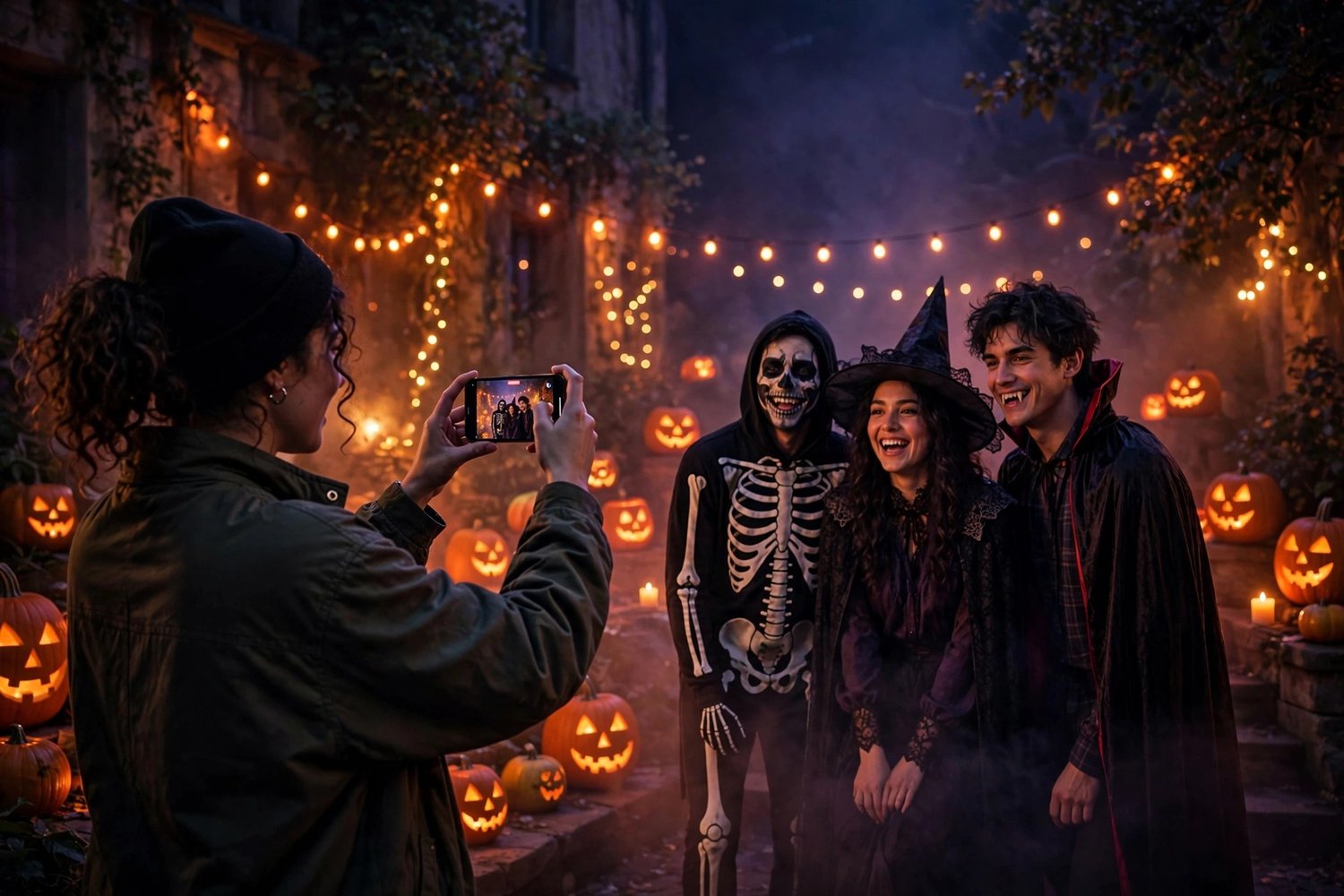
Your Halloween photos look great. Your Halloween videos look… like security footage. Shaky, yellow, overexposed every time someone walks past a lamp, and somehow boring even though the night wasn't.
Here's the thing: a phone video that feels like a mini horror movie isn't about a better camera. It's about five decisions you make before you press record, and one finishing move in the edit. No crew, no gear bag, just your phone and the party you're already going to.
- Shoot dark on purpose
Your phone's instinct is to brighten everything, and that's exactly what kills the mood. A Halloween night that looks like daylight isn't spooky, it's just a living room. Before you film, tap and hold on your subject to lock focus and exposure, then drag the exposure down until the shadows look like shadows again. A slightly dark clip with glowing pumpkins and string lights is easy to grade later. A blown-out, yellow clip is not.
- Film in short clips, not one endless take
Nobody edits a 12-minute video. Everybody edits twelve 10-second clips. Film in short bursts: the costume reveal, the walk to the door, the laugh mid-conversation, the fog machine doing its thing. Short clips force you to actually point the camera at something, and they cut together ten times faster. Think in shots, not in livestreams.
- Move slowly, or don't move at all
Fast phone movement is the fastest way to make footage look amateur. Walk like you're sneaking, not hurrying: small steps, knees slightly bent, phone held with both hands close to your body. Or simpler still, stand still and let the scene move instead — let people walk past the lens, let the cape swish through frame. A locked-off shot of a doorway with fog rolling through it looks like a movie. A sprint down a hallway looks like evidence.
- Use the lights that are already there
You don't need a lighting kit; Halloween already decorated for you. Film near the practical lights: candles, string lights, neon signs, the glow of a jack-o'-lantern. Put your subject between you and a light source and you get a silhouette with a glowing edge. Put the light behind the camera and you get a flat, boring face. One step to the side is often the whole difference between a clip and a scene.
- Capture real sound, even if you replace it later
Mute videos feel dead, even with music over them. Before the music starts, let the room breathe for a few seconds: the laugh, the door creak, the clink of glasses. You can always lay a track over it in the edit, but a few seconds of real atmosphere underneath makes the whole thing feel lived-in instead of assembled. If your phone has a wind-noise setting, turn it on before you step outside.
- Cut on movement, keep it short
Here's the edit that makes everything feel professional: cut while something is moving. The door opens — cut. Someone turns toward camera — cut. The cape swings — cut. Movement hides the edit, and the viewer's eye never gets a chance to get bored. Aim for a final video under 60 seconds: one establishing shot, three or four moments, one last shot that lands the joke or the scare. If a clip doesn't earn its place, it goes.
- Finish with a LUT, not twenty sliders
This is where most phone videos fall apart: twenty minutes of fiddling with individual sliders, and the result still looks like a phone video. Do it the way editors actually do it. Get your exposure roughly right, then apply one video look across all your clips so they feel like they belong to the same night. One consistent grade ties together clips shot in different rooms, under different lights, at different hours — and it's the single fastest way to make footage feel intentional.
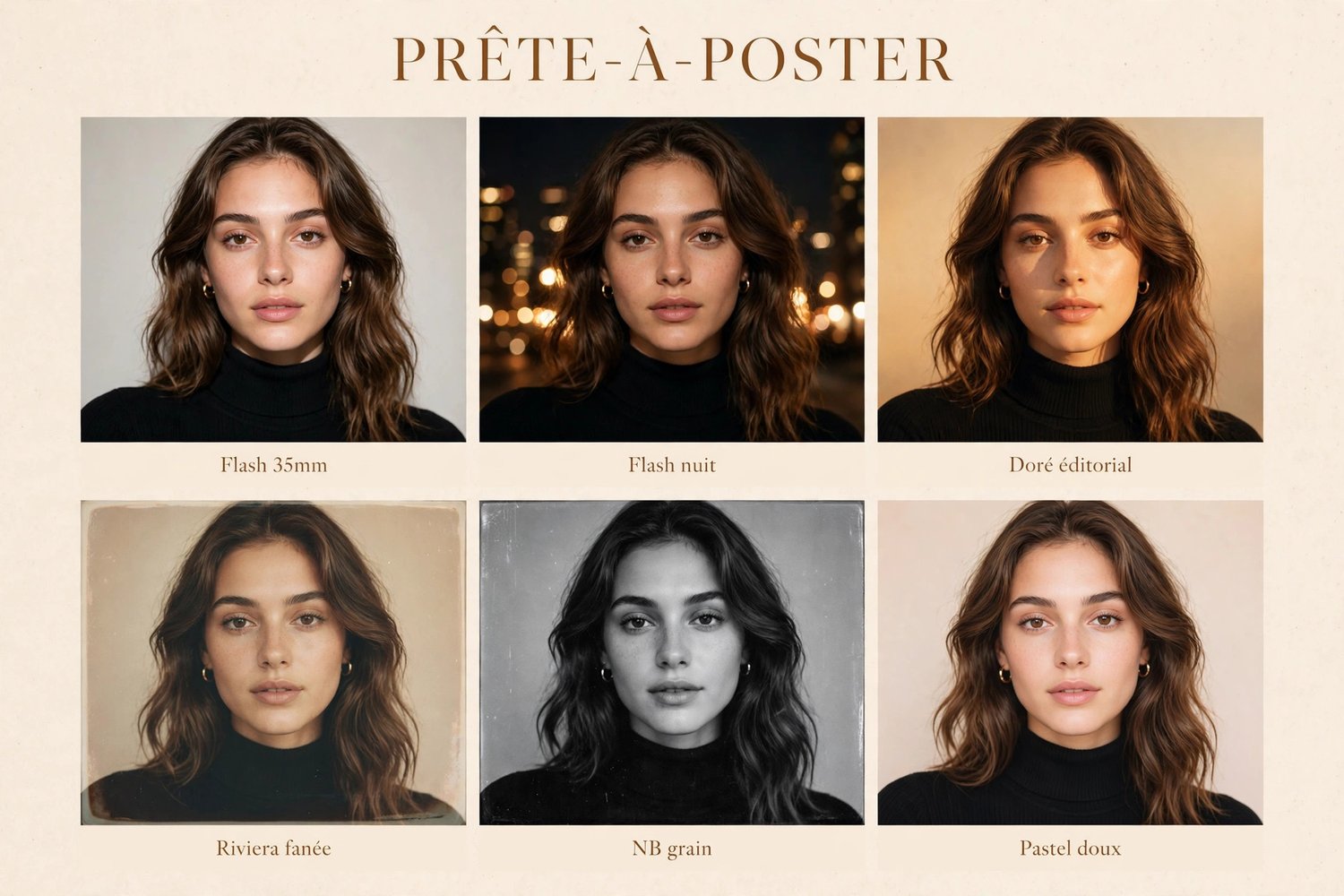
That's exactly what the Cinema LUTs pack (https://payhip.com/b/z0AZX) is for: six video looks in .cube format you drop onto your clips, then adjust the intensity to taste. Pick the moodiest one for the night shots, keep it consistent across the whole video, and you're done in minutes instead of an evening. And for the stills from the same night, the Ready to Post Halloween Pack (https://payhip.com/b/DqmlG) gives your photos the same dark, cinematic finish, so your feed looks like one story instead of two.
The takeaway
A mini horror movie isn't gear, it's discipline: expose dark, shoot short, move slow, use the lights in the room, keep the real sound, cut on movement, and grade everything with one look. Do that on Saturday night and your Halloween video will be the one people actually rewatch — instead of the one they skip after three seconds.
---
The Cinema LUTs pack (https://payhip.com/b/z0AZX): 6 video looks (.cube), CA$19. The Ready to Post Halloween Pack (https://payhip.com/b/DqmlG): 6 Lightroom presets (.xmp) + English PDF guide, CA$29.