
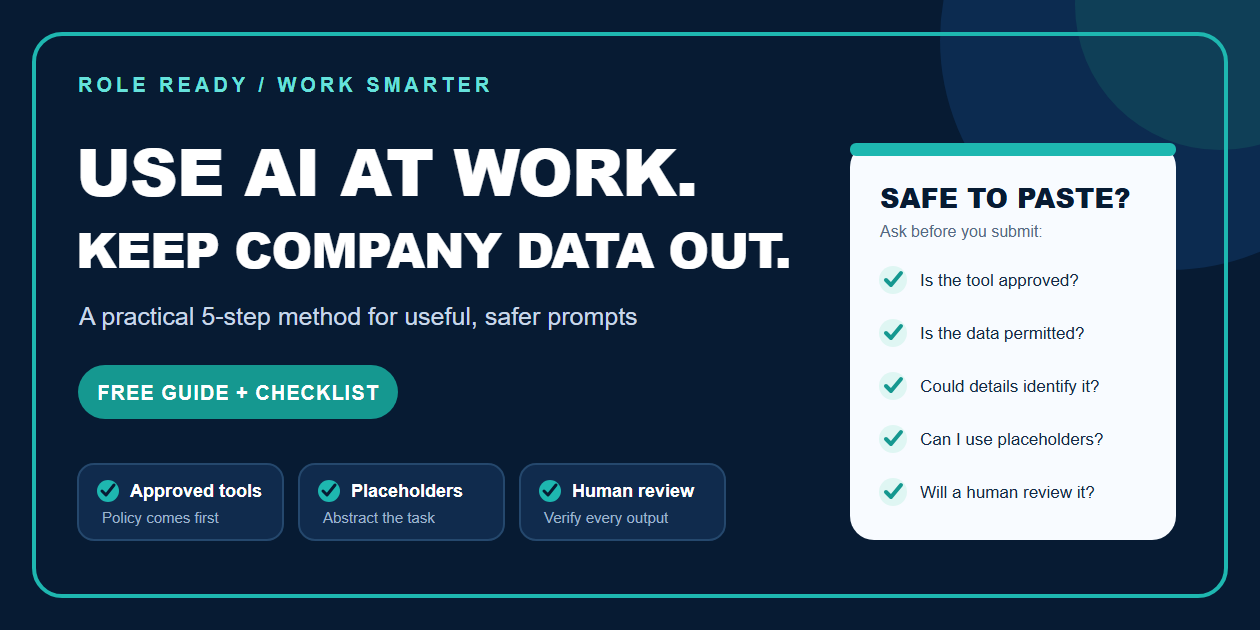
Get the $19 Safe AI at Work Employee Quickstart Kit
AI can help you outline emails, prepare meetings, improve documentation, analyze a process, or turn rough notes into a useful first draft. The difficult part is not finding possible uses. It is knowing how to get the help without exposing information that does not belong in an unapproved tool.
Quick answer: Use only tools your employer permits, keep confidential information out of unapproved systems, replace real details with placeholders, ask for a method or template before sharing context, and verify every output before using it.
The safest starting rule is simple:
If the tool is not approved and the information is not public, do not paste it. Abstract the task instead.
This is not a substitute for your employer's policy. Your company's approved-tool list, security rules, contracts, and professional obligations always come first. But the method below gives you a practical way to learn and work more effectively without starting with real sensitive data.
1. Separate the task from the data
Most workplace requests contain two different things:
• The task: summarize, organize, compare, rewrite, plan, explain, or brainstorm.
• The data: real names, customer records, internal numbers, employee details, credentials, contracts, source code, or unpublished company information.
AI often needs the task, not the real data.
Instead of pasting a private customer email, ask:
Create a calm, professional response structure for a customer who is frustrated about a delayed order. Use placeholders for the product, dates, and proposed resolution.
You can apply the real facts later inside an approved work environment.
2. Replace real details with placeholders
Before using an AI tool, remove or replace anything that could identify a person, organization, account, project, or incident.
Use labels such as:
• [CUSTOMER]
• [EMPLOYEE]
• [PROJECT]
• [DATE]
• [AMOUNT]
• [INTERNAL SYSTEM]
Do not assume that deleting a person's name makes a detailed story anonymous. A rare job title, exact dollar amount, unusual incident, or distinctive timeline may still identify the situation.
3. Ask for a method before asking for an answer
A method-first prompt is often safer and more reusable than handing over the full problem.
Try prompts like:
• Give me a checklist for reviewing a project update before executives see it.
• Explain how to compare two vendors using fictional criteria and dummy scores.
• Create a meeting-summary template with placeholders for decisions, owners, and deadlines.
• Show me the reasoning steps for checking a spreadsheet formula using fabricated rows.
This approach gives you structure you can reuse without exposing the underlying work.
4. Treat files, websites, and connected tools as a higher-risk step
Uploading documents, letting an AI read external content, or giving it permission to browse, send, edit, or delete can create additional risk. OWASP notes that untrusted content can contain prompt injections that alter an AI system's behavior, while excessive permissions can increase the consequences of a mistake.
Use the minimum access needed. Keep a human approval step before anything external, consequential, or difficult to reverse.
5. Review the output like a responsible coworker
AI output is a draft, not proof. Before using it, check:
• Are the facts, calculations, and citations correct?
• Did the tool invent a policy, source, number, or commitment?
• Does the wording reveal information that should stay private?
• Is disclosure of AI assistance required?
• Would you be comfortable explaining the process to your manager, security team, or client?
If the answer to the last question is no, stop and ask the appropriate person inside your organization.
A five-question Safe to Paste check
Before submitting anything to an AI tool, ask:
1. Is this tool approved for this task?
2. Is the information public or specifically permitted?
3. Does it include personal, customer, employee, financial, legal, credential, or proprietary data?
4. Could the situation still be identified after obvious names are removed?
5. Can I get the same help using placeholders or fabricated examples?
If anything is unclear, do not paste the real material.
Frequently asked questions
Can I use ChatGPT or another AI assistant at work?
Only when your employer permits the tool and the task. An AI product's privacy or training settings do not replace your organization's policies, contracts, access rules, or approval process. If your company has not provided guidance, ask the appropriate manager, IT, security, privacy, or legal contact before using real work information.
Is anonymized company data automatically safe to paste?
No. Removing a name may not be enough. A rare role, exact number, unusual event, detailed timeline, customer history, or combination of facts can still reveal who or what the information concerns. When possible, use fabricated examples or placeholders instead of lightly edited real data.
Can I upload a work document if model training is turned off?
Not automatically. A provider's training setting is only one consideration. Employer approval, confidentiality duties, data retention, access controls, contractual restrictions, and the sensitivity of the file still matter.
What can I ask AI without sharing company data?
Good low-data starting tasks include creating blank templates, generic checklists, meeting agendas, neutral email structures, questions to ask, fictional practice examples, formula explanations, and quality-review criteria. Apply real details later in an approved environment.
Want the complete quickstart kit?
The Safe AI at Work: Employee Quickstart Kit turns this method into a reusable reference you can keep beside you while working. It includes a green/yellow/red data guide, the Safe to Paste check, 30 workplace prompts, fact-checking and disclosure reminders, and an AI Wins Tracker.
Get the $19 Safe AI at Work Employee Quickstart Kithttps://payhip.com/b/7dbow
No live call or subscription is required. This is practical productivity education, not legal advice, a cybersecurity assessment, a compliance audit, or employer authorization.
Further reading
• OpenAI business data privacy, security, and compliance
https://openai.com/business-data/
• Microsoft safety tips for using AI at work
https://support.microsoft.com/en-us/security/safety-tips-for-using-ai-at-work
• OWASP LLM Prompt Injection Prevention Cheat Sheet
https://cheatsheetseries.owasp.org/cheatsheets/LLM_Prompt_Injection_Prevention_Cheat_Sheet.html
• NIST Generative AI Profile
https://nvlpubs.nist.gov/nistpubs/ai/NIST.AI.600-1.pdf