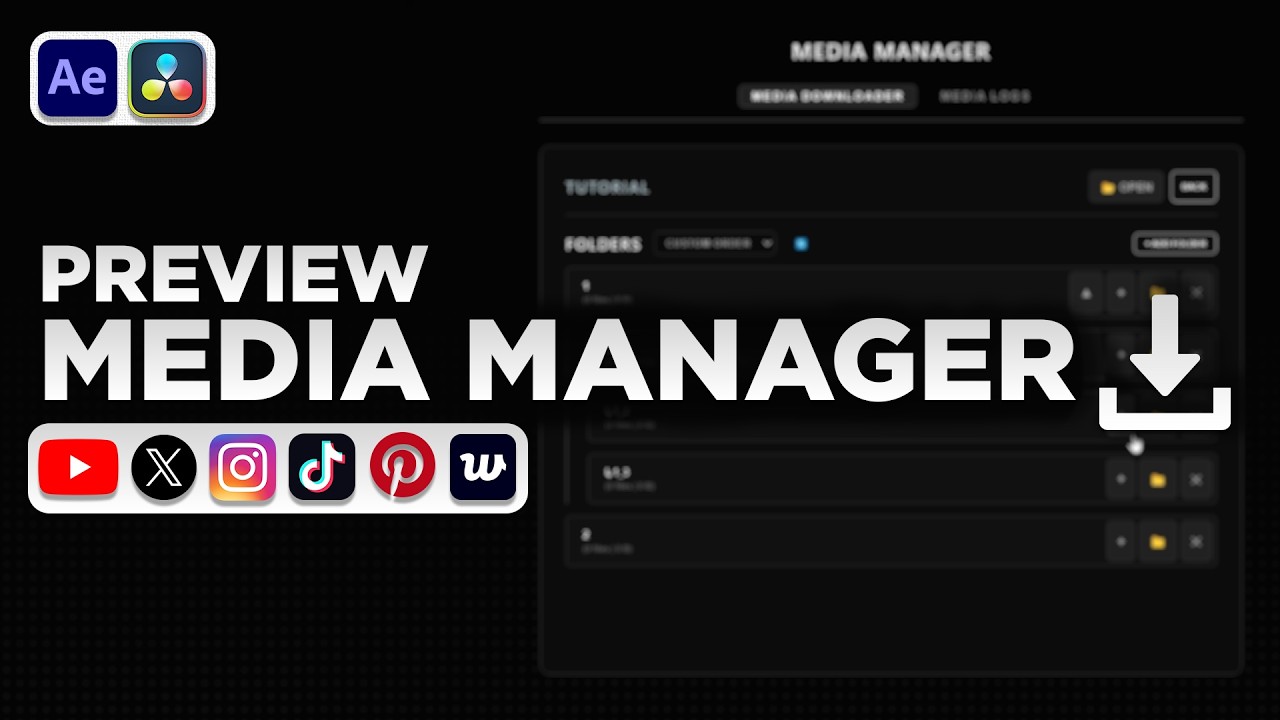

Media Manager
On Sale
$0.00
CURRENT VERSION: v1.0.3
Tired of manually downloading, naming, and organizing endless clips and pictures?
I built Media Manager to completely automate the boring parts of video editing. Just paste a link, and the app instantly downloads and routes the highest-quality media directly into your project folders so you can stay focused on the timeline.
Watch the full walkthrough/tutorial here: https://youtu.be/oisci5gtDCU (Note: this video was made using v1.0.0)
Core Features as of v1.0.3
- Universal Downloader: Pulls media from YouTube, X (Twitter), Instagram, TikTok, Weverse, and Pinterest.
- AE-Ready Codecs & Formats: Forces H.264/AVC by default so high-tier YouTube rips drop straight into After Effects without codec rejection. Need 4K or 2K? Switch resolution presets with one click.
- Audio & Video Only Extraction: Dedicated toggles to rip MP3 audio only or video b-roll without audio streams.
- Project Notes & Timestamp Helper: Keep notes inside your workspace alongside a multi-video clip marker that turns timestamps into clickable links jumping straight to that second on YouTube.
- Auto-Routing Workspace & Global Bins: Set up project subfolders once, and downloaded files drop exactly where they belong with targeted zero-lag folder syncing.
- Hotlinks: Pin your most visited editing resources and artist pages in the Media Logs tab for one-click browser launch.
- Media Logs: A visual tracking board to log your screenshots and asset sources to keep track of your progress.
- Local ZIP Extraction: Drag and drop ZIP files into the app to instantly extract them into your workspace.
Important Usage Note (Beta)
- Please Paste Links: Use Ctrl + V or Right-Click -> Paste for your links. Dragging and dropping text links directly from a browser into the app may cause Windows to lag.
- Dragging and dropping local photos, ZIP files works perfectly!
How to Install (Windows Only)
- Click download to get your access link (hosted securely on Google Drive).
- Download the .zip file from the Drive and extract the folder to your PC.
- Double-click Media Manager.exe to launch the app!
Contact / Bugs / Requests:
- IG: @boomb.i_
- Email: boomb.ibusiness@gmail.com