
Your Cart
Loading

DOES AUTOCAD FEEL A BIT GRAY, DULL AND MONOTONOUS?

CAD Filters transforms your AutoCAD and Autodesk Civil 3D workspace by reducing eye fatigue and it'll brighten your long drafting sessions with highly optimized, beautiful user interface color filters.
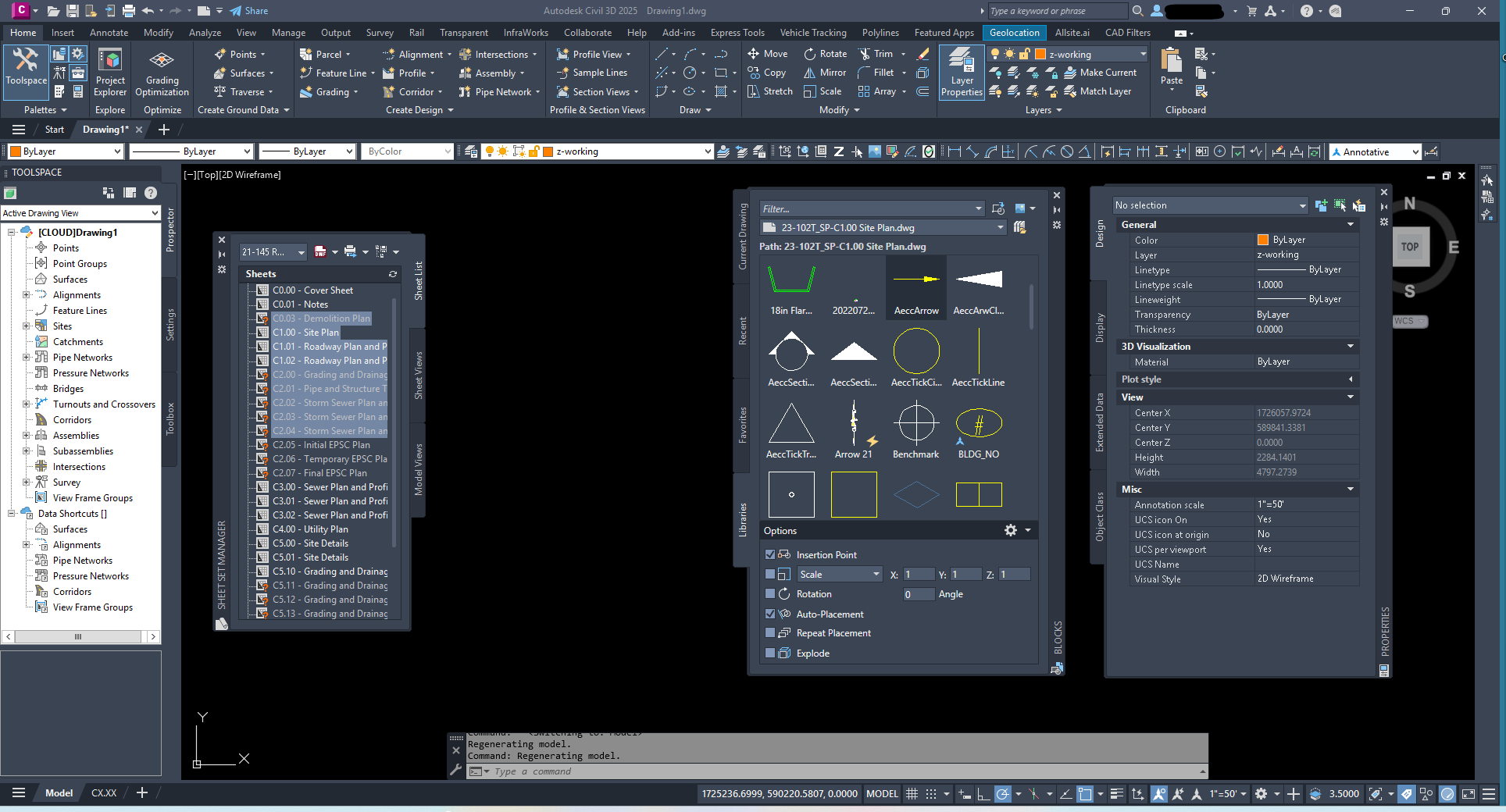
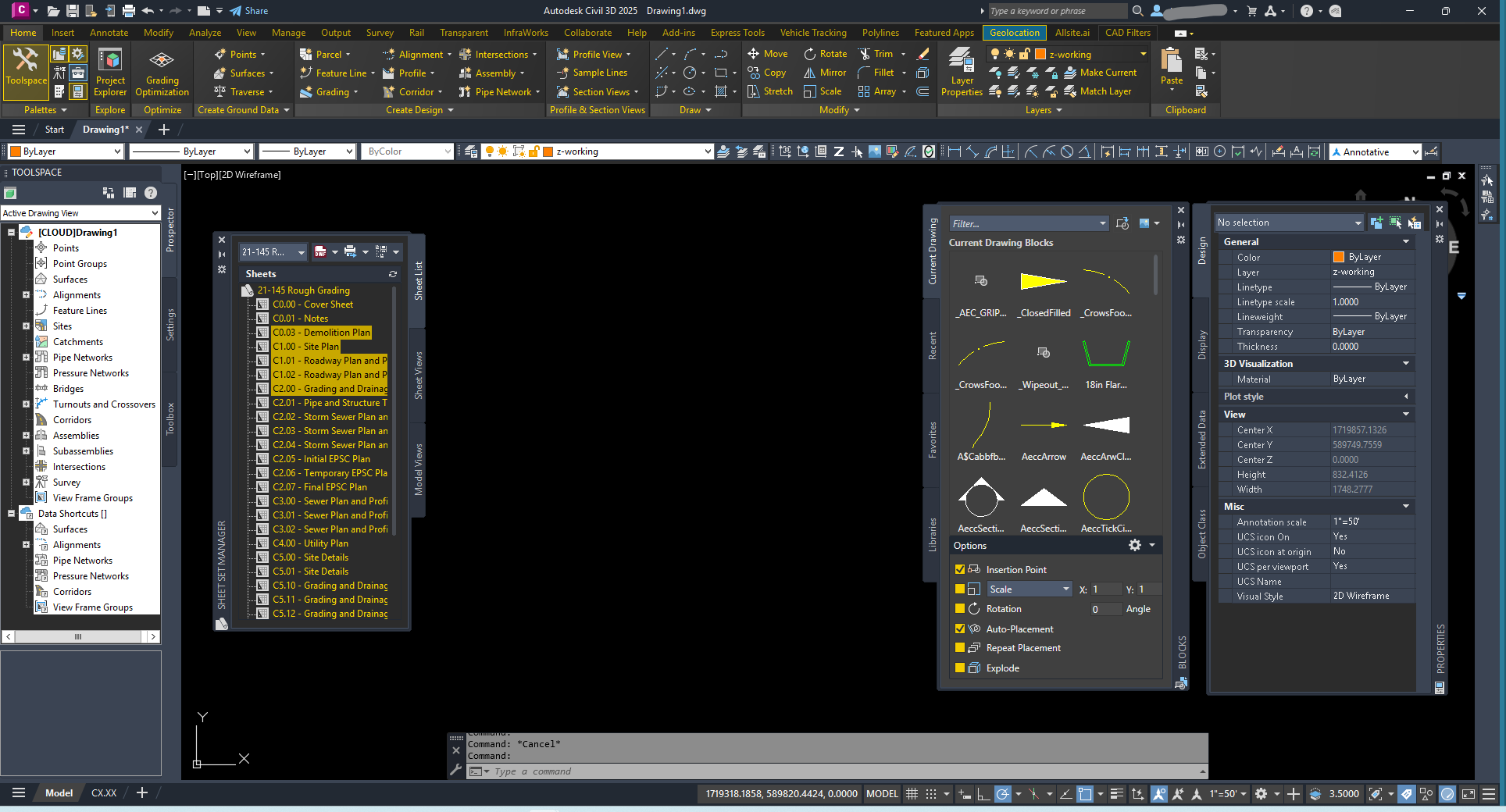
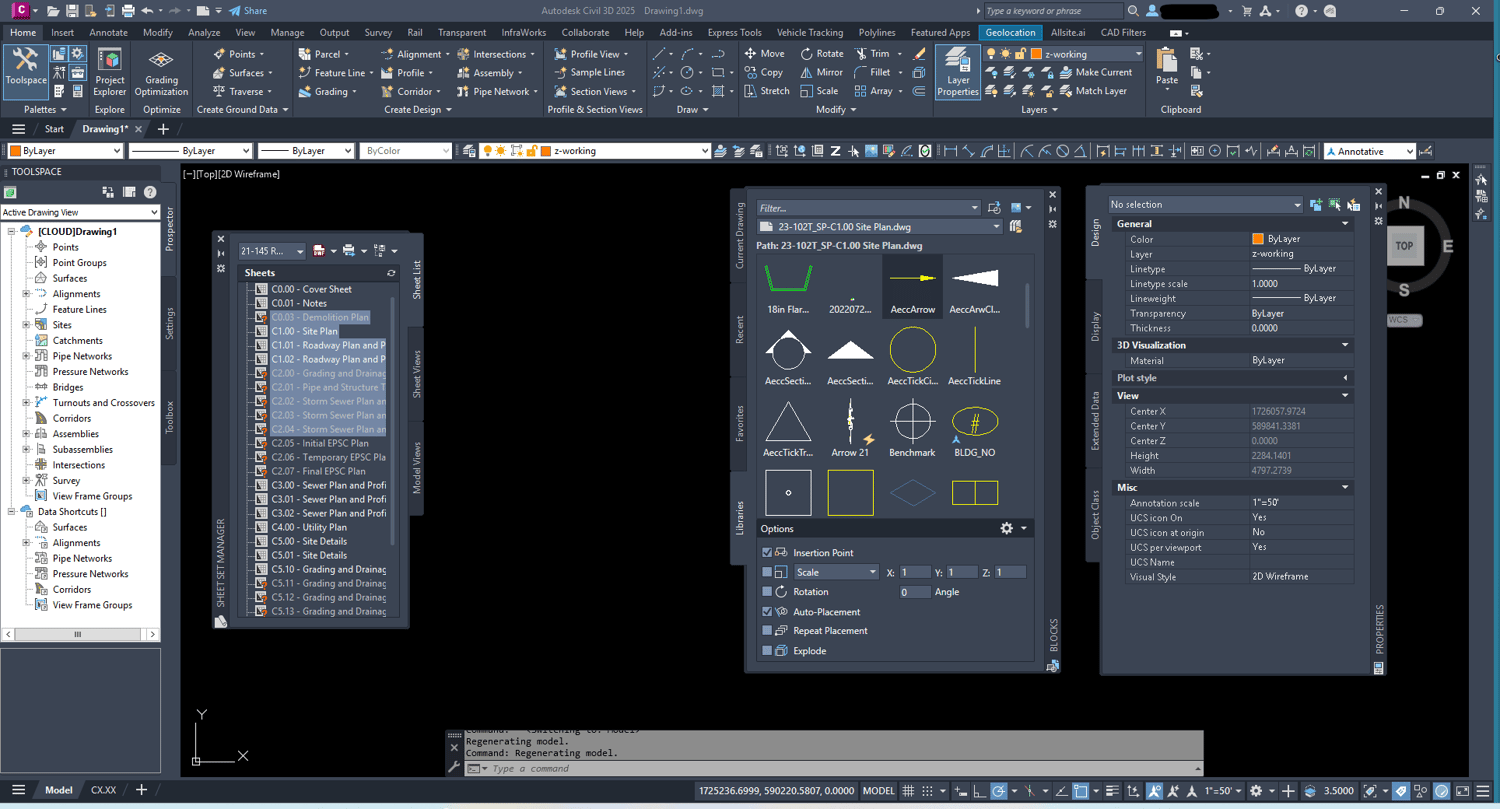

BEFORE APPLYING FILTER

STANDARD DULL AutoCAD DARK THEME

AFTER APPLYING FILTER

CHARCOAL AND GOLD FILTER APPLIED

FREE CHARCOL AND GOLD FILTER!

⋆CLICK HERE⋆

FREE CHARCOL AND GOLD FILTER! ⋆CLICK HERE⋆

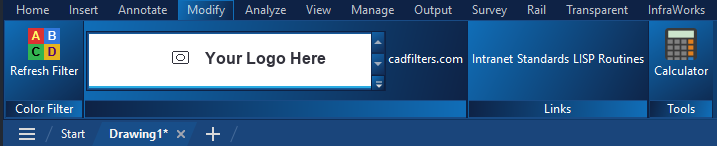
Want your company logo, tools, and info built inside AutoCAD?

Check out the Corporate Package

Your brand logo, your website link, your colors, and your tools — built into the AutoCAD contextual ribbon and delivered as a single EXE installer. All your company standards at the click of a button right inside of AutoCAD.

What people are saying

Artboard 1

Cad Filters are awesome! They really spice up what is a bit of a boring native UI for Civil3D. I love the personalization to bring a little more fun to my work day. Customer support is responsive and takes the time to work through any issues if you encounter them. I highly recommend them to elevate your CAD UI!

Thomas T. - Survey Project Manager, LSIT

Artboard 1

"CAD filters - easy to use and adds some flair to the otherwise drab nature of engineering. The developer, Dan, made install and troubleshooting a breeze."

— Nick K. - Civil Engineer

Artboard 1

"They look great! I actually never even considered changing Autodesk in this way. Super cool!"

John Stimac - Creator of CADDEX, Detail Library Management Tool

CADFILTERS.COM

Copyright 2026 By Dan O'Shaughnessy