Screen Reader Pro — Ask AI About Anything On Your Screen, Instantly
You know that thing where you're staring at something on your screen — a question, an error, a wall of text — and you have to open ChatGPT, switch tabs, copy, paste, and then wait for an answer?
Yeah. This fixes that.
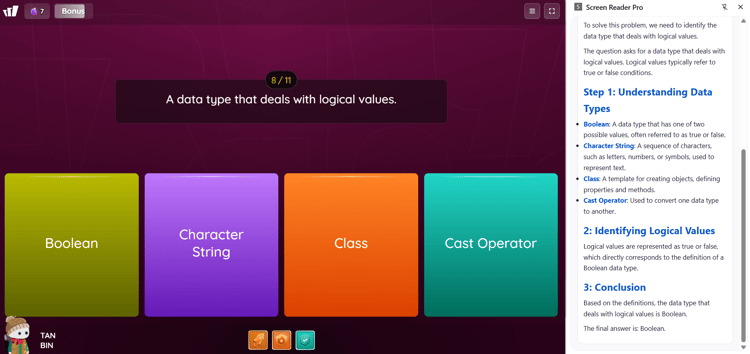
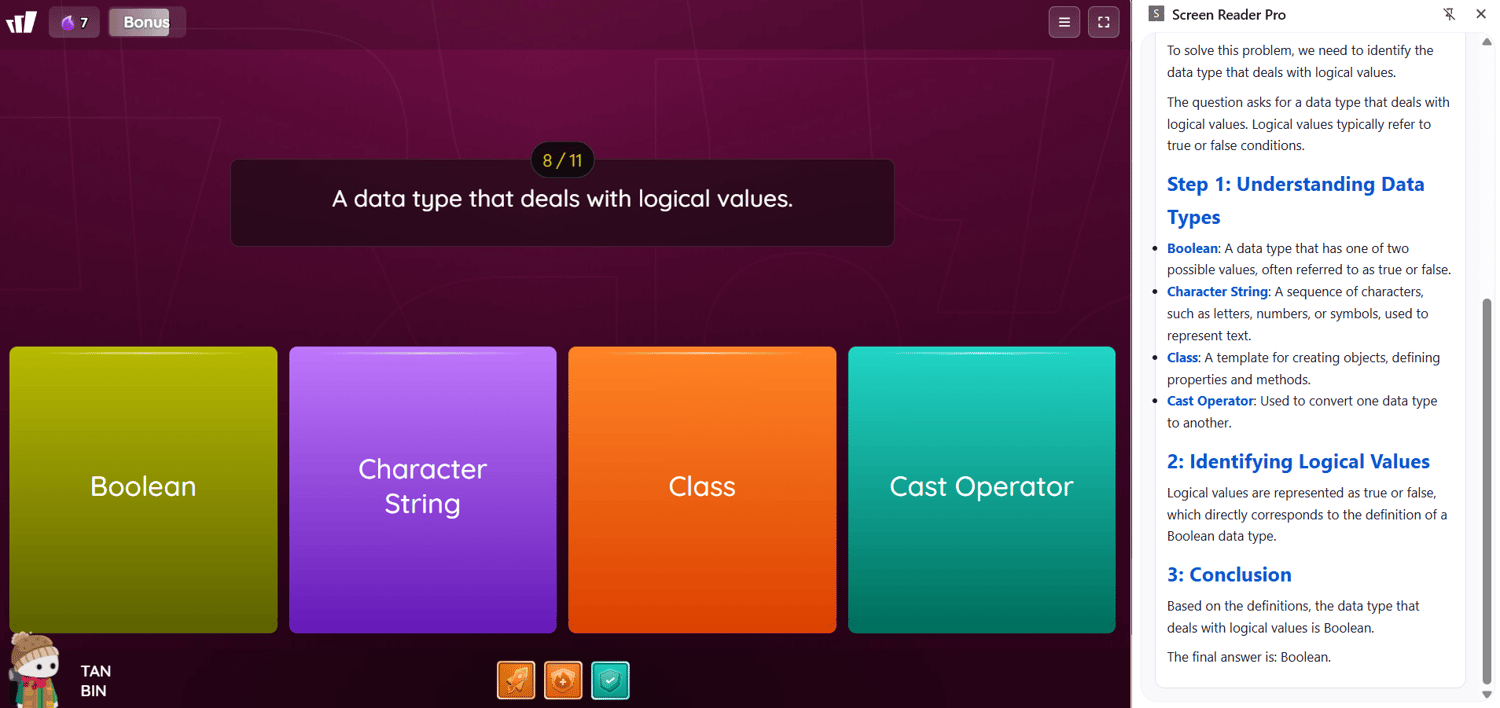
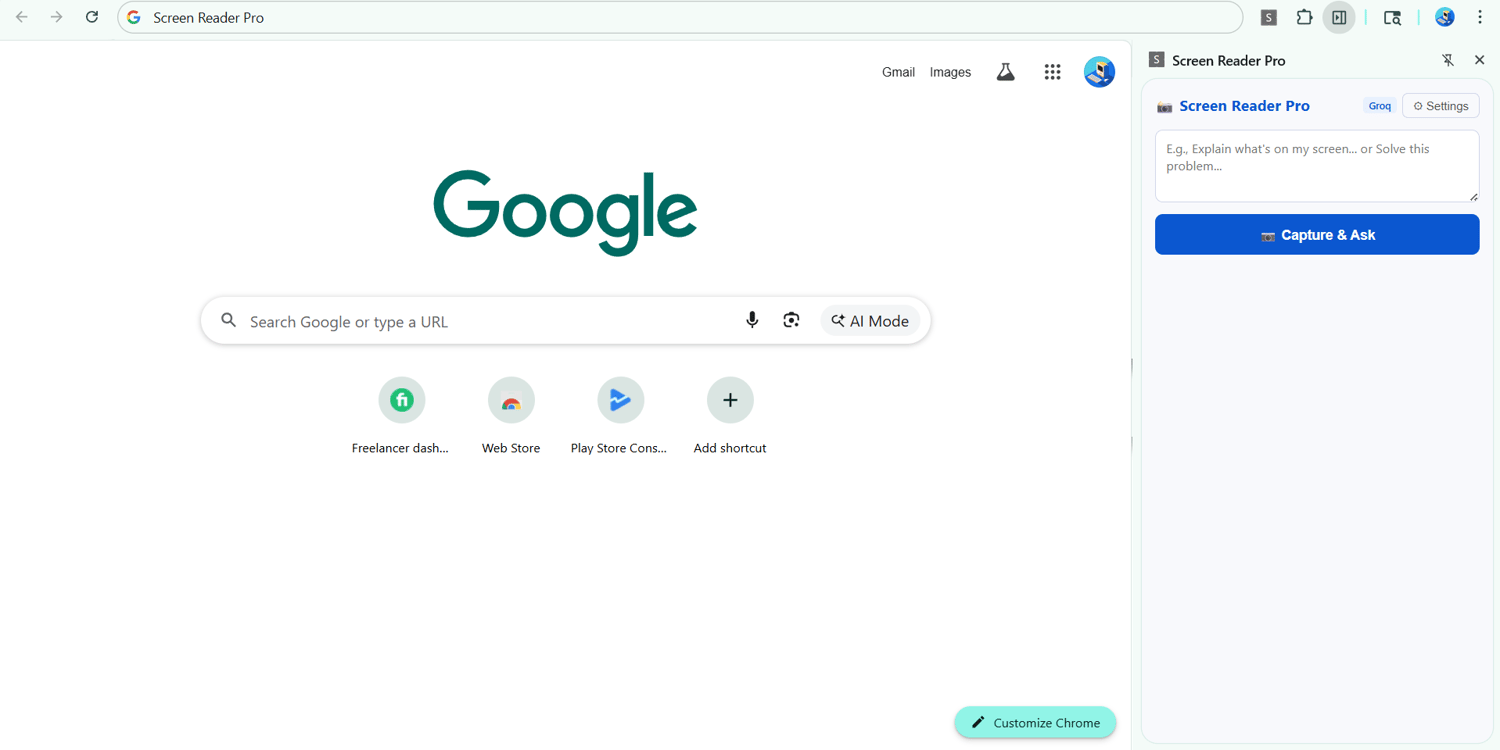
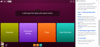
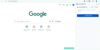
Screen Reader Pro is a Chrome extension that lets you capture your screen with one click and get an AI answer right away — no switching tabs, no copy-pasting, no drama.
Just click. Capture. Done. 🎯
🔥 Perfect if you're:
- A student trying to understand something without retyping the whole question
- A developer debugging errors without leaving your workflow
- Anyone who uses AI daily and is tired of the copy-paste grind
⚡ What makes it different:
- One-click capture — point at your screen, click, get your answer
- Works with any AI — Gemini, GPT-4o, Claude, Groq, Mistral, OpenRouter and more
- No subscription — pay once, yours forever
- 2 minute setup — full guide included, seriously easy
📦 What's inside the download:
- Screen Reader Pro extension (ready to install)
- Step-by-step installation guide with screenshots
Works on Chrome, Edge, and Brave. Requires your own free AI API key — full instructions included on how to get one for free!
Less than $2 for something you'll use every single day. Honestly, why not. 😄