
About these tools
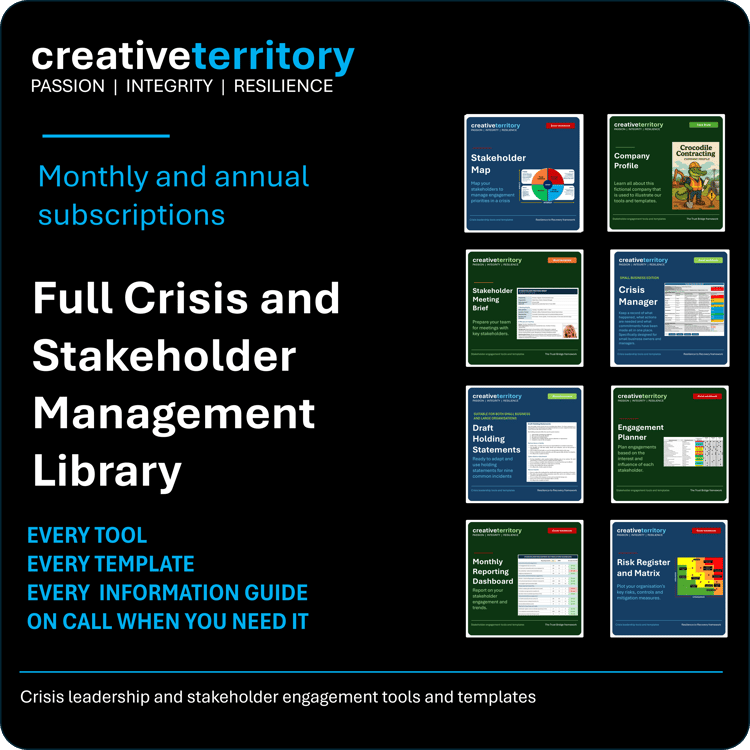
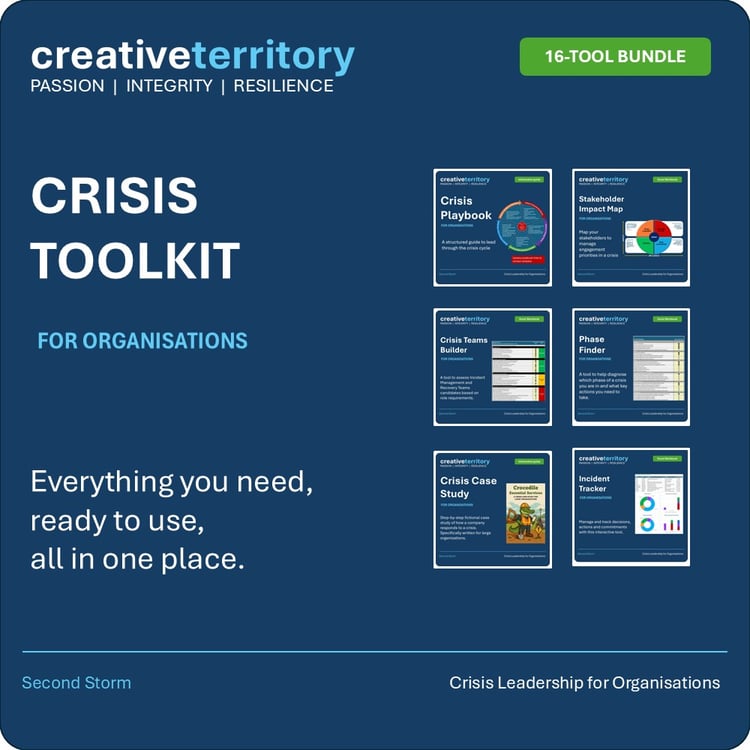
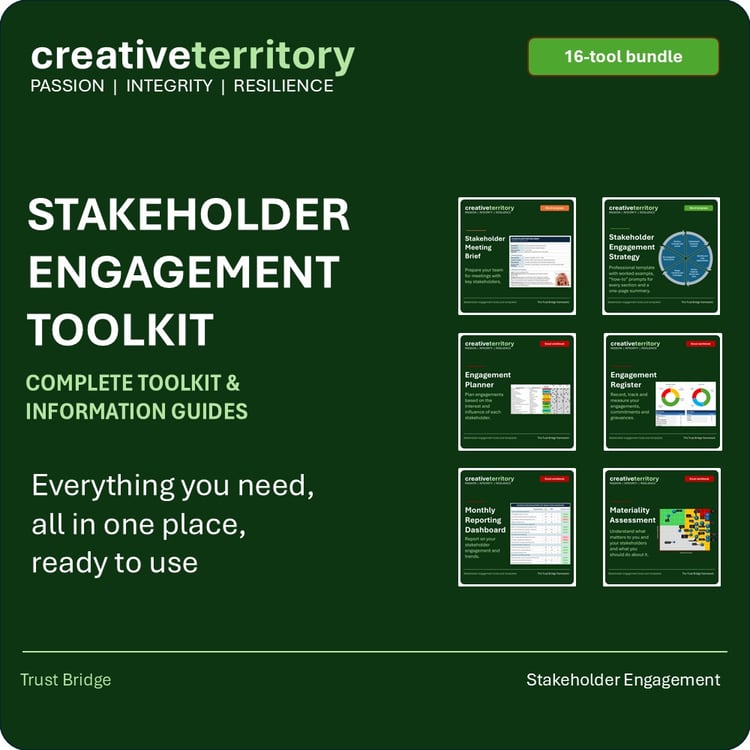
This store contains the complete Creative Territory toolkits for crisis leadership and stakeholder engagement. Find out more about us at our website.
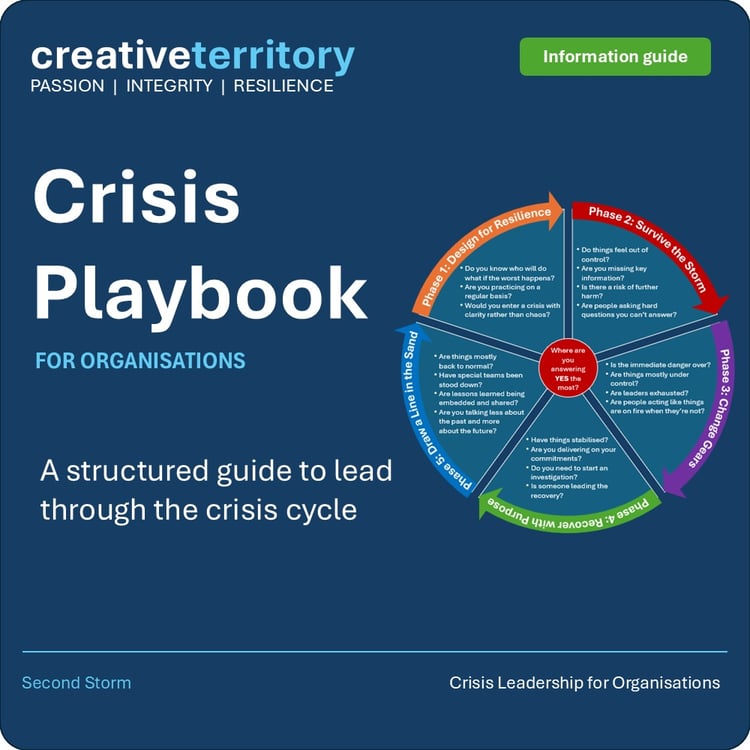
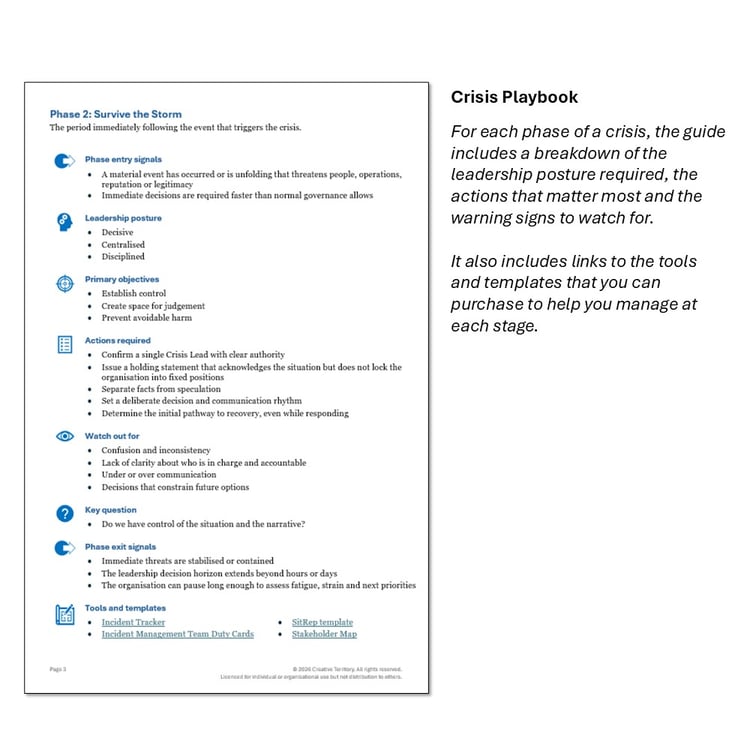
Practical, ready-to-use tools and templates covering risk readiness, crisis response, recovery, and stakeholder prioritisation developed over 30 years of advising senior leaders through the situations that test organisations most.
FAQs
-
Leaders, communication professionals, responders and other professionals who need to connect with stakeholders through both good times and bad. Whether it's forming new relationships or managing through pressure, these tools are designed for you.
-
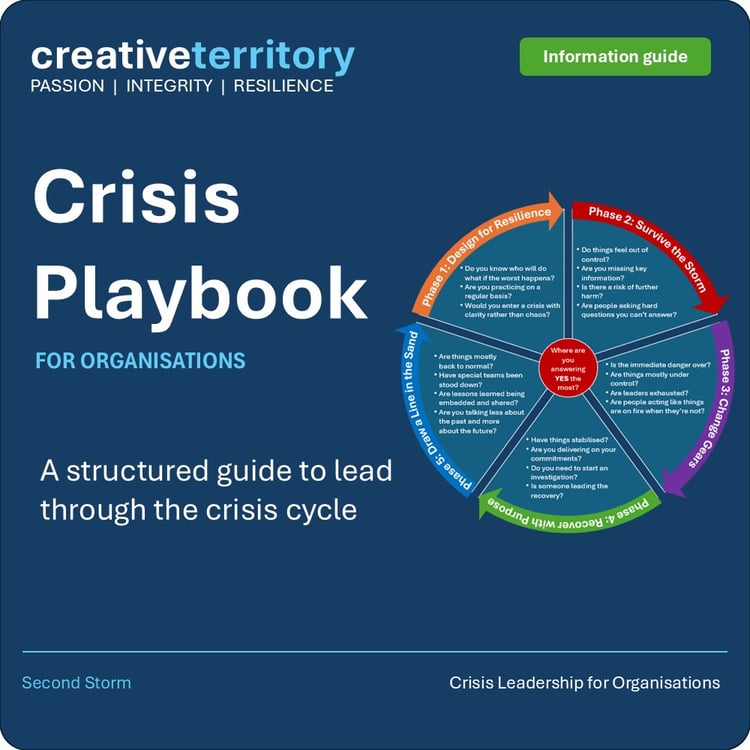
Large Organisation editions are designed for organisations with specialist teams or external advisers across areas such as communications, risk, safety, legal and HR. They support more formal governance and oversight structures such as boards or government.
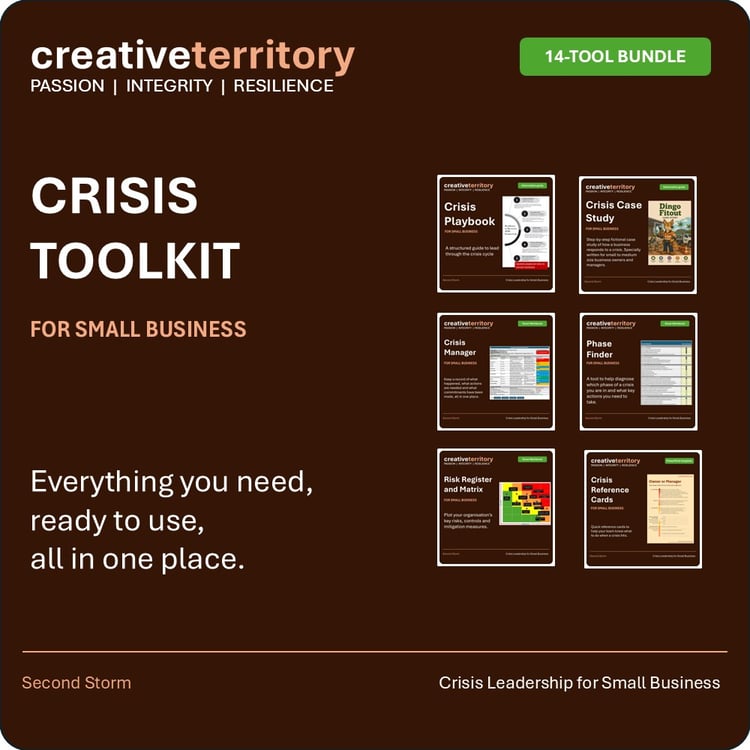
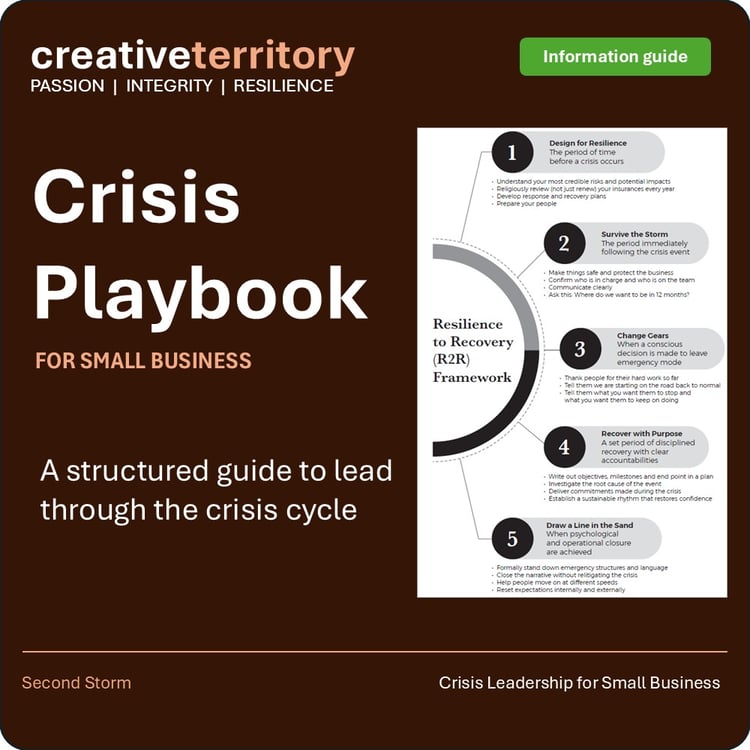
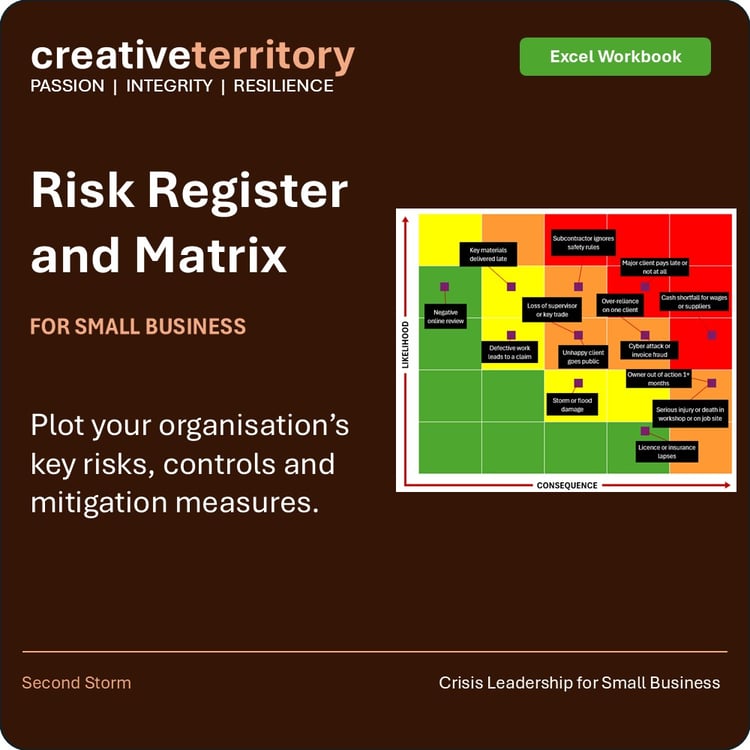
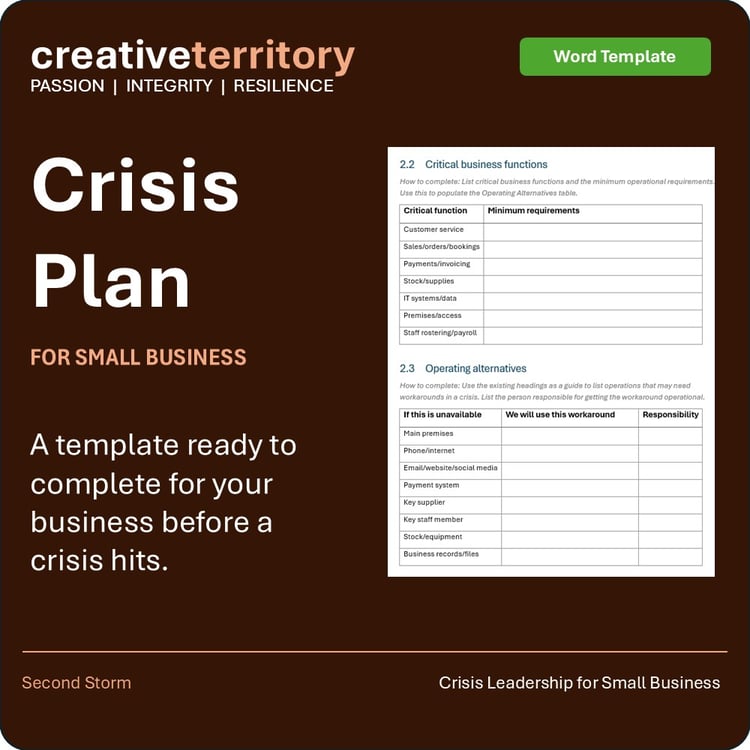
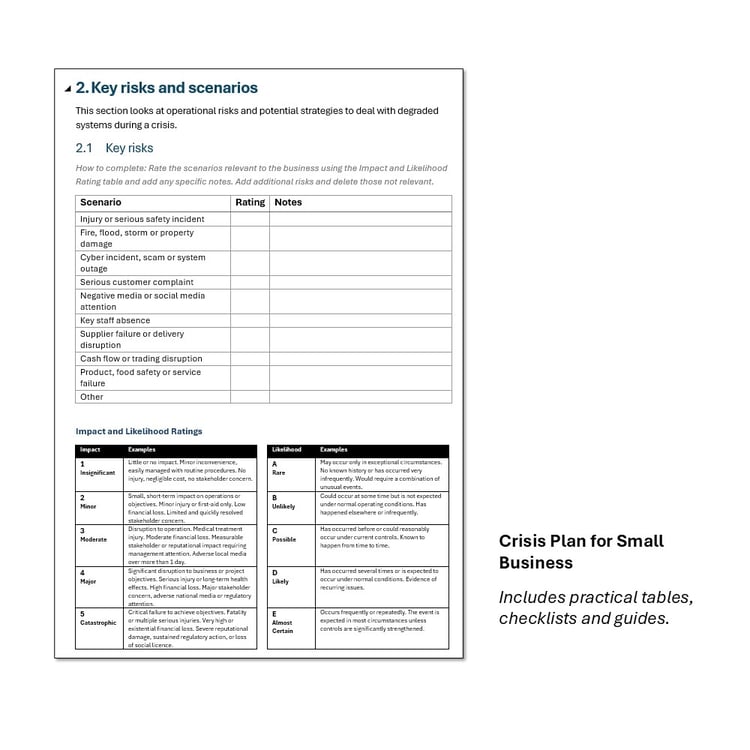
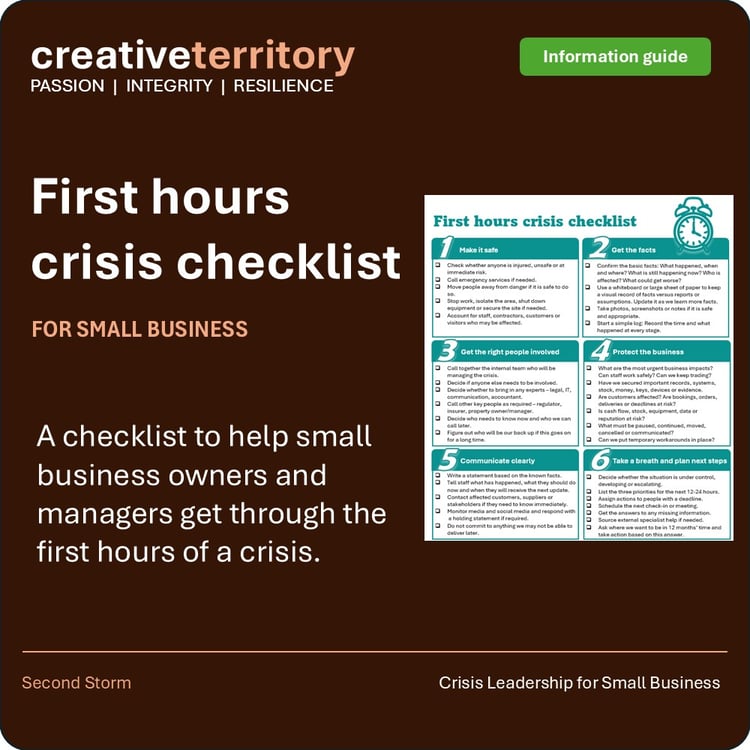
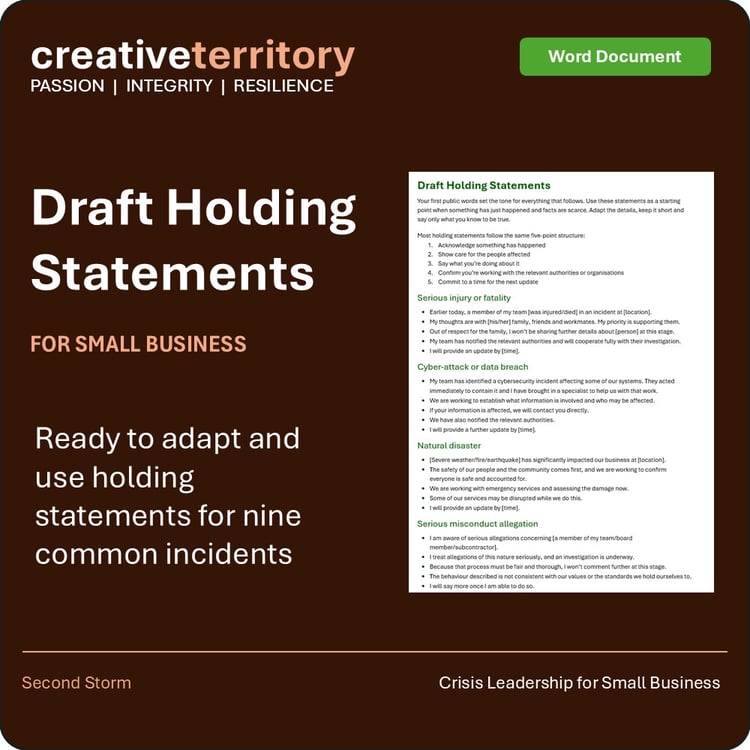
Small Business editions are designed for owners, managers and small teams who usually need to manage the crisis themselves while still keeping the business running. They use simpler structures and lightweight templates that are easier to apply with limited time, people and resources. They focus on practical communication with staff, customers and clients rather than complex compliance and bureaucracy.
Choose the Large Organisation edition if you already have established systems and need adaptable tools to strengthen crisis readiness and response. Choose the Small Business edition if you need clear, practical guidance without a large crisis management framework.
-
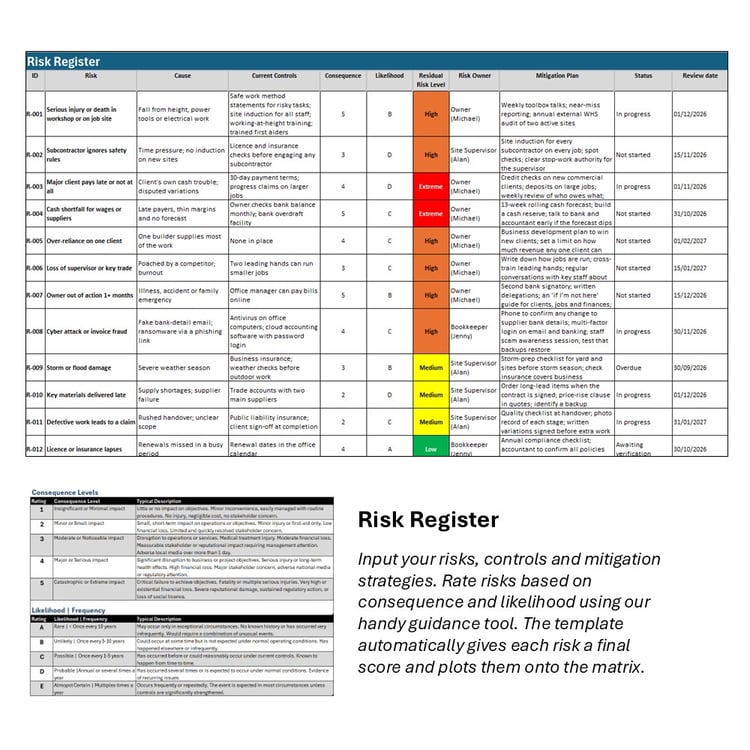
Fully editable Microsoft Excel (.xlsx), Word (.docx) and PowerPoint (.pptx) files. Replace the example content with your own, apply your logo and branding and the tools are yours to use.
-
Microsoft Excel, Word and PowerPoint (desktop versions recommended). The Excel tools use formulas, dropdowns, conditional formatting and charts, which work best in current versions of Excel. Some features may not display correctly in Google Sheets or very old Office versions.
-
We have protected some cells and sheets in the Excel workbooks to minimise the chance that users will overwrite formulas. You can unprotect these using the password: “Locked”.
-
We have deliberately not locked down all formulas and settings so you can customise these templates to your own needs. That means it’s possible to inadvertently delete or change formulas. We suggest you make a copy of each tool and template before you start making any changes. If you forgot to do so and something stops working, you can come back to the store and download another copy for free.
-
Both. Each tool is available on its own or you can purchase a full toolkit as a bundle at a 25% saving compared with buying individually.
-
Your purchase is licensed for individual or organisational use. You can use and adapt the tools within your organisation, but they can't be shared, distributed or resold to others.
-
Instantly. Files are delivered as a digital download via Payhip as soon as your purchase is complete.
-
Consultants wishing to use these tools in their own practice should contact us directly to discuss a licensing arrangement. Alternatively, suggest to your client that they purchase them directly.
Contact Us
Contact us if you have any questions, a tool is not working or you would like to discuss creating a new tool. We can custom make tools or adapt existing tools with your branding or to suit your individual circumstances.