
A product catalogue can look tidy and still contain two rows with the same SKU, a missing title or a stray separator that shifts data into the wrong column. Before a bulk import, a small review pass can help you find those problems while the source is easy to inspect.
This guide is for simple catalogues with one product or variant per row. If your platform uses extra image rows or grouped variants, follow its export and import instructions first.
1. Keep an untouched copy
Save your original export before opening or changing it. Work on a separate copy. When a code begins with zeroes, import that column as text in your spreadsheet editor so that 00127 does not become 127. Long numeric identifiers also need care because spreadsheet applications can change their displayed or stored values.
2. Decide what a duplicate means in your catalogue
Compare the SKU column, not just the product title. Two different products may legitimately have similar names. Conversely, differently named products may accidentally share a stock code.
Decide whether letter case matters in your workflow. Should mug-001 and MUG-001 be treated as the same code? Look for spaces at the beginning or end too. Do not automatically delete a repeated row: the repetition may be intentional, or the correct fix may be a new SKU.
Shopify’s own guidance: https://help.shopify.com/en/manual/products/details/sku warns that duplicate SKUs can cause problems with inventory tracking and third-party integrations, while acknowledging that some workflows intentionally use duplicates.
3. Check the fields you actually need
Look for blank product codes and titles. If you are checking prices, choose a consistent decimal separator and decide whether the destination expects plain amounts or currency symbols. A title-length check is useful only when its limit matches your destination or your own editorial rule.
4. Check the CSV structure
A comma inside a title should not create an extra column. Properly quoted CSV fields can contain commas and line breaks. If one record has more or fewer fields than the header, investigate the source rather than moving cells until it looks right.
CSV record numbers and text line numbers can differ when quoted fields contain line breaks. A useful report tells you both, so you can find the affected record without guessing.
5. Review, correct, then run the destination’s checks
An error report is a list of places to inspect. Correct your working copy in your normal editor, check it again and then use your platform’s import preview or validation. A general CSV checker cannot verify every marketplace’s rules.
An offline option from Donato Goods
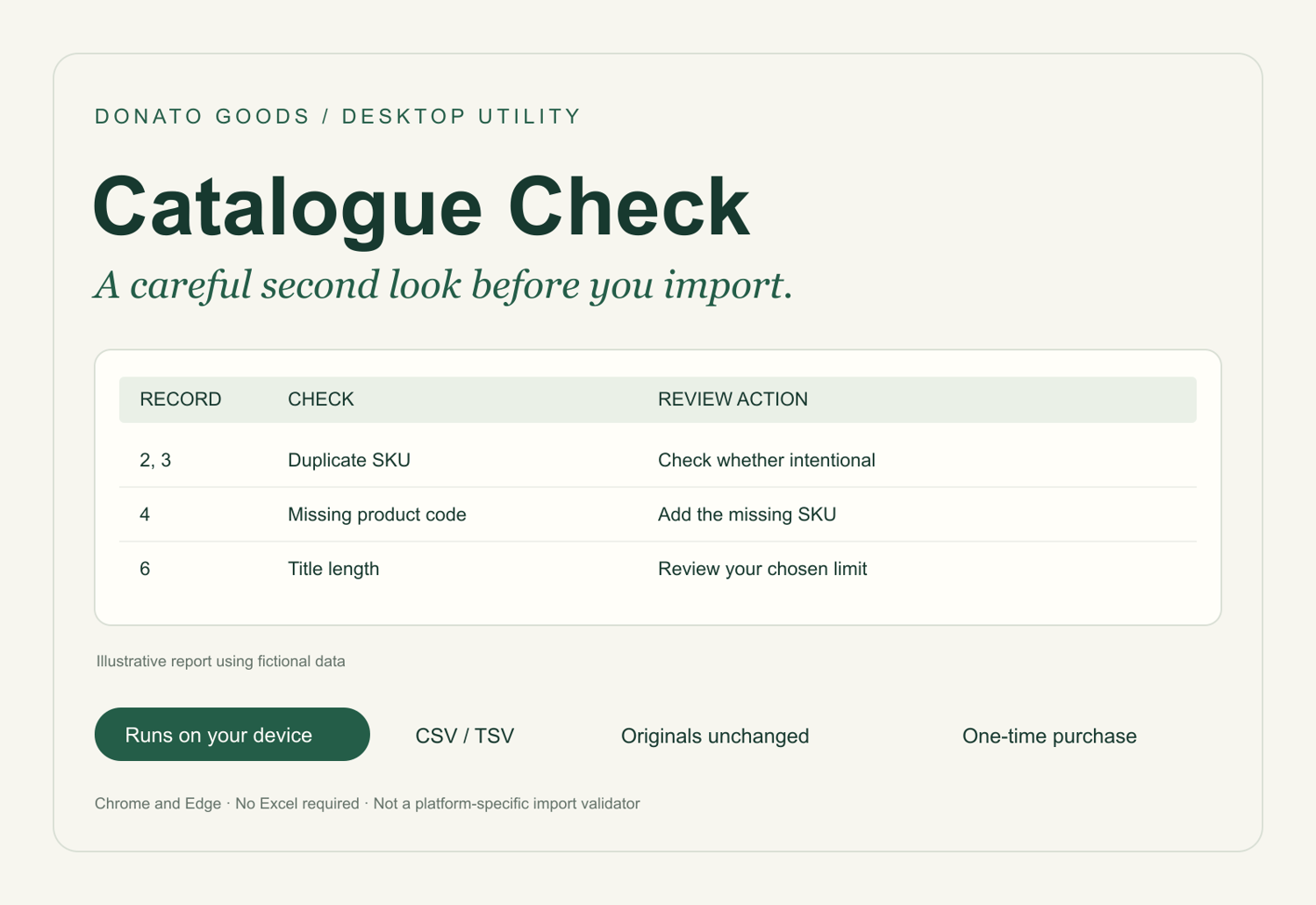
If you repeat this review often, Catalogue Check provides a small browser-based workflow: select a UTF-8 CSV or TSV, choose SKU/title/price columns and export a printable or JSON report. It flags duplicate SKUs, missing selected fields, chosen title-length limits and basic structural issues. It never changes the original file or sends catalogue data to a server.
It costs £9 as a one-time download and supports files up to 2 MB, 10,000 data records and 250 columns. It is designed for current desktop Chrome and Edge browsers. It is not a platform-specific import validator.
View Catalogue Check: https://payhip.com/b/vuW7o?utm_source=payhip_blog&utm_medium=guide&utm_campaign=sspb_catalogue_check_001
The steps above can also be done in a spreadsheet editor. The paid tool is an optional way to produce a repeatable review report.