
Learn a cleaner, easier way to use Fanuc DPRNT by exporting CSV‑ready data for Excel or Google Sheets. No spacing issues, no alignment problems — just clean CNC reporting.
If you’ve spent any time with Fanuc’s DPRNT feature, you already know one thing: getting clean, aligned output is harder than it should be. I’ve been in CNC manufacturing for over 35 years, and I started machining and programming on the same day — and even now, DPRNT spacing can still be a headache.
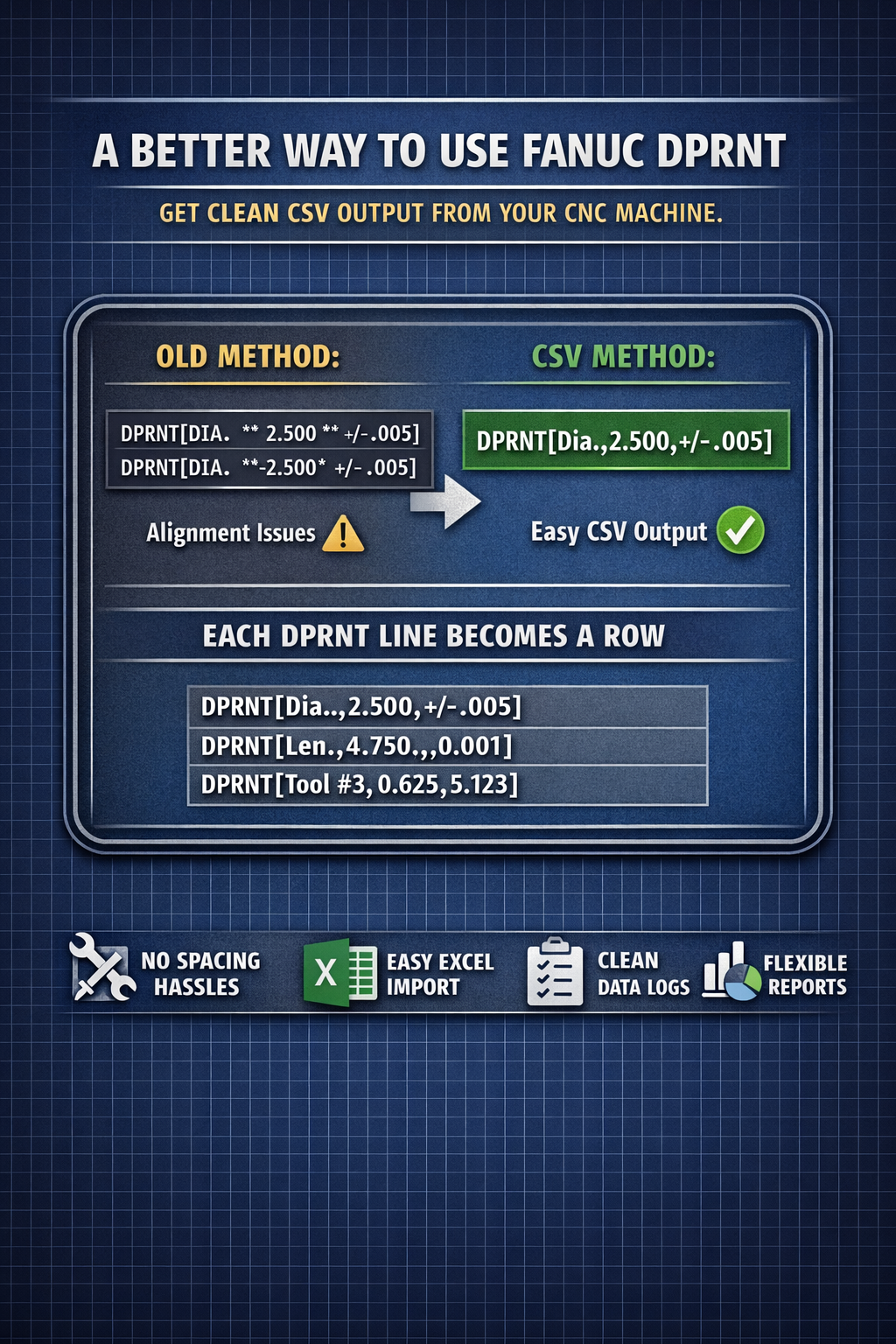
Some controls handle spacing better than others. Haas is user‑friendly, but it’s unpredictable when it comes to DPRNT alignment. A simple negative value can break a perfectly planned layout:
DPRNT[DIA. ** 2.500 ** +/ -.005]
DPRNT[DIA. **-2.500* +/ -.005]
That minus sign shifts everything. Then you’re stuck adjusting asterisks, padding, and spacing on every line. It’s the opposite of why we write macros in the first place — we want efficiency, not babysitting.
So let’s skip the formatting fight entirely.
A Smarter Approach: Use DPRNT to Create a CSV File
Instead of trying to force DPRNT to line up columns with spaces and asterisks, format your output as comma‑separated values (CSV). This is a simple shift, but it solves the entire alignment problem.
When you use commas, Excel and Google Sheets automatically turn your DPRNT output into a clean table.
Old‑school formatting
DPRNT[DIA. ** 2.500 ** +/ -.005]
CSV‑style formatting
DPRNT[Dia.,2.500,+/-.005]
That’s it. The commas do the work. No spacing issues. No alignment problems. No hacks.
Each DPRNT Line Becomes a Row
This is where it gets powerful.
Every DPRNT line becomes a new row in your spreadsheet:
DPRNT[,,,,] (row 1)
DPRNT[,,,,] (row 2)
DPRNT[,,,,] (row 3)
You instantly get a structured table you can sort, filter, calculate, or feed into templates.
The One Rule: Keep the Comma Count Consistent
If one line has four commas, every line needs four commas.
If not, Excel will shift cells and your table will break.
This is the only thing you need to watch out for.
Blank Cells Are Easy
Need an empty cell? Just leave the space between commas empty:
DPRNT[Stuff,more*stuff,,end*of*stuff]
That creates a four‑column row with the third cell blank.
Why This Method Works So Well
- No spacing issues
- No alignment problems
- No asterisk juggling
- Negative numbers don’t break anything
- Excel/Sheets can run formulas, stats, charts, and reports
- You can build reusable templates
- Works on any Fanuc‑based control that supports DPRNT
This is the cleanest way to generate inspection logs, probing reports, machine‑monitoring data, or any CNC output you want to analyze.
File Extension Tip
A CSV file can simply be a .txt file — Excel and Sheets will still recognize it.
You don’t need anything fancy.
Meta Description (SEO Snippet)
Learn a cleaner, easier way to use Fanuc DPRNT by exporting CSV‑ready data for Excel or Google Sheets. No spacing issues, no alignment problems — just clean CNC reporting.
Suggested Keywords
- Fanuc DPRNT tutorial
- CNC macro programming
- DPRNT CSV output
- Fanuc Macro B examples
- CNC data export
- Haas DPRNT spacing
- CNC probing reports
Author
Gary Wiggins — CEO, FastPath
35+ years in CNC manufacturing, macro logic, and operator‑first workflow design