




ThemeStudio
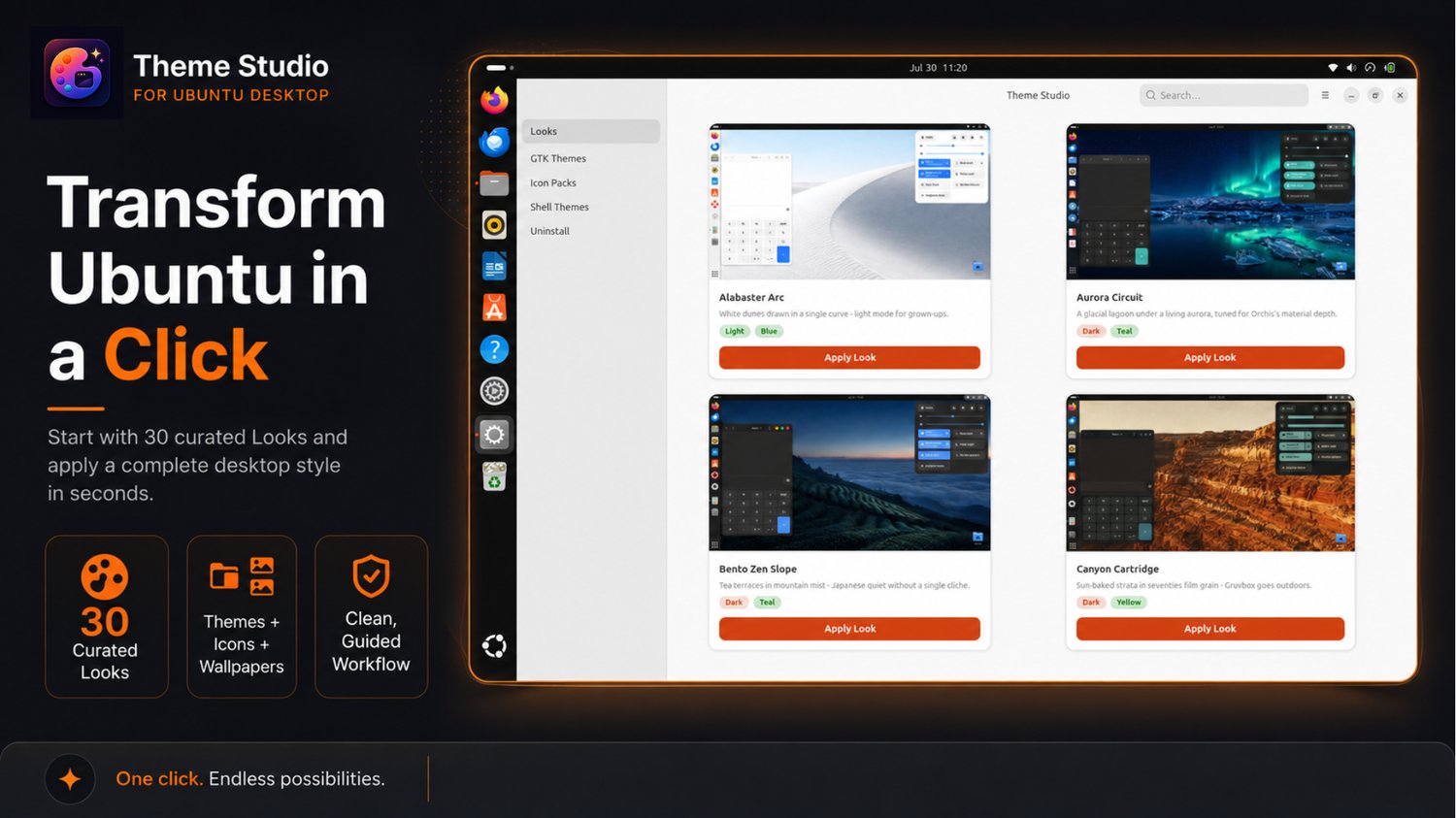
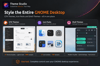
Transform Ubuntu in One Click
Theme Studio is the easiest way to professionally customize Ubuntu and GNOME—without searching GitHub, running installation scripts, or manually matching themes, icons, accents, and wallpapers.
Choose a style, click Apply Look, and Theme Studio handles the rest.
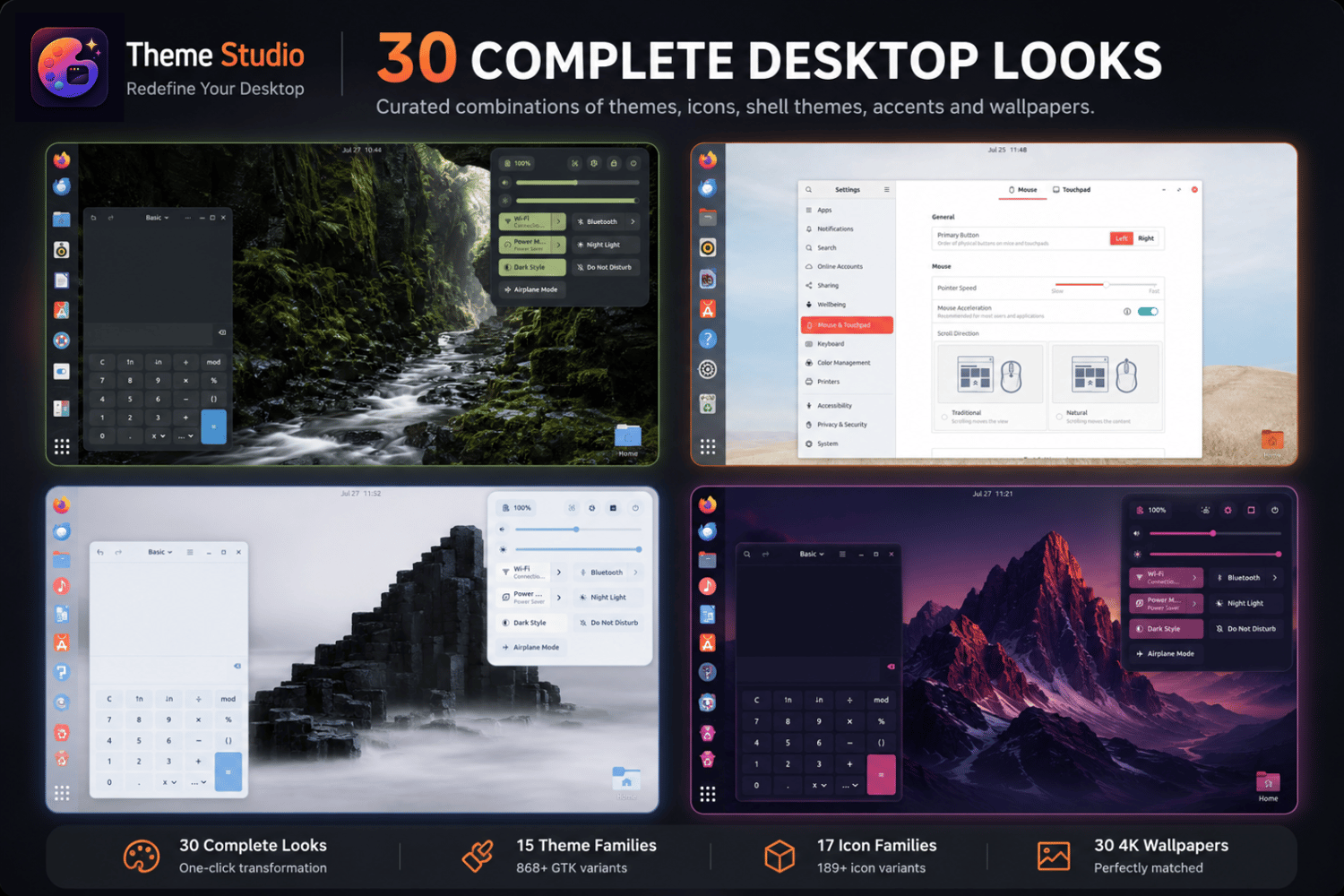
30 Complete Desktop Looks
Transform your entire desktop with 30 professionally curated Looks.
Every Look combines:
- A coordinated GTK theme
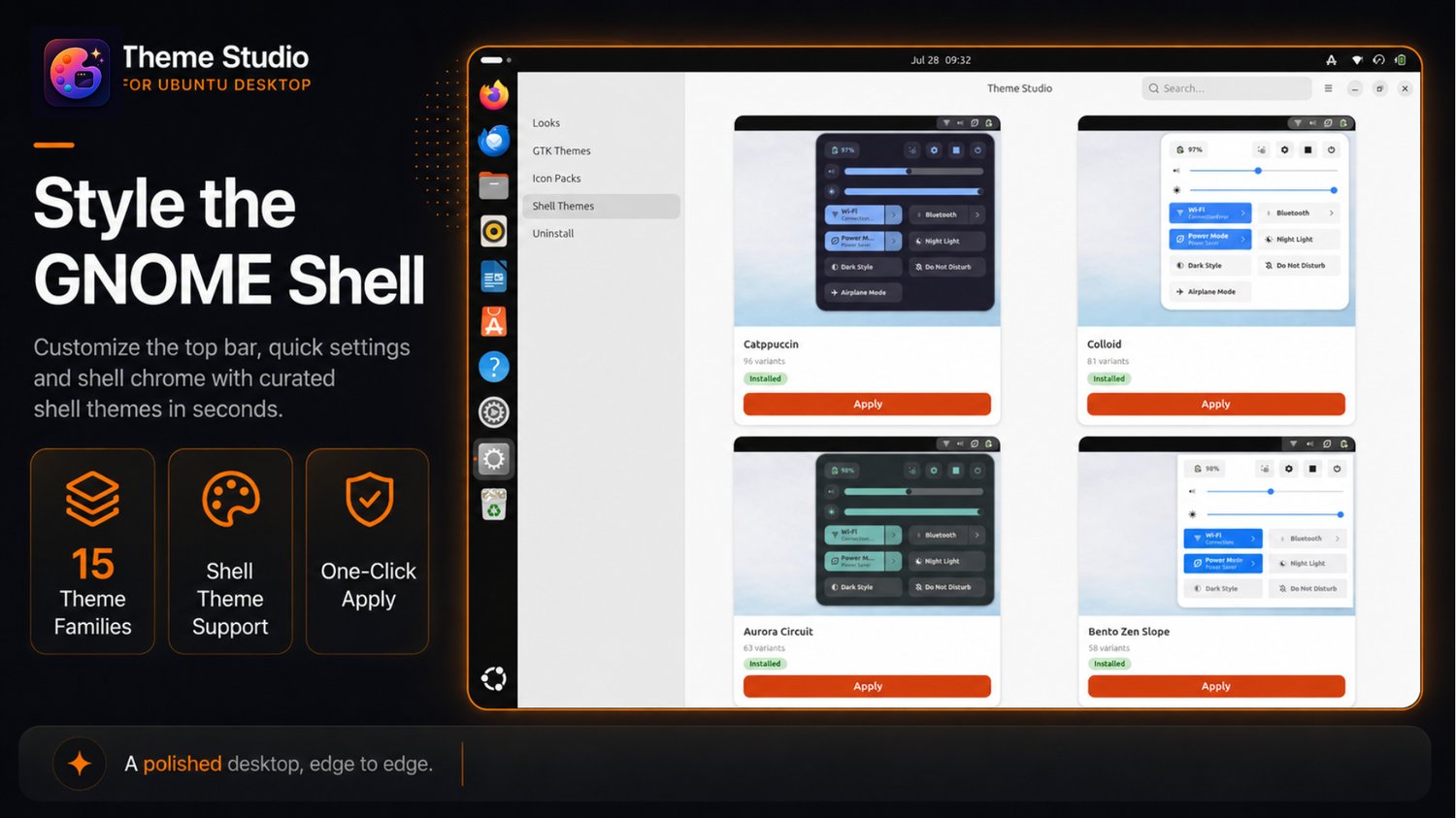
- A matching GNOME Shell theme
- A carefully selected icon pack
- Light or dark appearance settings
- A matching GNOME accent color
- An original high-resolution wallpaper
These are not random collections of themes and wallpapers. Each Look is designed as a complete, polished desktop experience.
Choose from minimal, professional, colorful, retro, cyberpunk, macOS-inspired, and atmospheric styles.
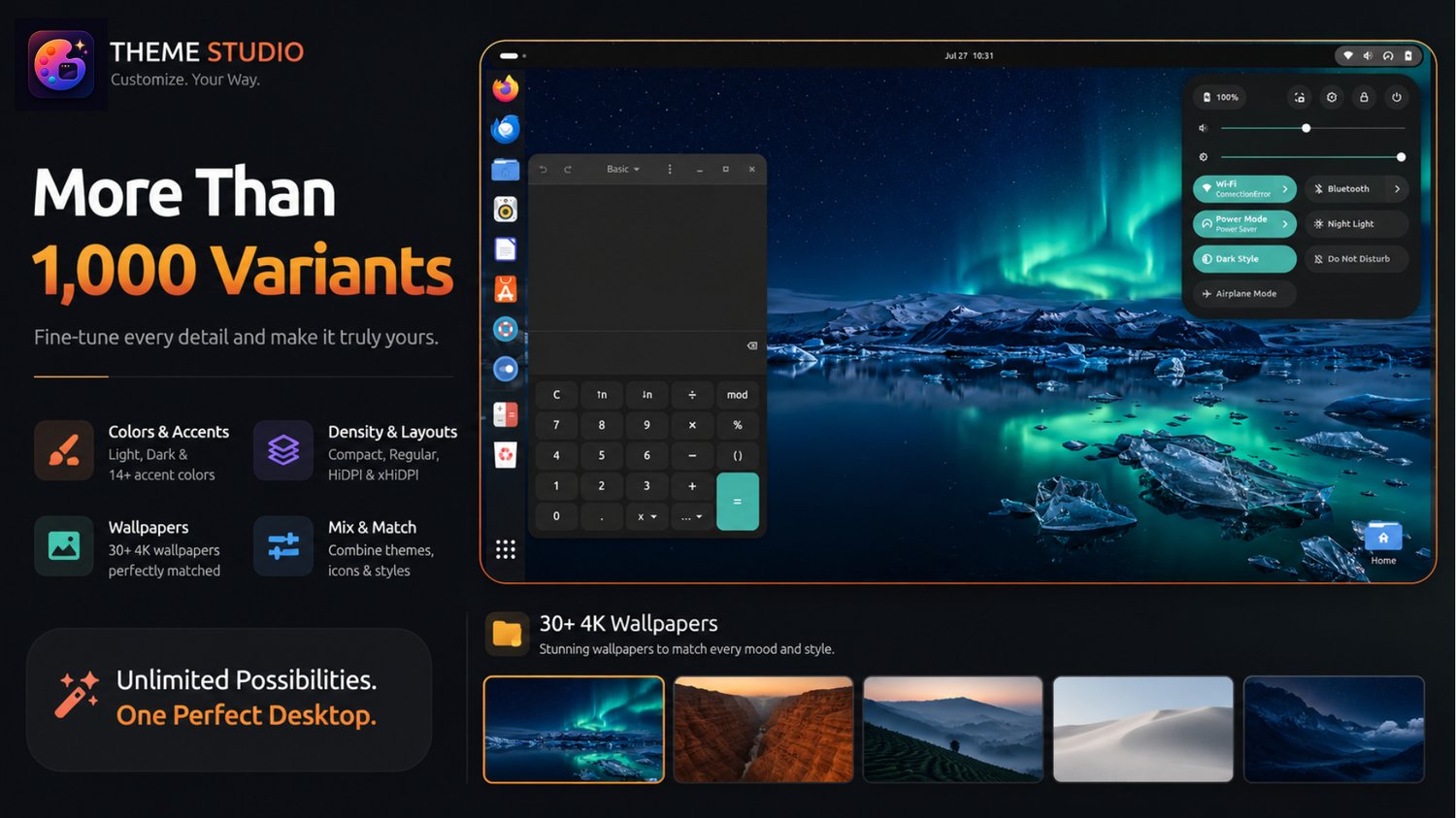
More Than 1,000 Variants
Theme Studio gives you an enormous collection of customization options:
- 30 complete desktop Looks
- 15 GTK theme families
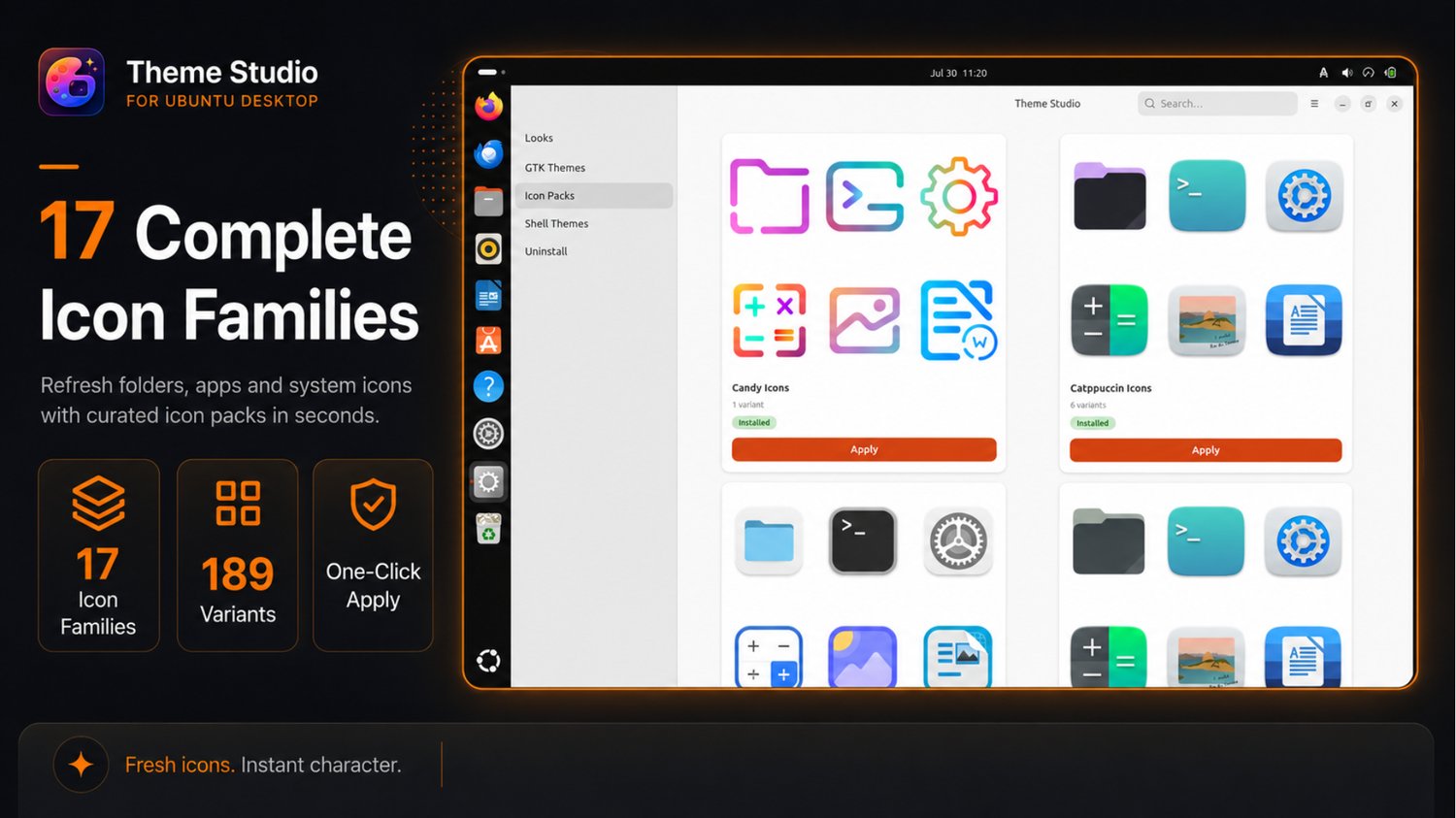
- 17 icon-pack families
- 1,057 installable theme and icon variants
- 30 original high-resolution wallpapers
Explore popular styles including Orchis, WhiteSur, Catppuccin, Colloid, Graphite, Fluent, Everforest, Gruvbox, Rose Pine, Tokyo Night, Papirus, Tela, and more.
Choose between light and dark modes, different accent colors, compact layouts, solid or translucent designs, and multiple display-scaling variants.
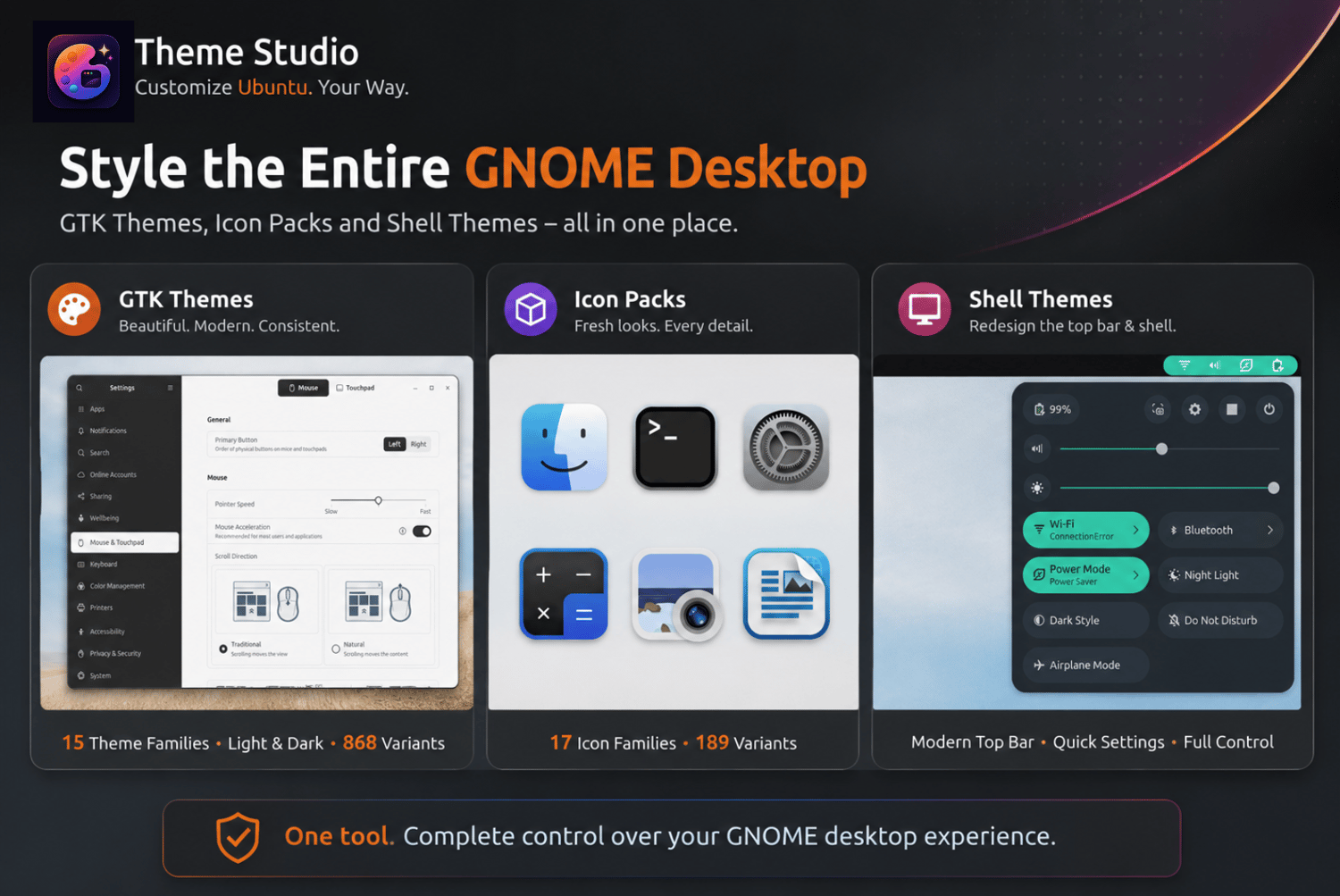
Customize the Entire GNOME Desktop
Manage everything from one graphical application:
- GTK themes
- GTK4 and Libadwaita styling for supported themes
- GNOME Shell themes
- Icon packs
- Accent colors
- Light and dark modes
- Wallpapers
- Complete desktop Looks
Browse visual previews, search for a style, select a variant, and apply it from the same interface.
No copying folders. No complicated commands. No hunting through GNOME settings.
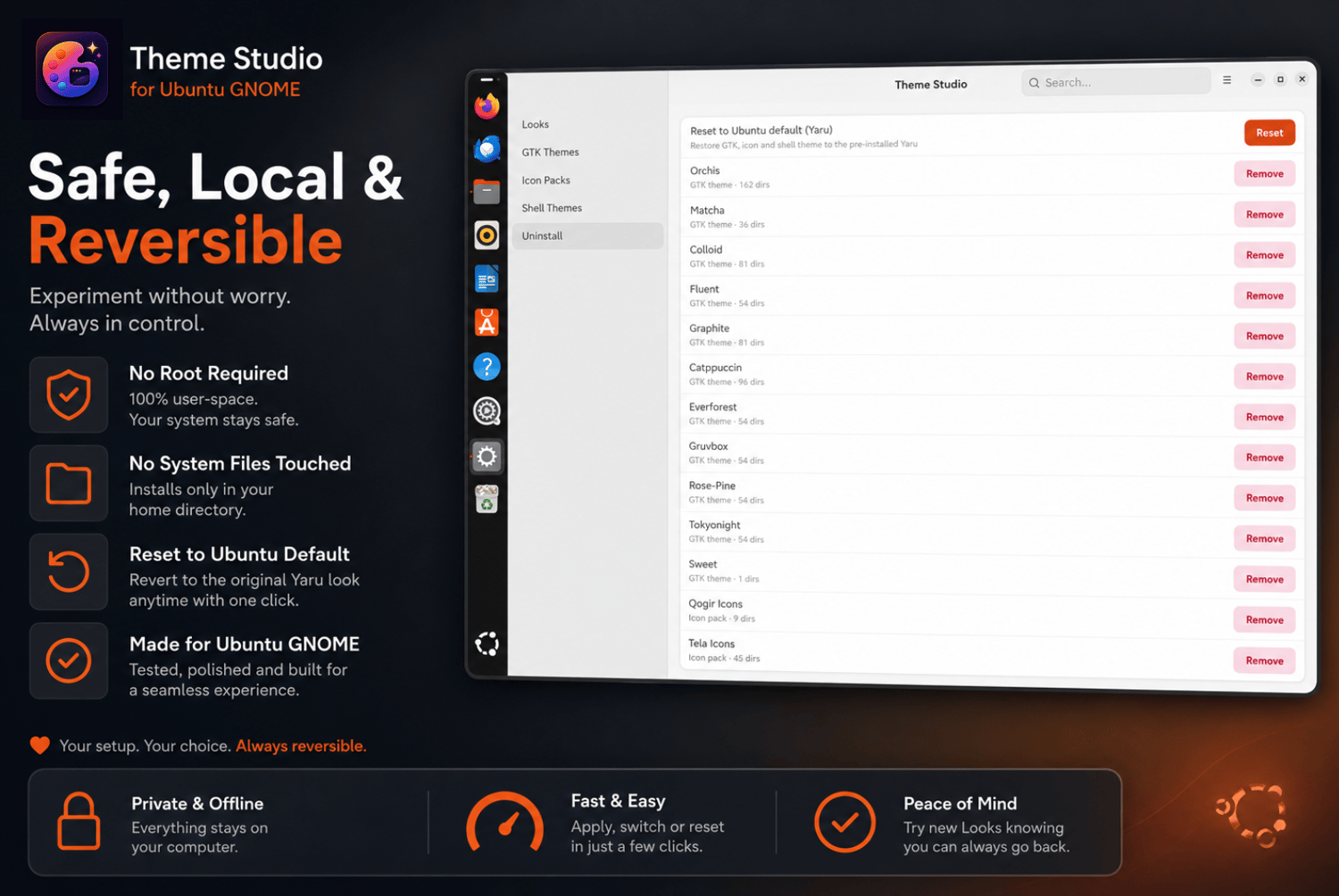
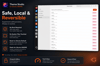
Safe, Local and Reversible
Experiment with new desktop styles without worrying about damaging your system.
Theme Studio:
- Requires no root access
- Does not modify system directories
- Does not use your package manager
- Installs everything only for your user account
- Lets you remove individual themes and icon packs
- Includes a dedicated Reset to Ubuntu Default option
Return to the standard Ubuntu Yaru appearance whenever you need a clean starting point.
How It Works
- Download and extract the included ZIP archive.
- Launch Theme Studio and browse the available Looks, themes and icons.
- Select your style and click Apply.
Theme Studio automatically installs anything that is missing before applying it. You can also add the application to your app grid for easier access later.
Some complete desktop changes require logging out and signing back in. Theme Studio clearly tells you when this is necessary.
Graphical App and Terminal Interface
Theme Studio launches as a modern GTK4 and Libadwaita graphical application by default.
An interactive terminal interface is also included for advanced users. Both interfaces provide access to Looks, GTK themes, icons, Shell themes, uninstall tools and Ubuntu reset controls.
Compatibility
Theme Studio is designed for:
- Ubuntu with the GNOME desktop
- 64-bit x86 Linux computers
- GNOME systems using GTK4 and Libadwaita
GNOME Shell themes require the User Themes extension to be installed and enabled.
Theme Studio is not currently designed for KDE Plasma, XFCE, Cinnamon, other non-GNOME desktops, or ARM devices.
What You Receive
Your purchase includes:
- The Theme Studio graphical application
- A complete interactive terminal interface
- 30 curated desktop Looks
- 30 original wallpapers
- 15 GTK theme families
- 17 icon-pack families
- More than 1,000 selectable variants
- GNOME Shell-theme support
- GTK4 and Libadwaita integration for supported themes
- Individual uninstall controls
- One-click restoration of Ubuntu defaults
- Third-party licence notices and source information