

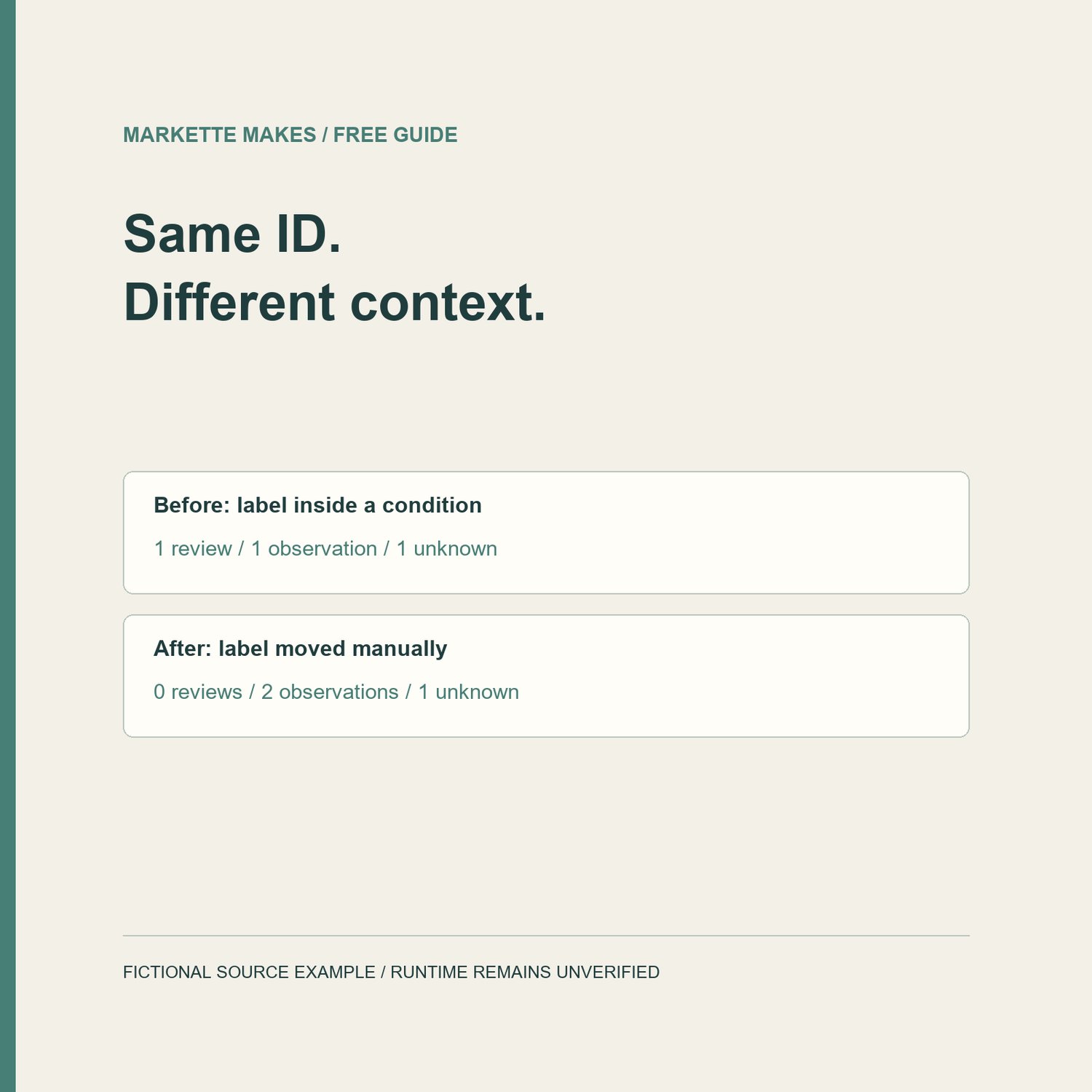
Finding an ID somewhere in a template is only the start of checking a reference. The condition around that ID matters too.
Here is a small fictional example from our LiquidARIA demonstration. It is source code, not a deployed Shopify theme or an accessibility audit.
The button is outside the condition:
<button aria-labelledby="offer-name" aria-controls="offer-panel">Details</button>
The label is inside it:
{% if product.available %}<span id="offer-name">Offer details</span>{% endif %}
The controlled panel is outside the condition:
<div id="offer-panel">Details here</div>
What to review
The button references offer-name for its accessible name, but the span is in a different conditional scope. Our static report marks that relationship CONDITIONAL_TARGET_REVIEW. It does not evaluate product.available or decide the browser's final accessible name.
The separate aria-controls reference points to offer-panel in the same source scope. That receives STRUCTURAL_MATCH. A controlled panel and an accessible-name target serve different purposes; finding one does not verify the other.
One manual change, with a limit
In the demonstration's after-file, we move the offer-name span outside the condition. Both literal references then receive STRUCTURAL_MATCH. This change was made manually; LiquidARIA does not edit templates. It is an illustration of scope, not a universal fix to apply to a live theme. Your intended behavior determines which states should show a label or button.
The demo also contains this dynamic ID:
<span id="dynamic-{{ section.id }}">Unresolved runtime context</span>
That element stays DYNAMIC_ELEMENT_UNKNOWN in both reports. The report does not guess the rendered value. Before the edit there is one review finding, one structural observation and one unknown; afterward there are two structural observations and the same unknown. Those counts describe this example only.
What you can check without buying anything
Find the literal ID named by a reference. Compare the surrounding if/else scope on the reference and on the target. Keep accessible-name references separate from controls relationships. Then inspect the actual rendered states and browser accessibility information. A source match alone does not establish accessibility, behavior or compliance.
About the tool
LiquidARIA is our USD 7.99 one-time Python source download for single-file Liquid/HTML ID-reference diagnostics. It produces local HTML/JSON reports and leaves the input unchanged. Python 3.10+ is installed separately; the documented local tests used Python 3.12. This is not a standalone EXE or an official Shopify app. Dynamic elements, other files and runtime behavior remain outside its verified view. Read the full requirements and limits:
https://payhip.com/b/04X6f
If you try the included example, useful feedback is whether setup worked and whether the distinction between a review finding, a source observation and an unknown is clear. Use our store Contact page with a fictional or fully redacted snippet. Do not send customer data, private theme files, credentials or complete reports containing private content.
This example was checked against the included fictional source and saved reports. No customer outcomes or time savings are claimed. Markette Makes is independent and not affiliated with Shopify.