






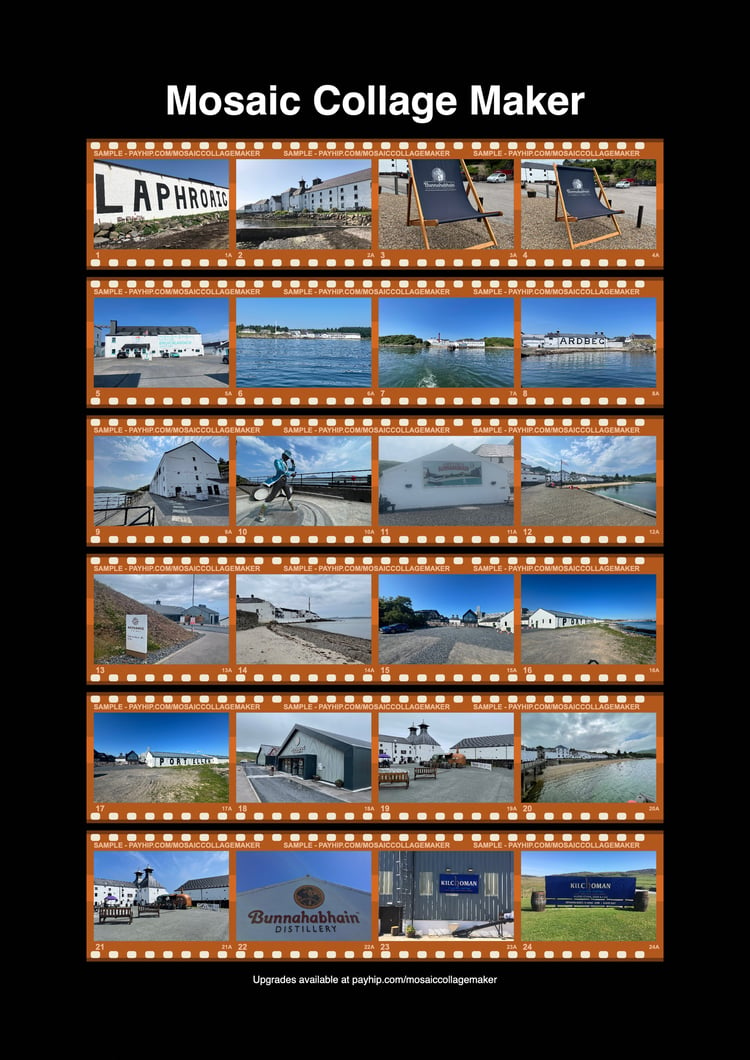
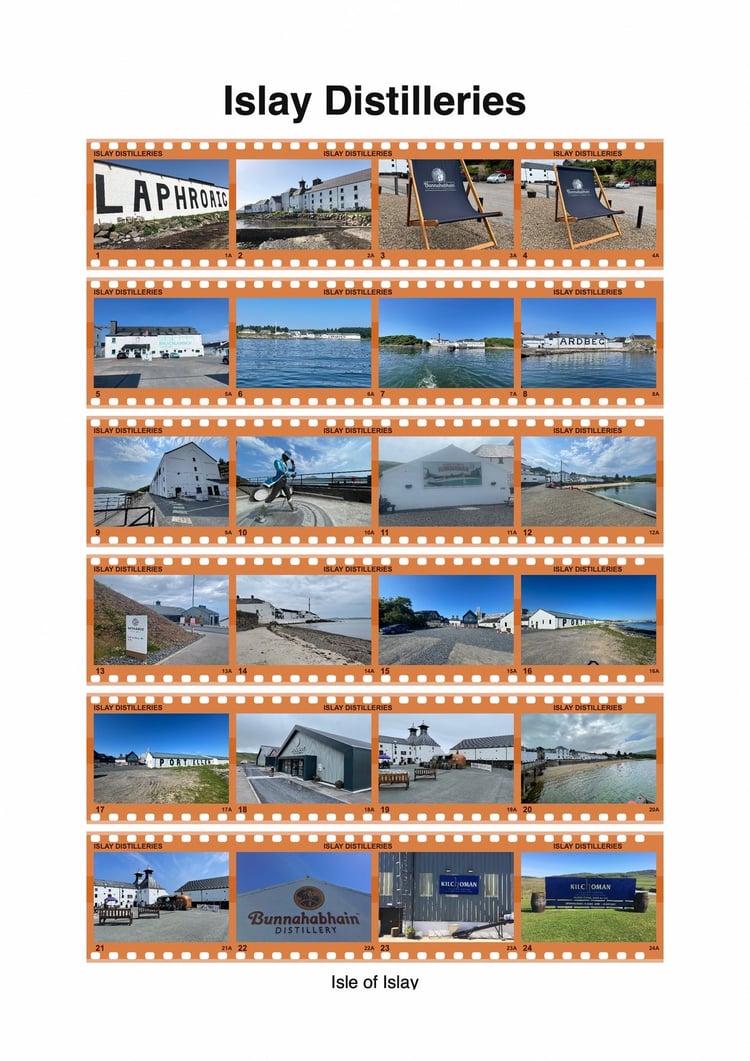
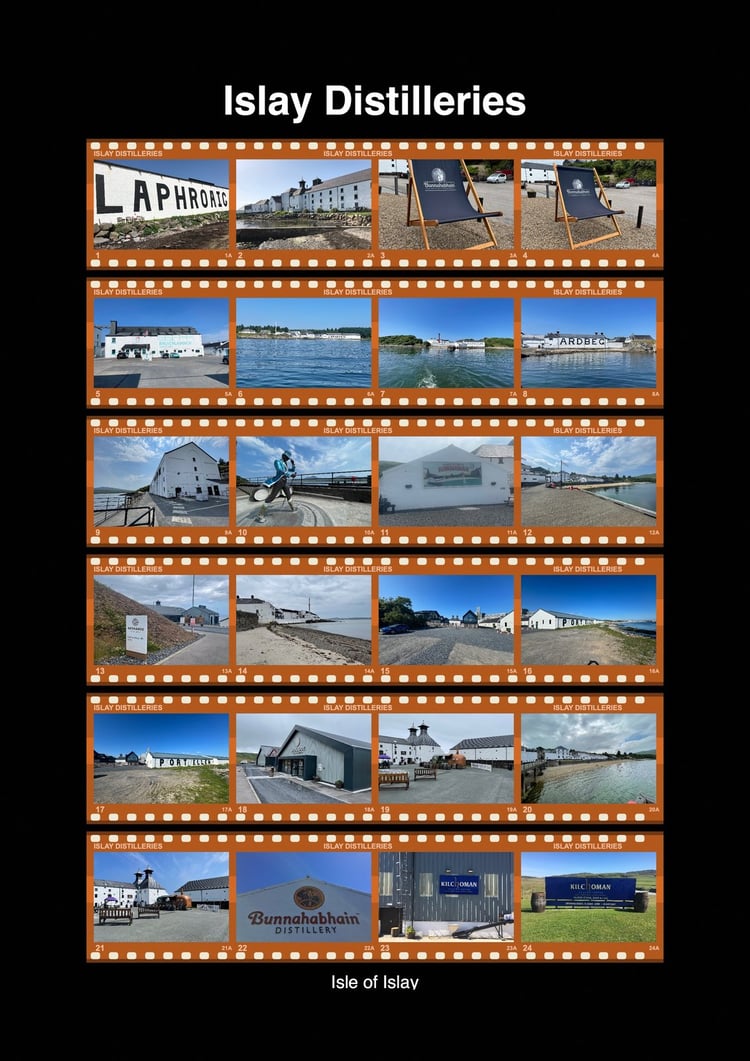

About Me
I used to rely on LumaPix FotoFusion to lay out big batches of family photos into printable pages — point it at a folder, get back a set of nicely arranged pages ready to print or turn into a photobook. FotoFusion has been defunct for years, and I never found anything that did quite the same job, so eventually I built my own version of it.
What it does
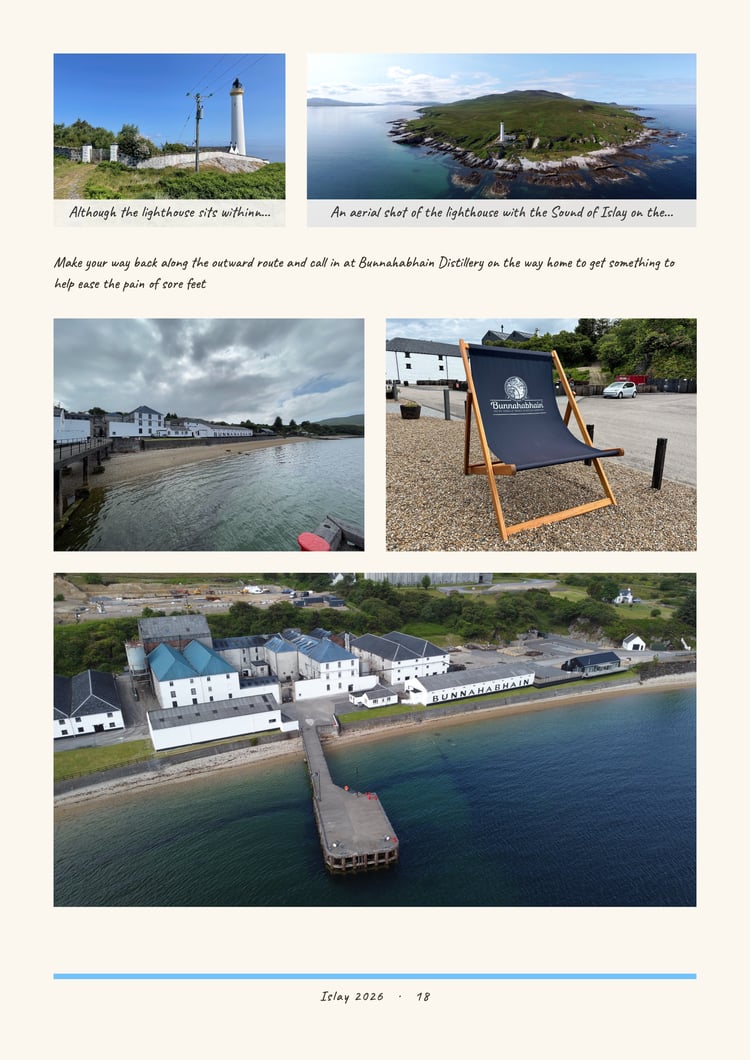
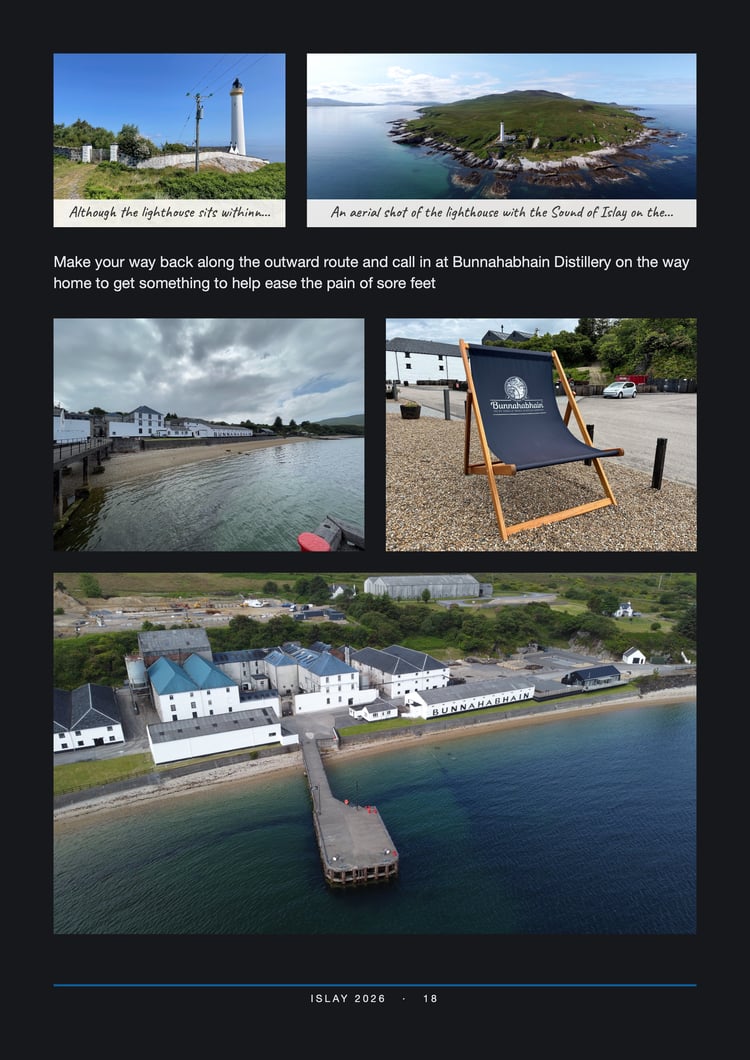
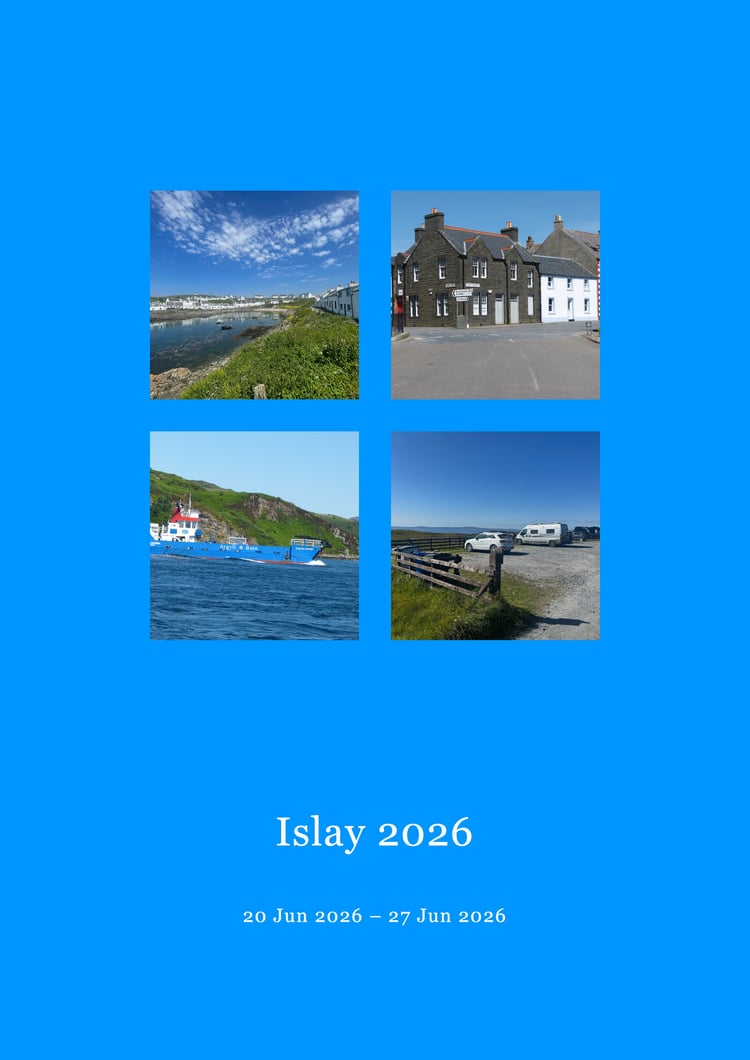
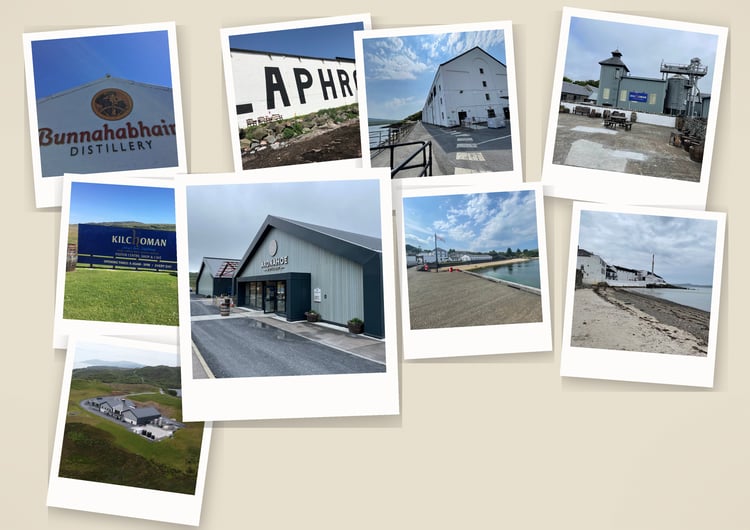
If you have ever tried to fill a photobook page with several photos, you will know how slow it is: dragging pictures in one at a time, nudging them into line, and starting over when you change the page size. Mosaic Collage Maker does the arranging for you.
Point it at a folder of photos, choose the page size your photobook service asks for, and press Generate. It builds a mosaic layout for every page and uses all your photos — not just the first few — spreading them across as many pages as it takes.
Then everything stays editable. Move frames, swap photos, zoom and reposition each picture, add captions, change the margins. Nothing is locked in, and you never have to start again.
This shop is where I sell premium templates for the product.
The app is available on the Apple Mac App Store and also on the Windows App Store and my product information page is below
https://stevendevmosaic.github.io/
One thing worth being upfront about: I'm a solo developer. I build and maintain Mosaic Collage Maker on my own, in my own time, without the resources of a large organisation behind me. I read everything that comes in, and I genuinely want the app to work well for you — I use it myself for my own family photos — but I can't always reply instantly, and fixes and new features arrive at the pace one person can realistically manage rather than overnight. I'd much rather set that expectation honestly than over-promise. Thank you for your patience and understanding — it's what makes a small independent project like this possible.