





Never Too Late
WARNING: This film contains profanity, tasteful nudity, & themes of suicide. May NOT be suitable for all ages.
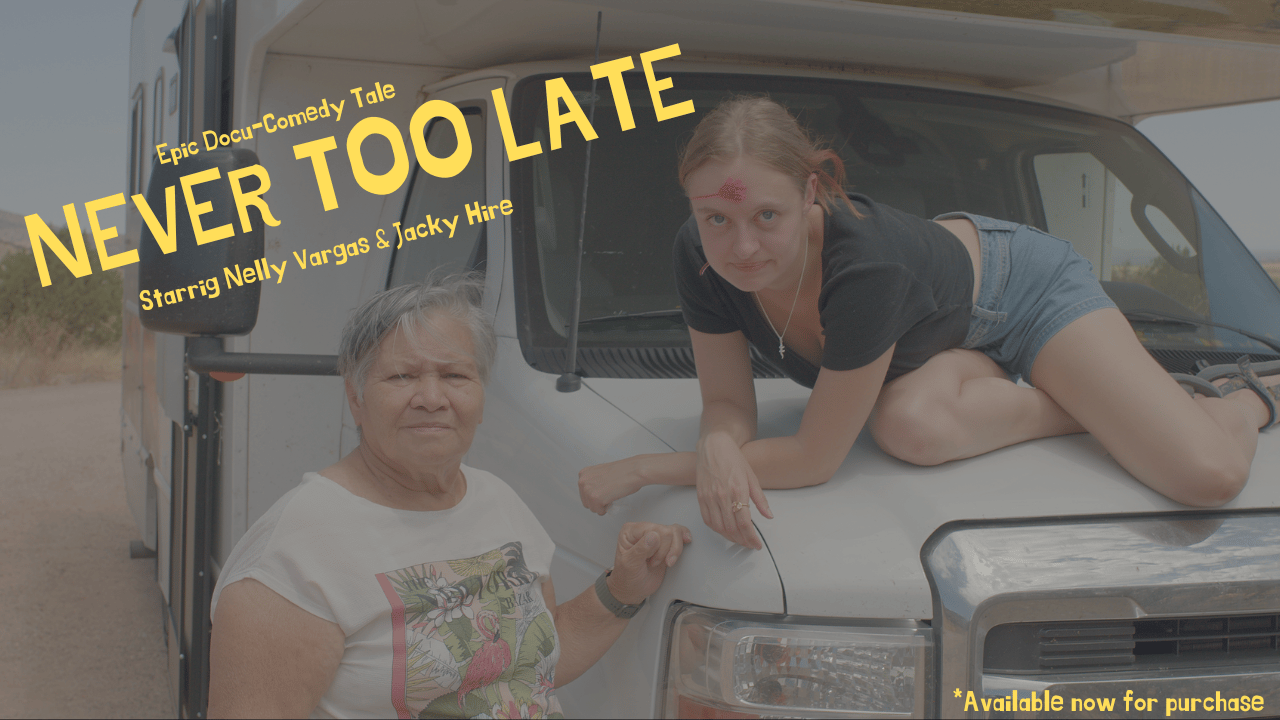
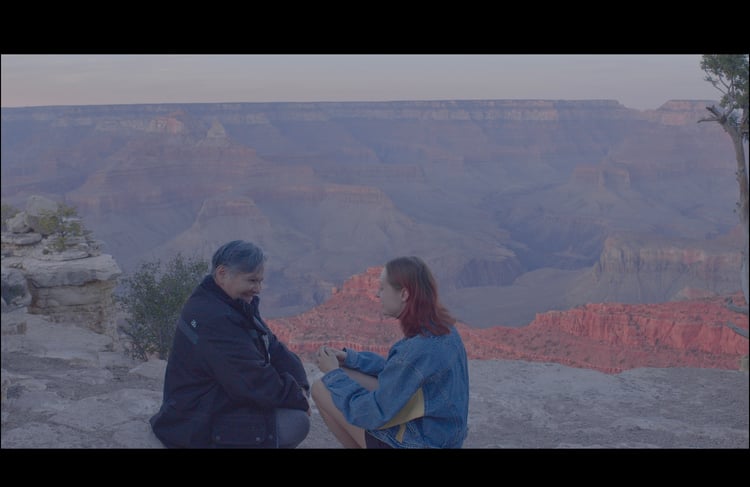
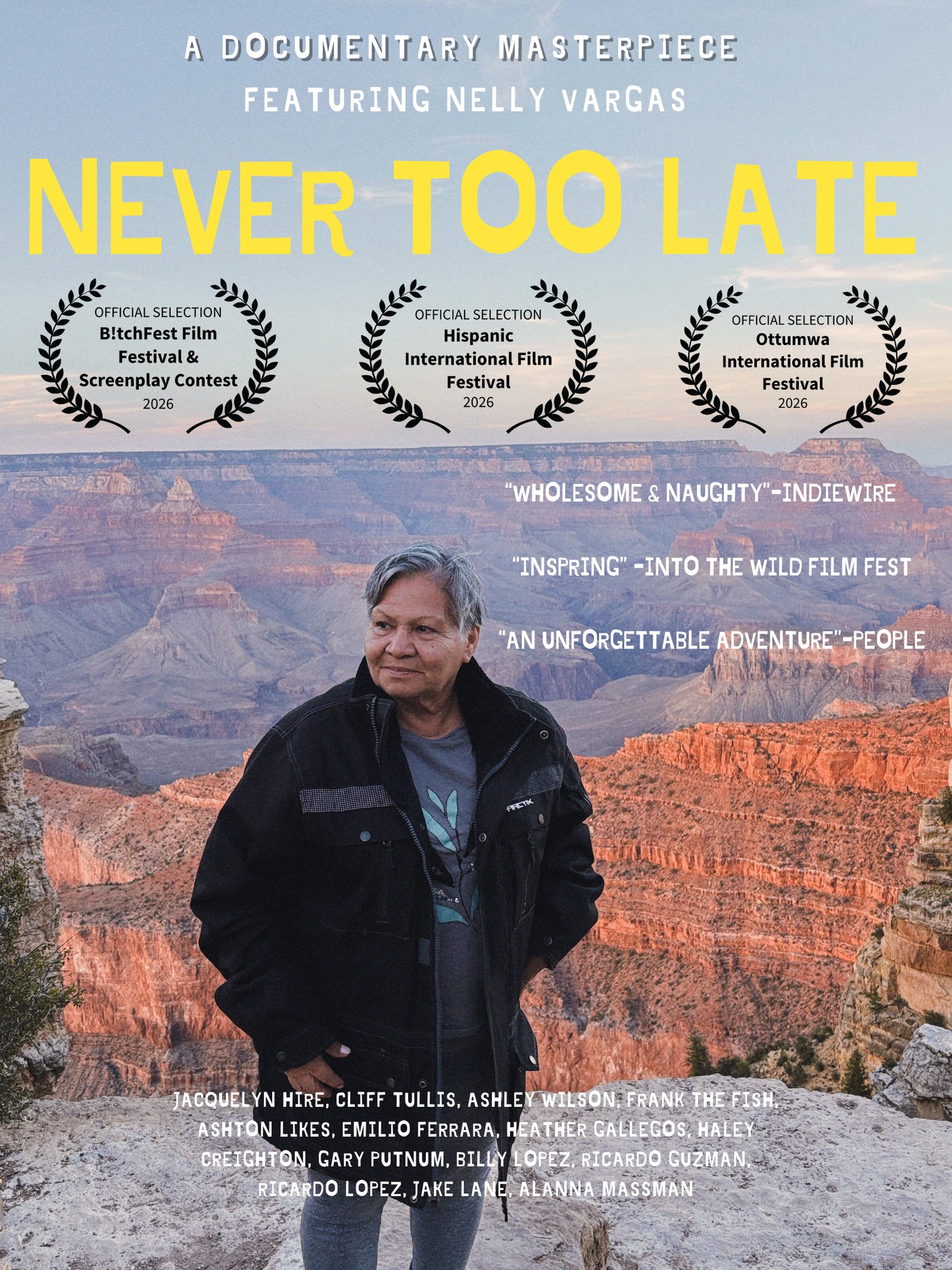
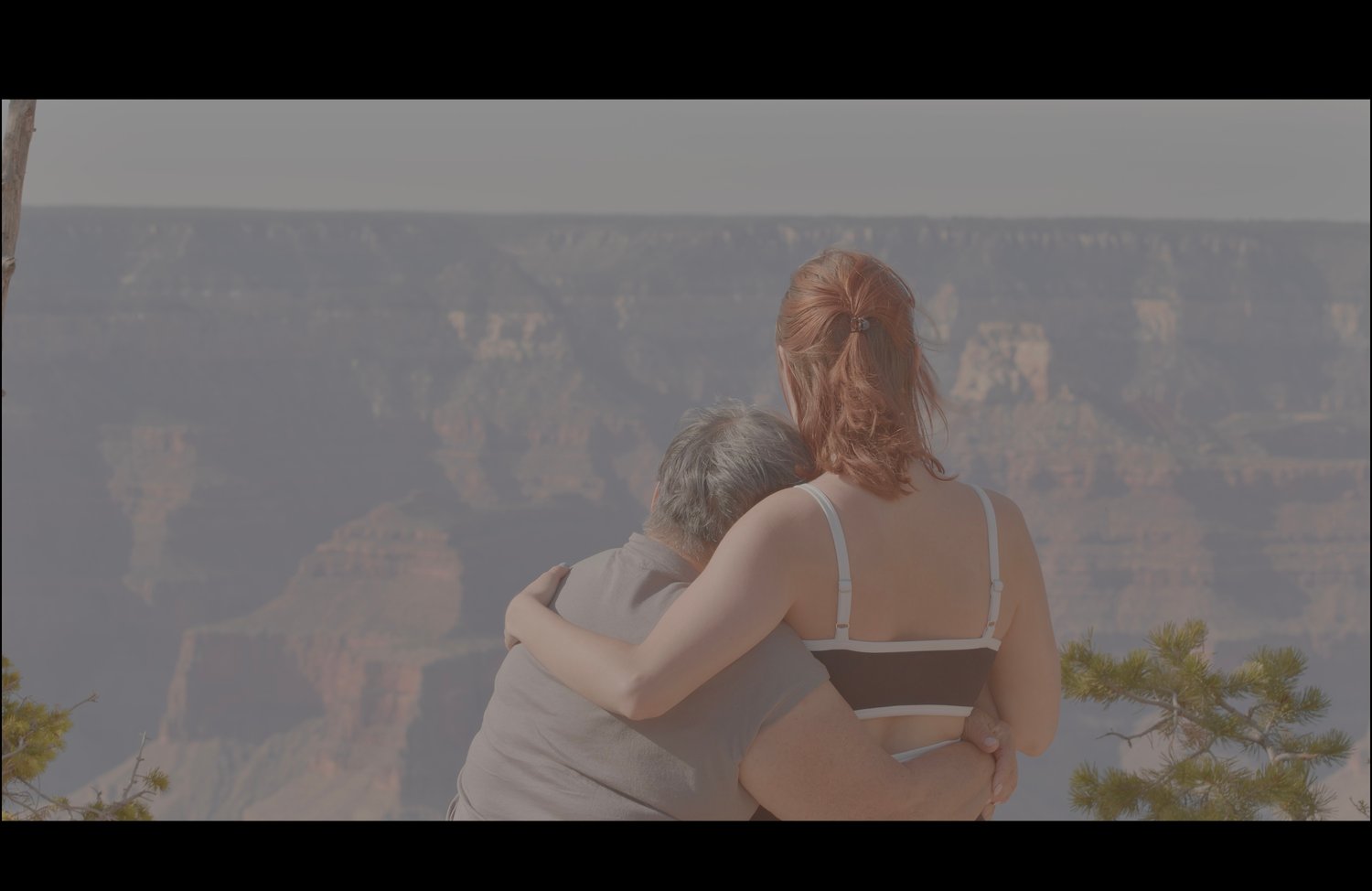
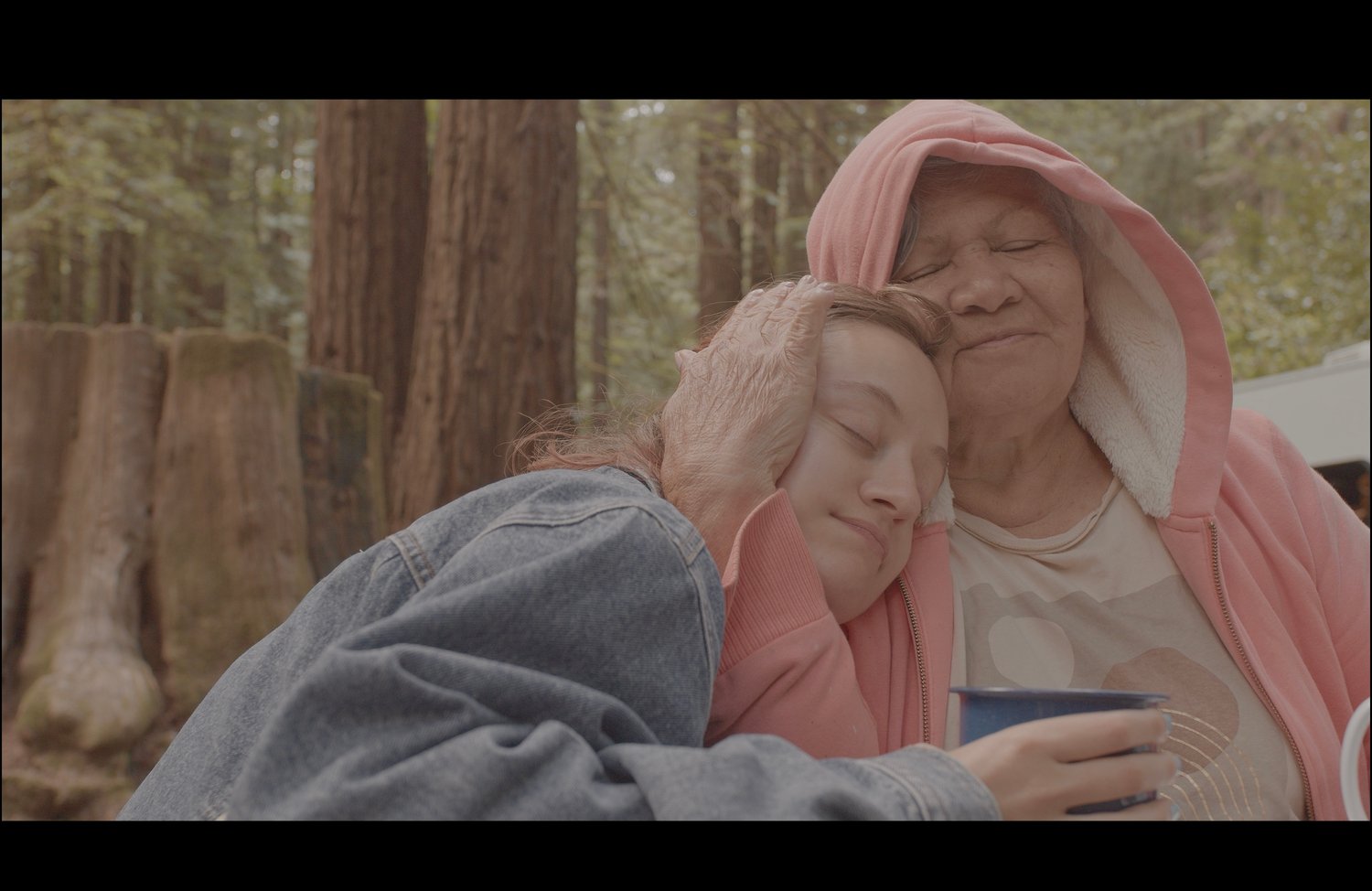
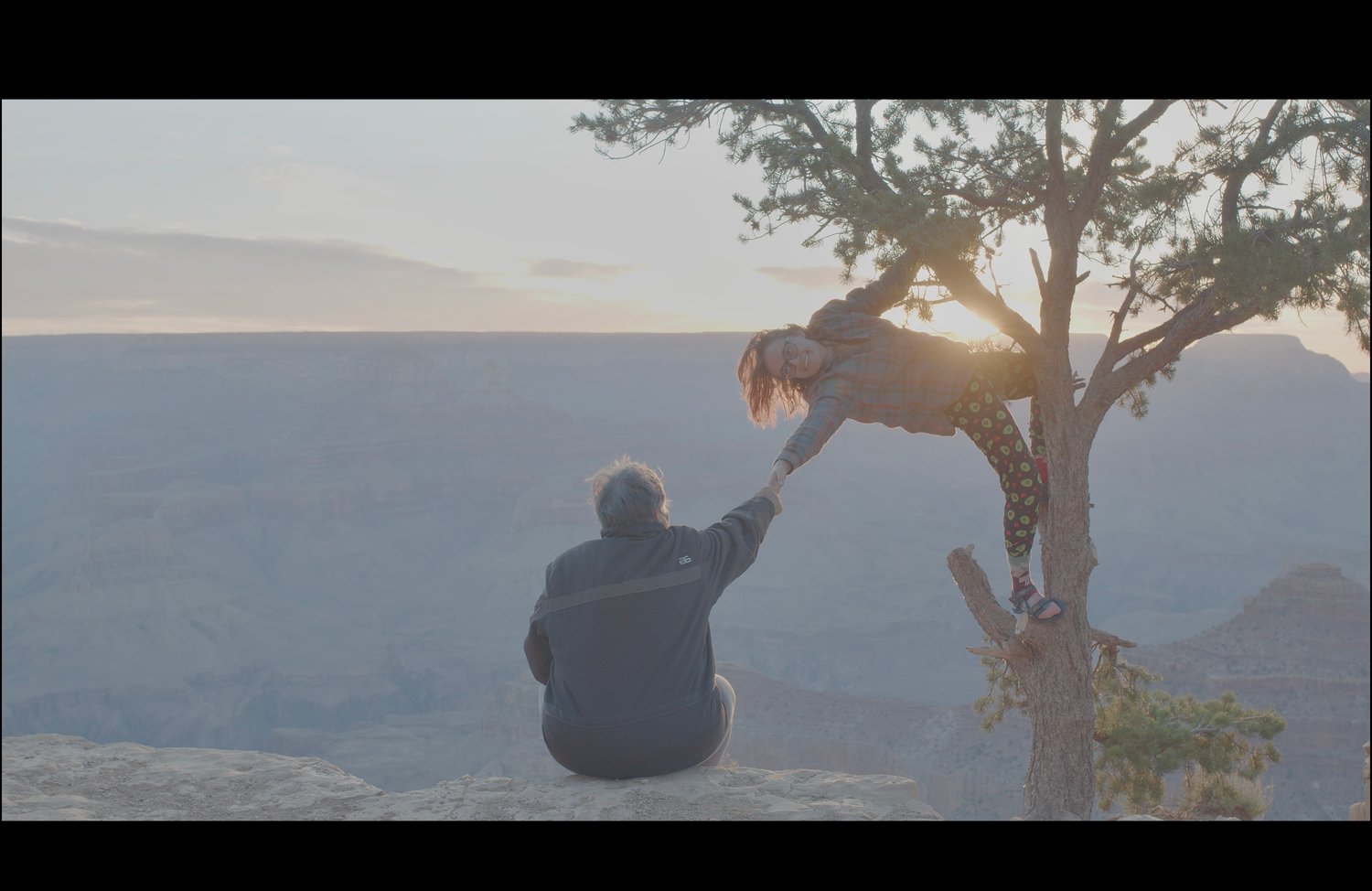
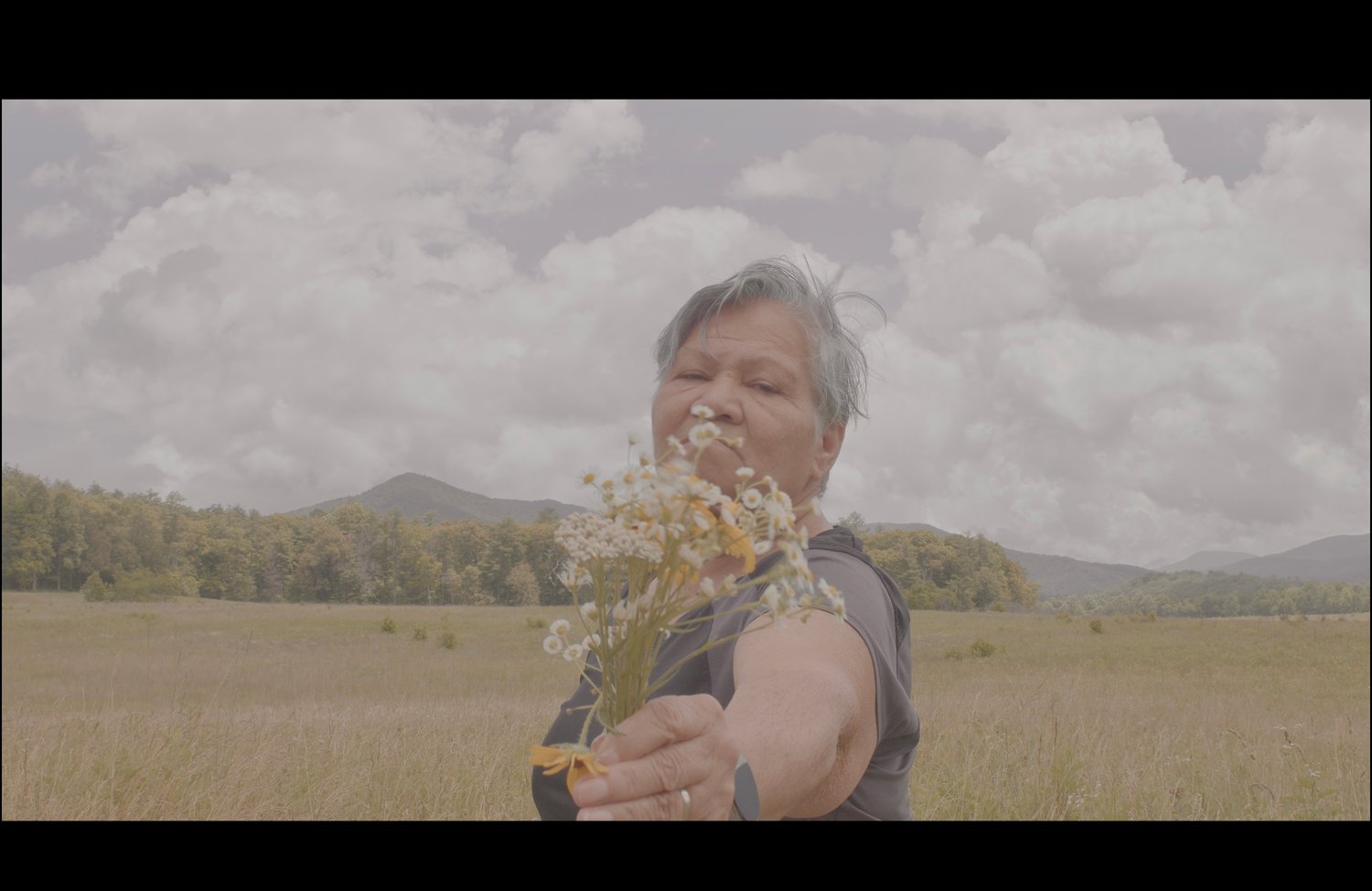
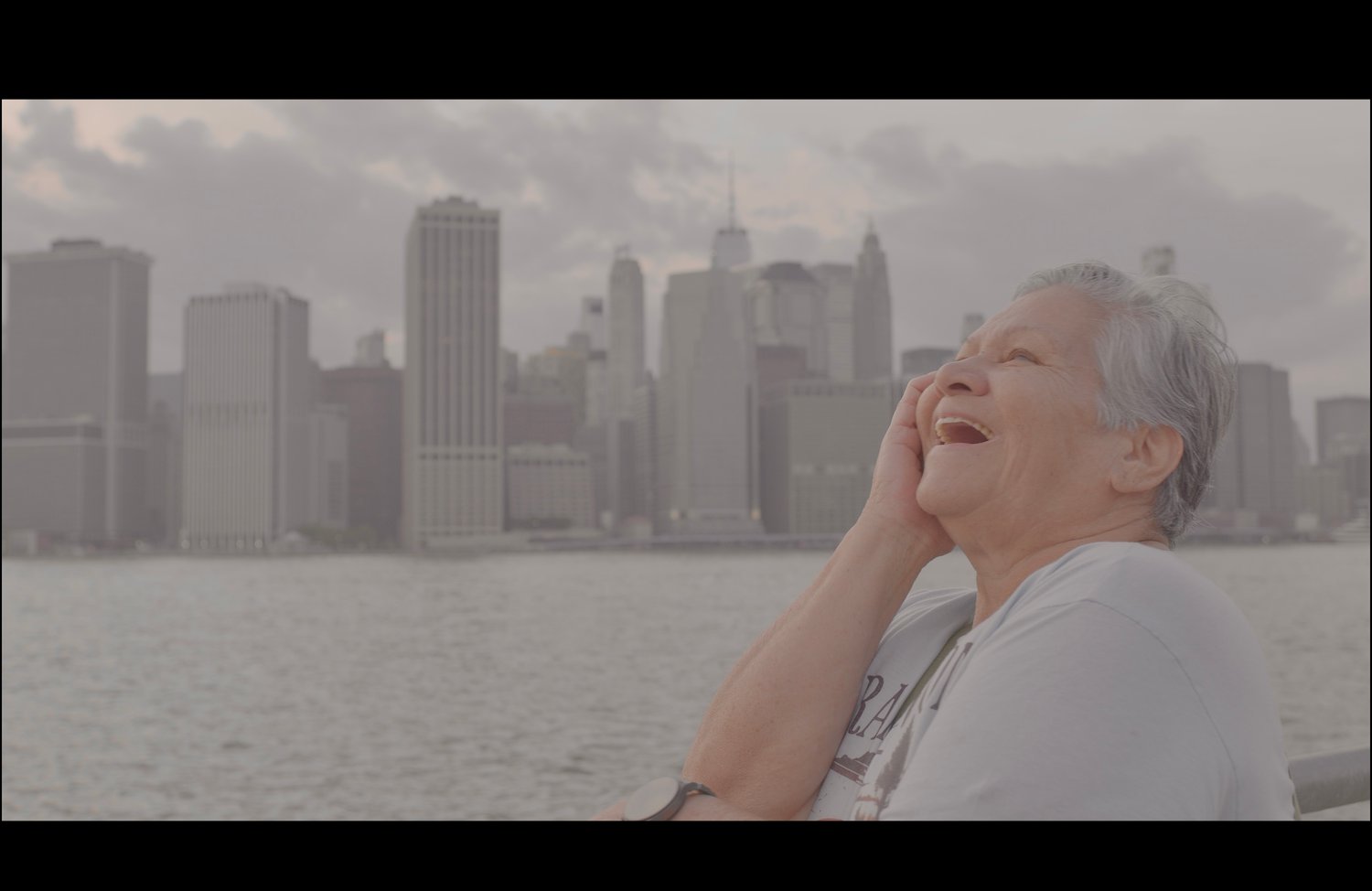
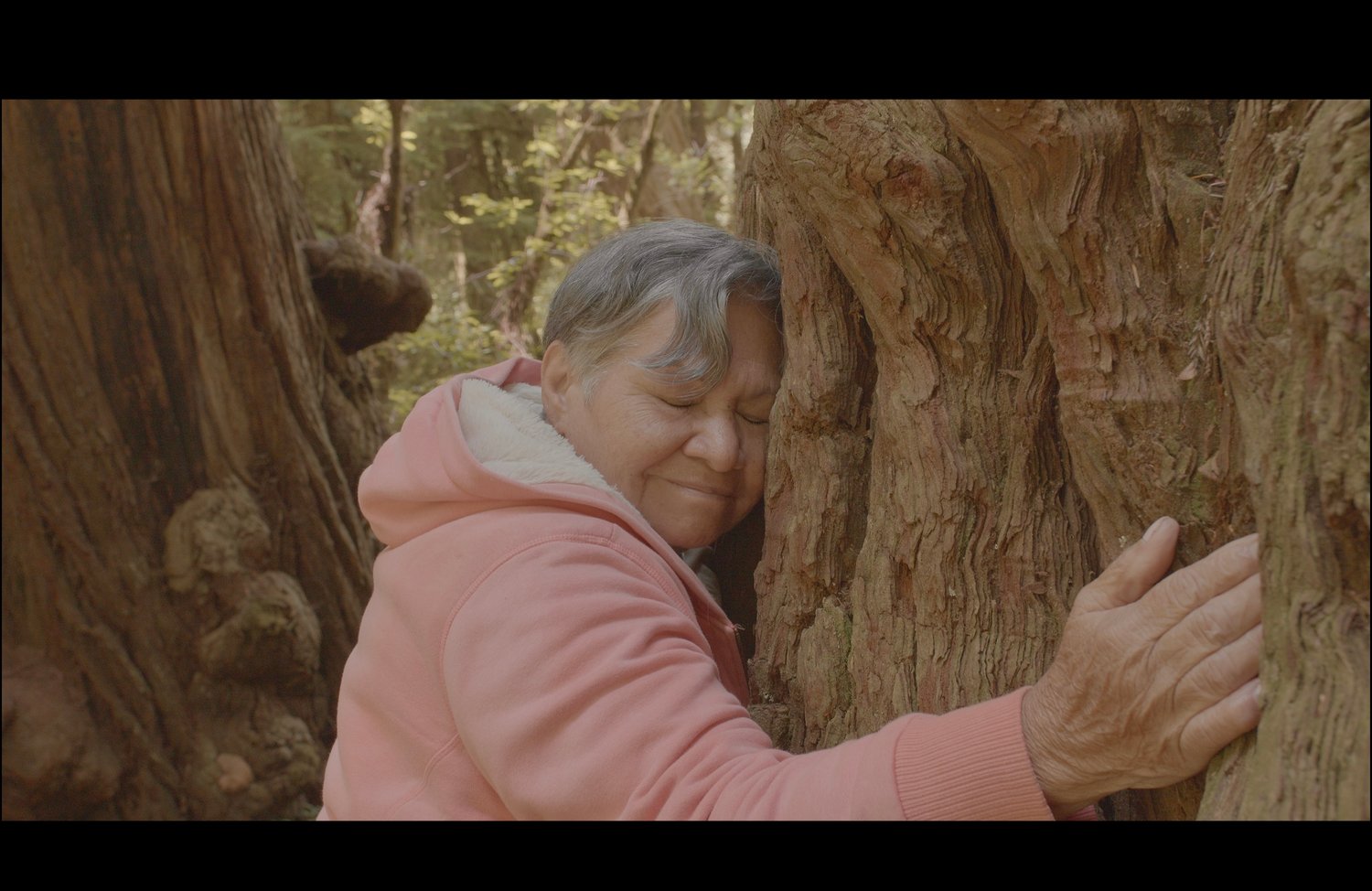
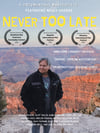
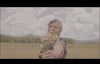
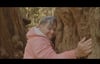
You will be receiving a downloadable MOV file (3GB) about a spirited 75-year old Costa Rican woman who embarks on her first ever road trip across the USA to fulfill her lifelong dream of seeing the Grand Canyon, gifted by a former study abroad student who's determined to give Nelly the ultimate adventure, proving it's never to late to play, hope, and to chase long lost dreams.
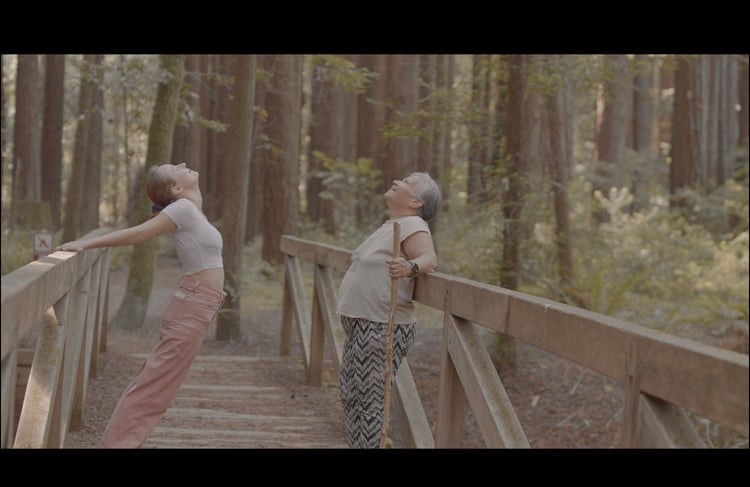
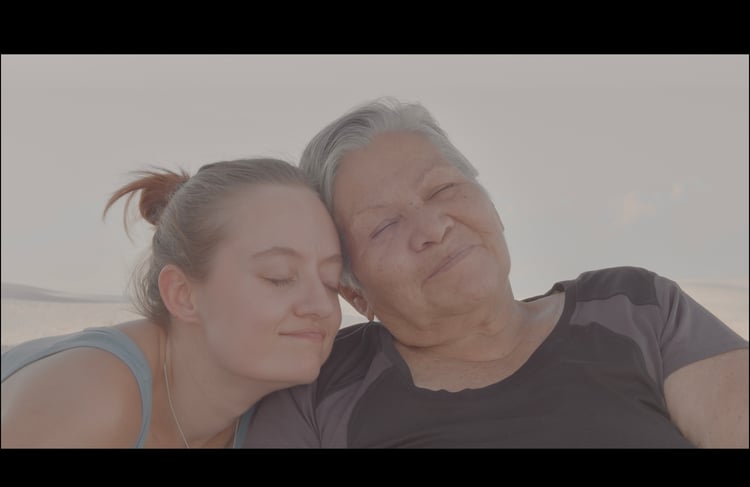
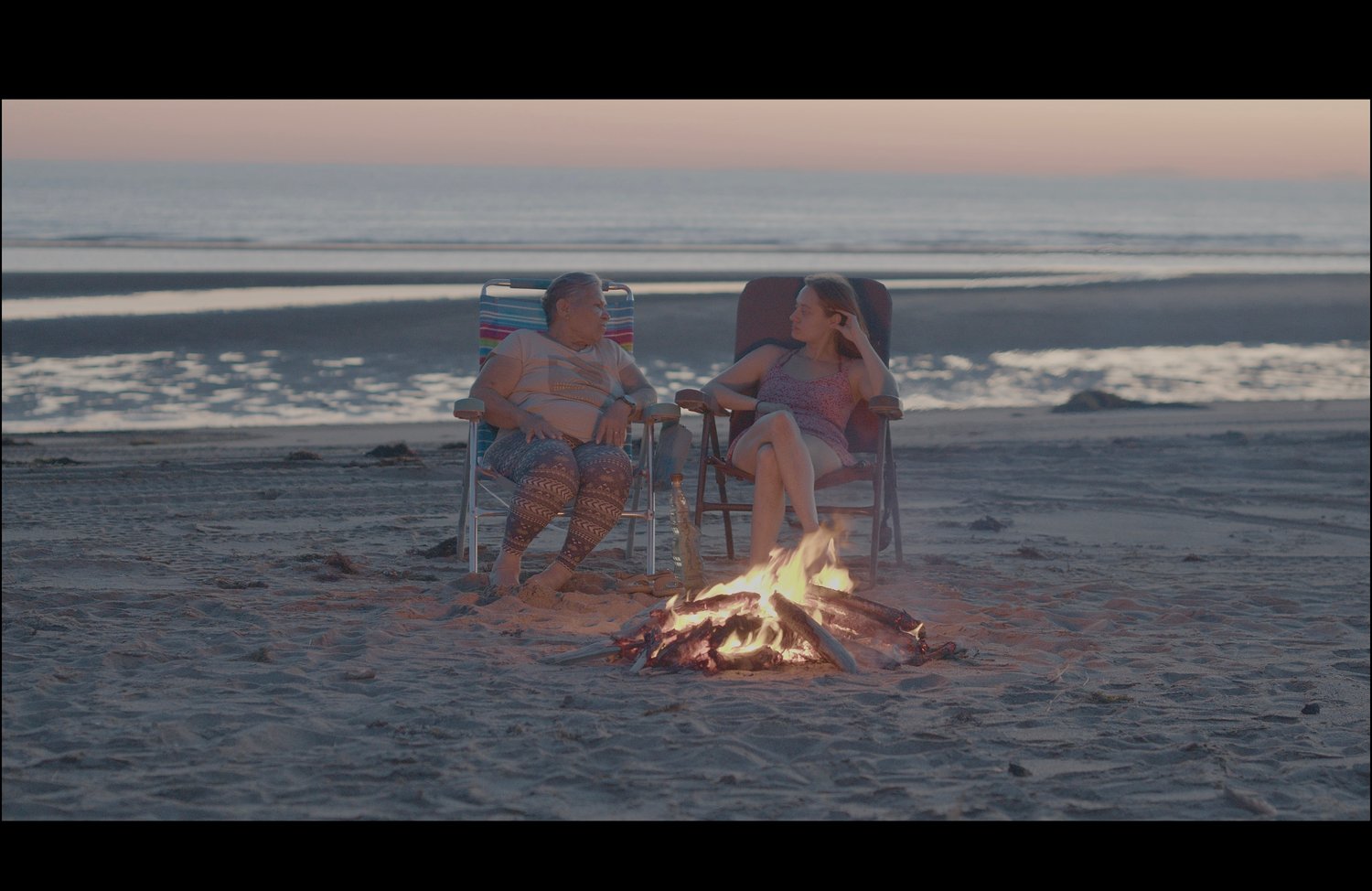
Nelly Vargas has spent her life caring for others, raising children, surviving heartbreak, and opening her home to students from Northern Arizona University. Now it's her turn to be taken care of. Never Too Late is a heart-forward, poetically comedic, and playful experimental documentary that follows a 75 year old golden soul from San José, Costa Rica as she finally says yes to adventure. Guided by the filmmaker, a former study abroad student who met Nelly in 2019. Her soul twin captures the 40-day van trip across the USA blending cinema vérité with dreamlike skits and surprise detours that turns the journey into a worthwhile experience.
"A wholesome yet cheeky comedy disguised as a documentary that's worth watching if you're in the mood to laugh, cry, and ponder what it would be like to follow your own dreams"--Superman
This award-winning film invites you to take a sipping shot of BAJARRIBA Tequila every time you hear the words "Ay ya ya"
Use code NELLY for 20% off
How to Watch on Your TV After Downloading The File
This movie will be available to download to your device's files after purchase.
Download the movie once you receive your email confirmation, you may enjoy the film on you phone or laptop.
OR if wished to view on your television....
• Apple Users (AirPlay): Open the movie link on your iPhone, iPad, or Mac. Tap the AirPlay icon in the video player to stream wirelessly to your Apple TV, Roku, or AirPlay-compatible Smart TV.
• Android & Chrome Users (Cast): Open the link in the Google Chrome browser on your phone or computer. Click the three dots (menu) in your browser and select Cast to send it to your Chromecast or Android TV.
• HDMI Cable: Plug your laptop directly into your TV using an HDMI cable to mirror your computer screen instantly.
- Flash Drive: Do it the old fashion way and copy and paste on a flash drive and then plug that sucker into your TV.
If none of this works and you're feeling frustrated use the contact page to yell at me and a secret Youtube link will be sent to you. Payment must be made before the secret last resort link gets sent. Liars will get caught and be added to the naughty list. Santa is my best friend.