
PyMuPDF is a Python library for working with PDF files. The following commands install the library, import it, and check which version is installed.
1. Install PyMuPDF
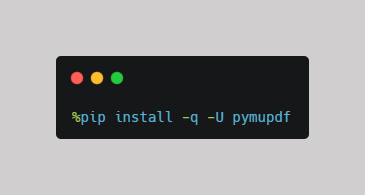
- %pip runs pip directly from a Jupyter Notebook or Google Colab cell.
- install tells pip to install a package.
- -U (or --upgrade) tells pip to install the package if it is not already installed or upgrade it to the latest available compatible version if it is already installed.
- -q (or --quiet) reduces the amount of installation output.
- pymupdf is the package name.
2. Import PyMuPDF
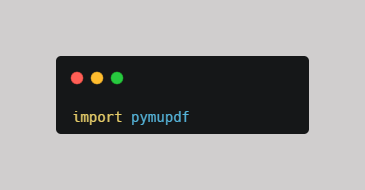
This makes the PyMuPDF library available in your Python code.
3. Check the Installed Version
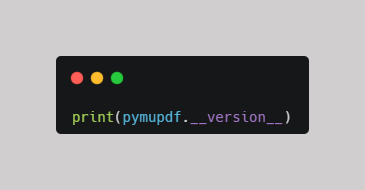
This prints the version of PyMuPDF currently installed.
You should see output similar to:
1.x.x
Complete Example
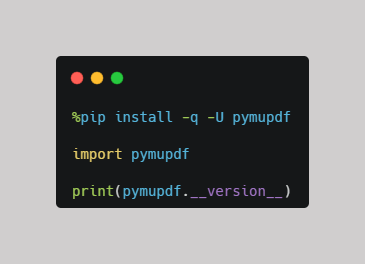
The exact version will depend on the latest version available when you run the installation.
Open the notebook
Open the Google Colab notebook for this PDF mini-guide and run the code as you follow along.
What's Next? Upload Your PDF in Google Colab
Want to learn how to upload your PDF in Google Colab?
Check out this mini-guide: Uploading FIles in Google Colab
Comments ()