
A Google Ads search-term export should be easy to review. In practice, CSV files often fail before the analysis starts: the header is not on the first row, German and English column names are mixed, or decimal separators turn spend into text.
This guide shows what to check before you audit search terms or upload negative keywords.
1. Find the real header row
Google Ads exports can include report titles, date ranges, blank lines or totals above the actual table. Do not assume row one is the header. Look for a row containing a search-term label together with performance fields such as clicks, cost or conversions.
Common labels:
• Search term / Suchbegriff
• Campaign / Kampagne
• Ad group / Anzeigengruppe
• Clicks / Klicks
• Cost / Kosten
• Conversions / Conversions
• Impressions / Impressionen
2. Check the delimiter
Depending on export settings and regional conventions, the file may use commas, semicolons or tabs. If every row appears in one spreadsheet column, the delimiter was interpreted incorrectly. Re-import the file and choose the delimiter that separates the header into distinct fields.
3. Confirm decimal and thousands separators
English-style numbers often look like 1,234.56. German-style numbers may look like 1.234,56. A value that looks correct on screen can still be stored as text, which breaks cost-per-conversion and threshold calculations.
Spot-check at least three values:
• a small amount with decimals
• a value above 1,000
• a zero or blank value
4. Keep scope columns
A search term alone is not enough context for a safe negative-keyword decision. Keep Campaign and Ad group whenever possible. The same query can be irrelevant in one campaign but valuable in another.
5. Keep clicks, cost and conversions together
Cost without conversions identifies spend, but not necessarily waste. A zero-conversion term with one click is different from a zero-conversion term with 60 clicks. Use several signals together and review the result manually.
6. Export active keywords and existing negatives
If you plan to create negative-keyword candidates, include active keywords and current negatives as separate inputs. This lets you detect conflicts, duplicates and already-covered terms before making account changes.
7. Separate evidence from action
A useful audit should classify rows into:
• review candidates
• likely relevant terms
• conflict risks
• insufficient-data rows
It should not silently upload anything. Search intent and account structure still require human review.
8. Validate before importing changes
Before using a negative list in Google Ads:
• confirm campaign and ad-group scope
• review match types
• remove duplicates
• check conflicts against active keywords
• save a copy of the original export
• upload a small batch first
A local workflow for this job
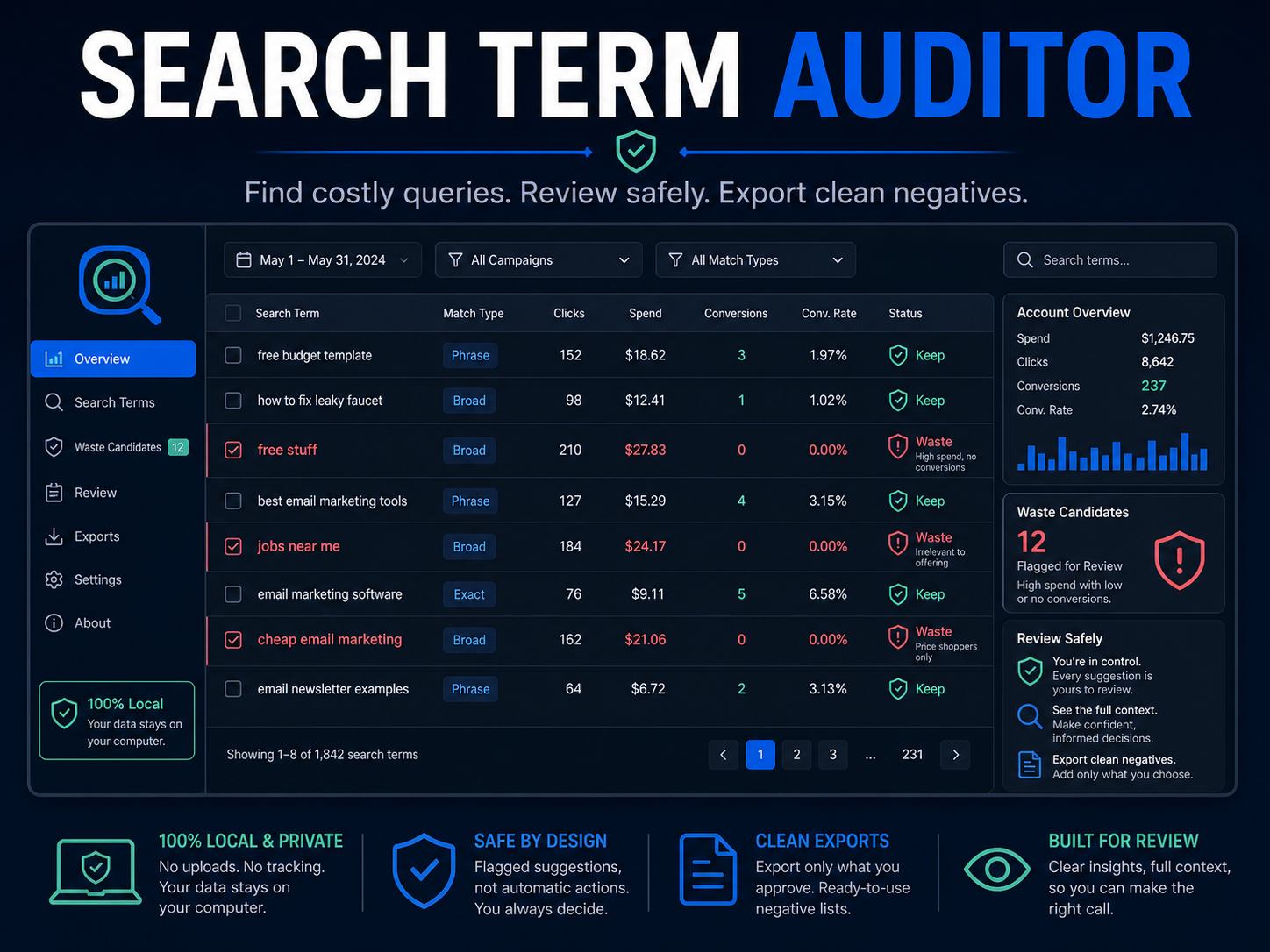
Search Term Auditor processes the CSV locally in your browser, recognizes common English and German headers, highlights review candidates and exports a Google Ads Editor-ready negative-keyword file. It does not connect to or modify an ad account.
Product:
https://payhip.com/b/Cm97Y?utm_source=payhip_blog&utm_medium=organic&utm_campaign=google_ads_csv_guide
Important: this is a review workflow, not a promise of savings or performance. The output is only as good as the source data and the decisions made after the audit.