
How to audit Google Ads search terms without giving another tool account access
A search-term audit is one of the simplest ways to see what people actually typed before an ad click. It is also easy to get wrong. A fast reviewer can mistake “no conversions” for “bad query,” ignore conversion lag, or add a broad negative that blocks valuable traffic.
This practical workflow keeps the data local and the final decision human.
1. EXPORT THE RIGHT REPORT
Start with a Google Ads search-term report for a period that matches your buying cycle. A seven-day export may be enough for a high-volume lead campaign, while a slower B2B account may need several weeks or months.
Include at least:
• search term
• campaign
• ad group
• match type
• clicks
• cost
• conversions
If possible, also export your active positive keywords and current negative keywords. Those extra files make it easier to spot duplicate negatives and risky overlaps.
2. CHECK TRACKING BEFORE JUDGING QUERIES
A query with zero recorded conversions is not automatically waste. First ask:
• Is conversion tracking working?
• Could recent clicks still convert later?
• Are phone calls or offline sales missing?
• Is the date range long enough?
• Does the campaign optimize for a different primary action?
• Is one valuable sale worth many non-converting clicks?
If the underlying tracking is unreliable, a precise-looking negative keyword list can still be wrong.
3. USE THRESHOLDS AS A REVIEW FILTER, NOT A VERDICT
Click and spend thresholds help reduce a large report to a manageable queue. For example, you might review queries with zero recorded conversions only after they exceed a minimum number of clicks or a cost level that matters to the account.
The threshold should reflect the business. A fixed €20 rule makes little sense when one account sells a €15 product and another sells a €10,000 service.
The goal is not to let software decide. The goal is to spend human review time on the rows most likely to matter.
4. LOOK FOR REPEATED PHRASES
Single search terms can hide a broader pattern. Suppose several different queries contain the same two-word phrase. Individually, none may cross your spend threshold. Together, the phrase may account for meaningful cost.
Two- and three-word phrase analysis can reveal themes such as:
• job-seeking intent
• free or template-seeking intent
• unrelated product categories
• locations you do not serve
• research-only searches
• support requests from existing customers
These patterns are candidates for review, not automatic negatives. The same word can be irrelevant in one campaign and essential in another.
5. CHECK CAMPAIGN AND AD-GROUP SCOPE
Negative keywords can have a wider effect than expected. Before exporting anything, compare each candidate with the active positive keywords in the same campaign or ad group.
A phrase that looks wasteful at account level may be intentionally targeted in one tightly defined ad group. Scope-aware conflict checks reduce the chance of blocking a keyword you actively want.
6. CHECK EXISTING NEGATIVES
Duplicate negatives add clutter without adding control. Compare candidates with the negative keyword lists already in use. Mark covered items so the final change set stays small and auditable.
This also exposes governance problems: duplicated lists, inconsistent match types, or negatives applied at the wrong level.
7. REVIEW INTENT MANUALLY
For every candidate, read the full query and ask what the searcher likely wanted. Consider the landing page, ad promise, campaign objective, geography and offer.
Useful questions include:
• Could this person realistically become a customer?
• Is the mismatch caused by the query or by the ad/landing page?
• Would a better positive keyword structure solve the problem?
• Is exact, phrase or no negative the safest choice?
• Could this query assist a later conversion?
If context is unclear, leave the query unchanged and gather more data.
8. EXPORT A SMALL, REVERSIBLE CHANGE SET
Only export candidates you deliberately selected. Keep campaign and ad-group columns where available. Import the file into Google Ads Editor and inspect every row before posting changes.
A good first pass is intentionally conservative. Ten well-supported negatives are usually safer than hundreds of speculative exclusions.
A SIMPLE LOCAL OPTION
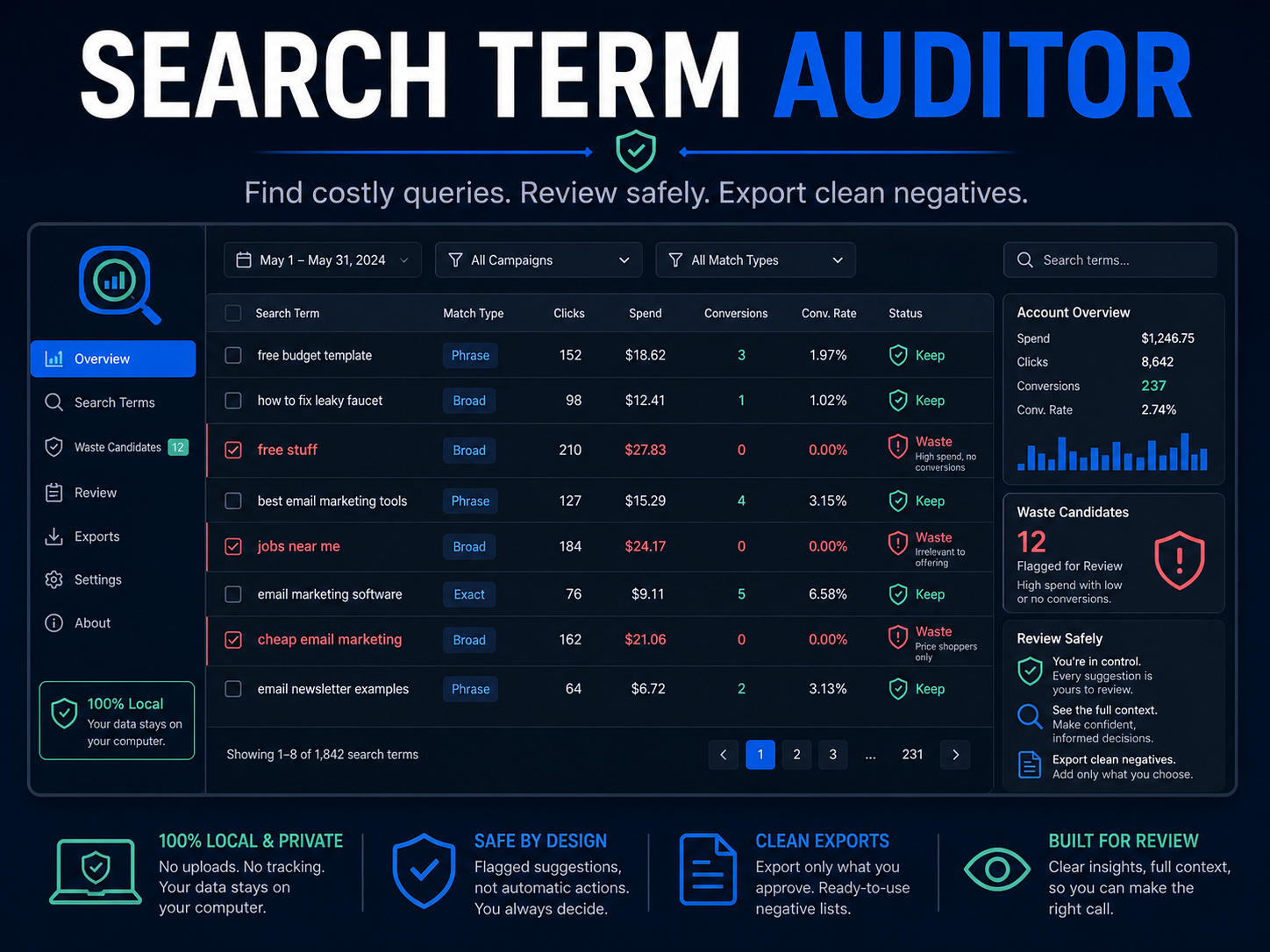
Search Term Auditor is an offline browser app built around this review-first workflow. It reads common English and German CSV headers, finds threshold and repeated-phrase candidates, marks existing negatives, warns about possible positive-keyword conflicts and exports only rows you select.
It does not connect to a Google Ads account, upload CSV files or publish changes. There is no subscription.
See the product and sample workflow here:
https://payhip.com/b/Cm97Y?utm_source=payhip_blog&utm_medium=organic&utm_campaign=search_term_audit_guide
FINAL CHECKLIST
Before adding any negative keyword:
• tracking is credible
• the date range is appropriate
• conversion lag was considered
• campaign and ad-group scope were checked
• active keywords were compared
• existing negatives were compared
• the full query was reviewed manually
• the final Editor import was inspected
No tool can guarantee savings from a CSV alone. A careful process can, however, make the review faster, more consistent and easier to audit.