

Looking for a new job can quickly become a job in itself.
You start by saving a few vacancies. Before long, you have browser tabs everywhere, several versions of your CV and notes you cannot remember writing. You know you have useful experience, but explaining how it fits a new role is often harder than expected.
That was the starting point for Career Steps.
When I create a new SheetSmithery product, I usually begin with something that feels more complicated or time-consuming than it should be. I look at where people are getting stuck and think about how a practical tool could make the process easier to manage.
With job hunting, finding vacancies is only one part of the problem. The harder part is deciding which opportunities are actually right for you.
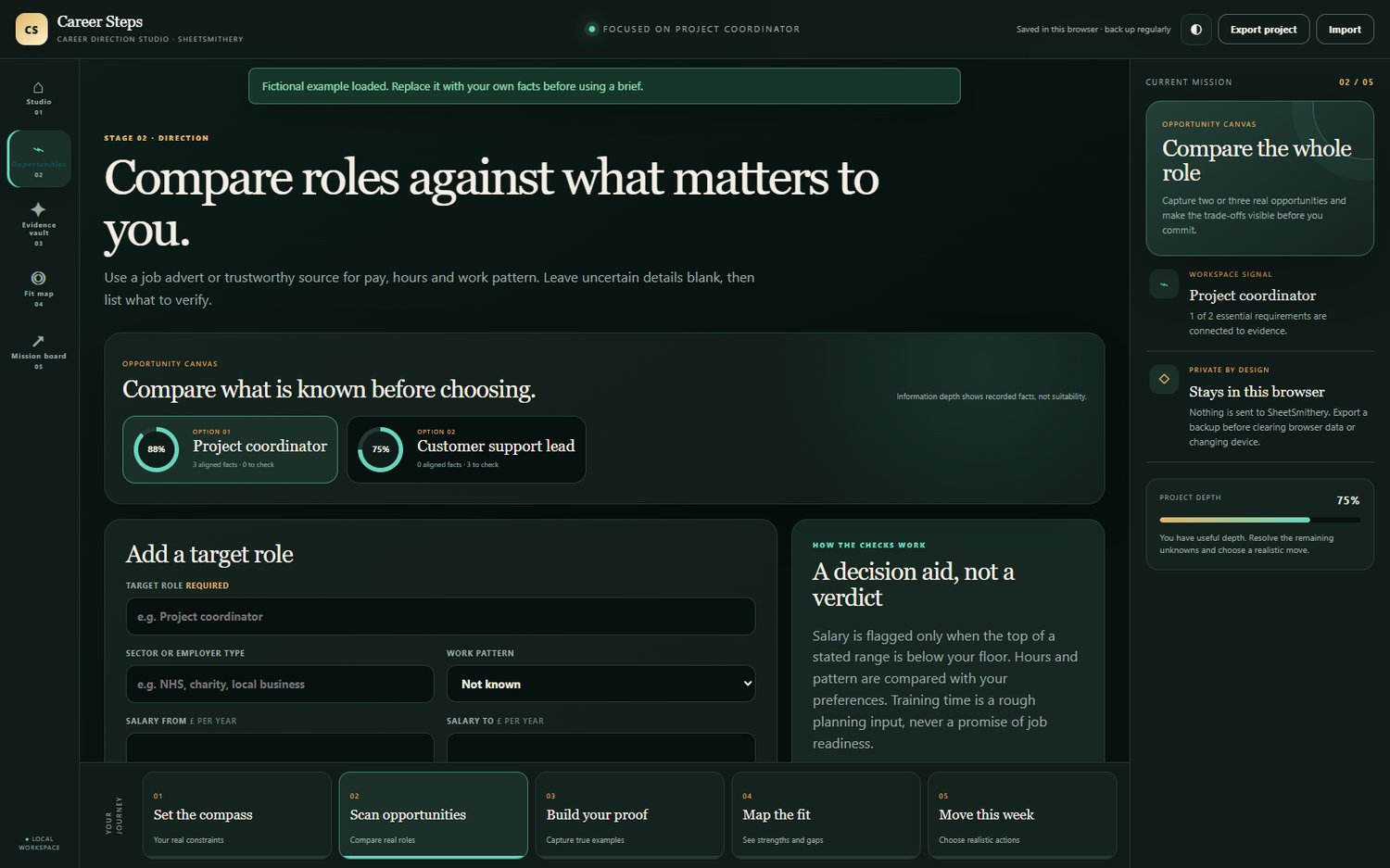
A role may sound ideal until you look at the hours, salary, travel or working pattern. Another vacancy might seem out of reach until you properly examine the experience you already have.
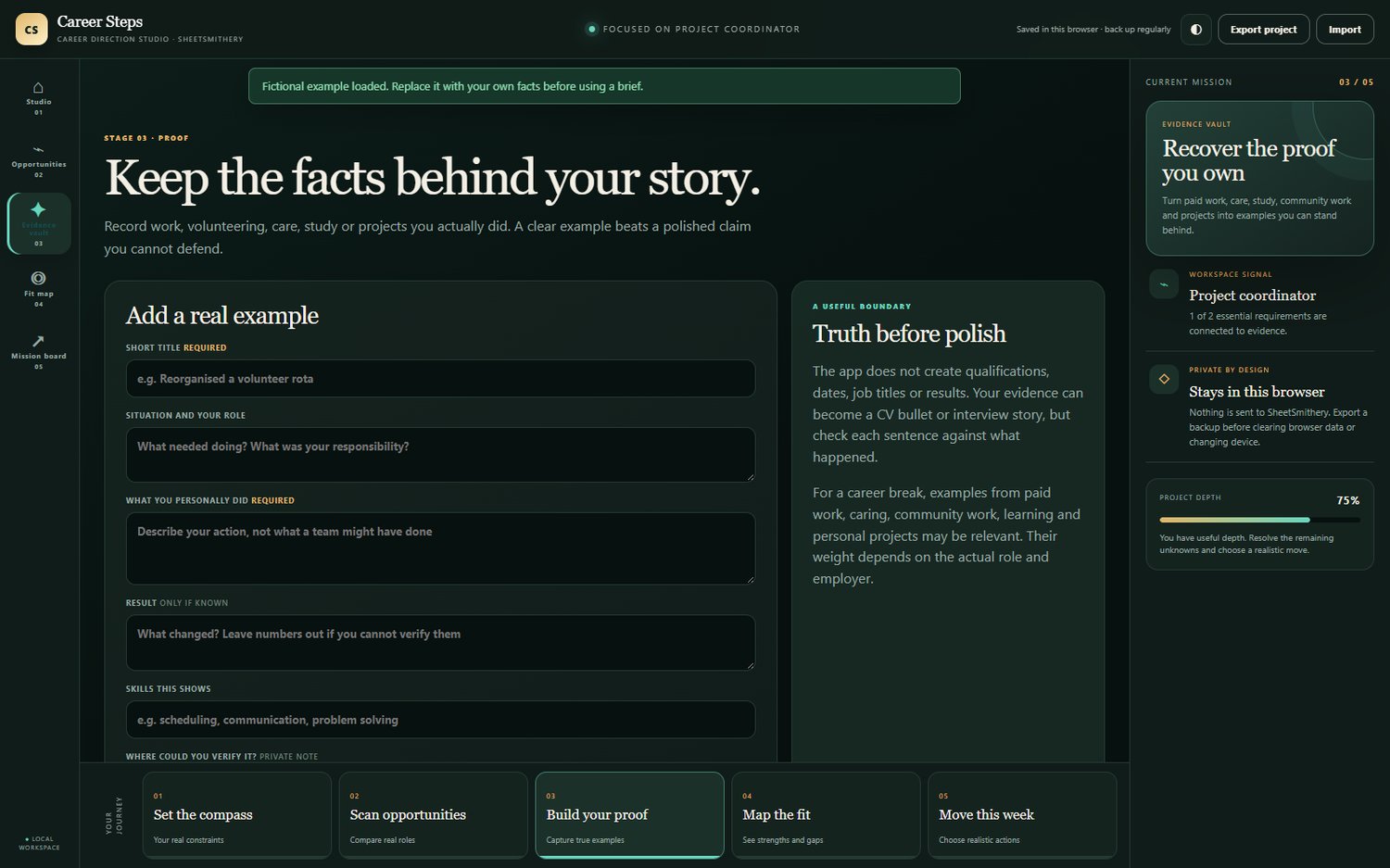
That experience does not always come from a neat list of previous job titles. It may come from paid work, caring responsibilities, volunteering, study, running a household or completing personal projects. Many people have far more relevant experience than they realise. The difficult part is recognising it and putting it into words.
I wanted Career Steps to bring that thinking together in one place.
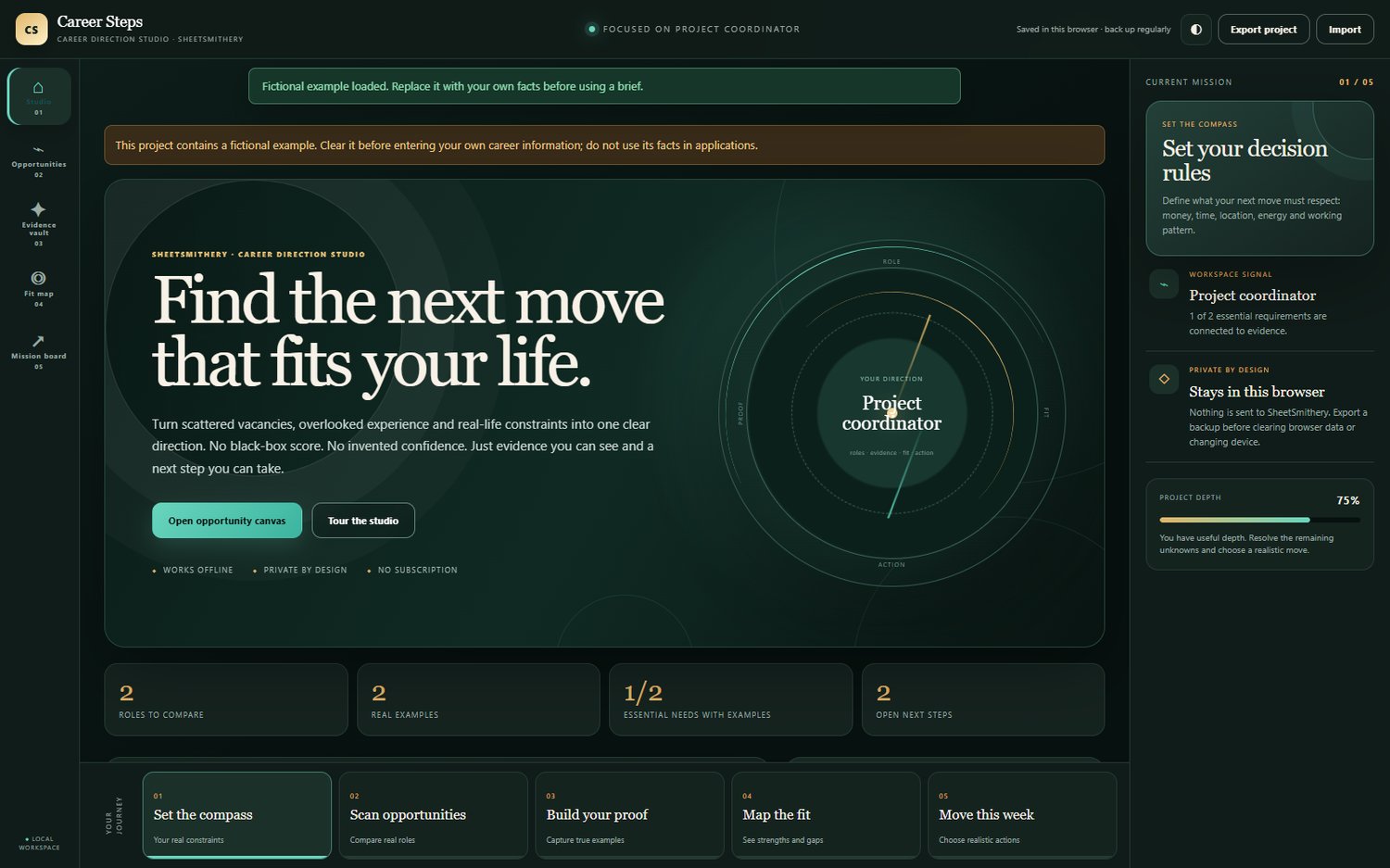
The app helps you compare potential roles against the things that matter in your life. You can work through the requirements from a real vacancy, connect them to examples from your experience and use that material to support your CV, applications and interview preparation.
A large part of the build involved deciding what to leave out.
It is easy to keep adding features, but more features do not always create a better product. I wanted the app to remain clear enough to use when someone is already tired, uncertain or under pressure.
The design needed to feel professional without becoming another corporate dashboard full of unexplained scores. The purpose is to help people understand their own information and decide what to do next.
Privacy was also important. Career planning can involve personal information and private thoughts about work, money and future plans. Career Steps runs locally in the browser and does not require another account or monthly subscription. Users can also create a backup of their work.
No app can promise someone a new job. What a good tool can do is make the process less overwhelming.
It can help you avoid spending hours on a role that does not suit your circumstances. It can remind you of experience you may have overlooked. It can give you a stronger starting point for your CV and clearer examples to discuss at an interview.
That is what I want SheetSmithery products to do: solve a real problem, reduce some of the mental clutter and give people back a little time.
Career Steps began as a way to organise a job search. It became a way to connect three things that are often kept separate: the role you are considering, the life it needs to fit and the evidence that shows what you can do.
For me, that is the most rewarding part of creating a new product. Taking a familiar frustration, working through it carefully and turning it into something that could make another person’s life a little easier.
Career Steps is now available from SheetSmithery as an instant digital download.











Comments ()