
Download the free example preview
Wedding Payment Planner — $3.99
An estimated wedding budget and a vendor's remaining balance answer different questions. Your estimate says what you planned to spend. A payment record says what you have already paid against a bill.
The figures below are a fictional illustration. They are not a customer's records or the exact figures in the included workbook example.
1. Keep the bill amount separate
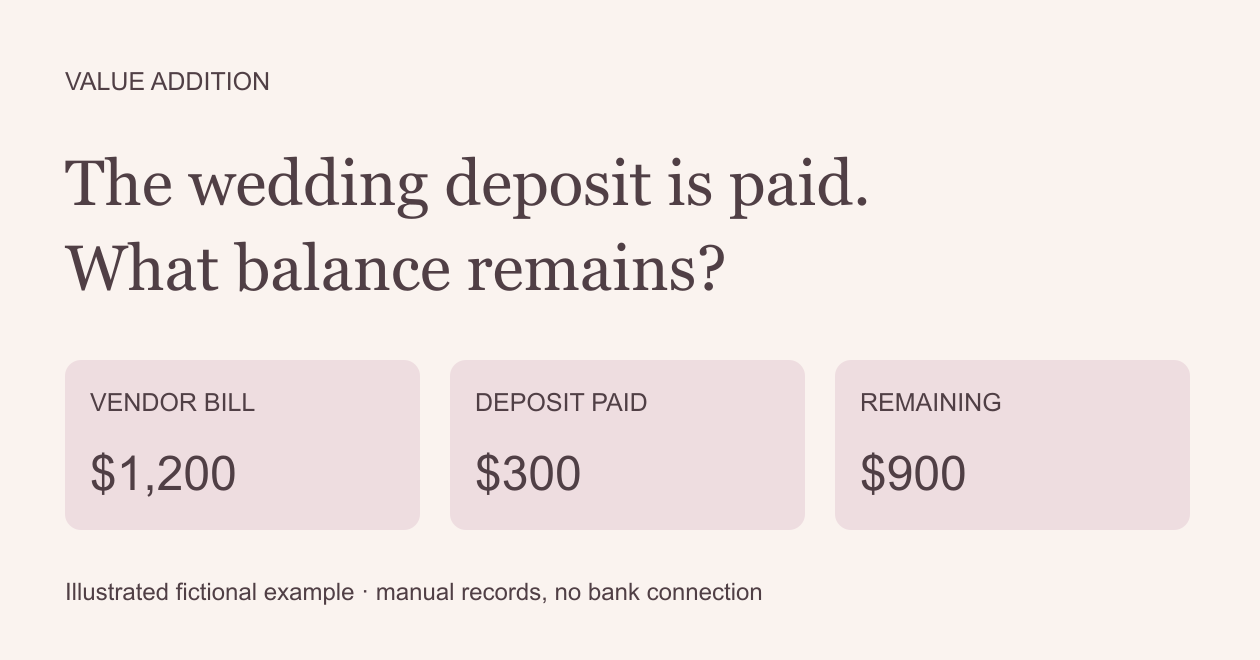
Use a fictional $1,200 vendor bill. A $300 deposit leaves $900. Record the deposit as a payment against that bill. Do not change the bill to $900 just because you paid a deposit: doing both would subtract the deposit twice.
2. Record each payment against the same bill
A later $900 payment brings total payments to $1,200 and the balance to zero. Give the bill a stable ID such as B01. Use that same ID on both payment rows, with actual payment dates and different references. Keep the confirmations separately.
3. Check changes and separate due dates
If the agreed amount changes, update the bill from the vendor's agreed record before comparing it with payments. Include tax, fees and extras yourself. One bill row has one due date. Separately due instalments need separate bill IDs when you need to track their due dates. Do not assume every vendor uses the same payment schedule.
4. Choose a record that fits
Wedding Payment Planner keeps bills and payments in separate input tables. Its full edition supports 100 bills and 300 payment rows. Download the attached free preview, check it in your spreadsheet app, and choose the $3.99 full workbook only if its workflow fits.
Use one currency. Changing a currency label does not convert money. This is manual record keeping: no bank links, automatic reminders or payment transfers. Google Sheets import, input changes, date warnings and save/reopen checks passed on a private copy. Native Excel/WPS use and independent customer use remain unverified.
A free wedding budget worksheet may be enough if you only want spending estimates. This workbook focuses on bills and payment records; it does not replace a contract, vendor confirmation or bank statement.
By Value Addition. Original AI-assisted workbook and illustrated examples.