Know which box it is in. Find it again after the move.
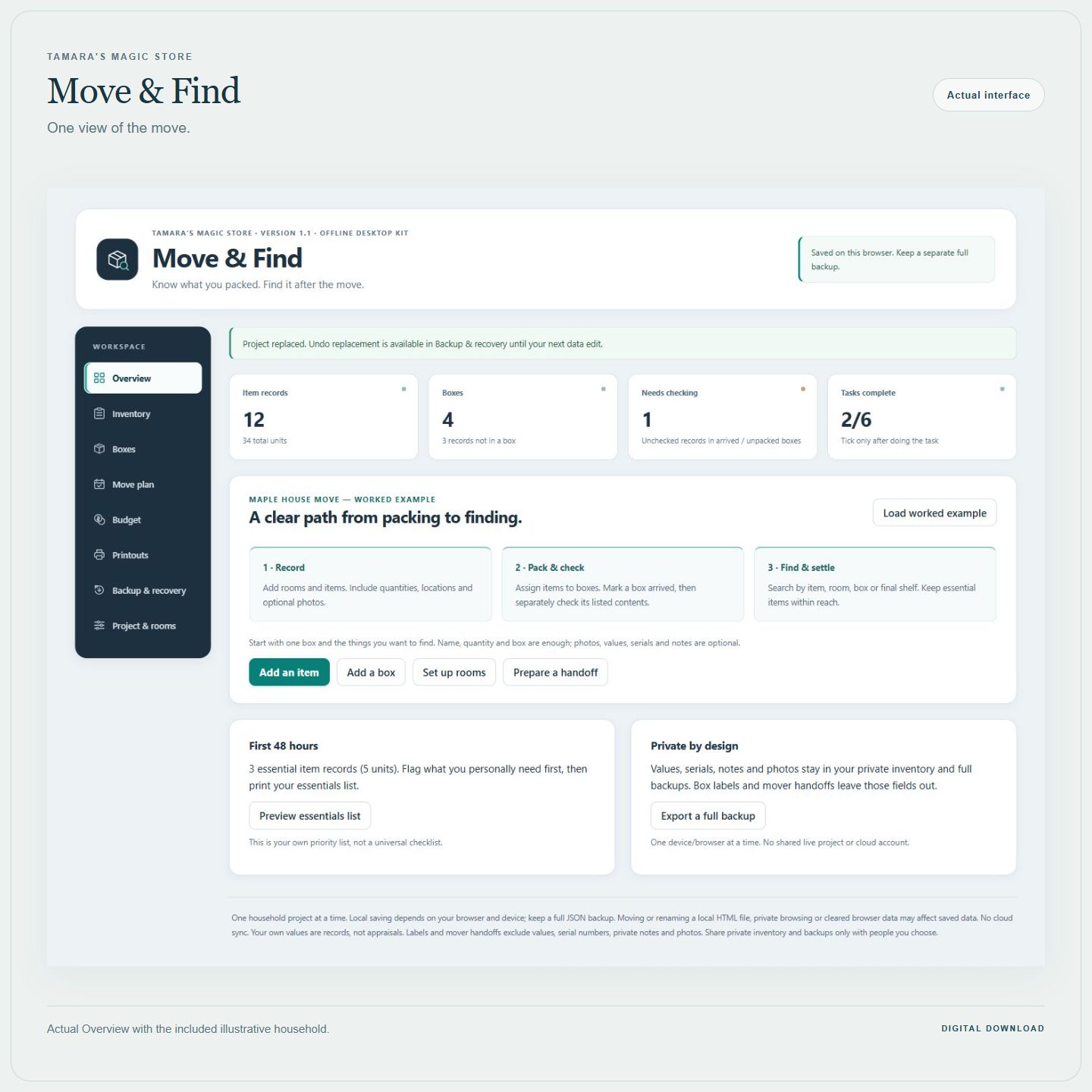
Move & Find connects your belongings, boxes and final shelves in one offline desktop tool. Start with one box and the things you want to find; add more detail when it is useful.
English digital download · Desktop or laptop required · €20.99 one-time purchase, before applicable checkout taxes. No subscription.
START SMALL, KEEP A USEFUL RECORD
1. Name a box and choose its destination room.
2. Add the items in it. Name, quantity and box are enough to start. Photos, categories, values, serials and private notes are optional.
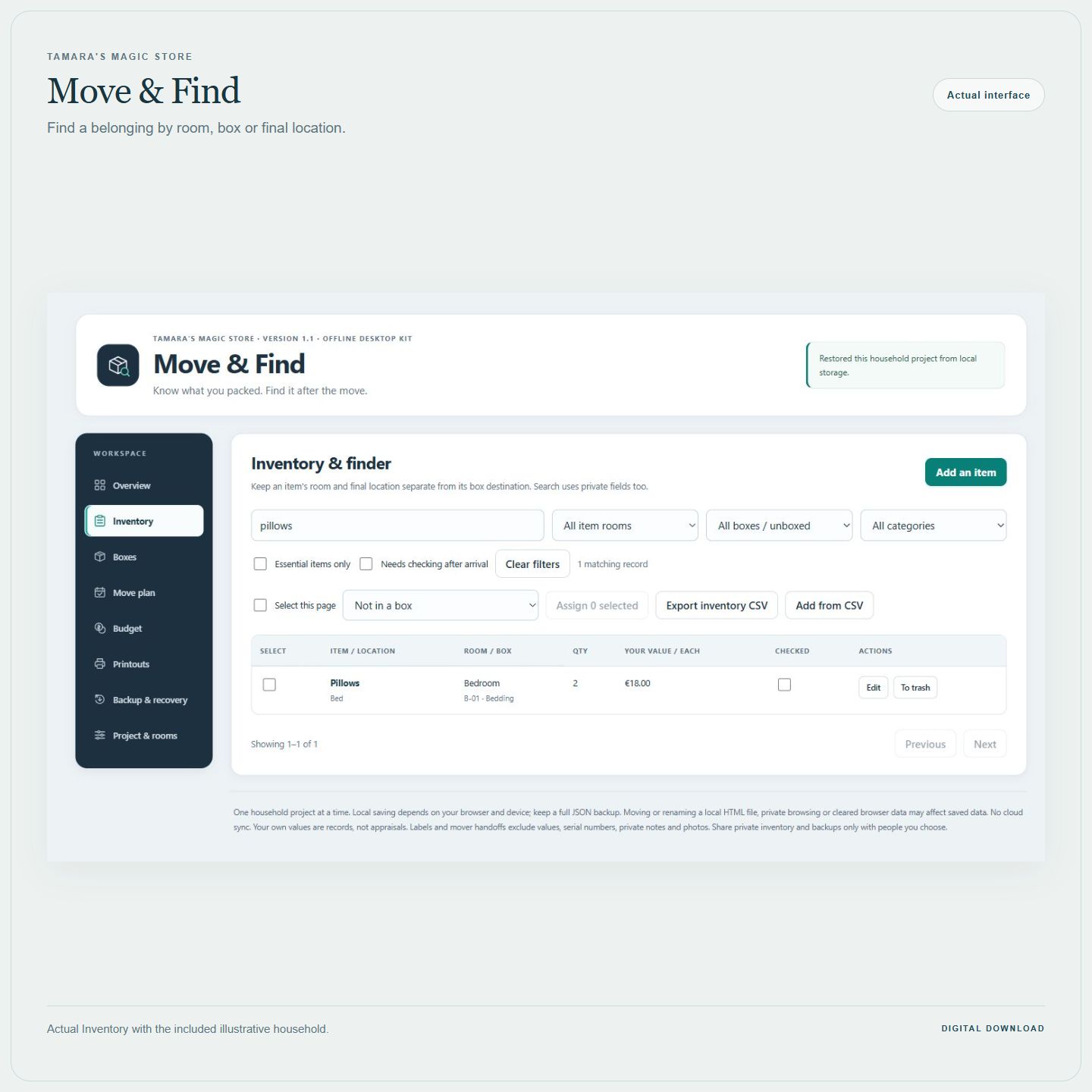
3. Search an item when you need it, check the contents after arrival and update its final shelf as you unpack.
For example: record your chargers in FIRST, then set their final location to Bedside drawer. Search for chargers to see the box and shelf. You do not need to catalogue every object before the tool becomes useful.
MORE HELP THROUGH THE MOVE
• Track boxes from packing to arrival and unpacking. A box arriving does not automatically confirm its contents; check the real items and quantities separately.
• Print a focused mover handoff and four-per-sheet labels. Values, serials, private notes, photos and costs stay out of those copies. Optional handoff contents show names and quantities.
• Flag your own first-48-hours essentials and open-first boxes. Add editable tasks around your move date.
• Record planned and actual expenses without treating an unknown amount as zero. Export a full JSON backup including photos and project details.
WHAT YOU RECEIVE
One ZIP with the self-contained tool, a worked household example, an eight-page guide, six handwriting worksheets in both A4 and US Letter, START-HERE instructions, a small CSV example and a personal licence for one purchasing household.
Five in-tool printouts support both paper sizes: mover handoff, box labels, private inventory, first-48-hours essentials and private moving costs. Labels use plain paper. Blank worksheets are optional and do not sync with the tool.
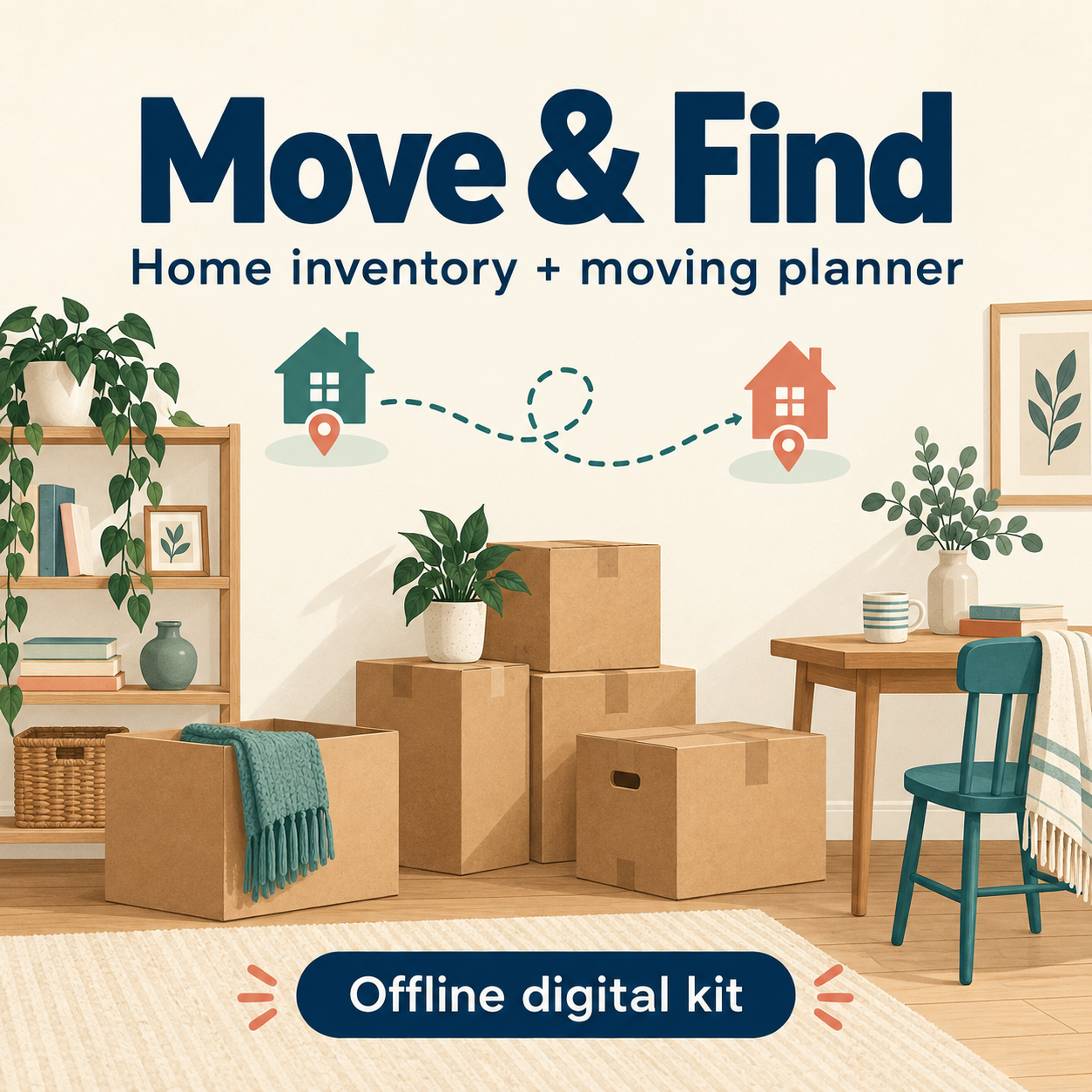
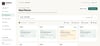
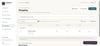
Open the free Preview above before buying. Gallery screenshots show the real tool; the cover is an illustration.
OPEN AND KEEP YOUR WORK
Download the ZIP from your Payhip download page or receipt, extract it and open Move-Find.html in a current desktop browser with JavaScript and local HTML files allowed. Choose Start with one box, or explore the worked example first.
Work in one browser tab and export a full JSON backup regularly. Local saving depends on the browser, profile, file location and device; check the save message. Clearing browser data or changing devices can affect the saved copy. Backups provide a manual way to transfer your project. There is no cloud sync or phone app.
BEFORE YOU BUY
Up to 1,000 item records, 250 boxes, 200 tasks, 150 cost lines, 30 rooms and 100 photo attachments; applicable records in trash count toward these limits. Photo copies are compressed; keep originals separately. Full backup limit: 20 MB.
A received check applies to every unit in its record. CSV adds items rather than updating or deduplicating them; use JSON for a full backup. Handoffs omit unboxed items, so arrange their transport separately. Review your labels and printouts before sharing. Your recorded values are your own records, not appraisals.
For download or technical help, use the store's Contact page with your order reference and purchase email. The licence is for one household's personal use; redistribution and resale are excluded.