The end of video chaos
Video files scattered across five different drives?
Inconsistent folder naming making you lose your mind?
Having to create folders when you quickly want to transfer files?

Video files scattered across five different drives?
Inconsistent folder naming making you lose your mind?
Having to create folders when you quickly want to transfer files?
INSTALLATION + USER GUIDE
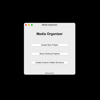
Watch the video below for a step by step walk through all functionalities of the tool. Learn how to use the Media Organizer to it's max capability.
1. New Settings folder in Menu:
Add an SFX source folder
Add an SFX assets folder
This way, whenever you create a new project you can select whether you want to add SFX and/or assets to the project. In order to save disk space, this will not actually copy all assets and SFX , but generate a short link in you project to the SFX and Assets folders. This way you can manage them in 1 place but access them straight from the project folder.
2. Project date:
You can now enter the project date (the date on which the video project takes place)
3. Deadline settings
In the settings menu, you can enter a default deadline (for example 12 weeks). Now, whenever you enter a project date, the deadline will automatically set to 12 weeks from project date.
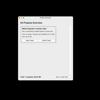
You can also change each deadline manually within the project details window (so the individual window of each project). Simply, by clicking on the dates and entering the date you want. You will also see a countdown in the amount of days left.
4. Sorting of All Projects Overview
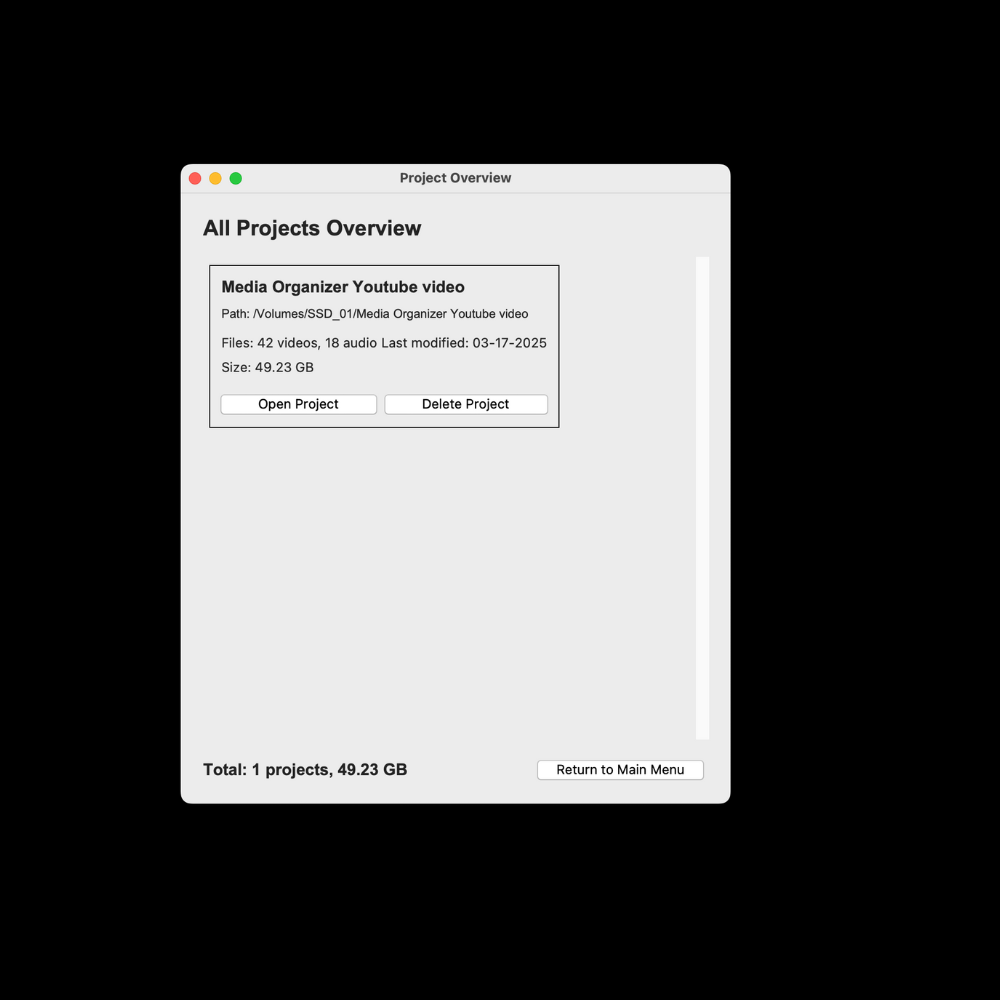
All projects overview is now sorted based on the projects with the highest urgency going off of the deadline.
5. Custom Folder Templates
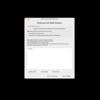
You can create and adjust custom folder templates. It’s also more user friendly than in previous versions.
6. Overall
We fixed some minor bugs and worked on improving the speed and weight of the tool. Also we made the tool more user friendly.
7. Memory
We have incorporated a folder with .json files that makes it possible to ‘remember’ all your projects and custom folder templates whenever there will be a new update.
While industry giants offer complex media management solutions that require steep learning curves and significant investment, The Media Organizer delivers a streamlined, purpose-built tool that solves the exact problem creators face: inconsistent folder structures and wasted time searching for files.
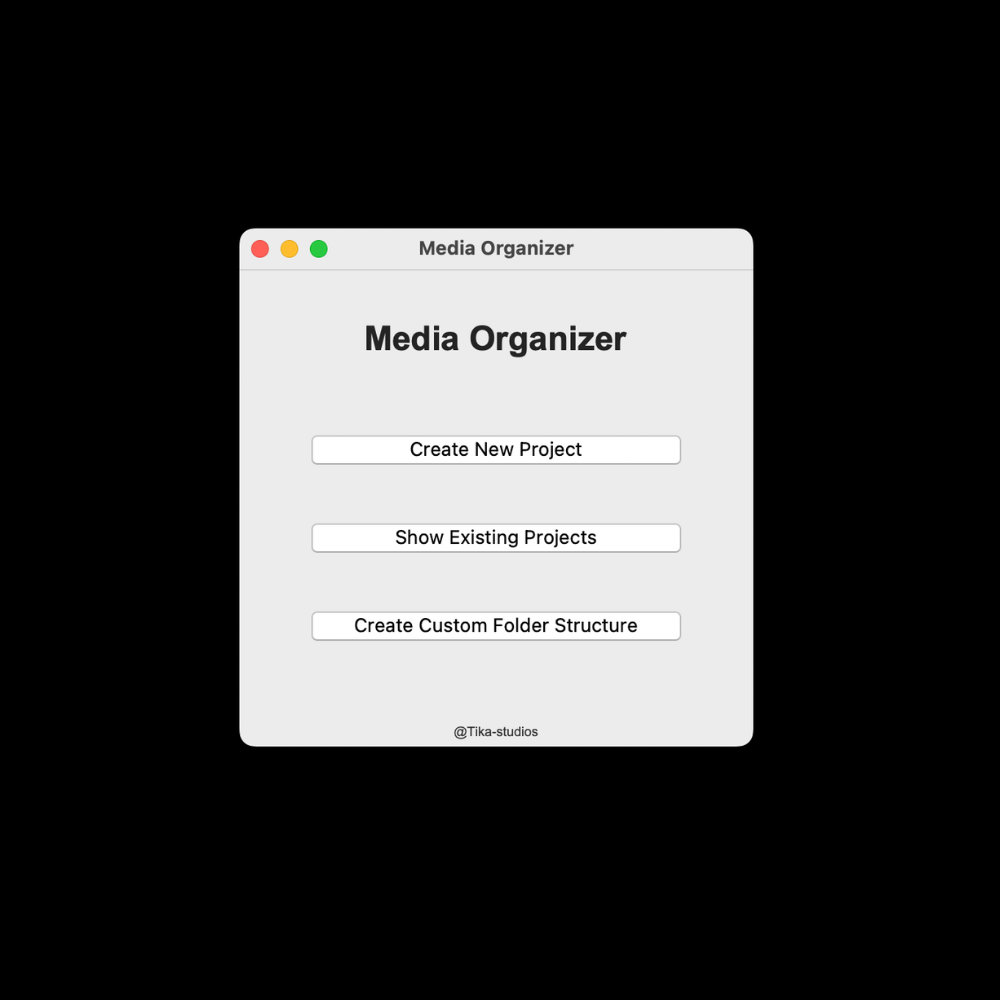
Intelligent Automation: Automatically sorts video and audio files into structured folders based on different sorting logics.
Flexible Organization Systems: Choose between sorting your footage by Date, or File Name (perfect for multicam projects) or create your own custom Folder Templates.
Simplicity by Design: Accomplishes in seconds what would take hours to do manually, without the bloat of larger applications
Creator-Focused Workflow: Built by a creator who understands the real problems faced in media production
No Subscription Required: One-time purchase for a lifetime of organized projects
Media Organizer was born from personal frustration with inconsistent project organization. What started as a solution for one creator has become an essential tool for professionals who value their time and the integrity of their media libraries.
Stop wasting creative energy on file management. Let Media Organizer handle the organization so you can focus on what matters - creating amazing content.
Unlike larger media management platforms that try to be everything to everyone, Media Organizer focuses exclusively on solving the folder organization problem perfectly. It doesn't try to be an editor, a DAW, or a media library - it's the essential first step that makes all those other tools more efficient.
The specialized folder structures are designed with real production workflows in mind, automatically separating footage by date and time of day or file name, creating dedicated spaces for voice-overs, music, and exports - all in a logical hierarchy that makes sense to creators.
Yes, we have created the media organizer for both Mac and Windows users.
Absolutely! You can either use our pre-designed templates (Wedding, Solo, Automatic) or create your own custom folder structures that perfectly match your existing workflow. Save them as templates to reuse for future projects.
Yes! Media Organizer supports all major video formats (MP4, MOV, AVI, MXF, WMV, FLV) and audio formats (WAV, MP3, AAC, FLAC), ensuring comprehensive coverage for professional creators.
Media Organizer copies your files to their new organized location, leaving your originals untouched until you're satisfied with the organization.
Media Organizer intelligently handles duplicate filenames by adding unique identifiers, ensuring no files are accidentally overwritten during the organization process.
There's no built-in limit! The tool can handle projects of any size - the only constraint is your available disk space.
Yes! We love to keep it simple and know that budgets for freelancers can be tight. So pay one time, enjoy forever! No monthly fees, no hidden costs, and you'll receive future updates.