Free Doodle Art Library
Free for commercial use. Attribution is required.

Free for commercial use. Attribution is required.
Click on any of the images below to download them for free.
To keep this library free, attribution is required. We've provided a few simple ways to do so.
Clicking on each of the doodles above to download them might be an inconvenience. So if you want to download them all at once, you can do it here.
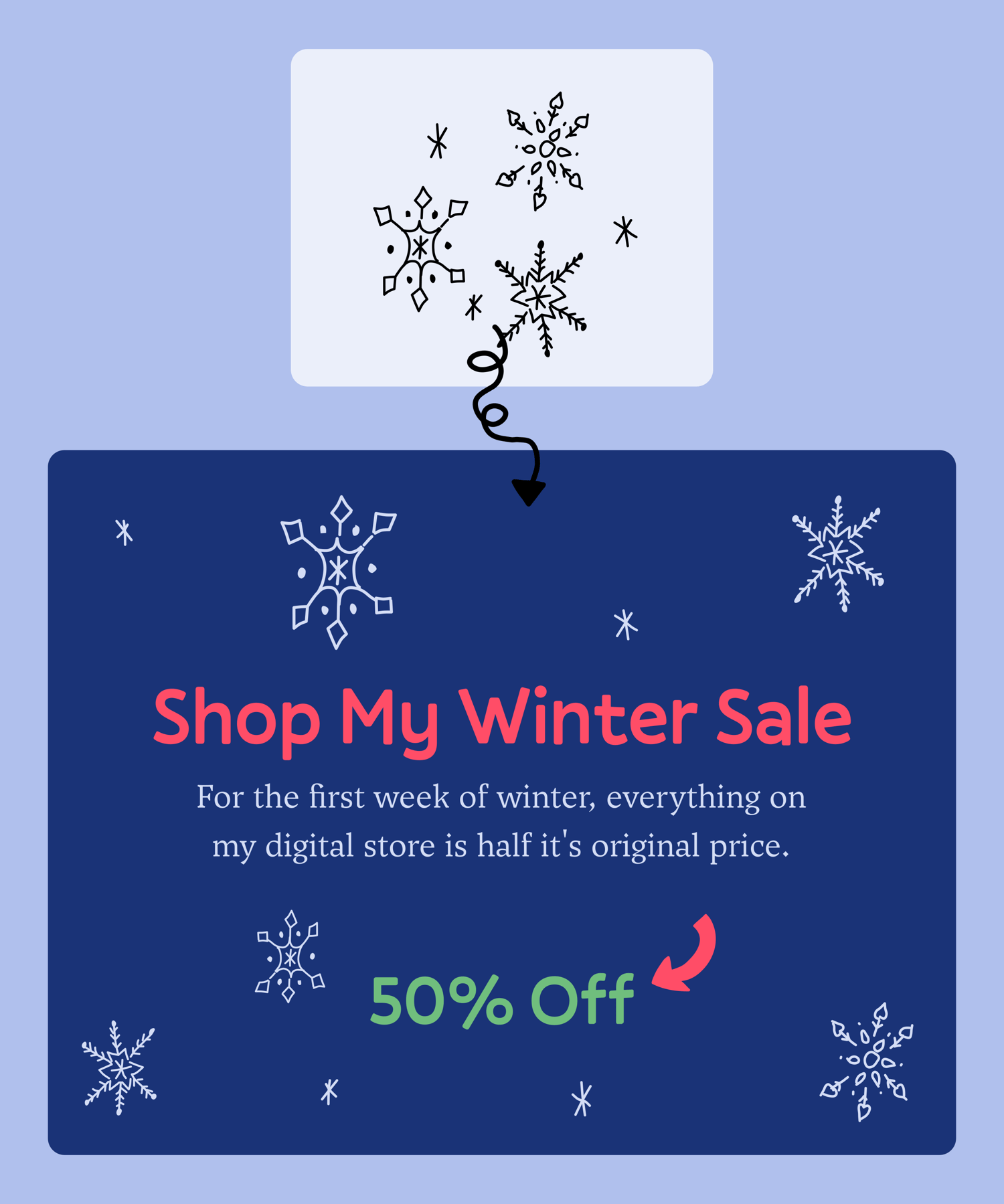
AJ Doodles has some incredible doodles in their doodle art library. They have a wide variety of options of doodles you can use and it's a great way to add illustrations to your Substack without using AI! I got a free set of snowflake dividers from them a few weeks back and I love using them as text dividers in my longer posts. Their art doodles provide much needed creativity.
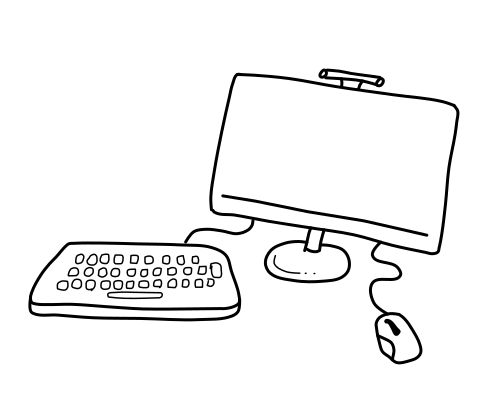
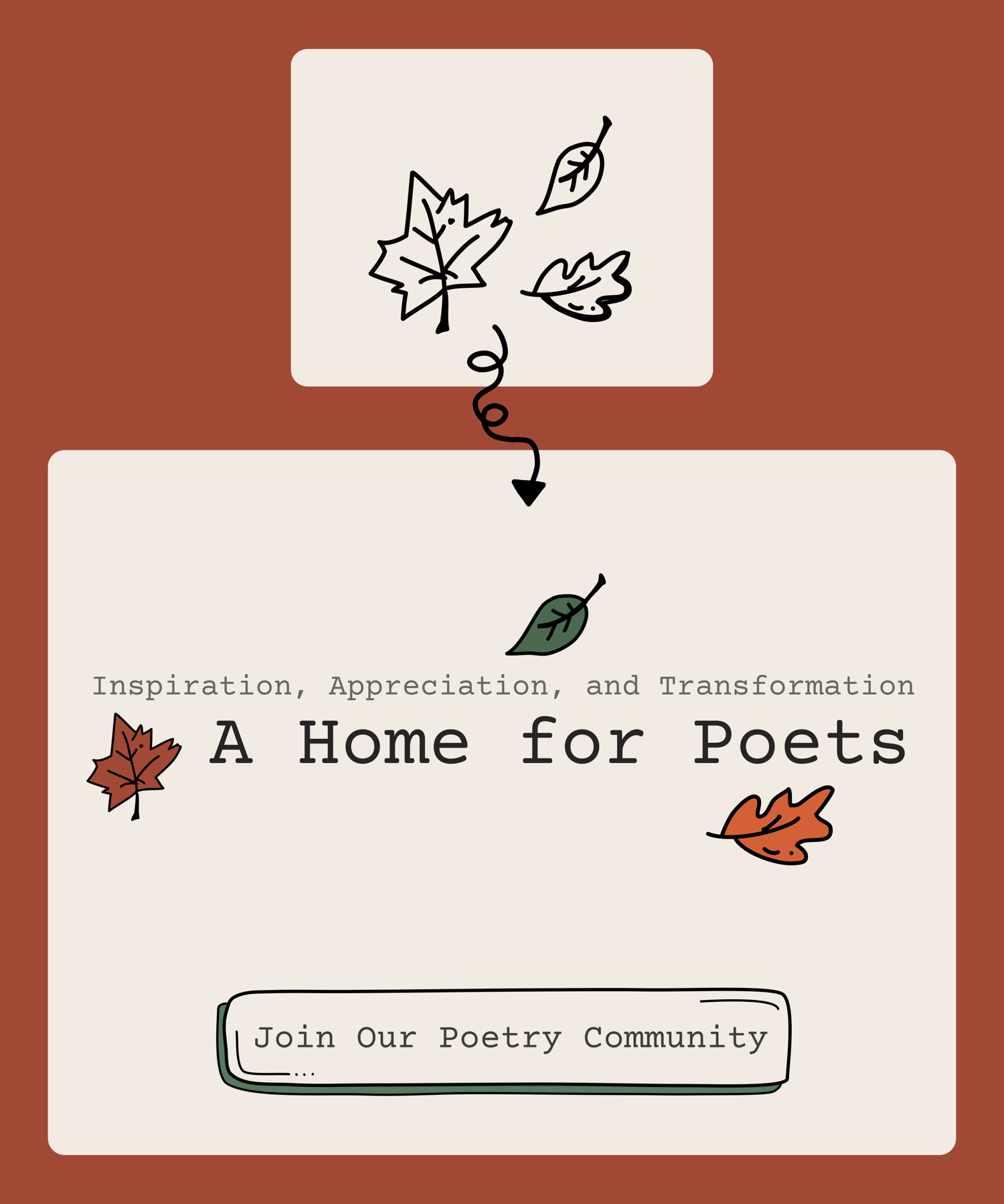
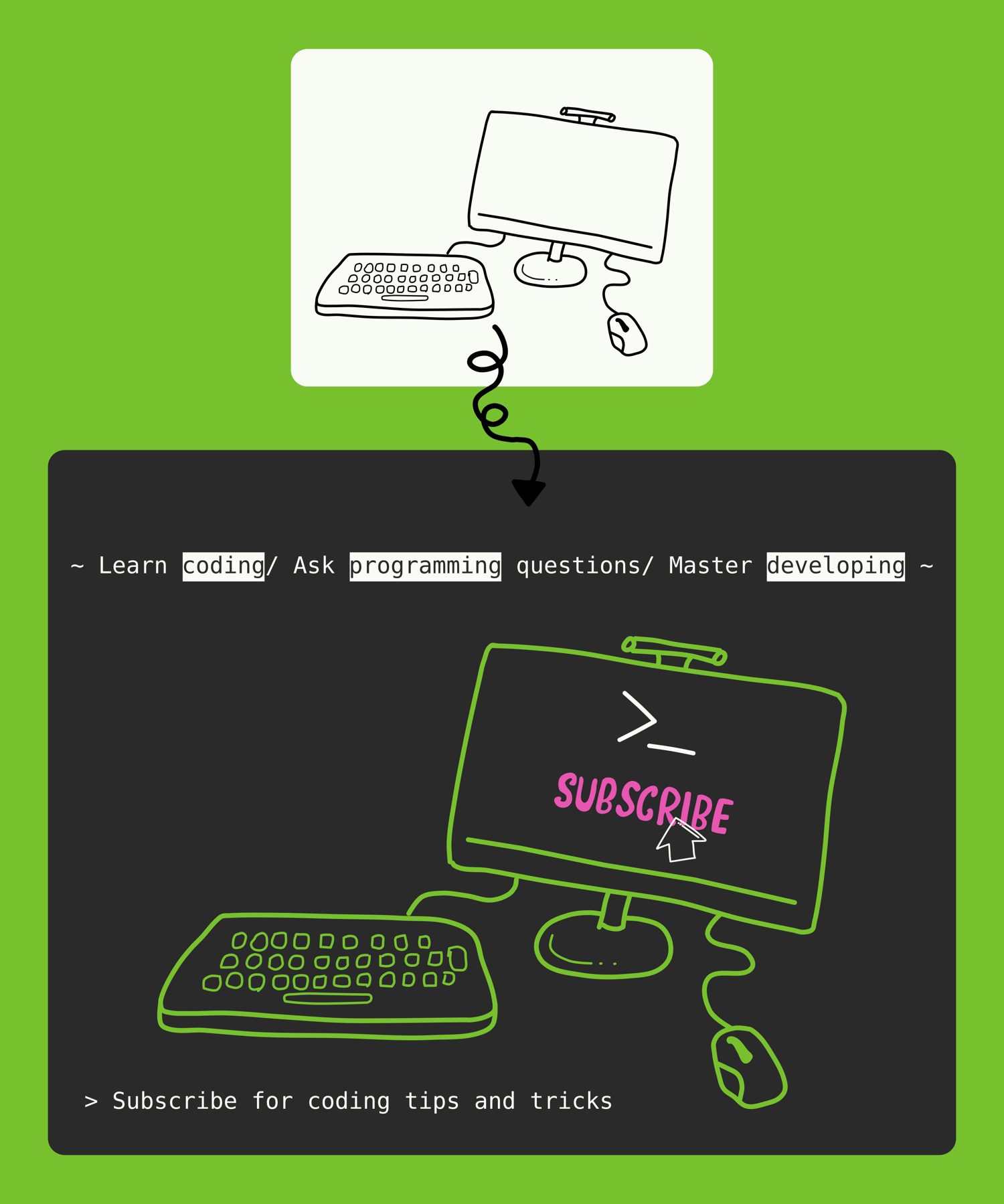
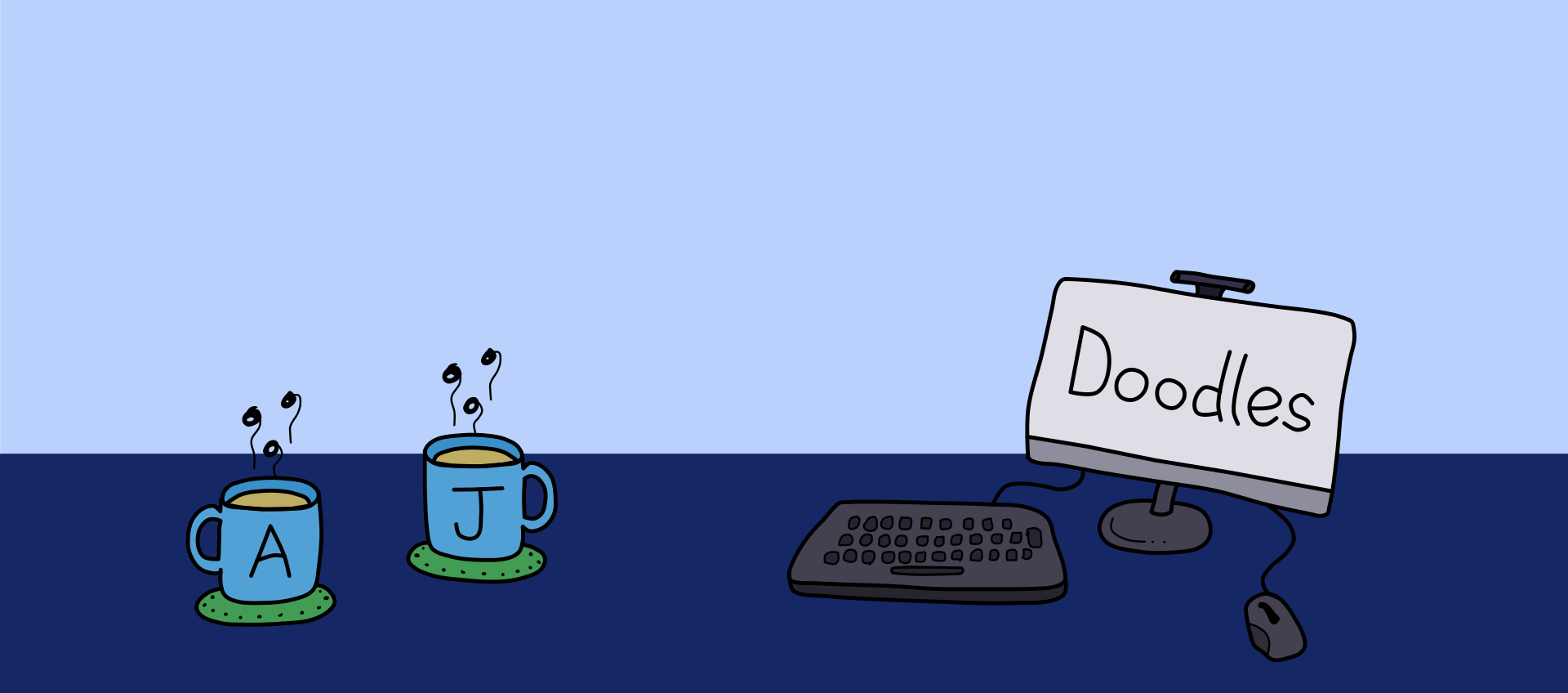
These illustrations are exactly what I needed - clean, simple hand-drawn doodles. The coffee and desktop computer ones have that casual, approachable vibe that works perfectly for a profile header. Enough personality without being distracting. Perfect for someone juggling multiple projects who needs visuals that feel human and relatable rather than overly polished or corporate.
No problem.
We'll create an image for you. A profile banner? A text divider? A featured image? Whatever it might be, we're here to help.
Work with 2 designers to reach your goals.
As long as you don't intend to resell the illustrations themselves, you may use them anywhere. On Substack, LinkedIn, your own website, etc.
Add them to your designs, or use them by themselves.
These illustrations add a simple human touch to your work.
We currently do not have a colored version of the illustrations.
You will need to color them yourself. You can use any graphic design software. I, personally, would recommend Inkscape. But Adobe Illustrator, Affinity Studio, ProCreate, and Canva are also options.
If you would like us to provide colored variants of each illustration in the library, then DM us via Substack.
Included for each illustration is an SVG file. This can be opened in any vector graphics editor (Inkscape, Illustrator, Affinity). You can edit the illustration changing the shape, size, and color.
Yes, you can place them by themselves inside your posts or emails.
To create designs, you can use Canva. It is beginner friendly. Pick out a template and upload any of the illustrations to your Canva document.
If you can't do it yourself, we offer a service to design for you. Find out more here.
Browse our design services to get started today.
We'd love to hear from you! Please contact us using this form for any questions or comments. Your feedback means everything.