
Study Planner and Exam Revision Timetable
On Sale
ZAR89.00
ZAR 89.00
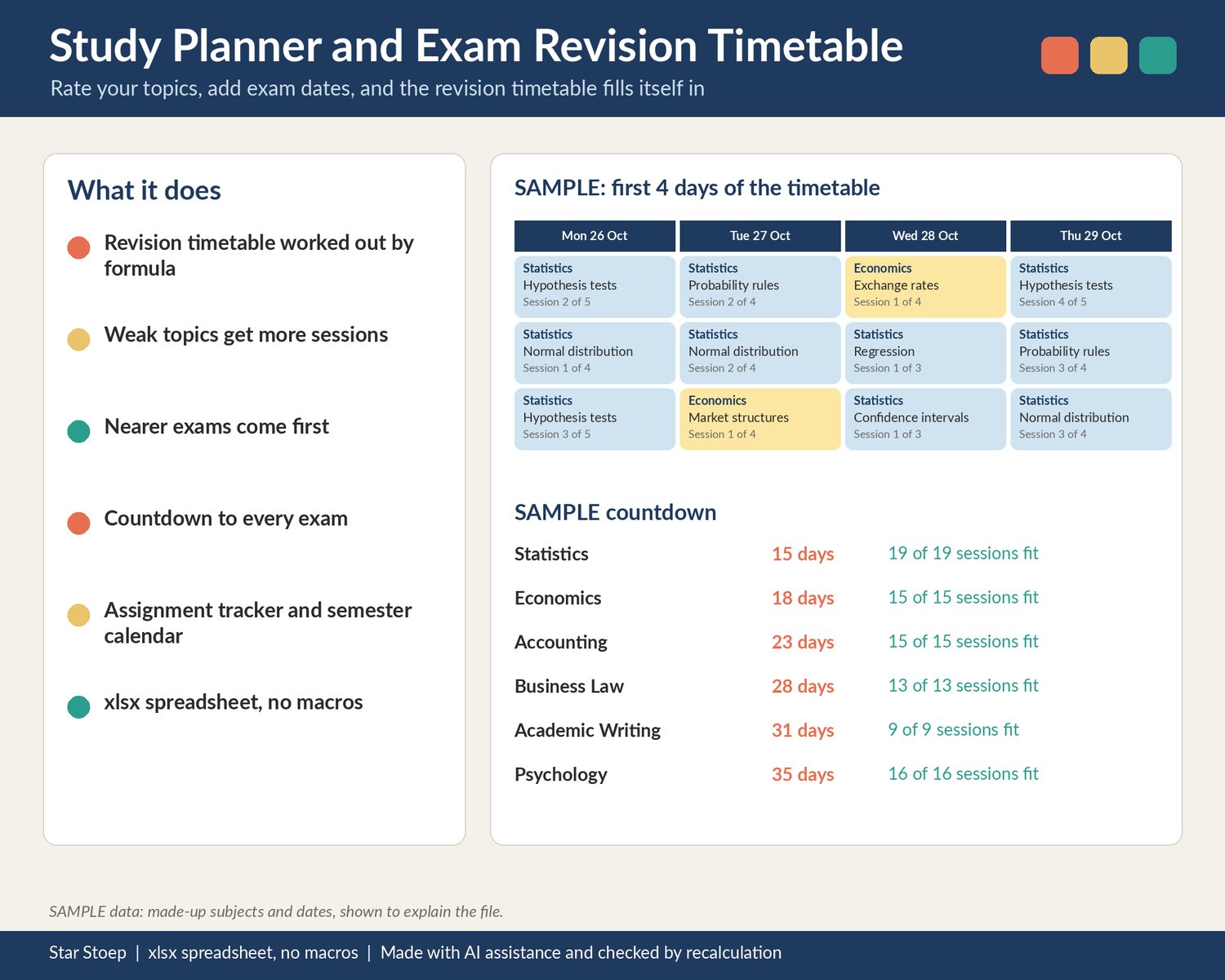
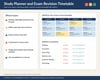
A study planner for university, college and older students (16+) with exams coming up. Add your subjects and exam dates, list your topics and rate how confident you feel about each one, and the revision timetable works itself out: more sessions for weak topics, nearer exams first, and a clear warning if there is not enough time.
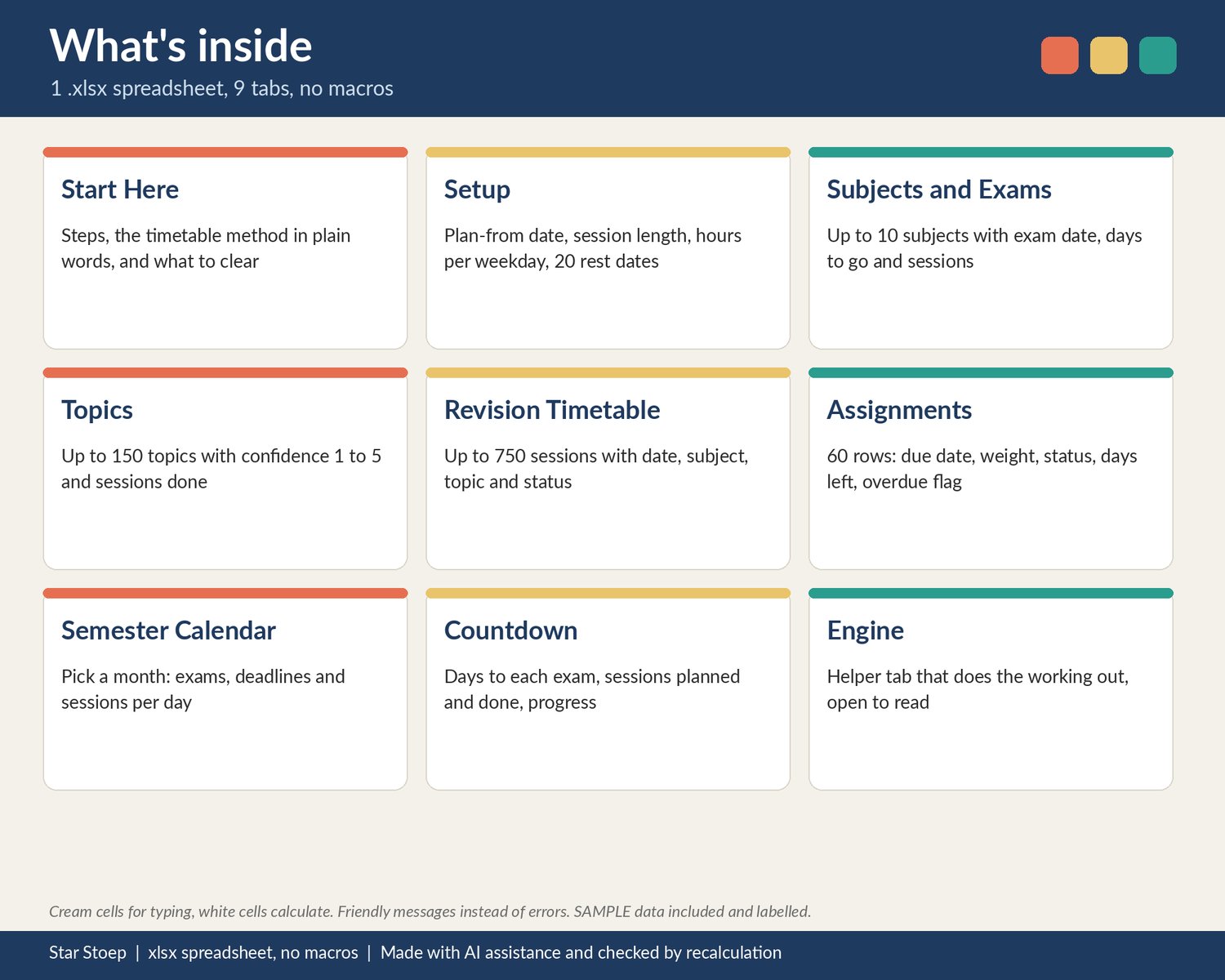
WHAT IT DOES
- Setup: the date to start revising, session length, the hours you can study on each weekday (0 = rest day) and up to 20 extra rest dates.
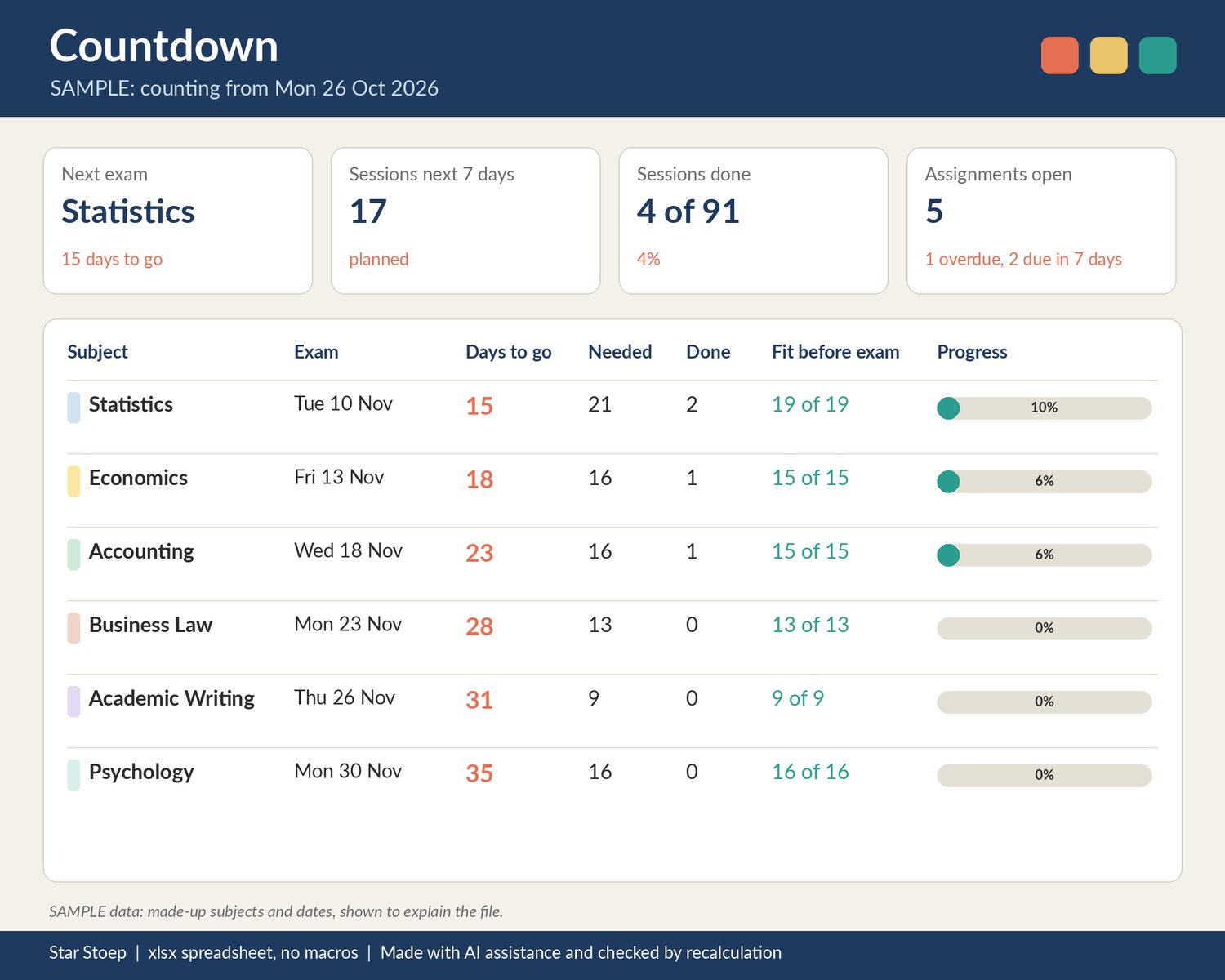
- Subjects and Exams: up to 10 subjects with exam date and time or venue. Each shows days to the exam, topics, sessions needed, sessions done and whether everything fits before the exam.
- Topics: up to 150 topics with a confidence rating from 1 (weak) to 5 (strong) and the sessions you have done.
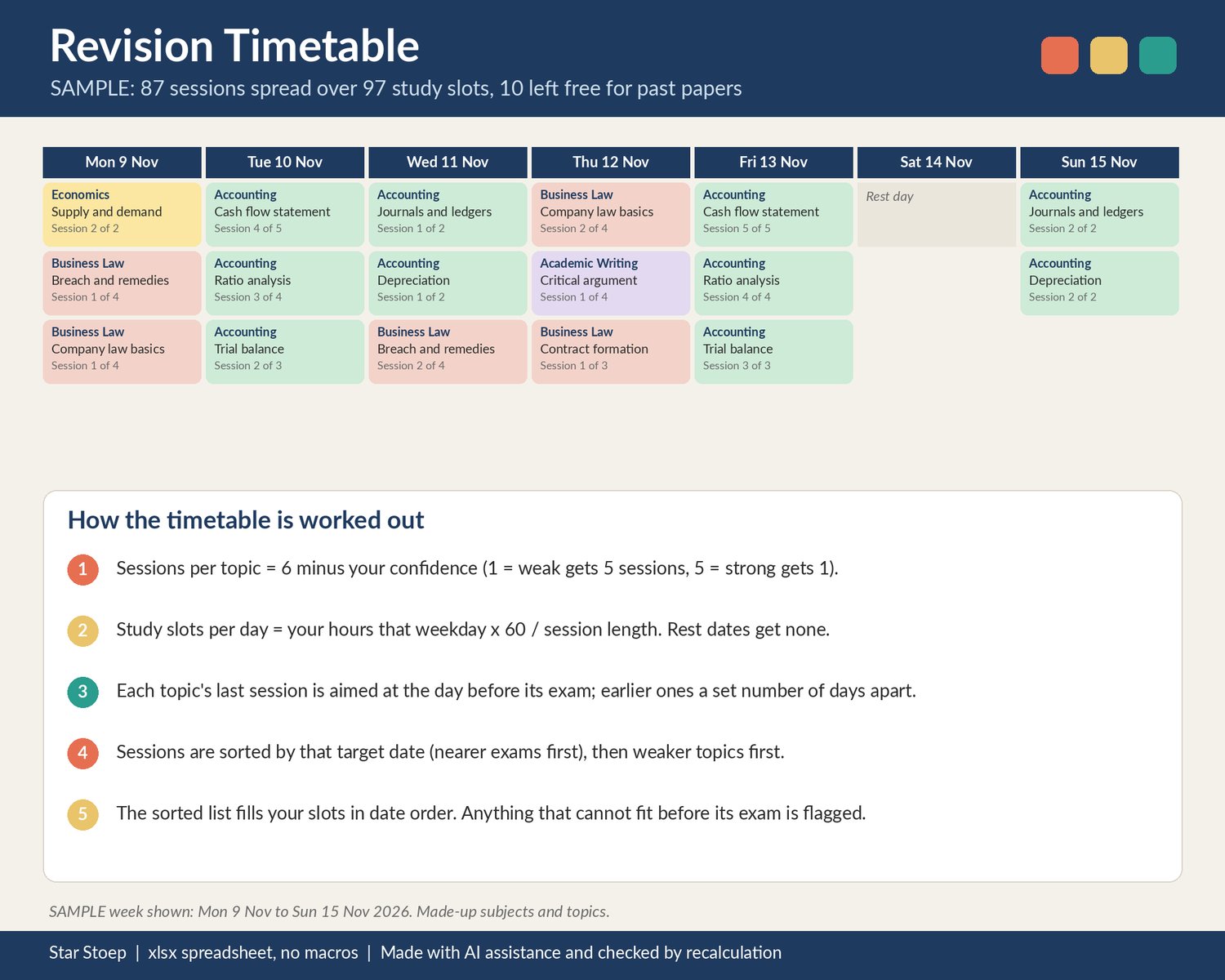
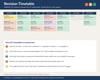
- Revision Timetable: up to 750 study sessions, each with date, subject, topic, "session 2 of 4" and a status. The method is written out in plain words on the Start Here tab: sessions per topic are 6 minus your confidence; each topic's last session is aimed at the day before its exam with earlier ones spaced a few days apart; sessions are sorted by that target date, then weaker topics first, and fill your study slots in date order. The same inputs always give the same timetable. Spare slots show as free for past papers or catch-up.
- Assignments: 60 rows with due date, weight, status (Not started, In progress, Submitted), days left and an overdue flag.
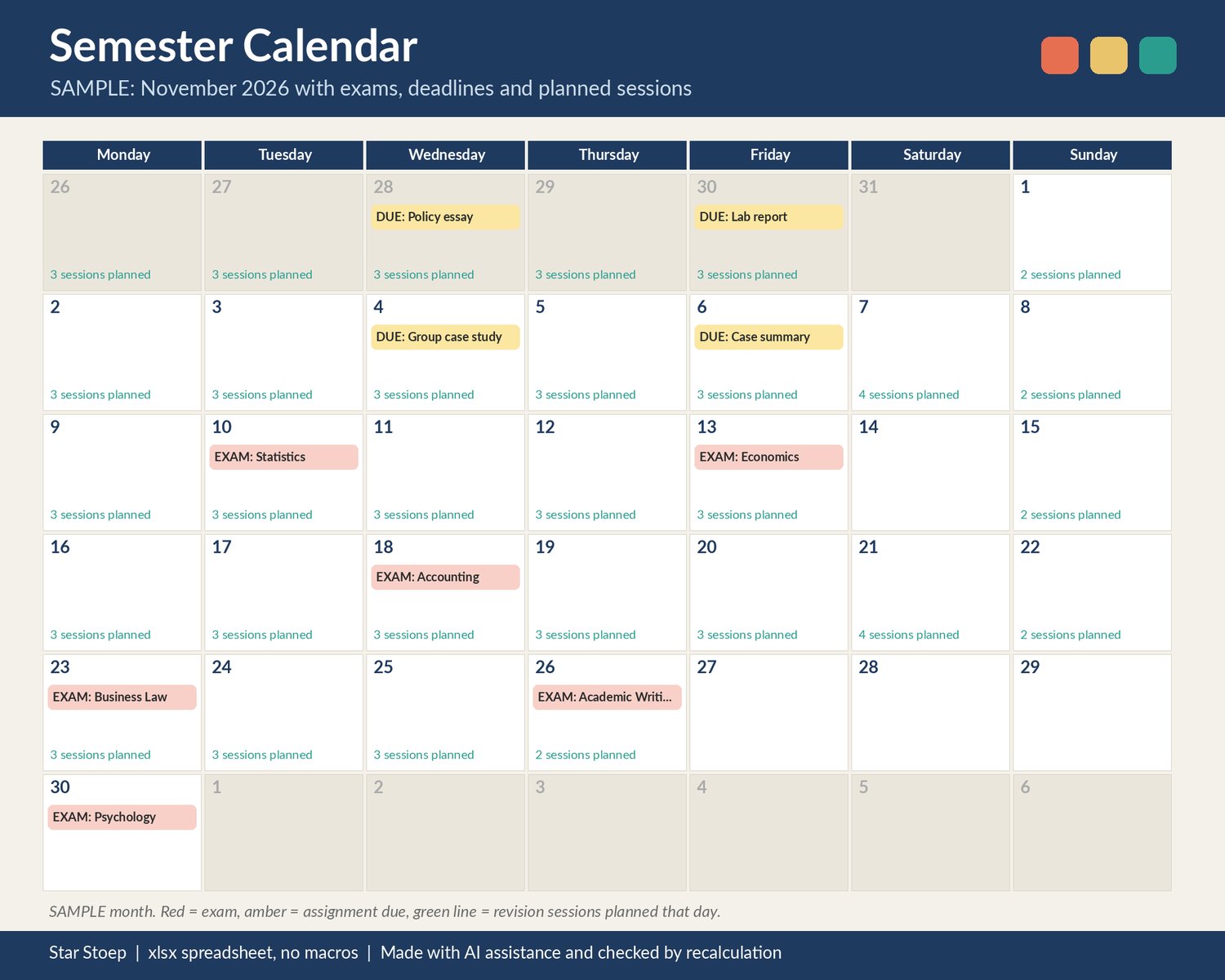
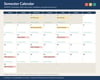
- Semester Calendar: pick a month to see exams, assignment deadlines and how many revision sessions are planned each day.
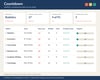
- Countdown: next exam, sessions in the next 7 days, sessions done overall, open and overdue assignments, and a row per subject with days to go and progress.
WHAT'S INSIDE
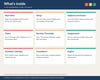
- 1 .xlsx spreadsheet with 9 tabs: Start Here, Setup, Subjects and Exams, Topics, Revision Timetable, Assignments, Semester Calendar, Countdown, Engine (the helper tab that does the working out, open to read)
- Clearly labelled SAMPLE subjects, topics, exam dates and assignments (all made up) so you can see how it works, and a short list of what to clear
- Cream cells for your input, white cells that calculate. No macros, no add-ons.
HOW TO OPEN IT
- An .xlsx spreadsheet with no macros. Tested in LibreOffice Calc; not yet opened in Excel or Google Sheets.
- Open the .xlsx in your spreadsheet app.
- Start with the Start Here tab, then Setup.
GOOD TO KNOW
- Digital download. No physical item is sent.
- Checked by recalculation.
- This is a planner. It spreads your revision using a simple rule of thumb you can read and change; it cannot promise better marks or results.
- Blank dates, text in number cells, exams already past and zero study hours show a plain message telling you what to fix, not an error.
- Countdowns use today's date once you clear the SAMPLE date on the Setup tab.
- Not affiliated with Google, Microsoft or any university, college or school.