


Tradie Quote Follow-up & Payment Chaser (AU): Excel & Google Sheets, Ready-Made Reminder Messages
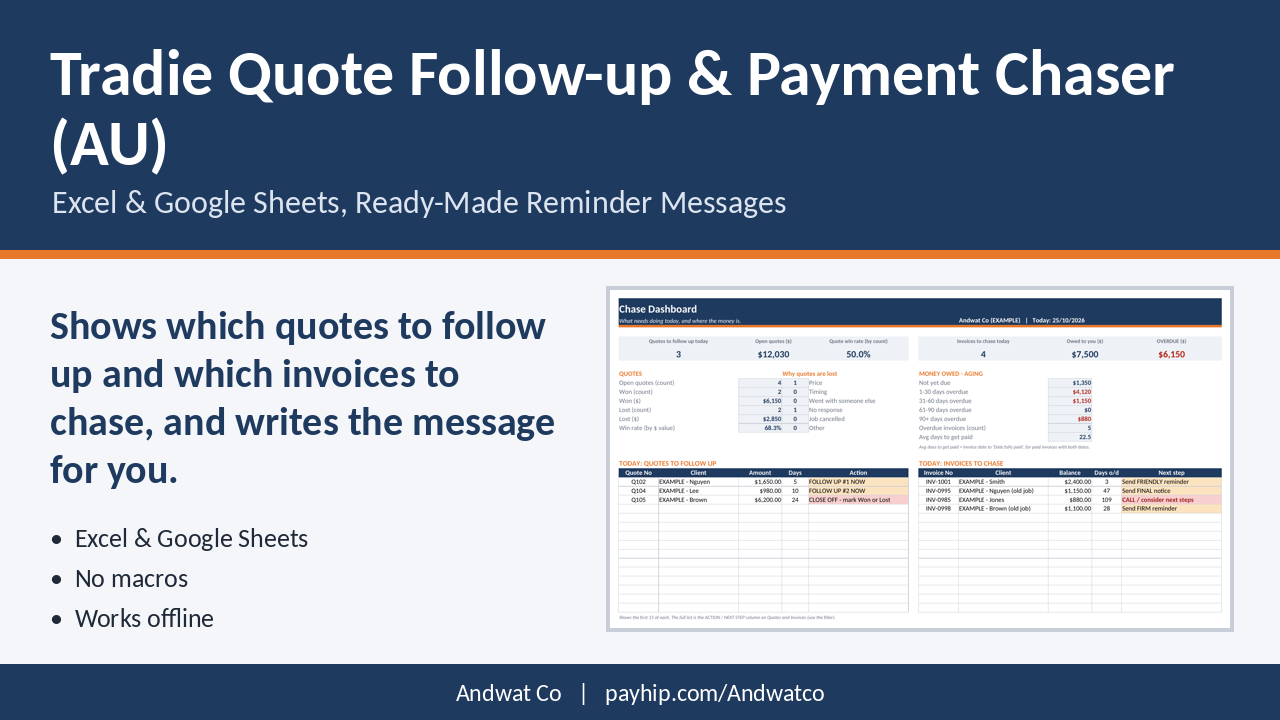
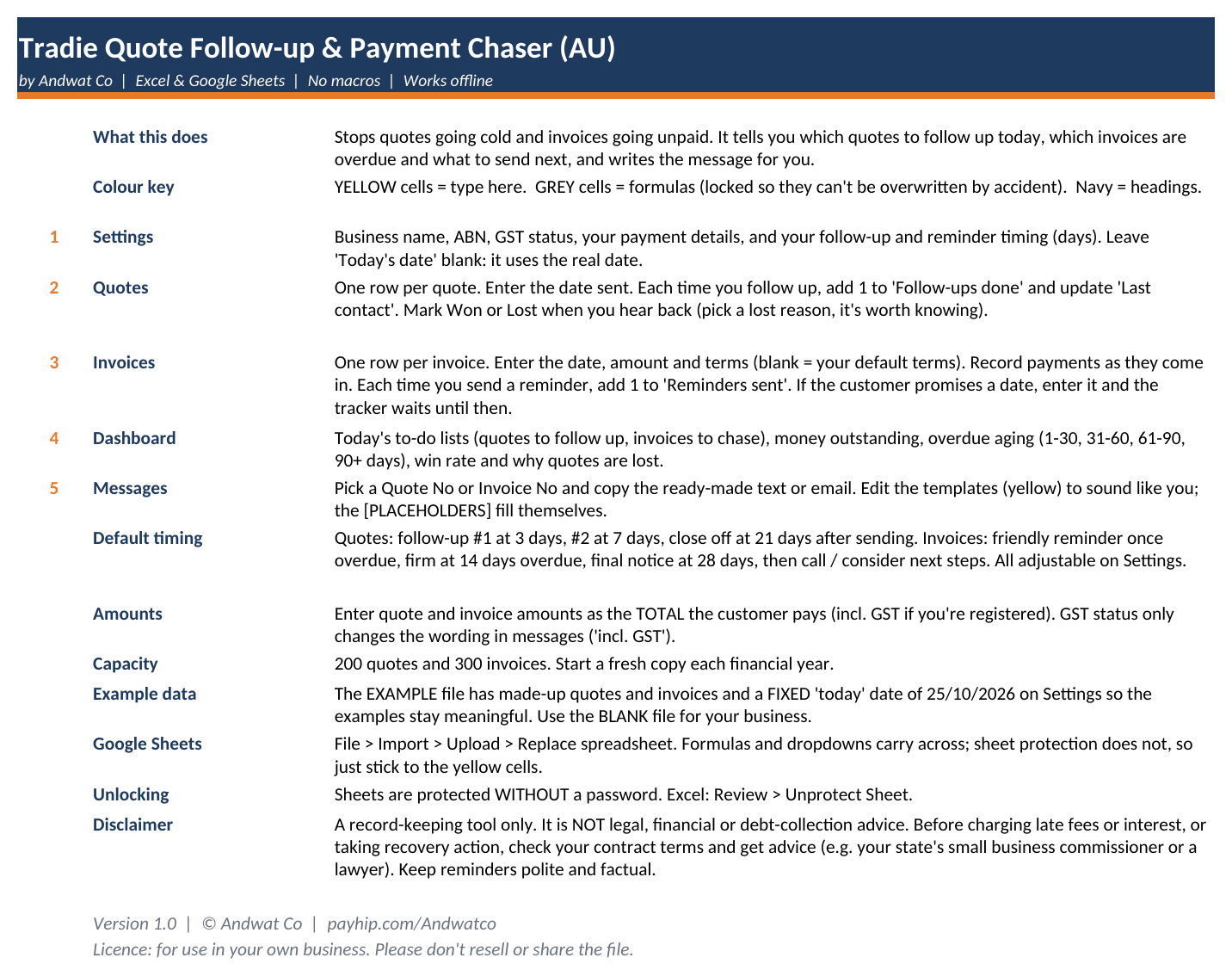
Stop quotes going cold and invoices going unpaid. Open the file and it shows which quotes to follow up today, which invoices are overdue and what to send next, and writes the message for you. Built for Australian tradies.
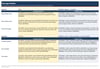
Quotes that nobody follows up, and invoices that drift to 30, 60 or 90 days. This spreadsheet keeps both lists in one place. Enter the date a quote was sent or an invoice was issued, and it works out when to follow up, when a payment is overdue, and whether the next step is a friendly reminder, a firm reminder, a final notice or a phone call. It also fills in a ready-to-copy text or email with the customer's name, the amount, due date and your payment details.
No subscription, no app, no internet needed.
Features
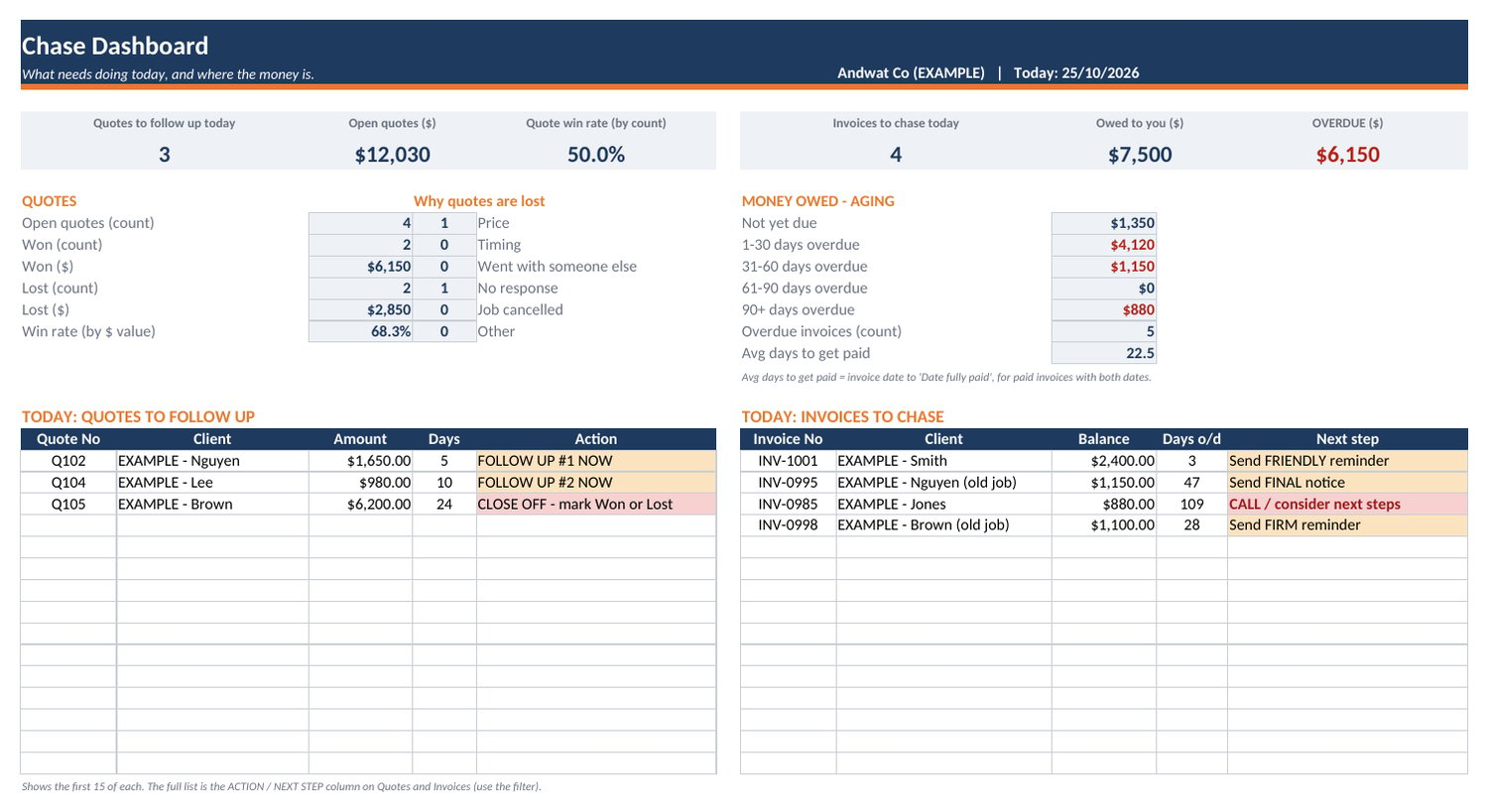
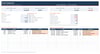
Today's to-do list on the dashboard: quotes to follow up and invoices to chase
Quote follow-up schedule: follow-up #1 and #2, then a "close off" prompt (default 3, 7 and 21 days, all adjustable)
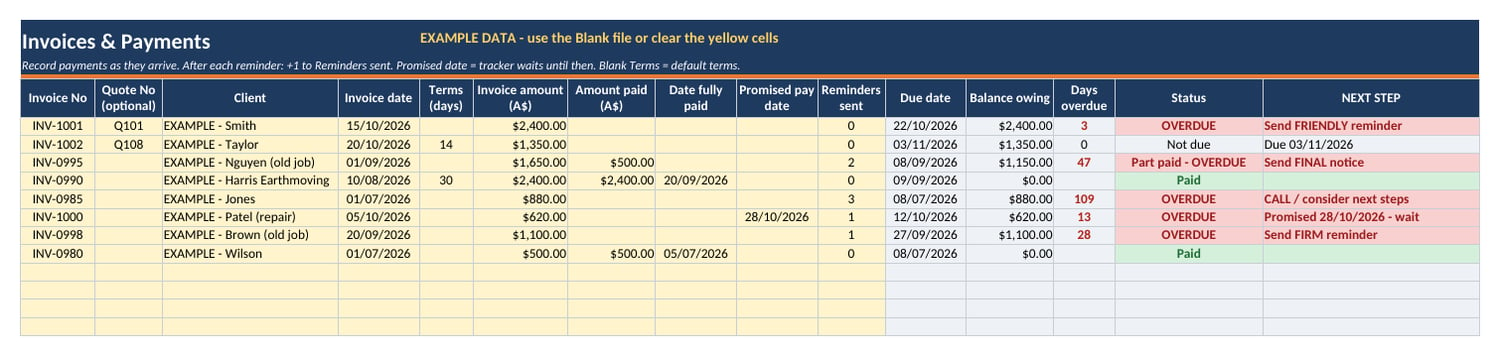
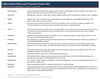
Payment reminder ladder: friendly reminder once overdue, then firm (14 days), final notice (28 days), then call (all adjustable)
Promised-date tracking: enter the date a customer promises to pay and the tracker waits until then
Part payments: balance owing is calculated automatically
Money owed aging: not yet due, 1-30, 31-60, 61-90 and 90+ days overdue
Win rate by number and by dollar value, plus a why quotes are lost count (price, timing, went elsewhere, and so on)
Average days to get paid
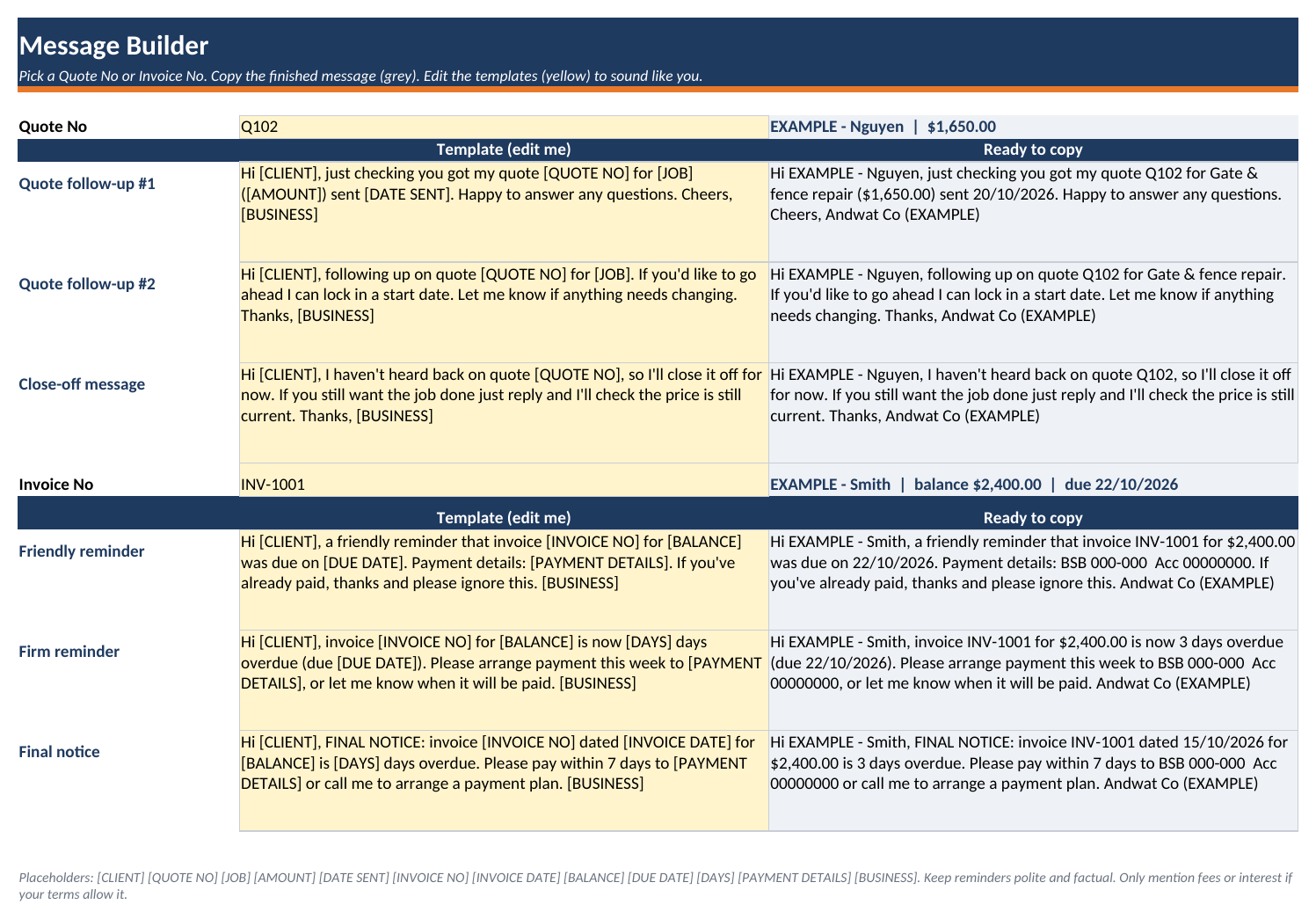
Message builder: 6 editable templates (3 quote follow-ups, 3 payment reminders) that fill in client, amount, dates, days overdue and your BSB/account details
GST Yes/No setting adds "(incl. GST)" to amounts in messages
Dropdowns, protection against duplicate quote and invoice numbers, and locked formula cells (no password)
Australian date format (dd/mm/yyyy) and dollar formatting
Room for 200 quotes and 300 invoices
What's included
Tradie-Quote-Followup-Payment-Chaser-AU-BLANK.xlsx: ready to use
Tradie-Quote-Followup-Payment-Chaser-AU-EXAMPLE.xlsx: filled with made-up examples
READ-ME-FIRST.txt: quick-start guide (full instructions are on the Start Here tab)
Works with
Microsoft Excel (desktop), Google Sheets (via File > Import) and LibreOffice Calc. No macros. Works offline. Best on a laptop or desktop.
Who it's for
Australian sole traders and small trade businesses who quote jobs and invoice customers directly, and who don't want to pay a monthly fee for job-management software just to keep on top of follow-ups.
FAQ
Does it send the messages for me? No. It writes the message and you copy it into your text or email. Nothing is sent automatically.
Is it a subscription? No. It's a one-off purchase and an instant download.
Google Sheets? Yes. Use File > Import > Upload. Formulas and dropdowns carry over. Sheet protection doesn't, so stick to the yellow cells.
Is it legal advice? No. It's a record-keeping tool. Check your contract terms and get advice before charging late fees or interest or taking recovery action.