Super Document Cleaner 2.2
Super Document Cleaner 2.2
A flexible document cleanup you can trust
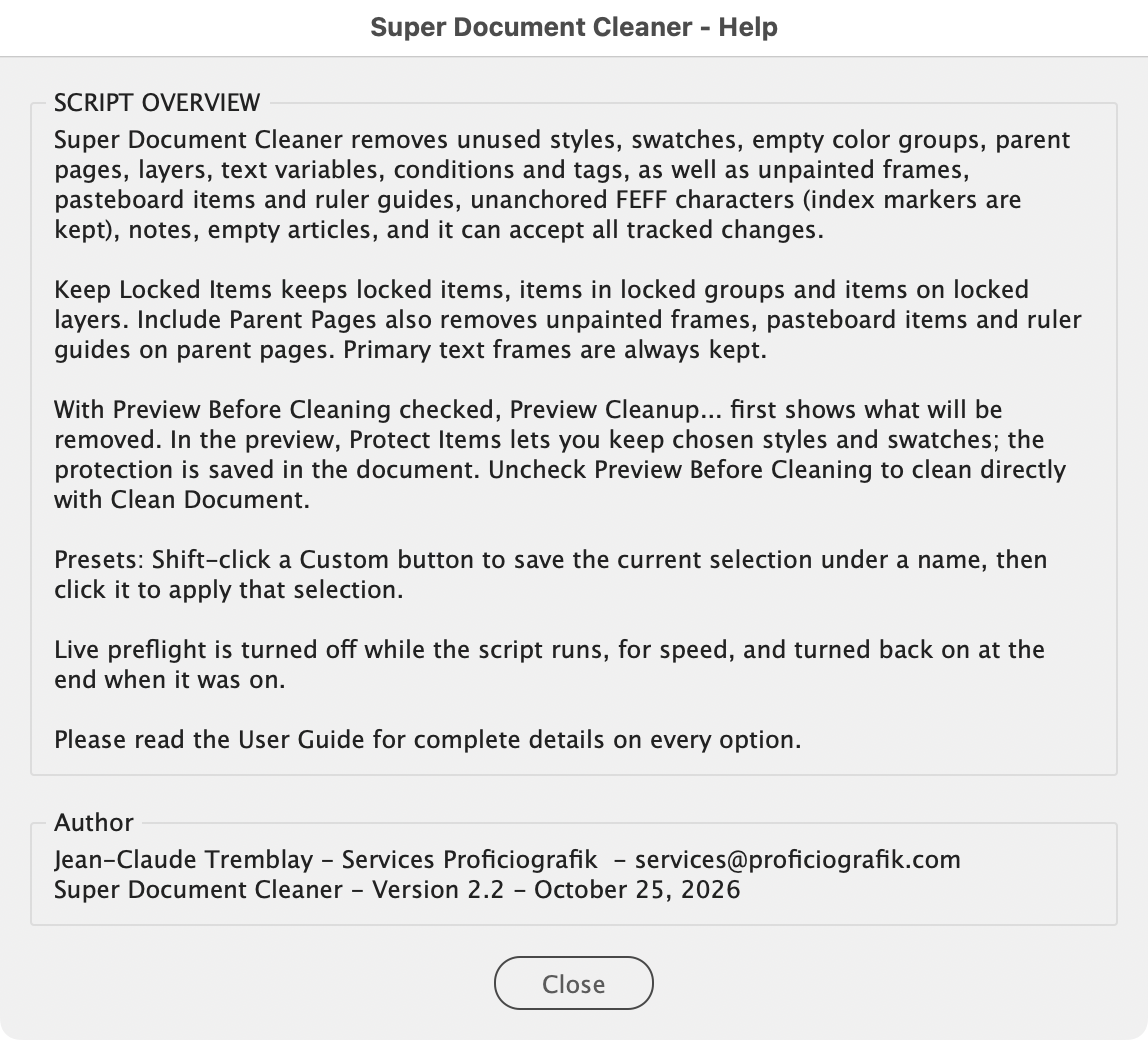
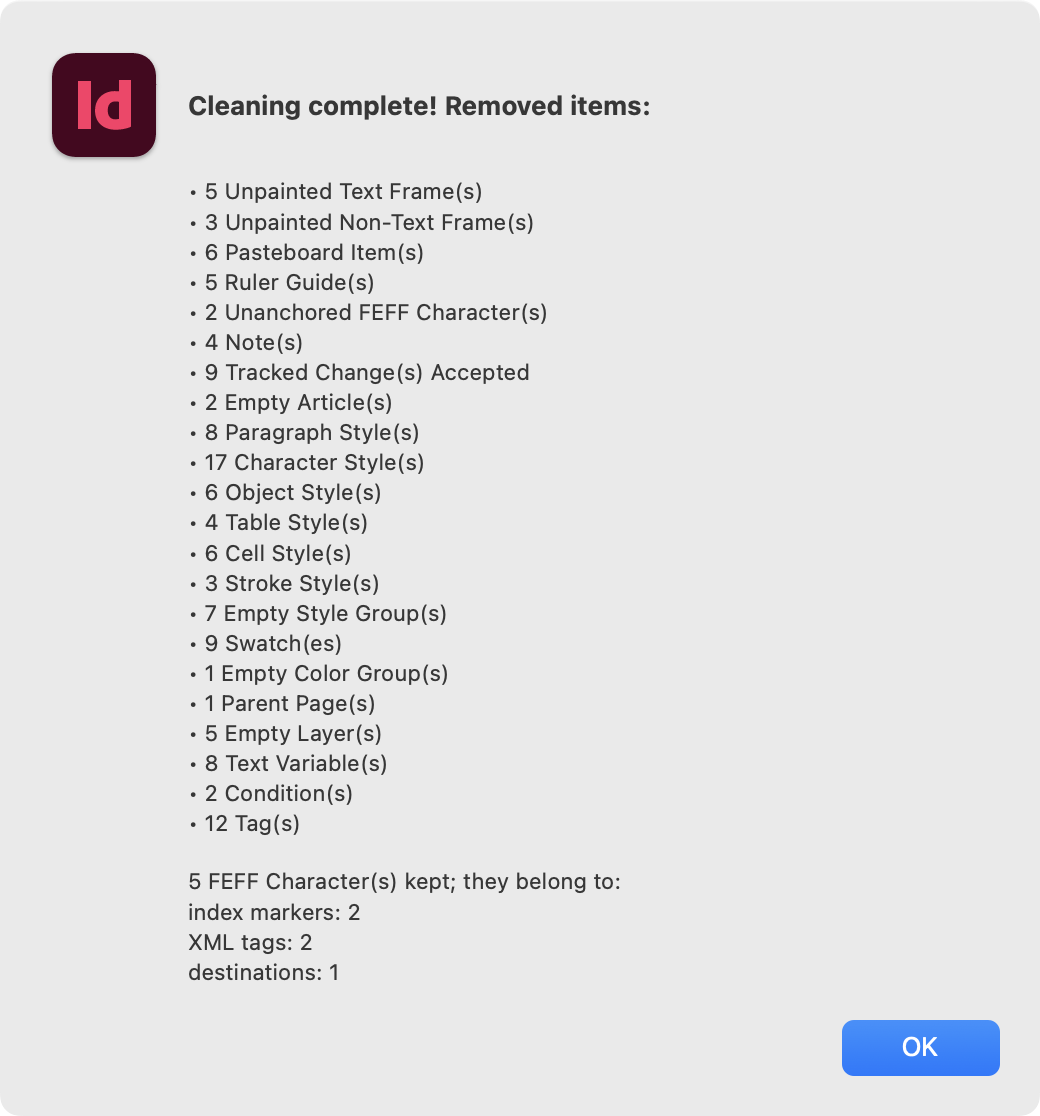
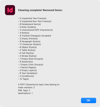
Super Document Cleaner removes everything a document no longer needs, in a single pass: unused styles and the style groups they leave empty, swatches and empty color groups, parent pages, layers, text variables, conditions and tags, as well as empty unpainted frames, ruler guides, stray items on the pasteboard, notes, empty articles and FEFF characters that no InDesign feature uses. It can also accept all tracked changes.
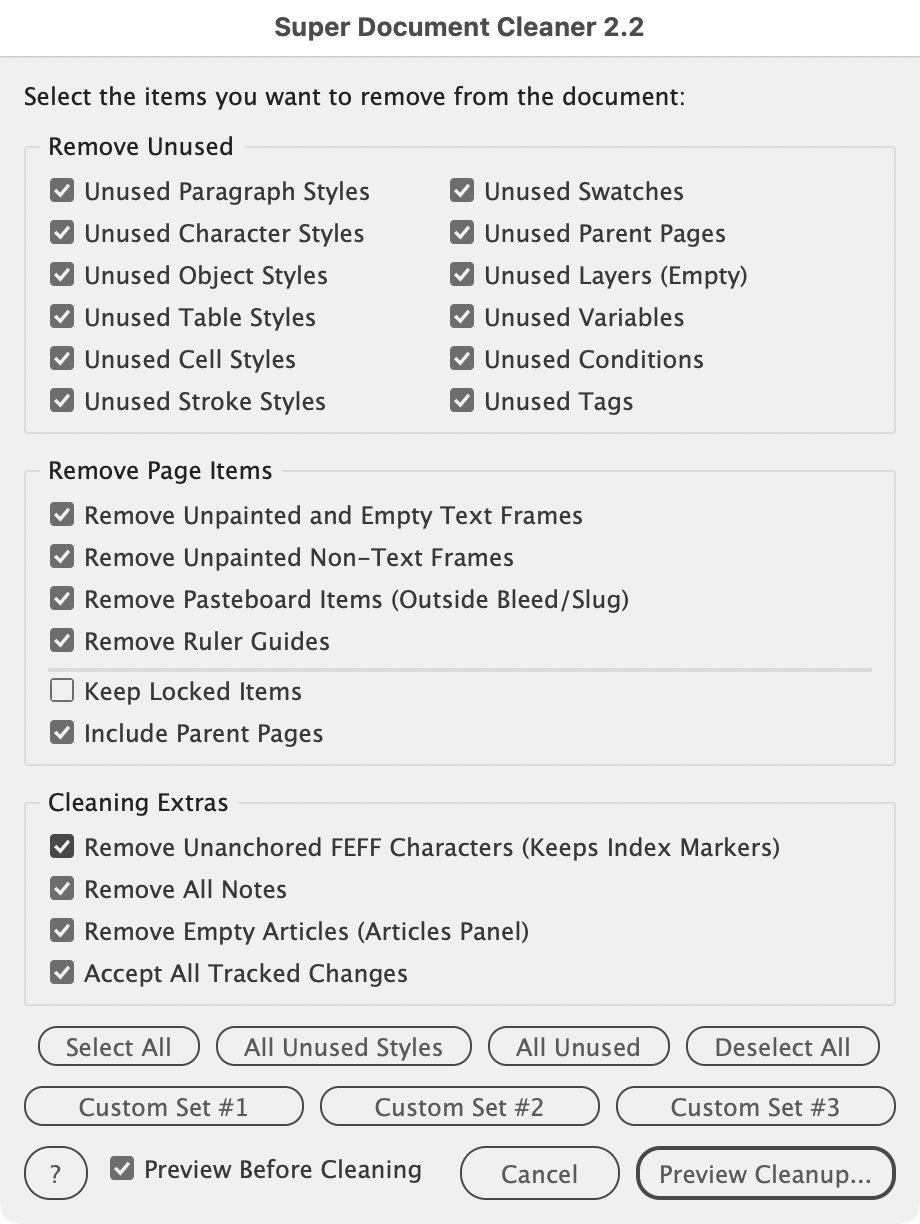
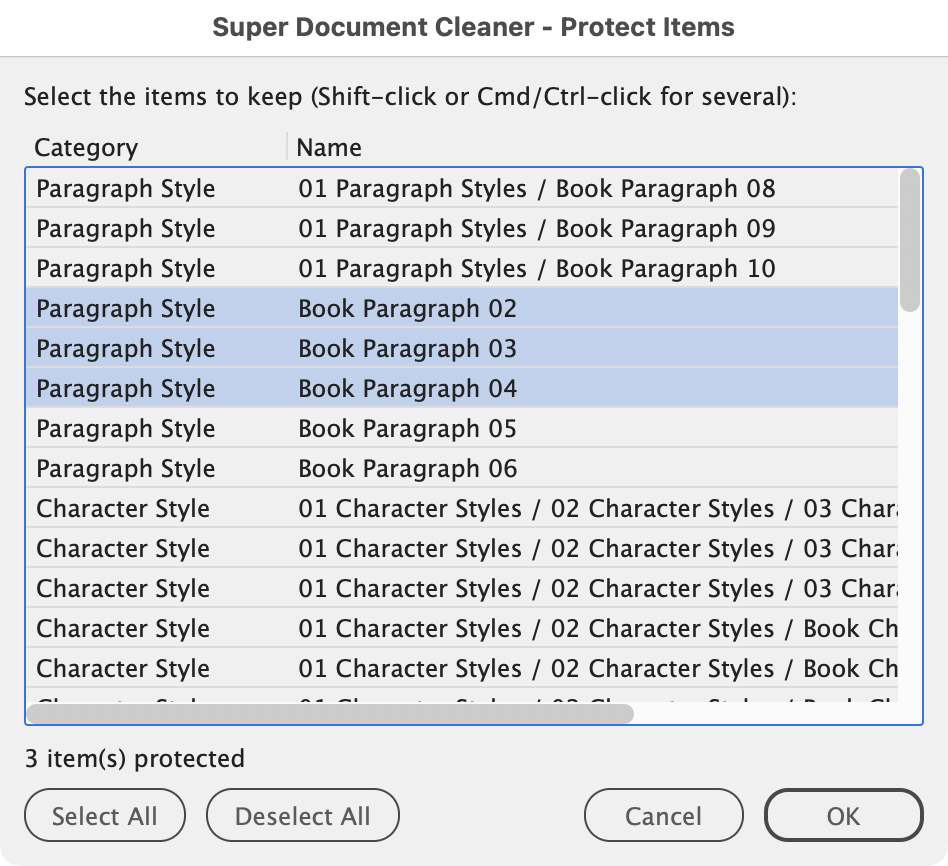
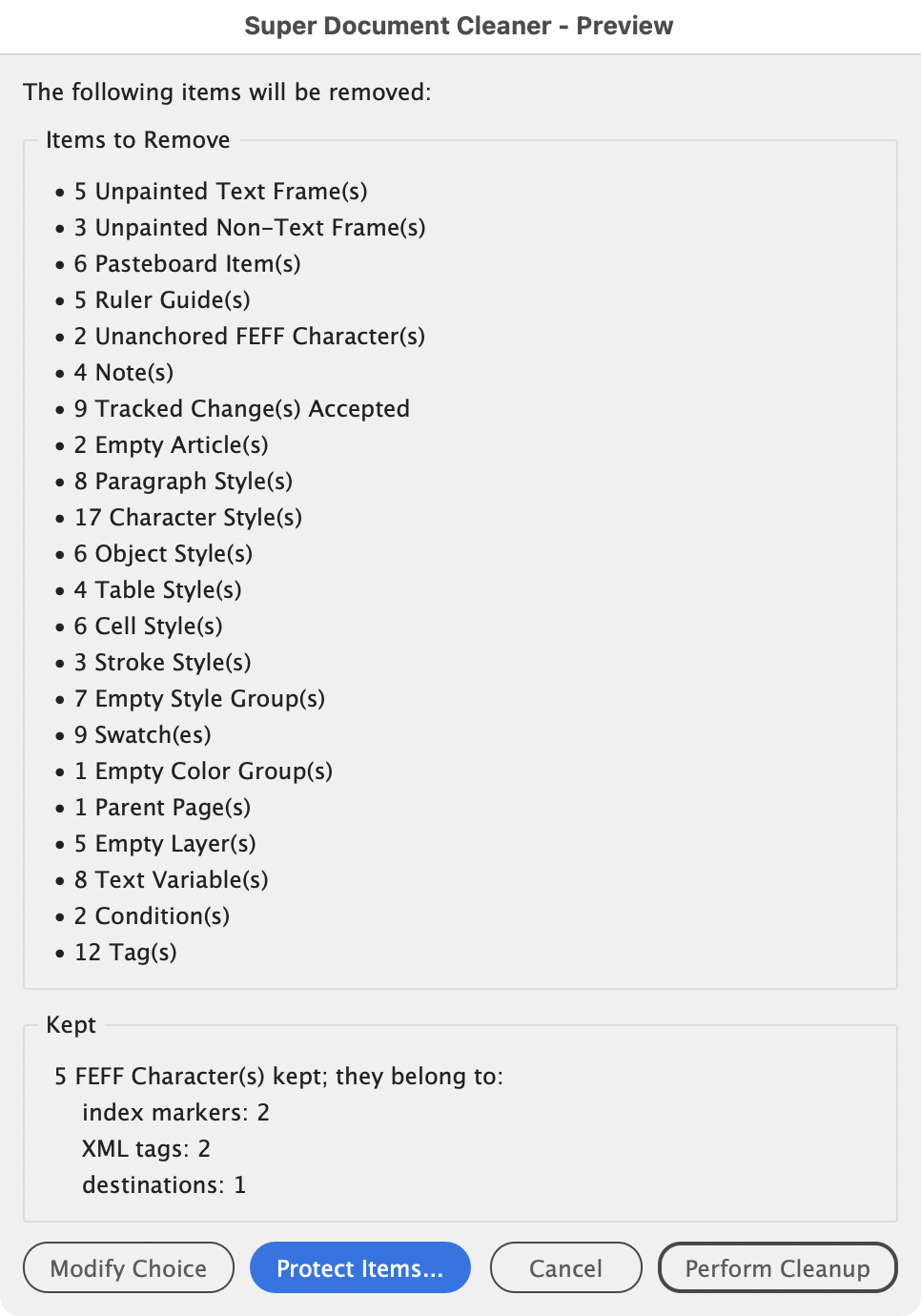
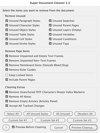
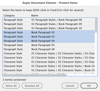
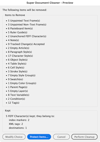
You choose what to clean in one dialog and click the Preview Cleanup... button. A preview then shows exactly what will be removed and lets you protect the styles and swatches you want to keep. Nothing changes until you click Perform Cleanup.
New/Changes in 2.2
- Review Before Cleaning, on by default.
- Protect Items: keep chosen styles and swatches.
- Three presets: Custom buttons Set #1, #2 and #3.
- New options: Remove Ruler Guides, Keep Locked Items, Include Parent Pages, Remove All Notes, Remove Empty Articles, Accept All Tracked Changes.
- Locked items kept by default.
- Much faster FEFF removal on long documents.
- More stray FEFF characters removed near hyperlinks and cross-references.
- Live preflight paused during the run.
- More compact dialog with two panels: Remove Page Items and Cleaning Extras.
Changes 1.2c
- Compatibility with InDesign CS6
- Fix for unnamed colors use in Gradient are deleted
Suggested pricing is for single-user licenses. For teams/departments, consider a higher contribution.
Contact me for bugs/feature requests.
Scripts provided without warranty - backup data and use at your own risk.
Jean-Claude Tremblay – Services Proficiografik