Navigation & Zoom Palette 1.2
On Sale
$5.00
Pay what you want:
(minimum $5.00)
$
Navigation Zoom Palette 1.2
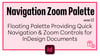
Floating palette providing quick navigation & zoom controls for InDesign documents
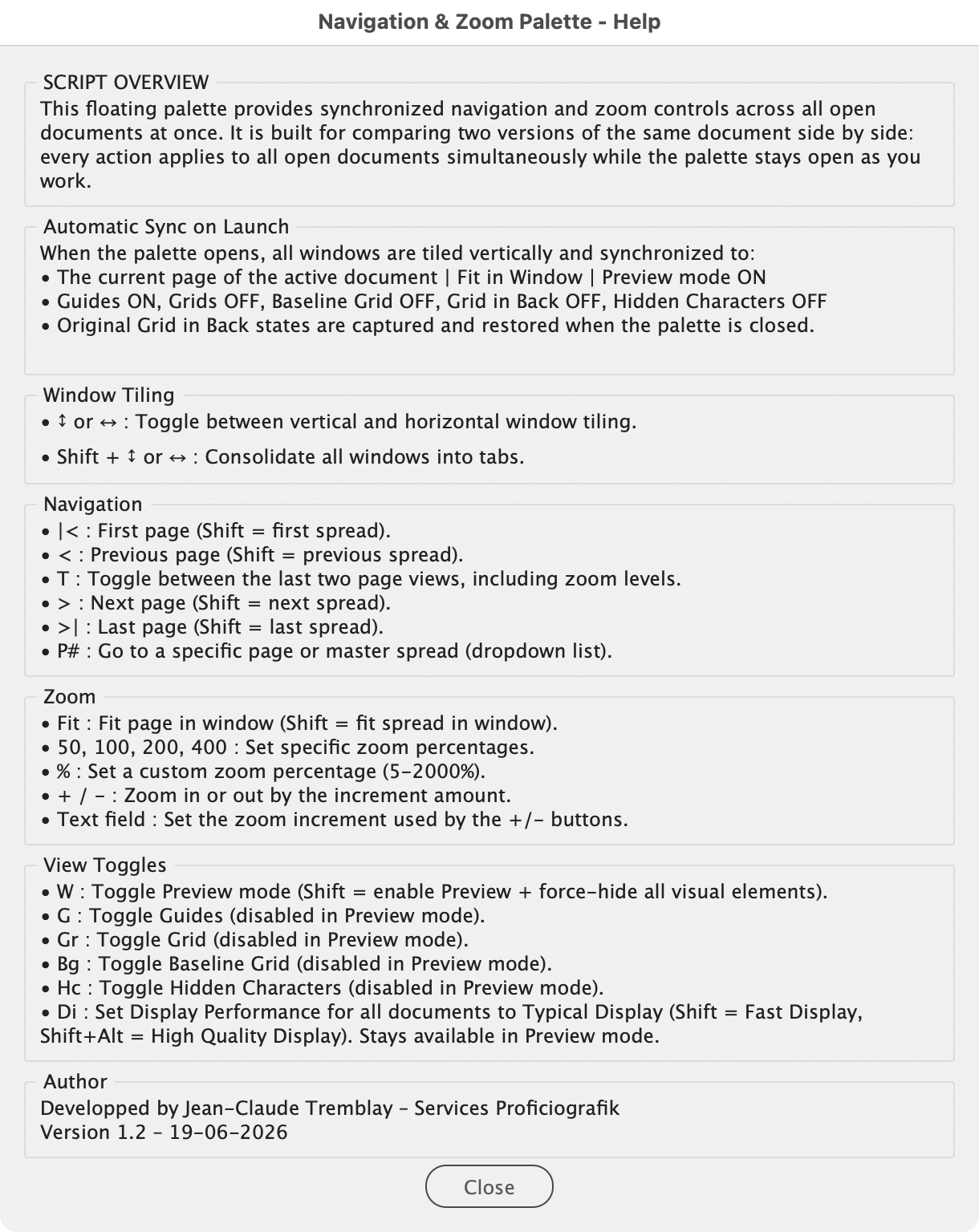
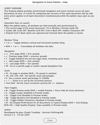
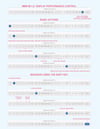
Navigation & Zoom Palette is a floating palette that drives synchronized navigation, zoom, and view controls across every open document at once. It stays open while you work, and every action it performs is applied to all open documents simultaneously.
It was built for one job in particular: placing two or more versions of the same document side by side and flipping through them together, so differences stand out page by page at an identical zoom. It can also be used as a navigation aid.
Update in 1.2 [20-06-2026]
- Documents now synchronize to the active document’s current page on launch (previously the first page).
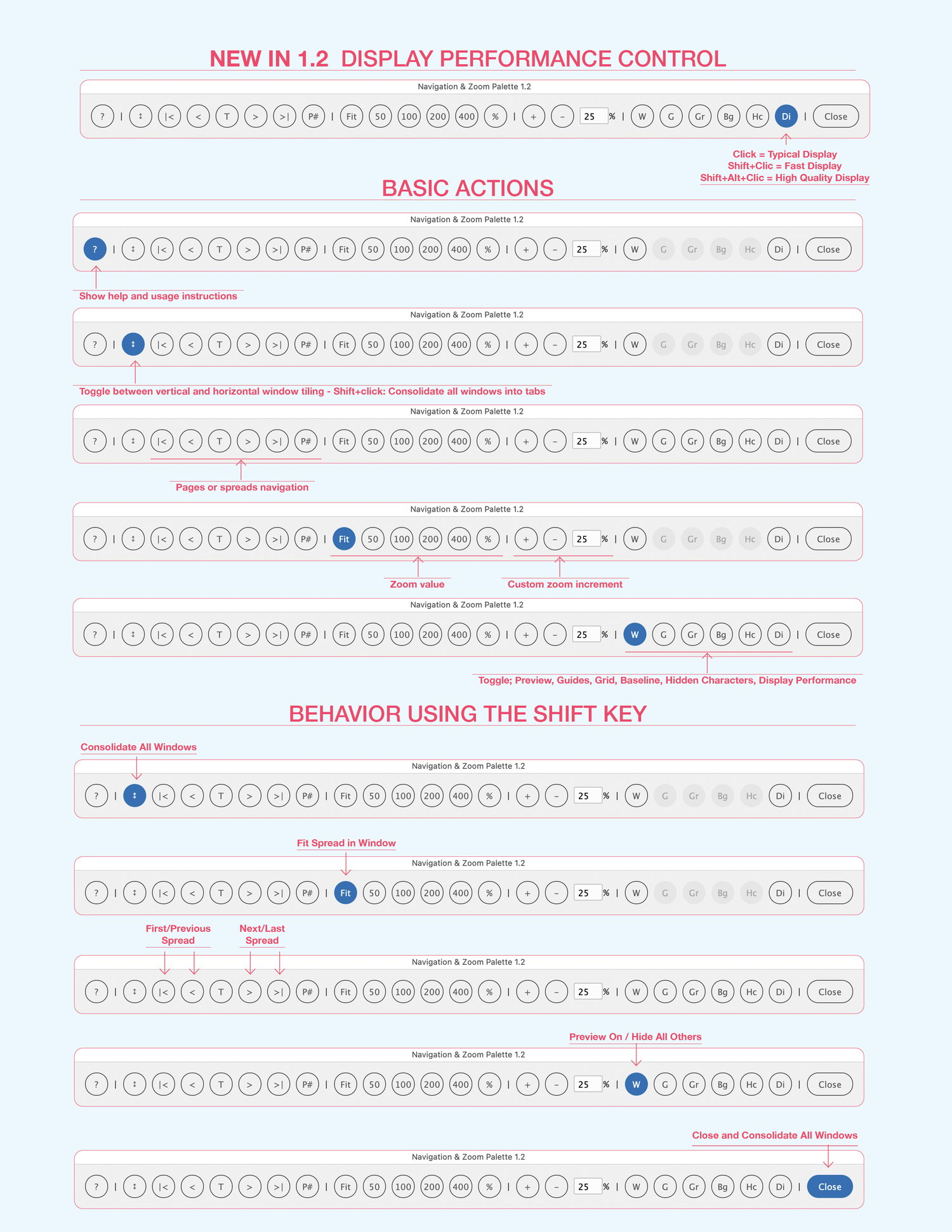
- New Display Performance toggle (Di): Typical Display, Fast Display with Shift, or High Quality Display with Shift+Alt.
- Help window rebuilt with sectioned panels.
- Enhanced PDF read-me.
Update in 1.1 [28-06-2025]
- Add [Bg] to Toggle Baseline Grid,
- Add Shift + [Fit] = Fit Spreads
- Add Shift + [W] = Enable Preview + Hide All Others
- Add Grid in Back = OFF on startup (restored on close)
- Minors UI changes
Jean-Claude Tremblay – Services Proficiografik
-
Licensed under CC BY-NC-SA-4.0
Scripts provided without warranty - backup data and use at your own risk.