


CrewFab v3.0.5 — AI Business Workflow Software | Individual License (1 User) | Windows PC
Before you buy: CrewFab is an installed Windows PC application, tested on Windows 11 (64-bit). It is not designed for Mac, Chromebook, phones, or tablets. Manual Mode works without a developer API key. Connected Mode requires your own OpenAI or Anthropic developer API key and incurs separate provider usage charges. ChatGPT and Claude consumer subscriptions do not include API usage. The installer is unsigned, so Windows may display an “Unknown Publisher” warning. Keep your security protections enabled.
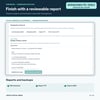
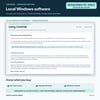
CrewFab helps you turn an open-ended business task into a guided, human-reviewed workflow. Install it on your Windows computer, create a project brief, select specialist roles, review their work in sequence, and assemble a final report. CrewFab opens a browser-based interface, but it is NOT a cloud-hosted or browser-only service. The local Windows application must be installed and running.
Unlike a general-purpose chatbot, CrewFab keeps the structure of your project in one place. You decide when work is approved, when a response needs revision, and when the deliverable is ready to use.
WHAT YOU CAN DO:
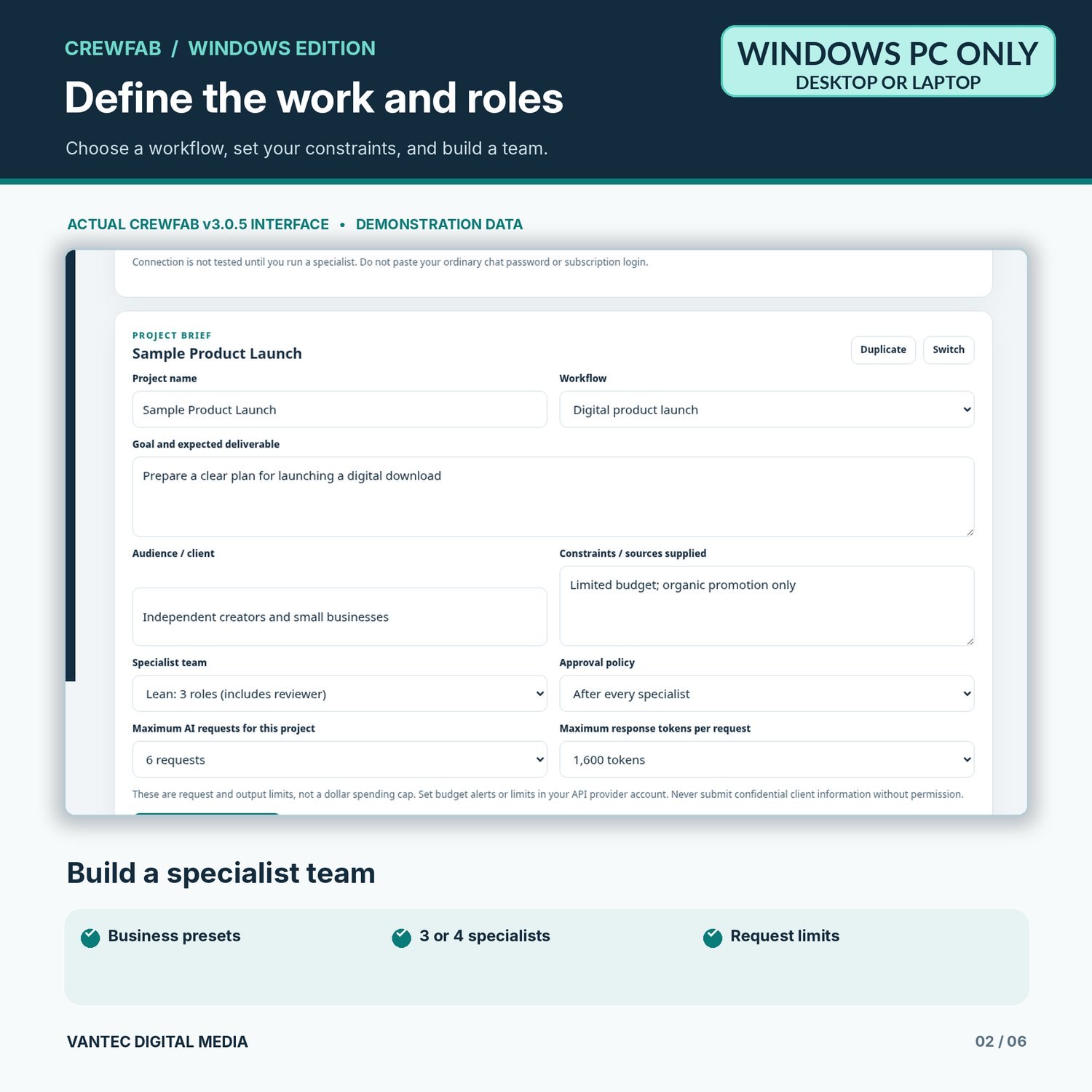
- Build 3- or 4-role specialist teams, including a quality reviewer.
- Choose guided workflows for digital product launches, organic marketing campaigns, client projects, and startup business planning, or configure a custom team.
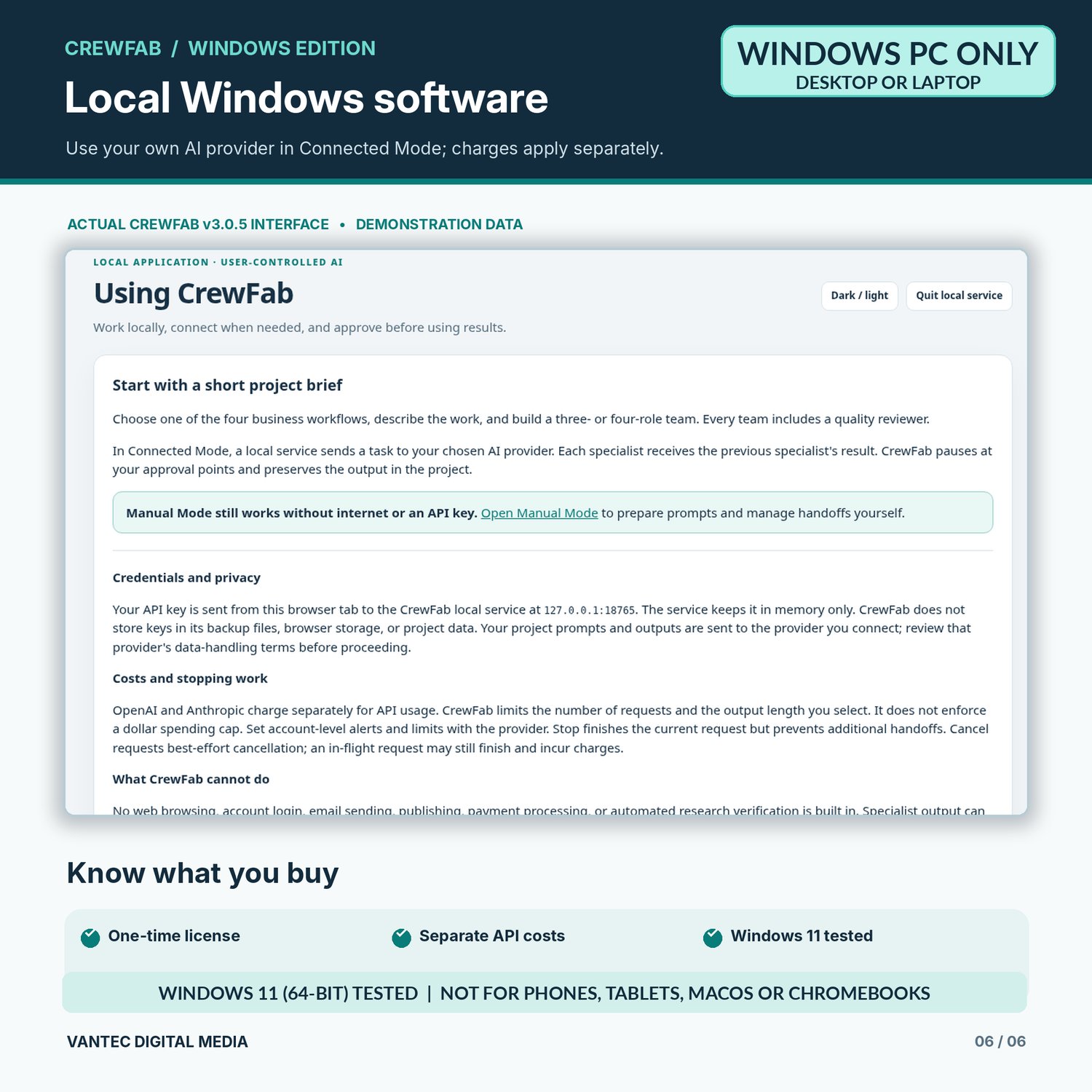
- Run specialist handoffs through OpenAI or Anthropic in Connected Mode using your own developer API key.
- Set request-count and response-token limits and choose human approval checkpoints. These are usage controls, not dollar spending caps.
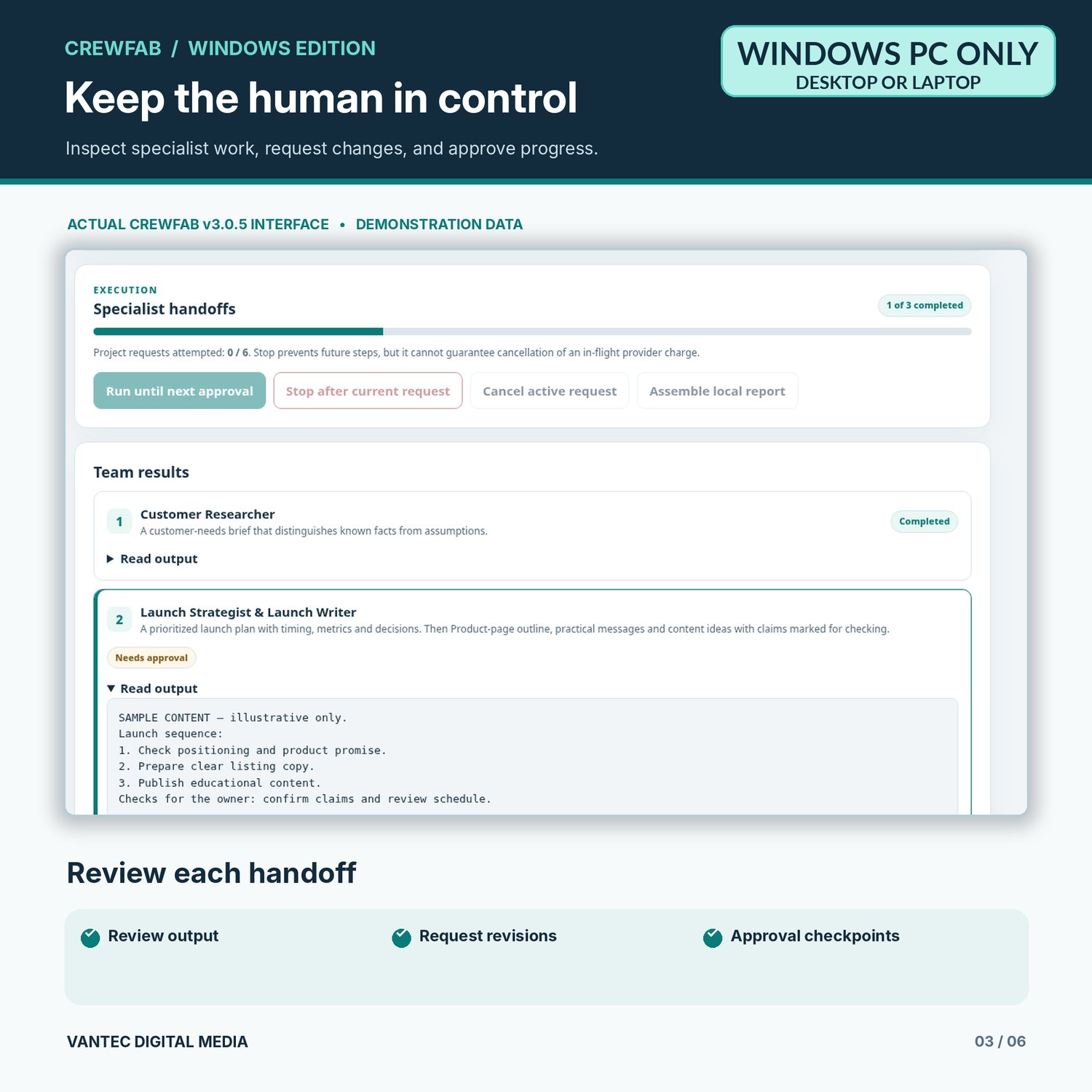
- Review responses, request revisions, and approve specialist work before moving forward.
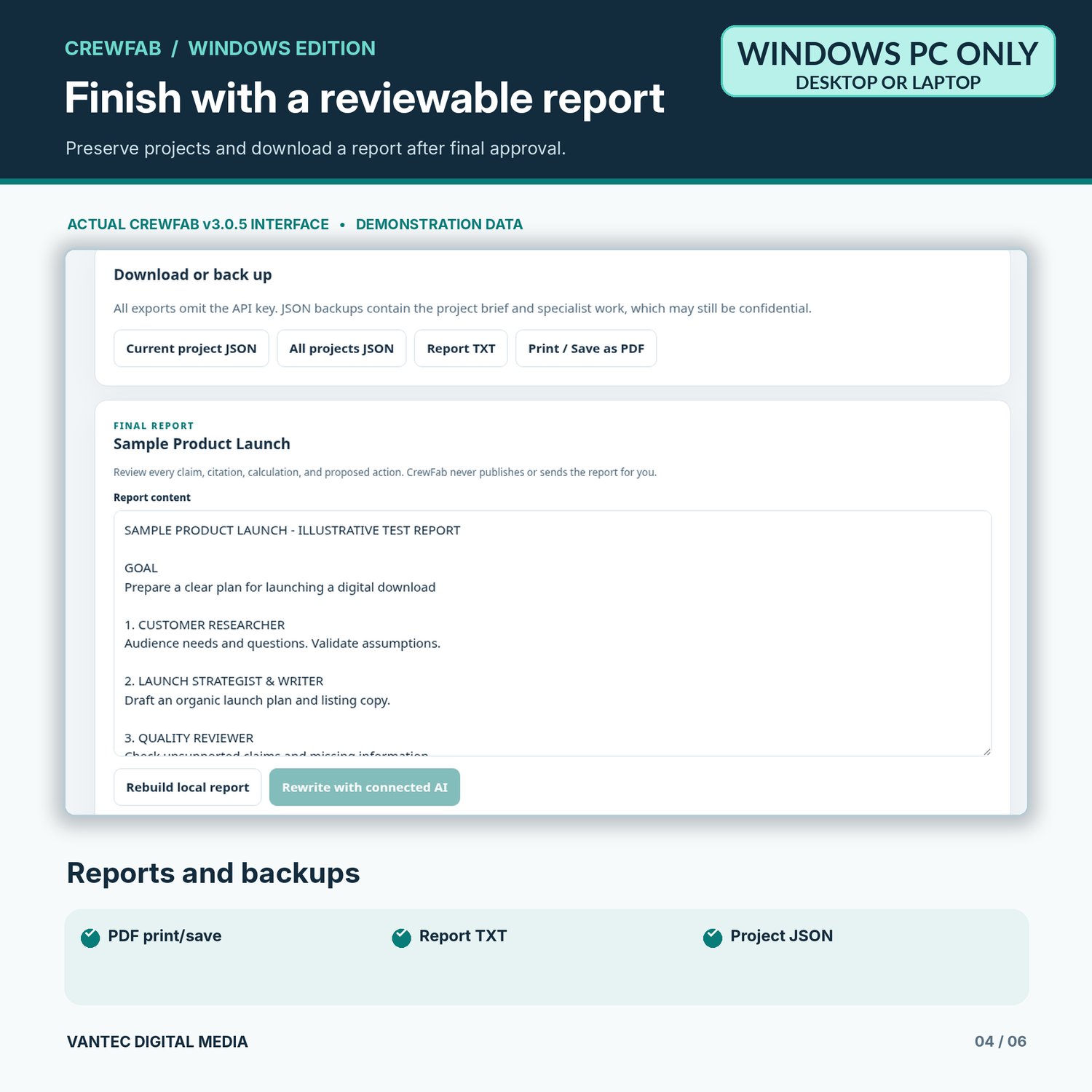
- Assemble a report locally or request an additional AI-assisted rewrite.
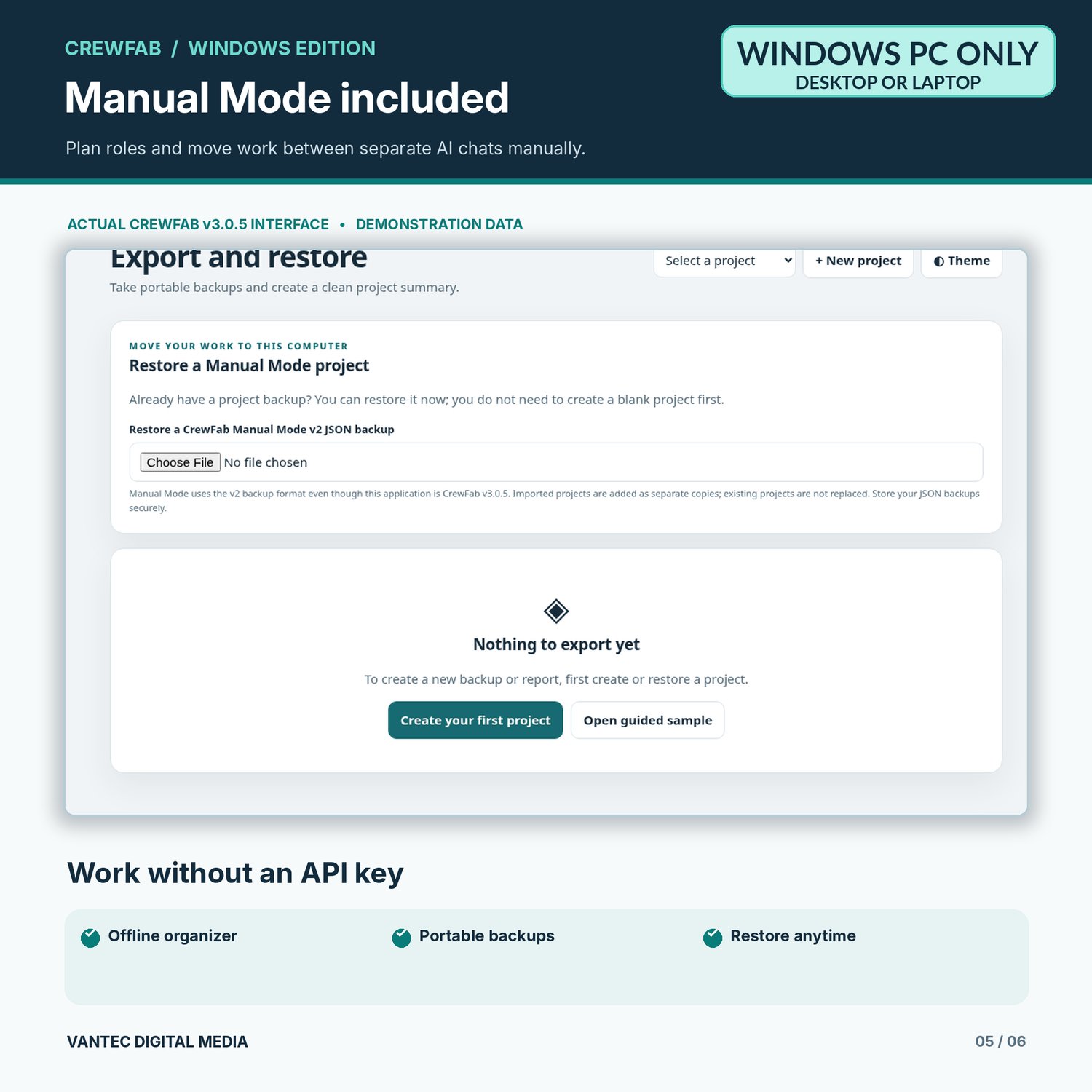
- Print / save reports as PDF, download TXT reports, and export or restore JSON project backups.
- Use Manual Mode to organize roles and handoffs without connecting an API key to CrewFab. If desired, copy prompts into separate external AI chats and manually record results.
HOW IT WORKS:
1. Download and install CrewFab on a Windows desktop or laptop PC.
2. Enter your project goal, audience, and constraints.
3. Select a preset workflow or custom specialist team.
4. Run the specialists in Connected Mode, or track work manually in Manual Mode.
5. Review, approve, export the final report, and save a JSON backup.
WHO IT'S FOR:
Freelancers, consultants, independent business owners, digital product sellers, and other Windows PC users who want structure and human oversight for AI-assisted planning and business projects.
WHAT YOU RECEIVE:
- CrewFab v3.0.5 installer for x64 Windows PCs
- Quick-start PDF and user guide
- Installation and security troubleshooting guide
- License, refund/purchase information, customer README, and installer SHA-256 checksum
IMPORTANT BEFORE PURCHASE:
PLATFORM: Windows desktop or laptop computers ONLY. Windows 11 (64-bit) tested. Windows 10 compatibility has not been verified. NOT compatible with macOS, Chromebooks/ChromeOS, iOS/iPadOS, Android, tablets, or mobile phones. No cloud/mobile version is included.
HOW IT OPENS: The downloaded Windows app starts a local service and opens its interface in a browser on the SAME PC; it cannot be used as a standalone website from another device.
CONNECTED MODE: Needs internet, a compatible OpenAI or Anthropic developer API account, a valid API key, and any provider billing configuration. API usage charges are separate. ChatGPT/Claude consumer subscriptions do not automatically include API usage.
MANUAL MODE: Can organize projects locally without an API key or internet; external AI conversations, if used, are separate.
LIMITS: Does not independently browse the web, verify research, send emails, publish content, or automate external applications. Review all AI-generated outputs.
WINDOWS SECURITY: Installer is currently unsigned; Windows may display Unknown Publisher warnings or block installation under some security policies. Do not disable security tools to force an installation. The download was scanned with Windows Security, and no threats were detected at the time of the scan. This result is not a guarantee that software is free of all security risks.
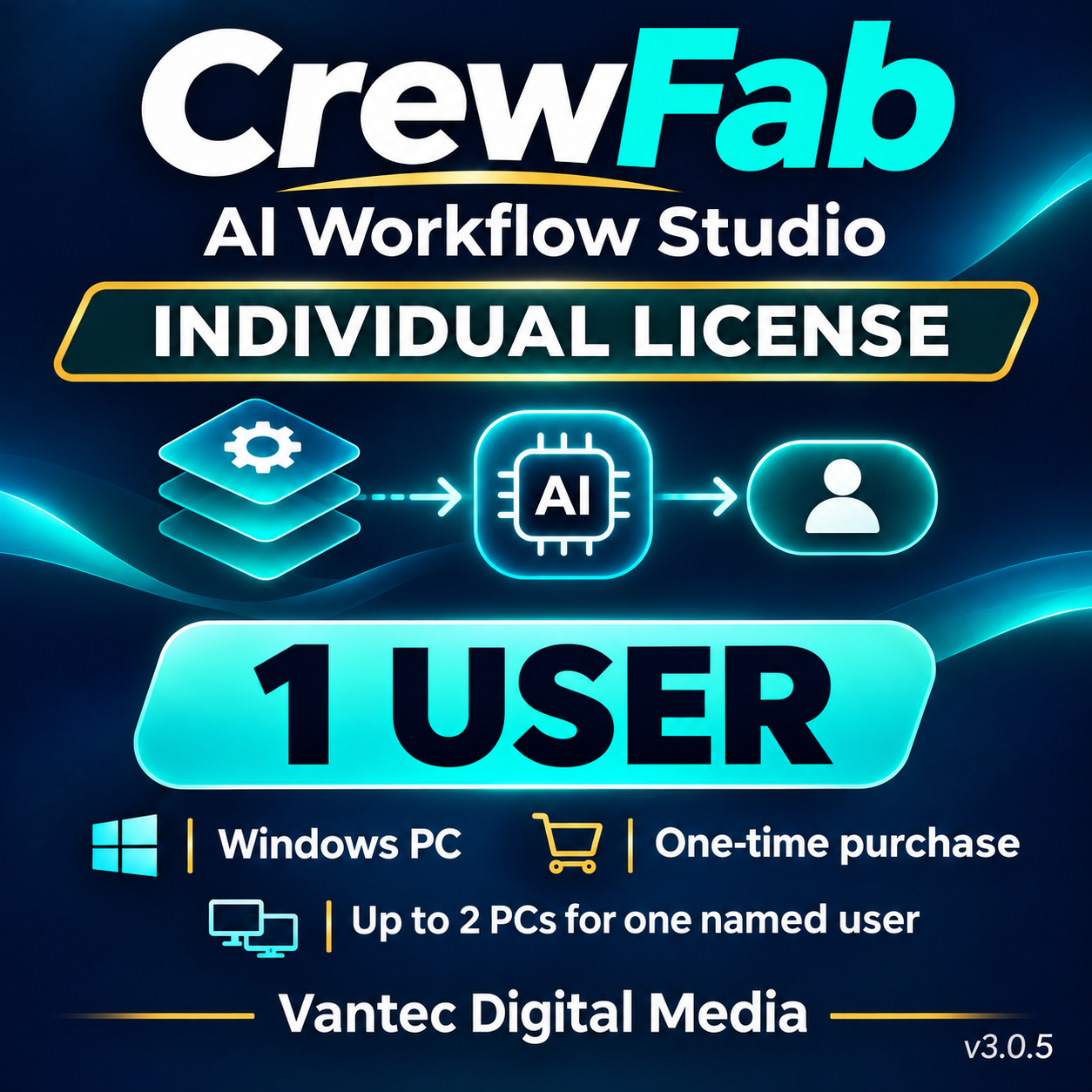
LICENSE: One user, up to two Windows PCs owned or controlled by that user; perpetual license for the version purchased, subject to the included license. Other users need individual licenses; no redistribution or resale.
Need CrewFab for Your Business Team?
CrewFab is also available with 5-user and 10-user business licenses for organizations that need multiple employees to use the software.
- 5-User Business License: $99 one-time
- 10-User Business License: $179 one-time
Each authorized user may install CrewFab on up to two Windows PCs. Both editions include perpetual use of the purchased software version, with no mandatory subscription.
Explore CrewFab Business Team Licensing
Team licenses cover individual installations and do not include shared project storage, centralized administration, or AI API usage credits.
REFUNDS: Digital sales are generally final, with exceptions under the Vantec Digital Media policy and applicable law: https://payhip.com/VantecDigitalMedia/refund-policy
INDEPENDENCE: CrewFab is independent Vantec Digital Media software and is not affiliated with or endorsed by OpenAI or Anthropic.
SUPPORT: https://payhip.com/vantecdigitalmedia/contact