
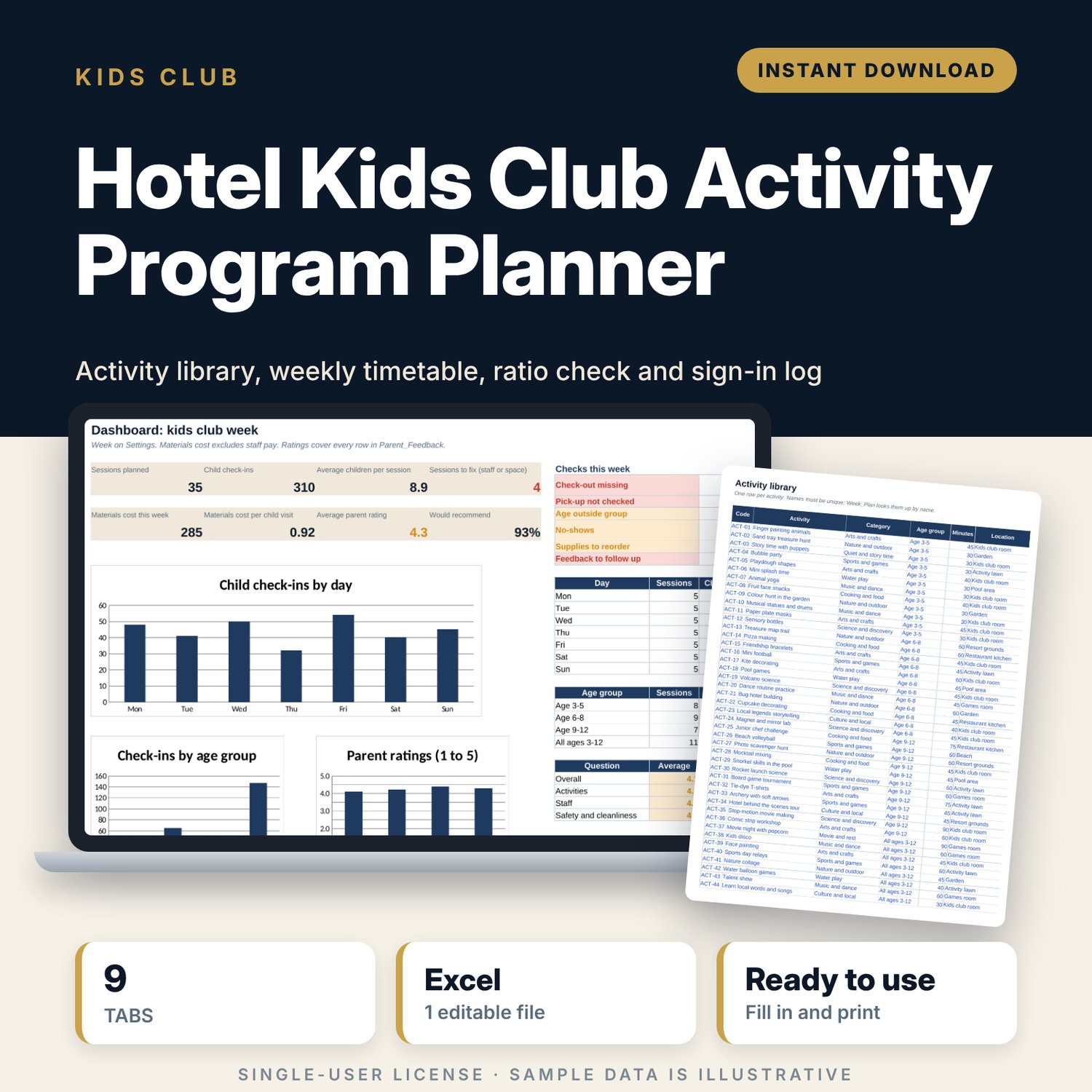
Hotel Kids Club Activity Program Planner: Kids Club Schedule and Staff Ratio Spreadsheet
Full description
For kids club managers, guest experience managers and resort operations teams who run a daily children's program and need one file for planning, safety and reporting. You pick activities from a library sorted by age group, build the week session by session, and the workbook checks each session against your staff ratios and group size. A printable timetable fills itself for the club board and guest information. The registration log records every child by code, with in and out times, and flags missing check-outs, unverified pick-ups and children in the wrong age group. Supplies, parent ratings and follow-ups sit in the same file, and the dashboard shows the week at a glance.
Save with a bundle: this template is also in the Hotel Rooms, Guest Experience & Spa Bundle, 16 templates for $39 instead of $112. All 141 templates are in the All-Access Hospitality Template Library for $79.
What is inside
- Hotel_Kids_Club_Activity_Program_Planner.xlsx: 9 tabs, 5,493 formulas, 3 native charts, 24 drop-down or number rules.
- Settings: week start date, minimum staff, target rating, 4 age groups with editable children-per-staff ratios, 8 locations with extra staff (e.g. pool), and 9 drop-down lists.
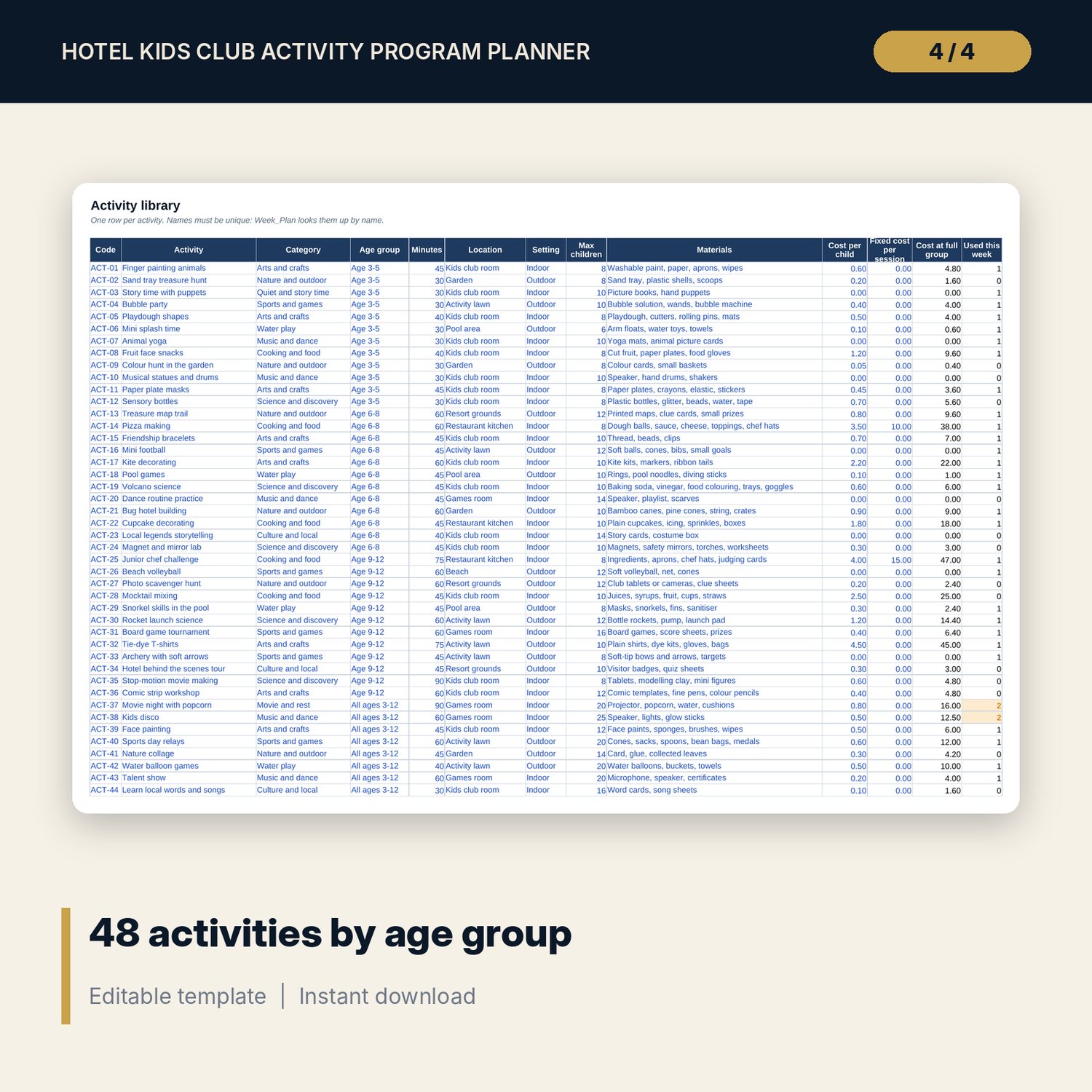
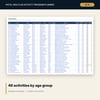
- Activity_Library: 48 sample activities, 12 for each age group, across 10 categories, with minutes, location, indoor or outdoor, group size, materials and cost. Room for 100.
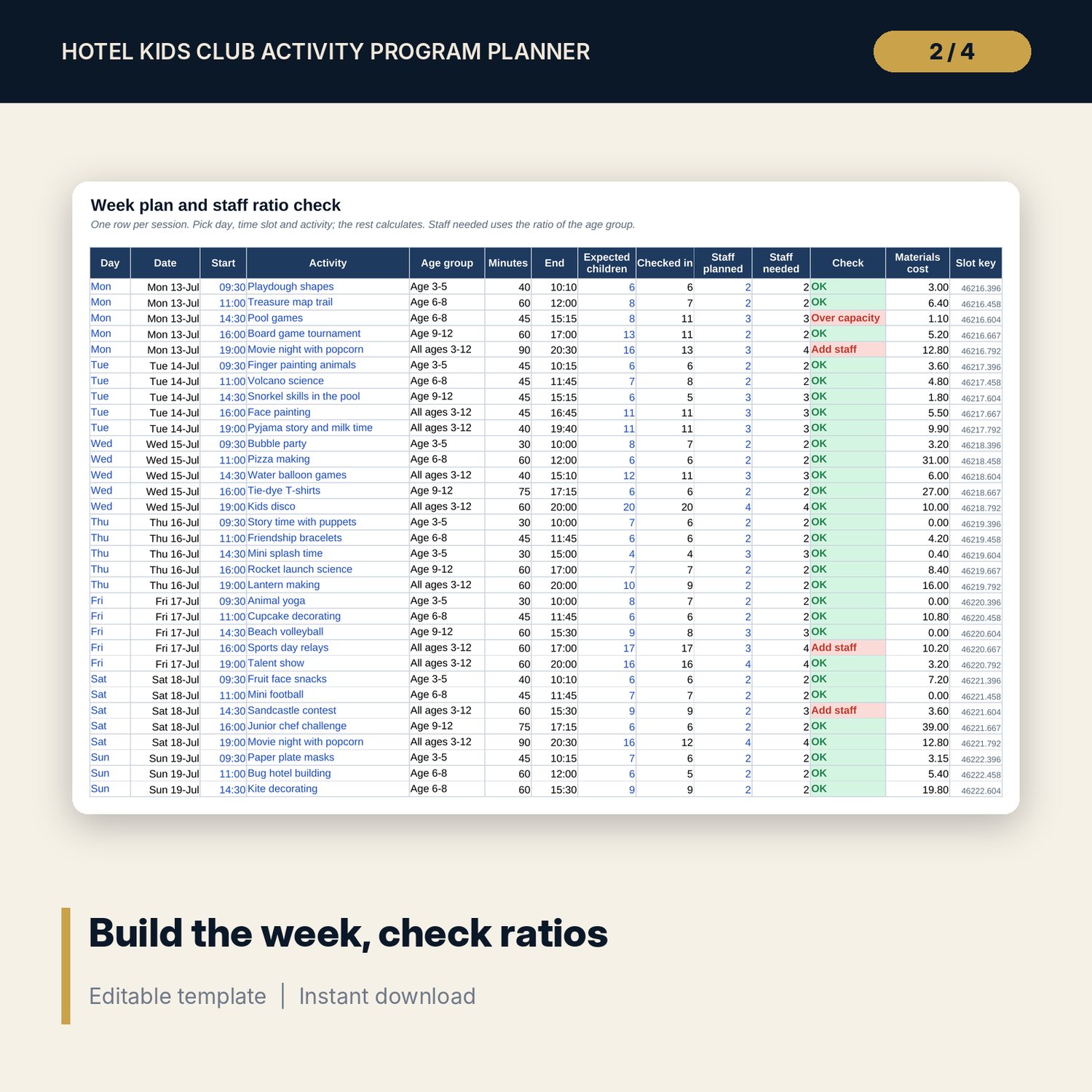
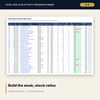
- Week_Plan: 35 sample sessions (5 time slots, 7 days), room for 120. Age group, end time, check-ins, staff needed, ratio check and materials cost calculate.
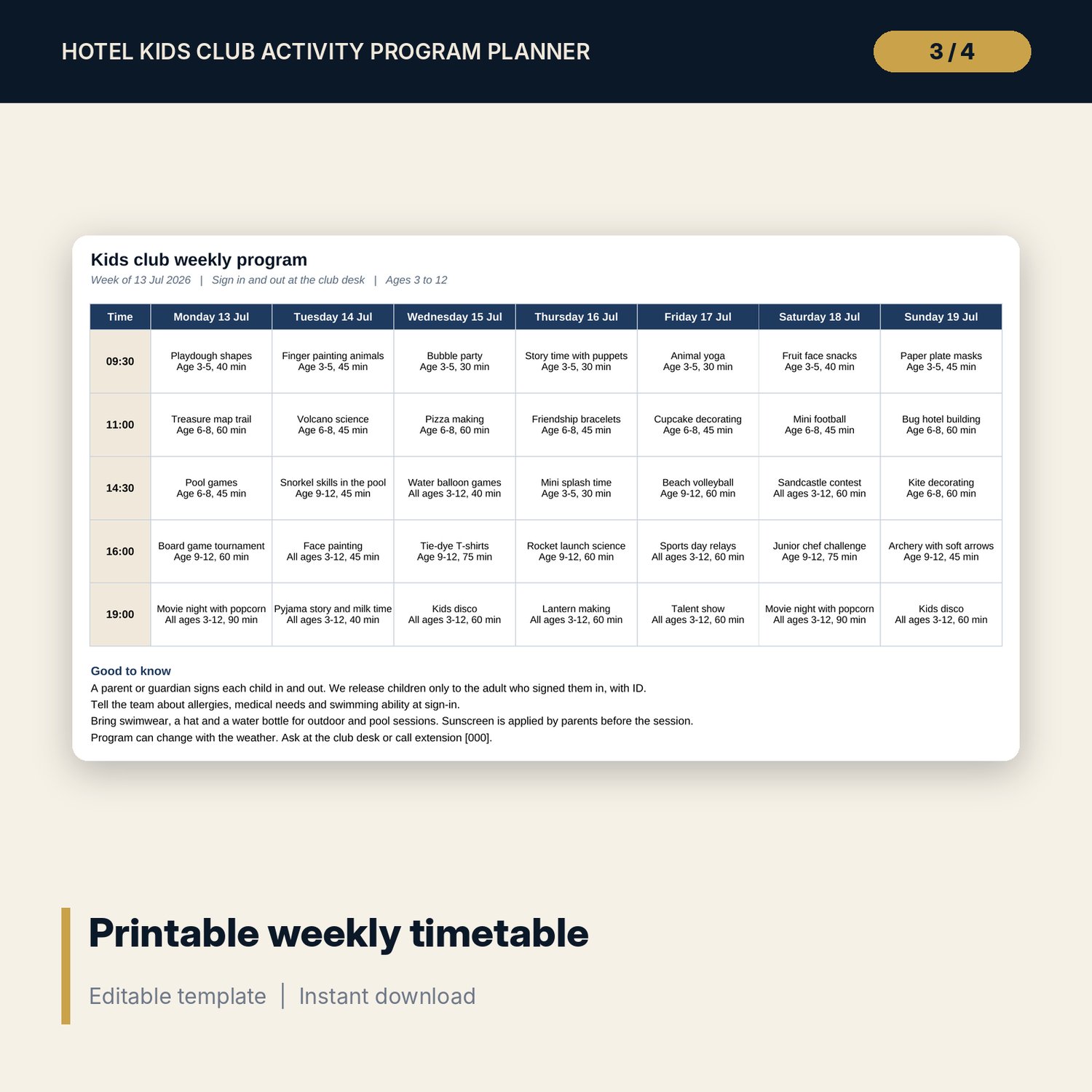
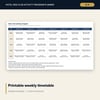
- Timetable_Grid: one printable page with the week's program and notes for parents.
- Registration_Log: room for 800 child visits (332 sample rows) with status, in and out times and 5 safety flags.
- Supplies_Stock: 37 sample items in 7 categories with par levels, reorder status, order quantity and stock value. Room for 80.
- Parent_Feedback: 28 sample entries with 4 ratings, recommend, comment and follow-up flags. Room for 300.
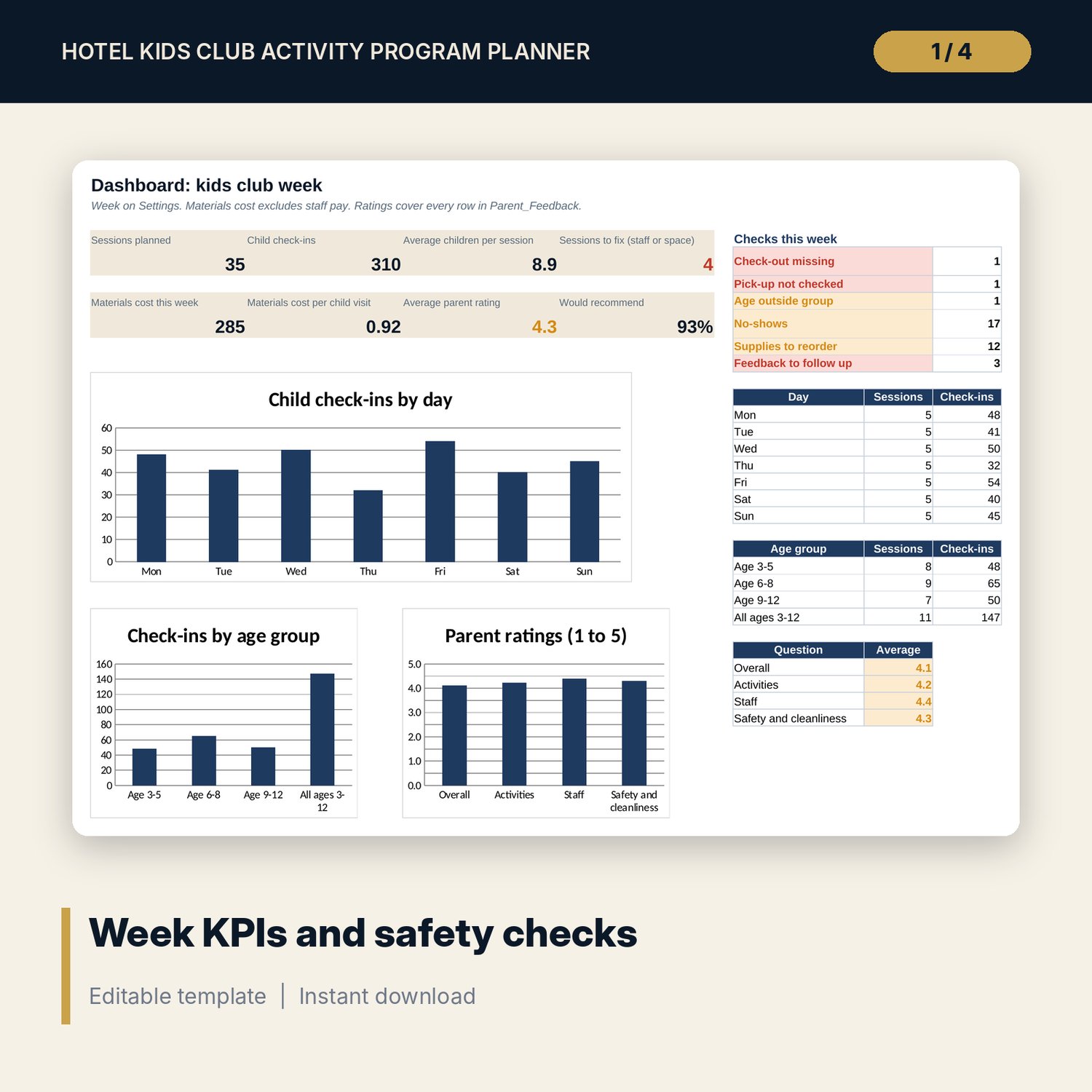
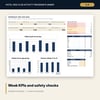
- Dashboard: 8 KPI tiles, 6 weekly checks and 3 charts.
- README.txt and LICENSE-and-Terms.txt.
How it works
- Enter the week start date, minimum staff and your ratios on Settings.
- Review the activity library and add your own activities.
- Build the week on Week_Plan and fix any session marked Add staff, Over capacity or Slot clash.
- Print Timetable_Grid for the club board and guest rooms.
- Log children, supplies and feedback each day, then review the Dashboard.
Details
- Format: Excel workbook (.xlsx). No macros.
- Language: English. Currency is a label you choose.
- Software: Excel 2016 or later, or a spreadsheet program that opens .xlsx files.
- Delivery: instant digital download. Nothing is shipped.
Good to know
- All sample activities, children, costs and comments are illustrative. Replace them with your own.
- Staff ratios, child care rules and pool supervision rules differ by location. The ratios are editable inputs; verify local requirements.
- The log uses child codes and room numbers. Keep names, parent contacts and medical details on your signed registration forms.
- This is a planning tool, not legal or safeguarding advice.
- Single-user license. Do not share or resell the files.
FAQ
Can I change the age groups and ratios?
Yes. Edit the 4 age groups and their children-per-staff ratios on Settings. Staff needed updates on every session.
How does the ratio check work?
Staff needed is the larger of the minimum staff and the children divided by the ratio, rounded up, plus any extra staff for the location, such as the pool.
Can I run two groups at the same time?
Each time slot holds one session on the printable grid. A second session in the same slot is marked Slot clash, so use separate time slots or a second copy of the file for a second room.
Does it work in Google Sheets?
It opens in Google Sheets and the formulas calculate. Check the drop-downs after import.
Is this a physical product?
No. It is a digital download. Refund terms follow the store policy at the time of purchase.