
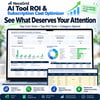
NexaGrid AI Tool ROI & Subscription Cost Optimizer
Stop guessing which AI and SaaS subscriptions are actually worth the money.
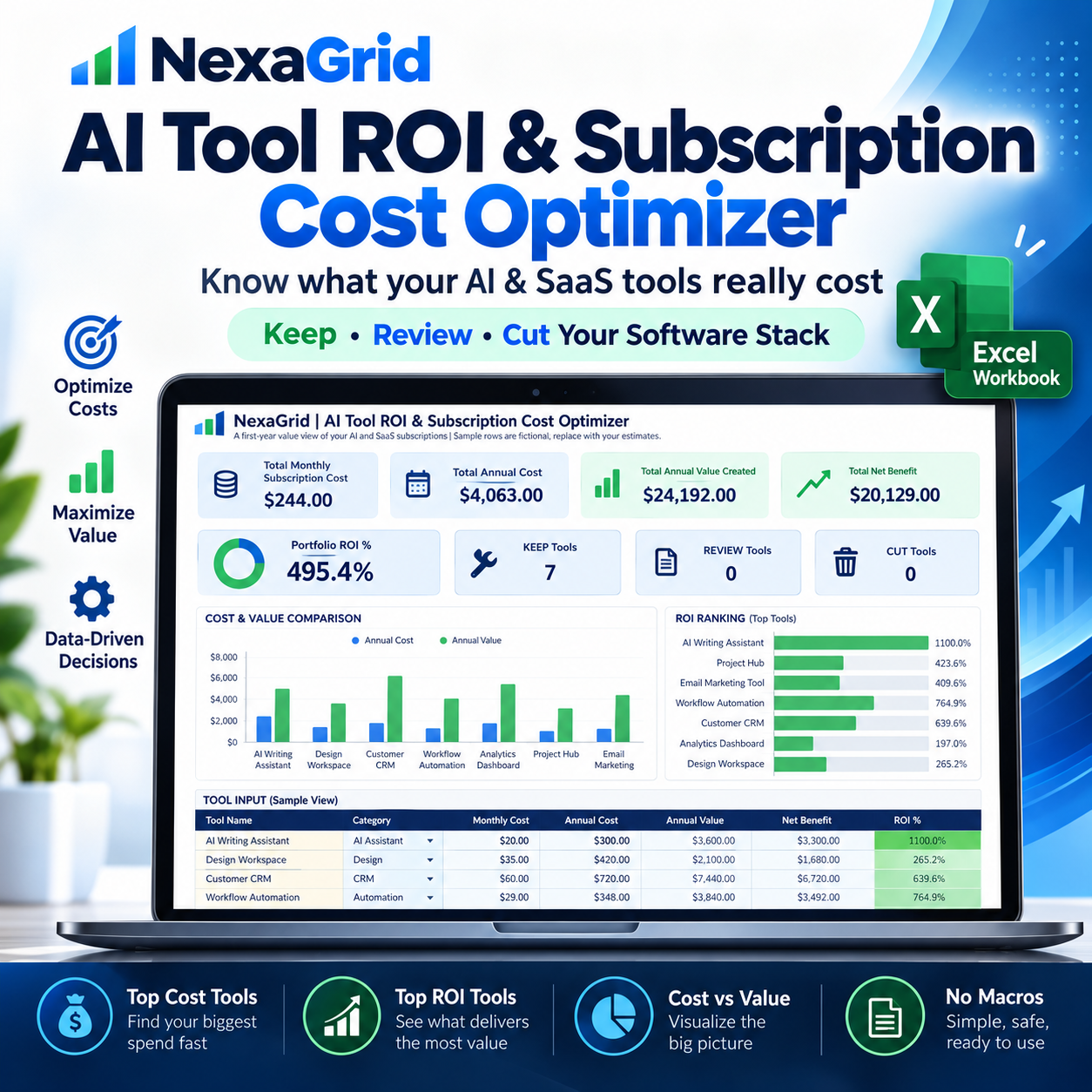
NexaGrid AI Tool ROI & Subscription Cost Optimizer is an Excel-based decision tool designed to help freelancers, creators, solopreneurs, consultants, agencies, and small businesses compare the real cost of their software subscriptions with the value they estimate those tools create.
A normal subscription tracker only tells you how much you spend.
This workbook helps you estimate what you get back.
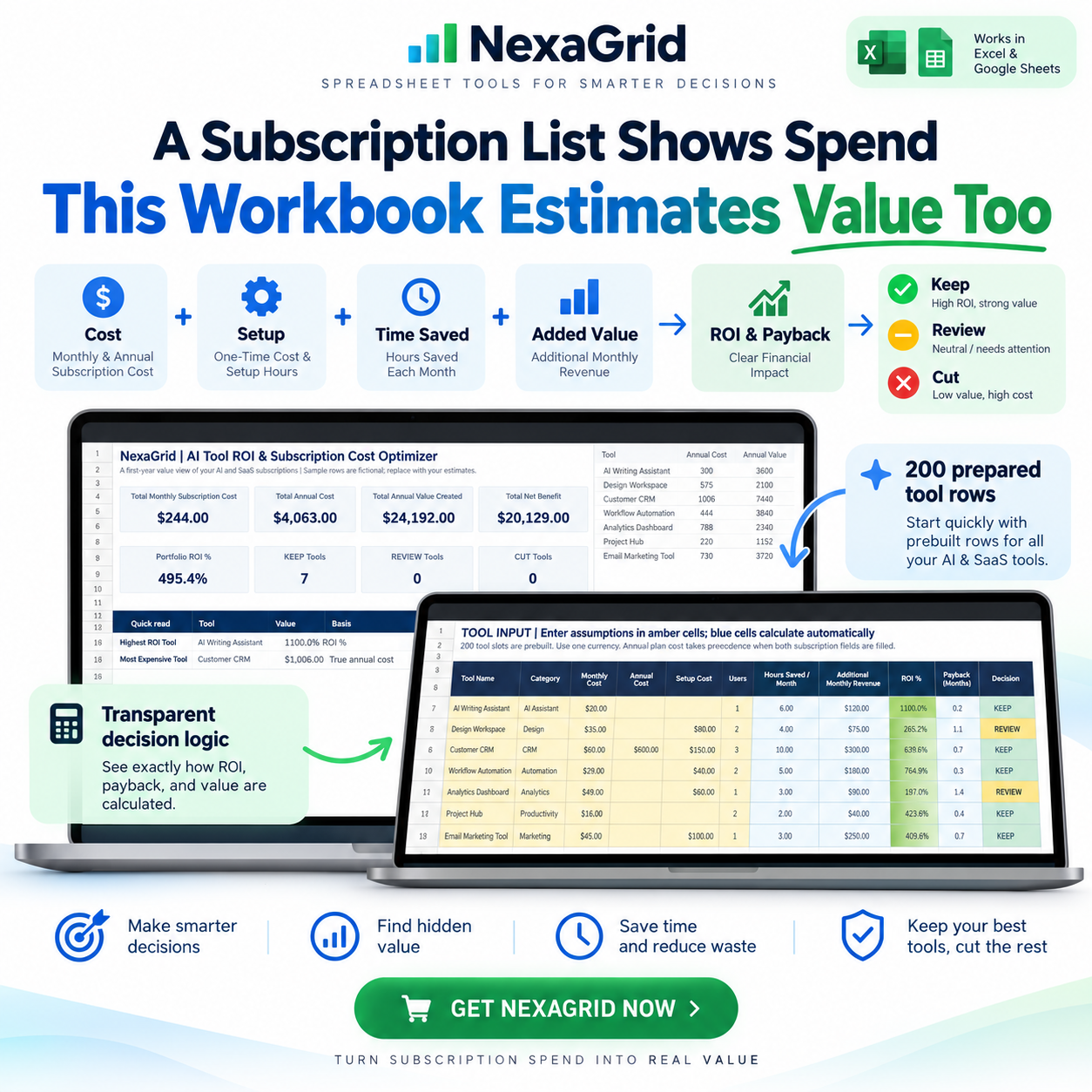
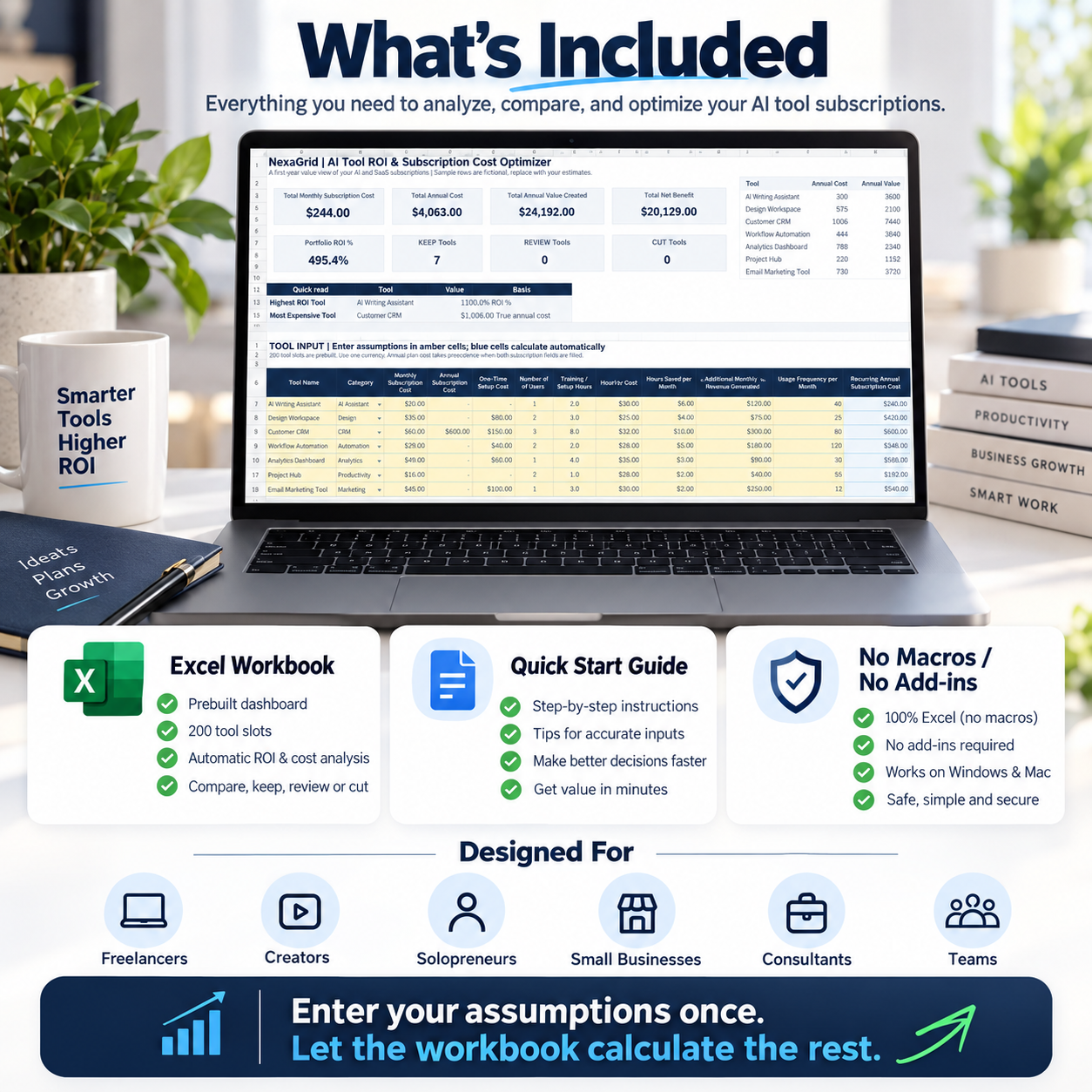
Enter your software costs, setup effort, training time, labor value, time saved, additional monthly value, and usage frequency — then let the workbook calculate the rest.
SEE THE TRUE COST OF YOUR SOFTWARE STACK
The workbook automatically calculates:
• Recurring Annual Subscription Cost
• True First-Year Annual Cost
• True Monthly Cost
• Annual Labor Value Saved
• Annual Additional Value
• Total Annual Value Created
• Net Annual Benefit
• ROI %
• Payback Period
• Break-Even Hours Saved
• Cost Per Use
• Value Per Use
Instead of looking at subscription price alone, you can compare the cost, time savings, setup burden, usage, and estimated value of each tool in one place.
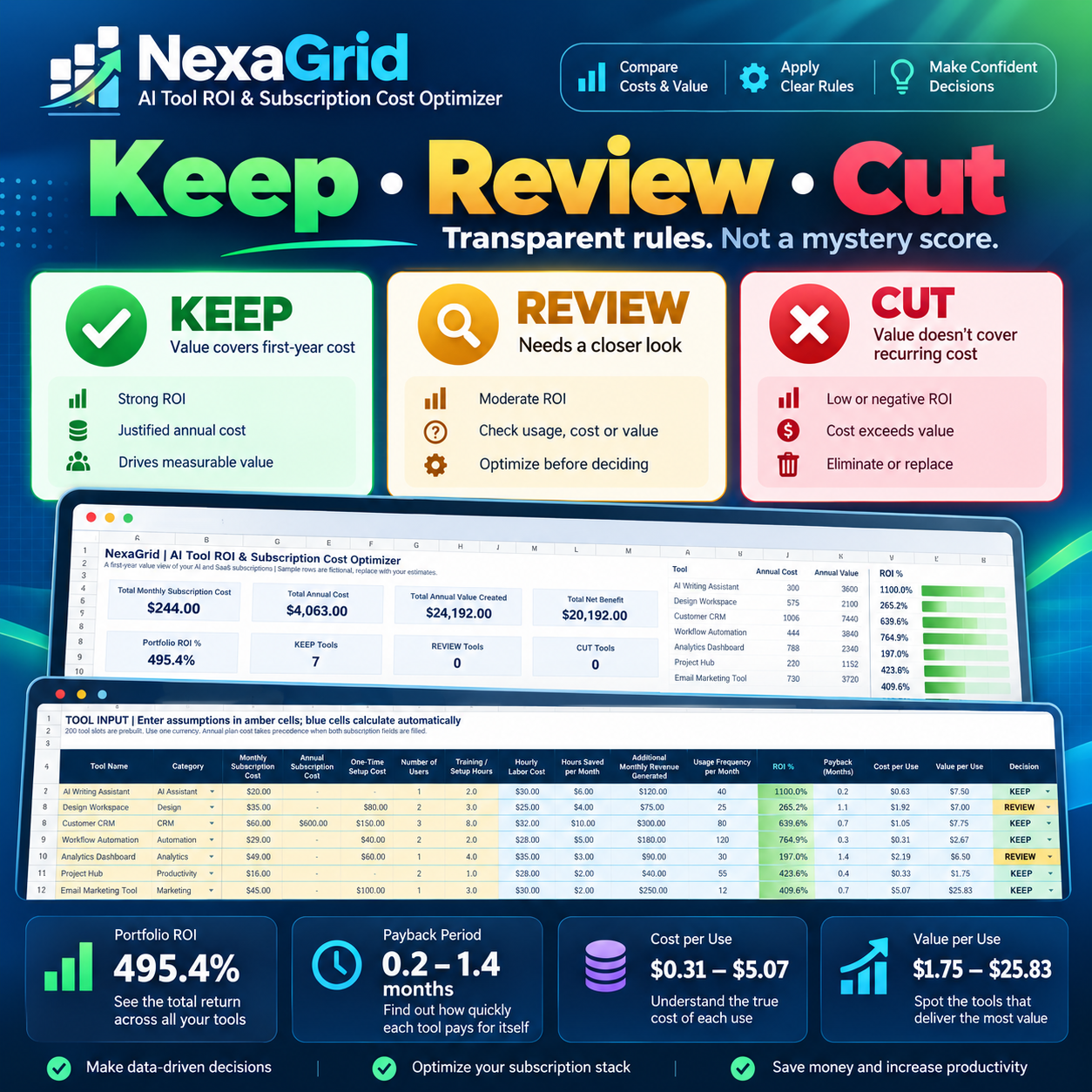
KEEP • REVIEW • CUT
The workbook uses transparent decision rules — not a mystery score.
KEEP
Estimated annual value covers the tool's full first-year cost.
REVIEW
The tool needs a closer look because required inputs are incomplete, or estimated value covers the recurring subscription cost but not the complete first-year cost including setup and training.
CUT
Required inputs are complete and estimated value does not cover the recurring subscription cost.
These statuses are designed to give you a consistent starting point for reviewing your software stack, not to make the final decision for you.
KNOW WHAT DESERVES YOUR ATTENTION
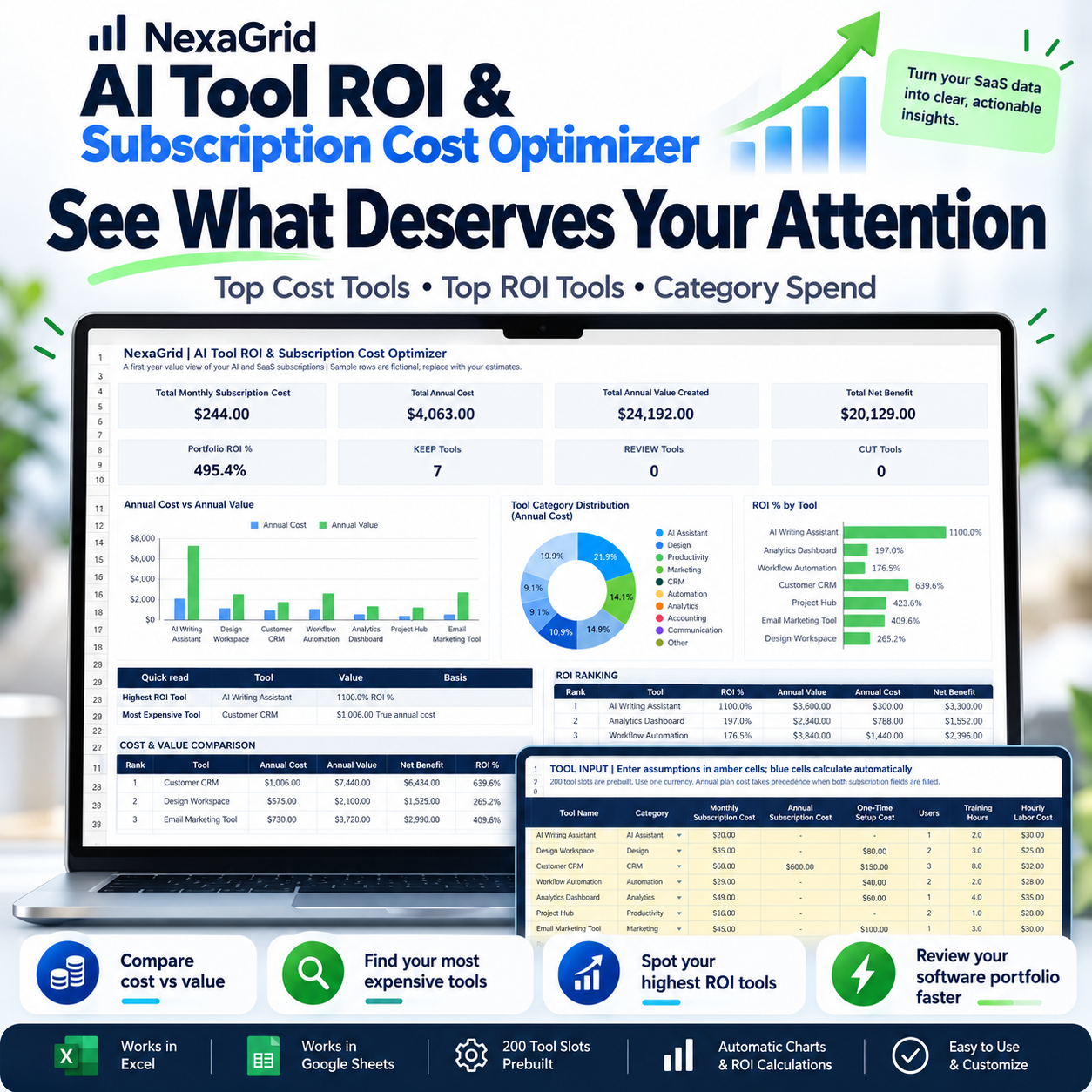
The Dashboard helps you quickly see the bigger picture across your subscriptions.
Review:
• Total Monthly Subscription Cost
• Total Annual Cost
• Total Annual Value Created
• Total Net Benefit
• Portfolio ROI
• KEEP / REVIEW / CUT Counts
• Highest ROI Tool
• Most Expensive Tool
• Top Cost vs Value Tools
• Top ROI Tools
• Category Spend
The Dashboard is built to help you spot where your money is going, which tools appear to create the most value, and which subscriptions deserve another look.
TRACK UP TO 200 TOOLS
The workbook includes 200 prepared tool rows so you can evaluate much more than just AI assistants.
Use it for:
• AI assistants
• Design software
• Productivity tools
• CRM systems
• Automation platforms
• Analytics tools
• Marketing software
• Communication tools
• Accounting software
• Other SaaS subscriptions
COMPARE COST AND VALUE — NOT JUST PRICE
A $20/month tool may be expensive if you barely use it.
A $100/month tool may be worthwhile if it saves enough time or creates enough additional value.
This workbook helps you compare those assumptions using the same calculation framework across every tool.
That makes it easier to identify:
High-cost tools
High-ROI tools
Low-value subscriptions
Underused software
Tools that deserve another review before renewal
BUILT FOR PRACTICAL DECISIONS
Designed for:
• Freelancers
• Creators
• Solopreneurs
• Consultants
• Small Businesses
• Small Agencies
• Teams managing multiple software subscriptions
Whether you use ChatGPT, design tools, automation platforms, CRMs, productivity apps, or other subscription software, the same framework can be used to compare them.
EASY TO USE
1. Enter your assumptions
Add subscription cost, setup cost, training hours, hourly labor value, hours saved, additional monthly value, and usage frequency.
2. Let Excel calculate the metrics
Cost, value, ROI, payback, break-even, cost per use, and value per use are calculated automatically.
3. Review KEEP / REVIEW / CUT
Use the decision status and Dashboard to identify the subscriptions that deserve your attention.
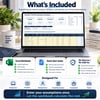
WHAT'S INCLUDED
1 × NexaGrid AI Tool ROI & Subscription Cost Optimizer Excel Workbook
1 × Quick Start Guide PDF
The workbook also includes fictional sample tools so you can see how the system works before replacing them with your own subscriptions.
NO MACROS OR ADD-INS
The workbook uses:
• Native Excel formulas
• Excel Tables
• Dropdown validation
• Conditional formatting
• Native charts
No VBA.
No macros.
No add-ins required.
COMPATIBILITY
Designed for Microsoft Excel Desktop and current Microsoft 365.
For the most consistent results, Microsoft Excel is recommended.
Google Sheets, mobile spreadsheet applications, and older office suites are not the primary target environment, so formatting, formulas, or chart behavior may differ.
IMPORTANT NOTE
The workbook calculates results from the assumptions and estimates you enter.
Time saved, additional revenue, labor value, and similar inputs can be subjective, so the workbook should be used as a planning and decision-support tool rather than a guarantee of financial performance.
It does not guarantee savings, revenue, ROI, or the performance of any specific AI or SaaS product.
It does not provide financial, accounting, tax, or investment advice.
Stop paying for software simply because you forgot to question it.
Compare the cost. Estimate the value. Review the ROI.
Then decide what deserves to stay in your stack.