

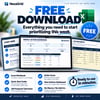
NexaGrid Weekly Action Dashboard — Free Excel Priority Planner
Too many tasks, not enough clarity?
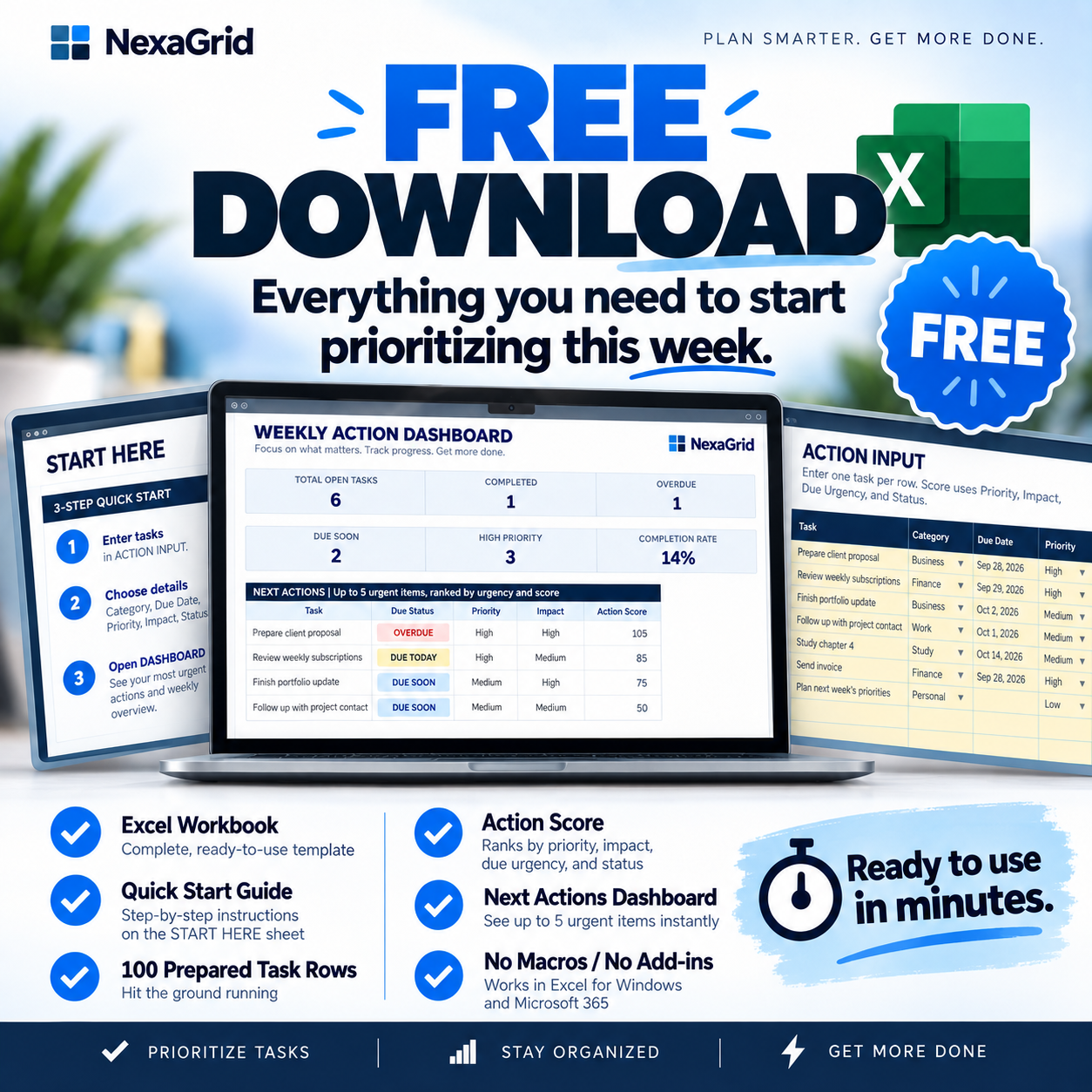
NexaGrid Weekly Action Dashboard — Free Edition is a simple Excel productivity tool designed to help you turn a long task list into a clear weekly action plan.
Instead of simply storing tasks, the workbook uses deadlines, priority, impact, and status to help surface what deserves your attention next.
Add your tasks, choose a few simple signals, and let the workbook organize the rest.
SEE WHAT NEEDS YOUR ATTENTION NEXT
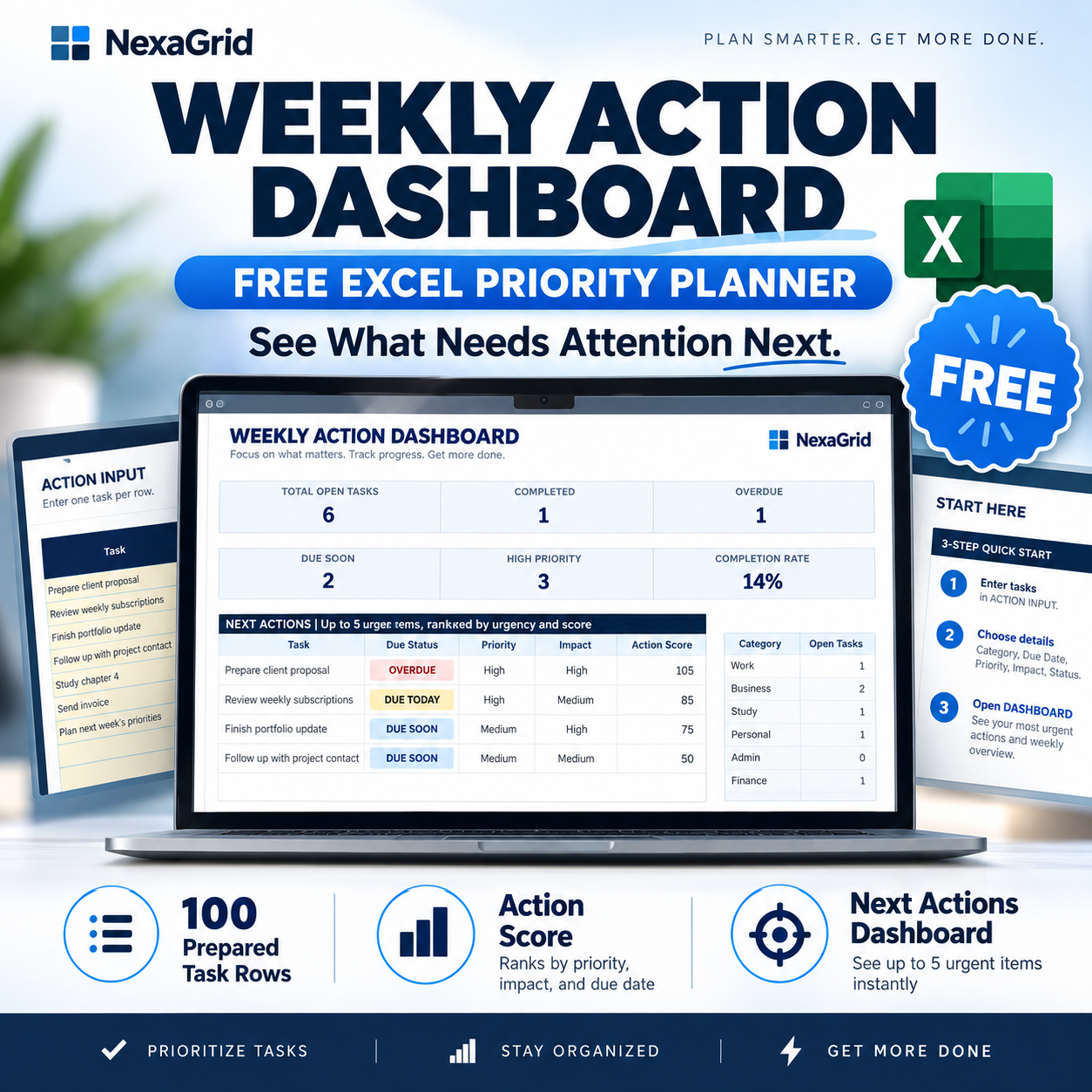
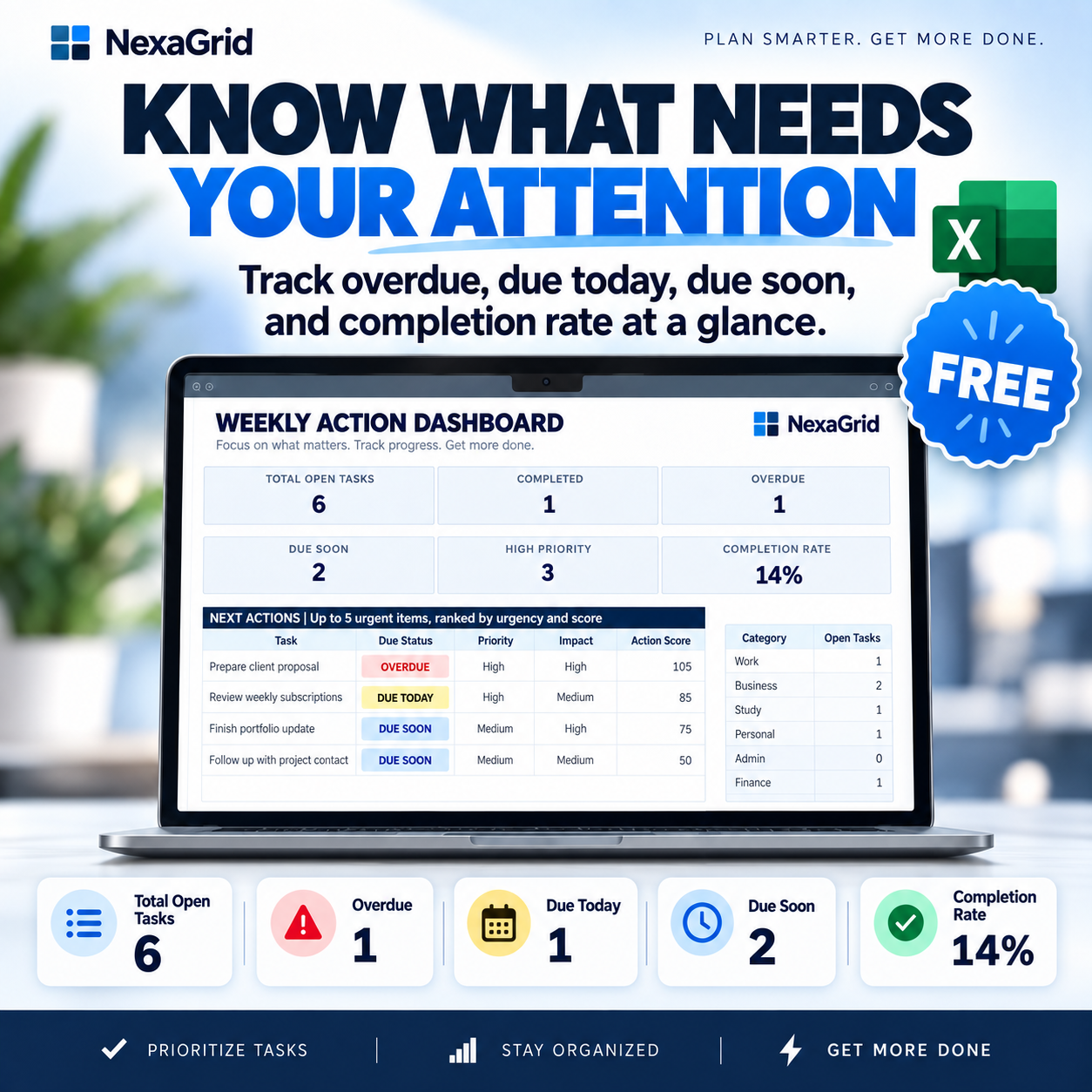
The Dashboard automatically shows:
• Total Open Tasks
• Completed Tasks
• Overdue Tasks
• Due Today
• Due Soon
• High Priority Tasks
• Completion Rate
• Open Tasks by Category
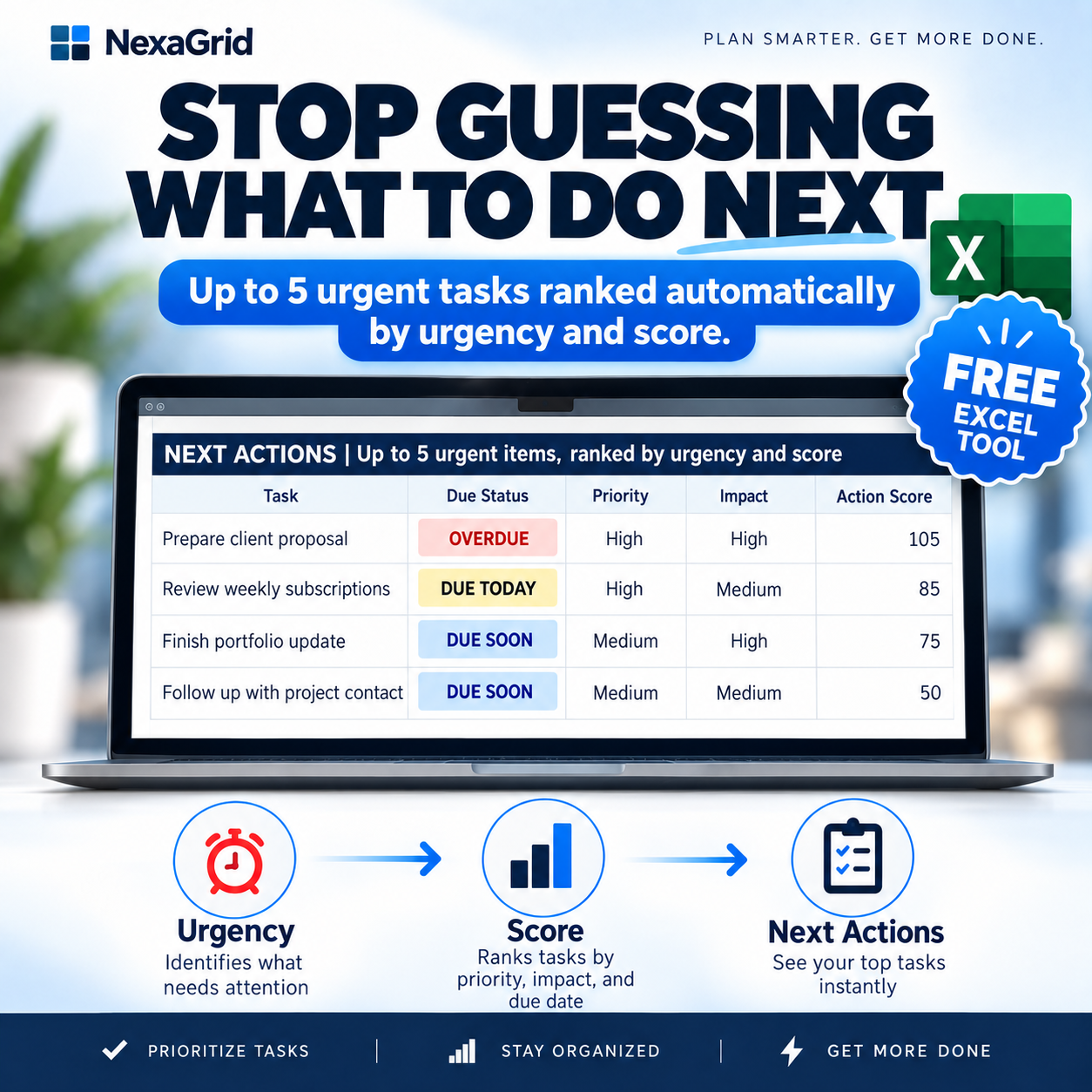
Most importantly, the Next Actions section automatically surfaces up to five urgent tasks that deserve your attention.
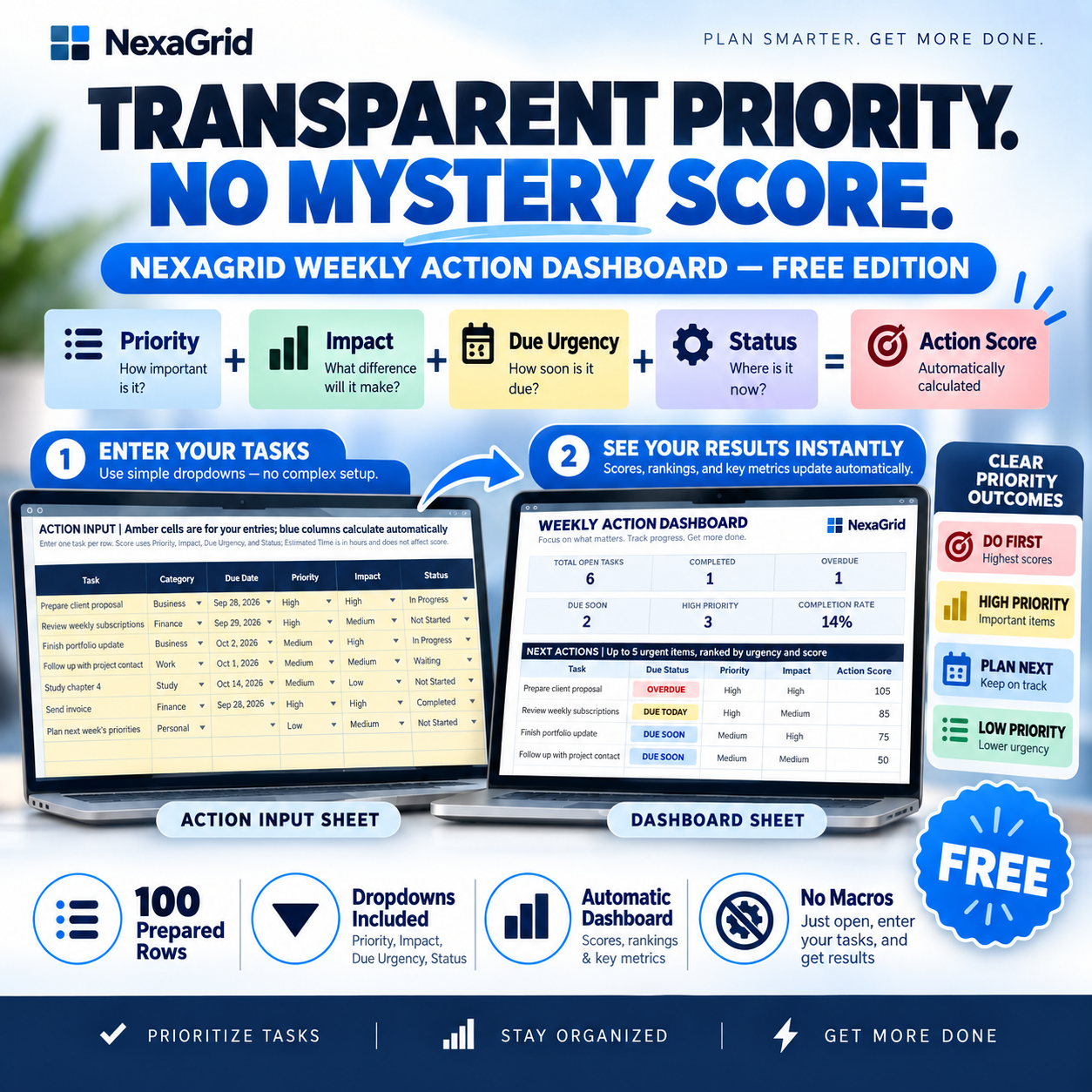
TRANSPARENT ACTION SCORE
Every open task can receive an explainable Action Score based on:
Priority + Impact + Due-Date Urgency + Status
There is no hidden AI or mystery scoring system.
The workbook converts the result into simple planning cues:
DO FIRST
HIGH PRIORITY
PLAN NEXT
LOW PRIORITY
These are planning aids designed to help organize your workload — you always make the final decision.
100 PREPARED TASK ROWS
The workbook includes 100 ready-to-use task rows with formulas, dropdowns, formatting, and dashboard logic already prepared.
Track:
• Task
• Category
• Due Date
• Priority
• Impact
• Estimated Time
• Status
• Notes
Calculated fields update automatically.
SIMPLE 3-STEP WORKFLOW
1. Add your tasks
Enter one task per row.
2. Set the signals
Choose category, priority, impact, status, and an optional due date.
3. Check the Dashboard
See which tasks are overdue, due soon, or ranked as your next actions.
BUILT FOR
• Freelancers
• Creators
• Solopreneurs
• Students
• Job Seekers
• Consultants
• Small Business Owners
• Anyone who wants a clearer weekly action plan
WHAT'S INCLUDED
1 × NexaGrid Weekly Action Dashboard — Free Edition Excel Workbook
1 × Quick Start Guide PDF
1 × Changelog
The workbook also includes seven fictional sample tasks so you can see how the Dashboard works immediately.
NO MACROS OR ADD-INS
No VBA.
No macros.
No add-ins.
No external API required.
Designed for Microsoft Excel Desktop and current Microsoft 365 Excel.
Other spreadsheet applications may display formulas, dropdowns, tables, or charts differently.
100% FREE
This is a free standalone NexaGrid utility.
Download it, replace the fictional examples with your own tasks, and start organizing your week.
Stop staring at a long task list.
See what deserves your attention next.