
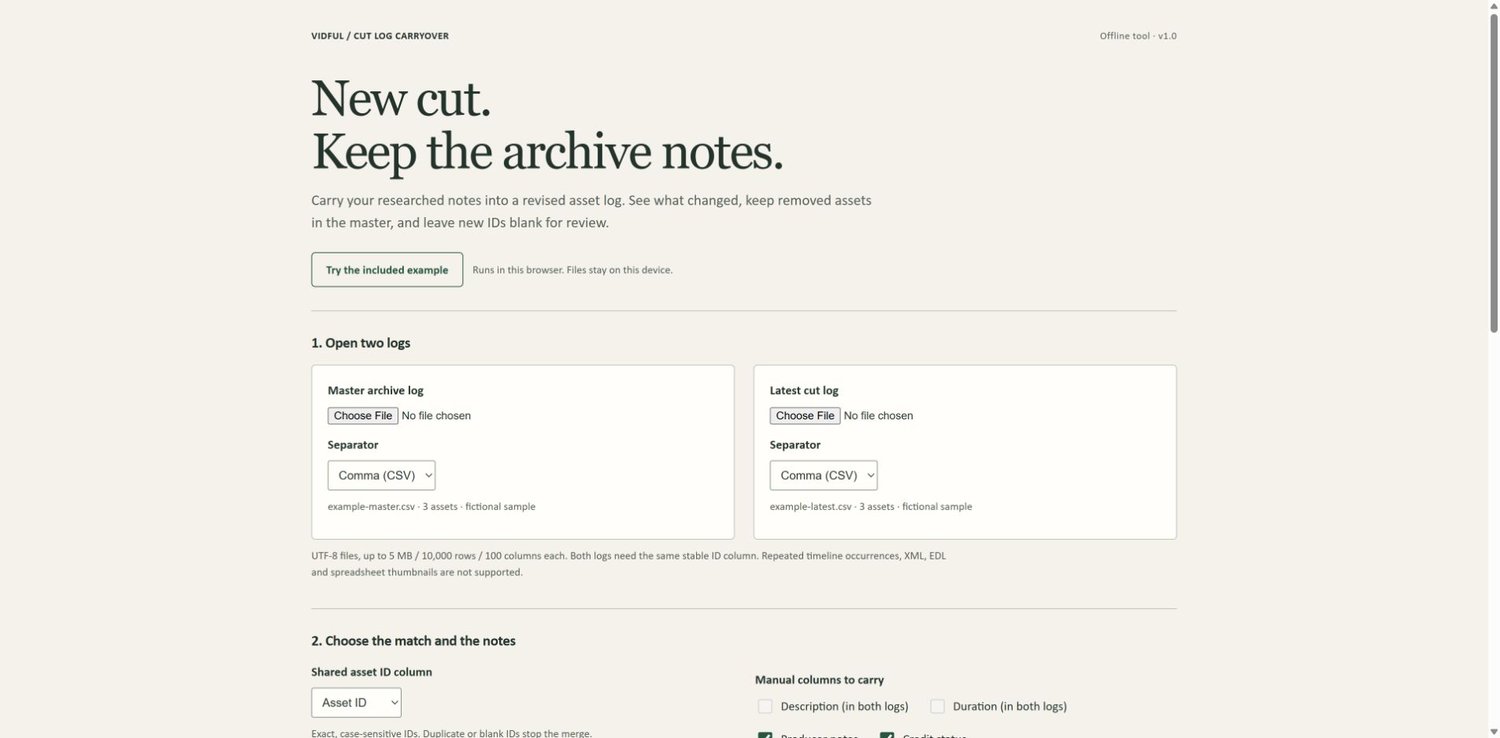





Cut Log Carryover — Archive Notes CSV Tool
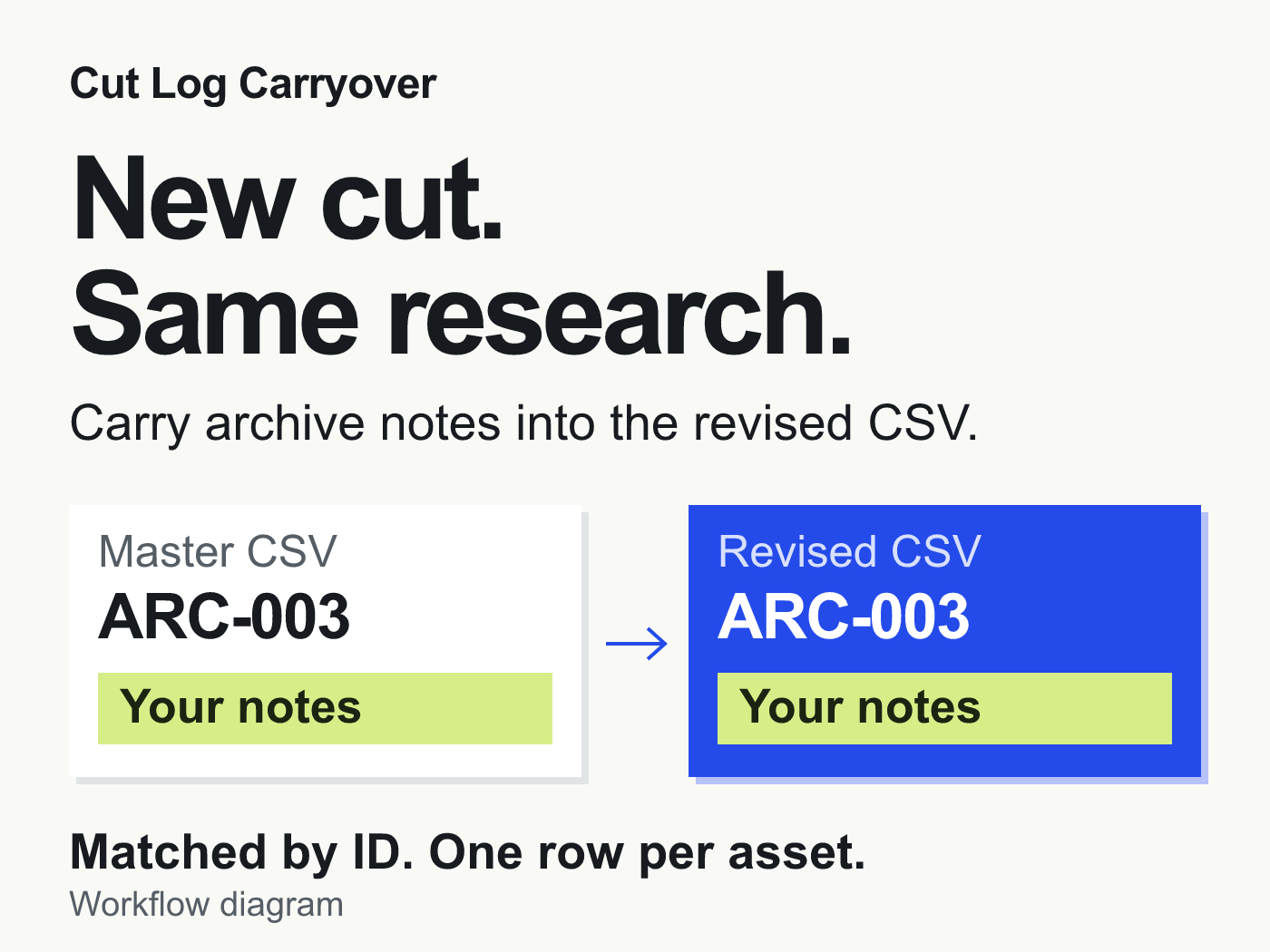
New cut. Same research.
The revised archive list arrives. The producer notes, source reminders and credit-status text are still in the previous spreadsheet.
Carry those notes into the new CSV by asset ID. Cut Log Carryover matches two asset logs, adds your selected note columns to the latest list and keeps removed assets in an updated master.
For assistant editors and archive producers with one row per asset and stable, unique IDs. €12 once, plus applicable tax. Your logs are processed on your device; no account or subscription.
See what survives a revision
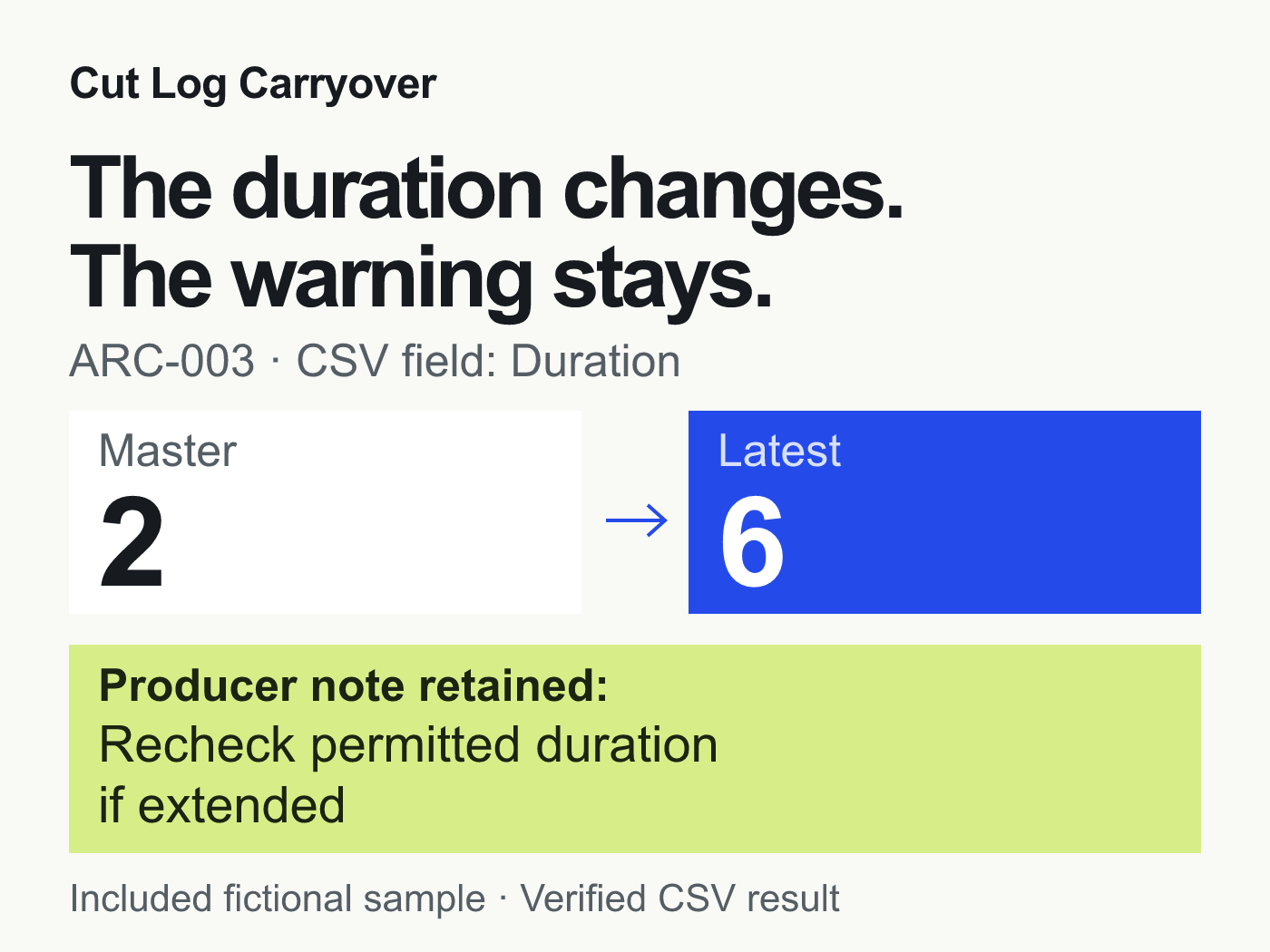
In the included sample, the CSV field Duration for ARC-003 changes from 2 to 6. Its note — “Recheck permitted duration if extended” — carries into the revised log, and the field change appears in the change report. The values are compared as supplied; the tool does not calculate or convert time units.
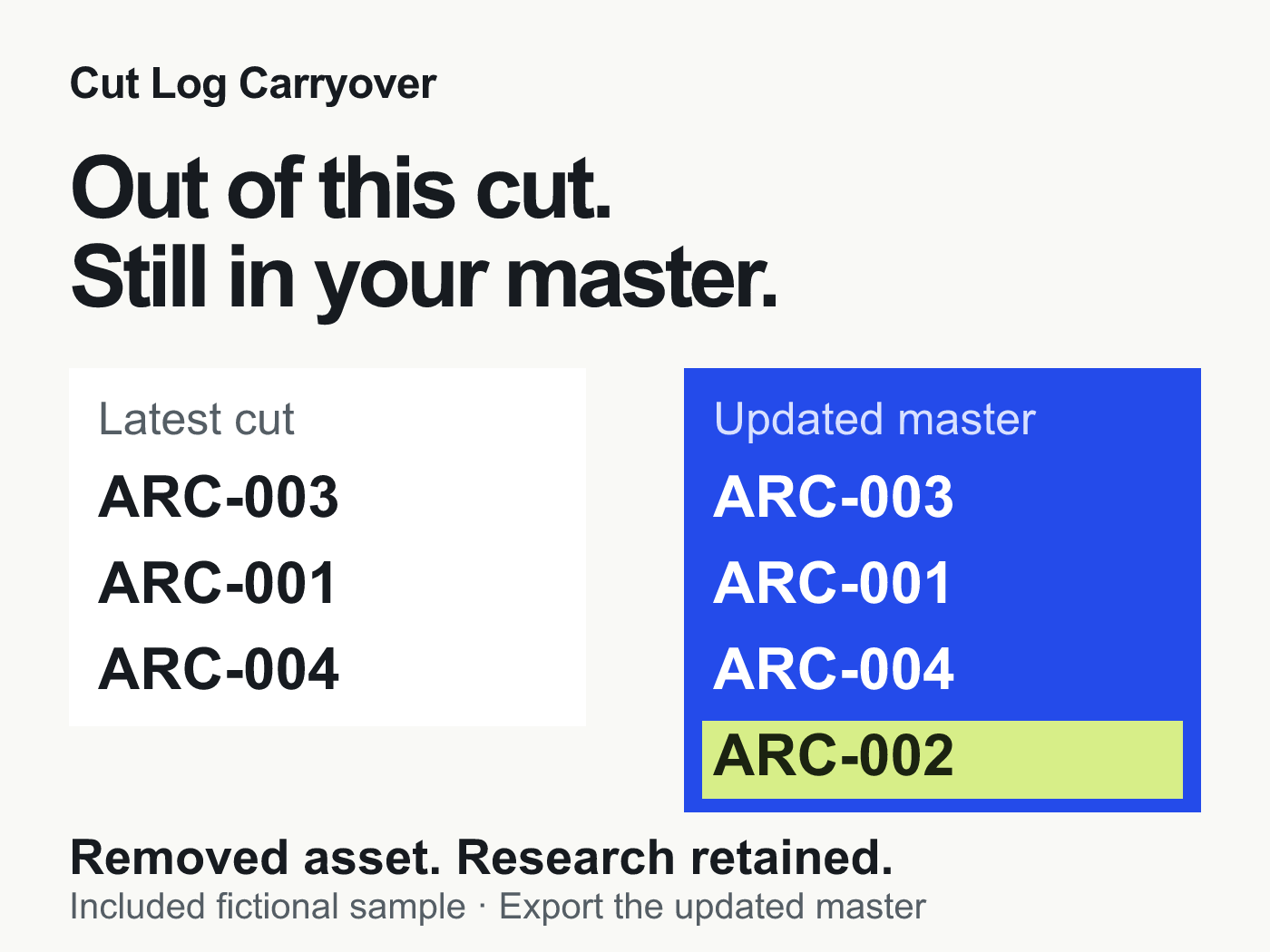
ARC-002 is removed from the cut. It stays in the updated master with its source-email reminder. ARC-004 is new, so its note cells are left blank for research.
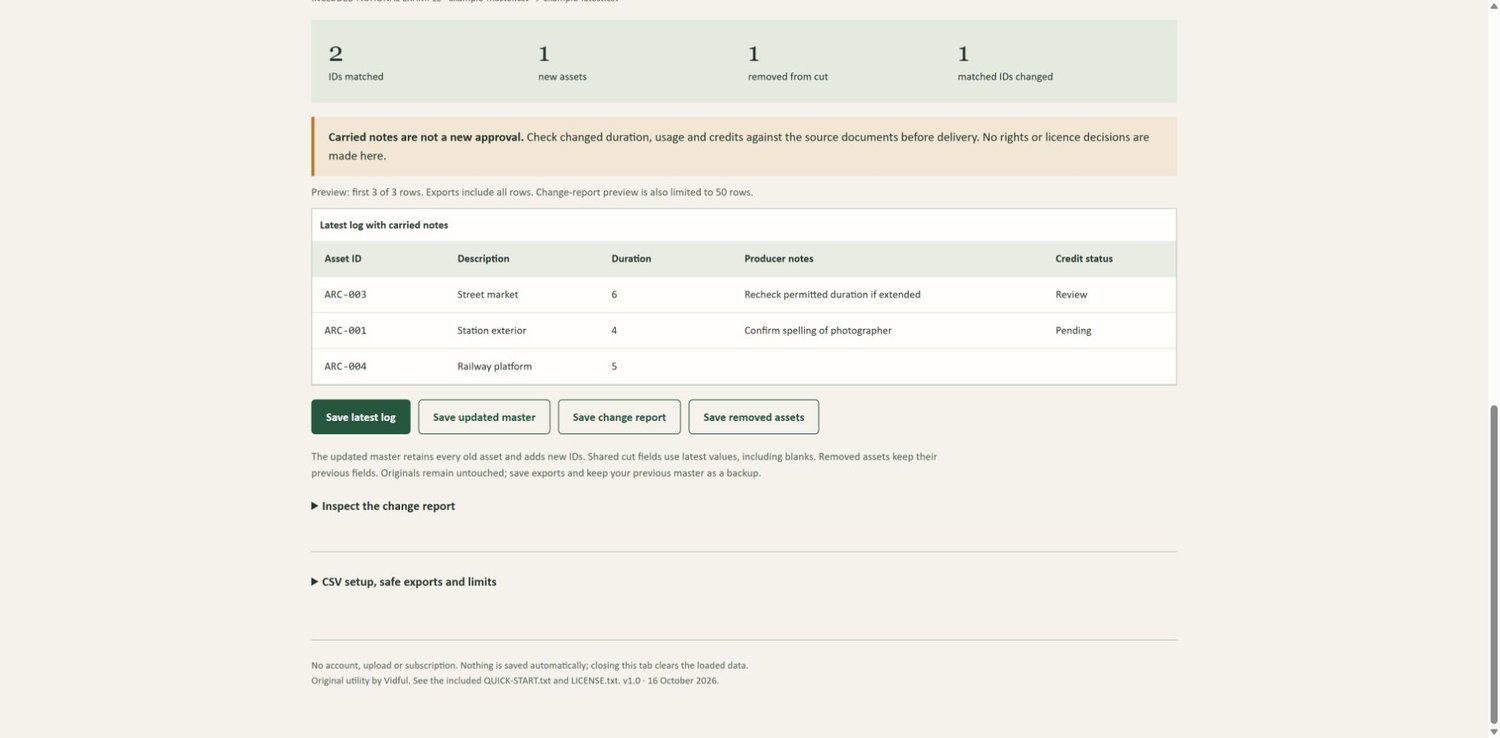
These are verified results from the fictional sample files included with the tool, not a client case study. The gallery shows the example and the actual interface.
Two logs in. Four useful CSVs out.
• Open your master and latest CSV logs.
• Select the shared ID column and the manual note columns to carry.
• Review the comparison, then download the results.
• Latest log + notes: the revised list with research attached to matching IDs.
• Updated master: latest assets plus removed assets, ready for the next revision.
• Change report: new and removed IDs, plus changes in shared fields.
• Removed assets: a separate list of what left the cut.
Missing or duplicate IDs stop the comparison instead of producing a guessed match. Your original files stay unchanged. Download and retain the updated master yourself; the tool does not save it automatically.
Check your logs before buying
Both files need the same ID-column heading, with exact, case-sensitive IDs. Each ID must appear once per file. The manual columns you carry must be absent from the latest log. Accepts UTF-8 comma-, semicolon- or tab-separated text, up to 5 MB, 10,000 rows and 100 columns per input.
This is a CSV handoff tool. It does not import XML, EDL or XLSX, combine repeated clip appearances, retain thumbnails, calculate timecodes or determine footage rights. Carried approval text is a historical record, not new clearance; review changed usage against your source documents.
Already comfortable maintaining a master with spreadsheet lookups? That may cover your needs. The free archive-notes guide explains that route. Buy this tool if you want a dedicated comparison and four exports without setting up those formulas.
What you receive
A ZIP with the standalone HTML tool, two working sample logs, a duplicate-ID test file, a quick-start guide and a single-user licence. Extract the ZIP and open the HTML in desktop Chrome. No API key, AI credits or file uploads are required.
Validation scope: sample import, comparison, duplicate-ID rejection and all four exported CSVs were checked in desktop Chrome on Windows using a local web address. Direct file:// opening and other browsers or operating systems have not been tested. The HTML is self-contained and uses no external resources.
Formula-like export text receives a leading apostrophe for spreadsheet safety. Import IDs as text in Excel to preserve leading zeros.
One user may use the tool on unlimited personal and client projects and share generated reports. The reusable tool cannot be redistributed. Personal editing, setup calls and an ongoing update programme are not included. For a reproducible product fault, use the contact on your Payhip receipt and a synthetic example, not private production logs.
Preview: the free sample ZIP contains input logs and all four expected results. It does not include the paid tool.