
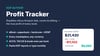
KDP Author Profit Tracker — Royalties, Amazon Ads & Book Costs Spreadsheet (Excel + Google Sheets)
Now $5.50 (50% off, regular price $11).
Your KDP dashboard says you earned $1,800 last month. Amazon Ads says you spent $640. The cover was $450, the edit was £980, and half your royalties came in pounds and euros. So which of your books is actually making money?
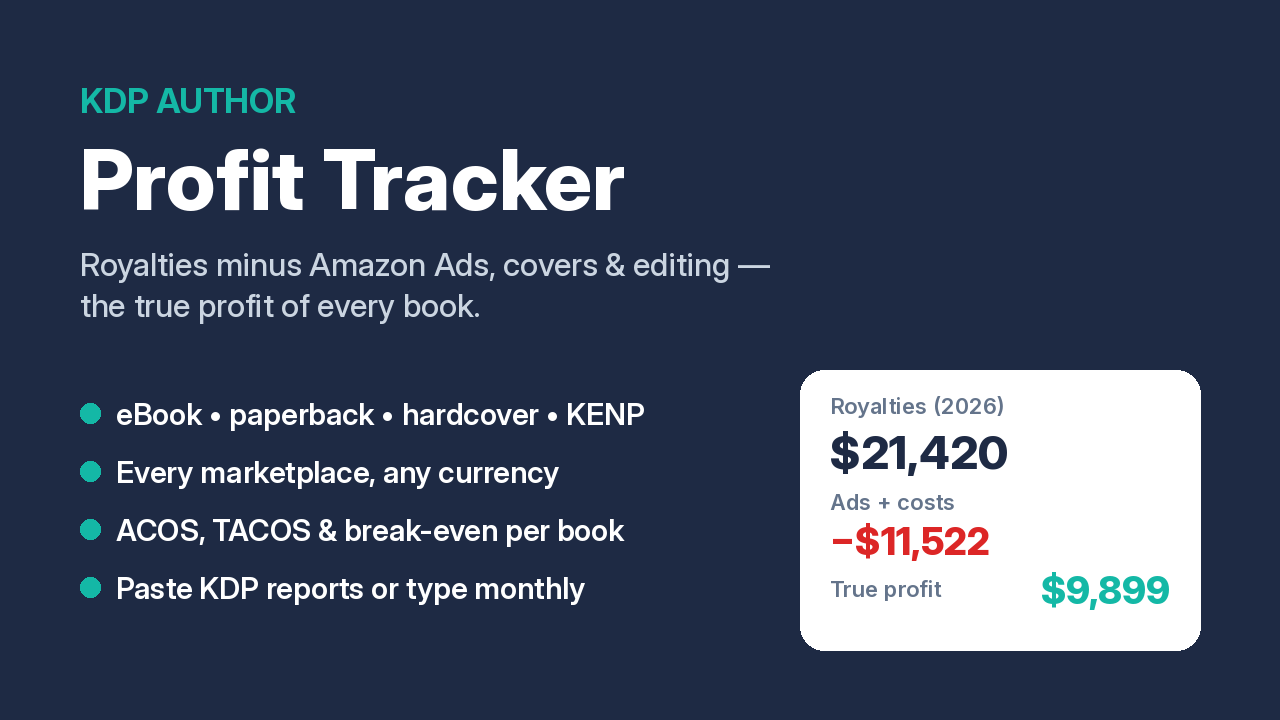
The KDP Author Profit Tracker puts all of it in one place: royalties for eBook, paperback, hardcover and Kindle Unlimited (KENP) reads from every Amazon marketplace, converted to your currency, minus ad spend and every other cost. You get the true profit of each book, each month and each year — no subscription, no logins, no sharing your KDP account with a third-party app.
Two ways to get your numbers in:
- Type monthly totals — one row per book, marketplace and format. Takes a few minutes a month.
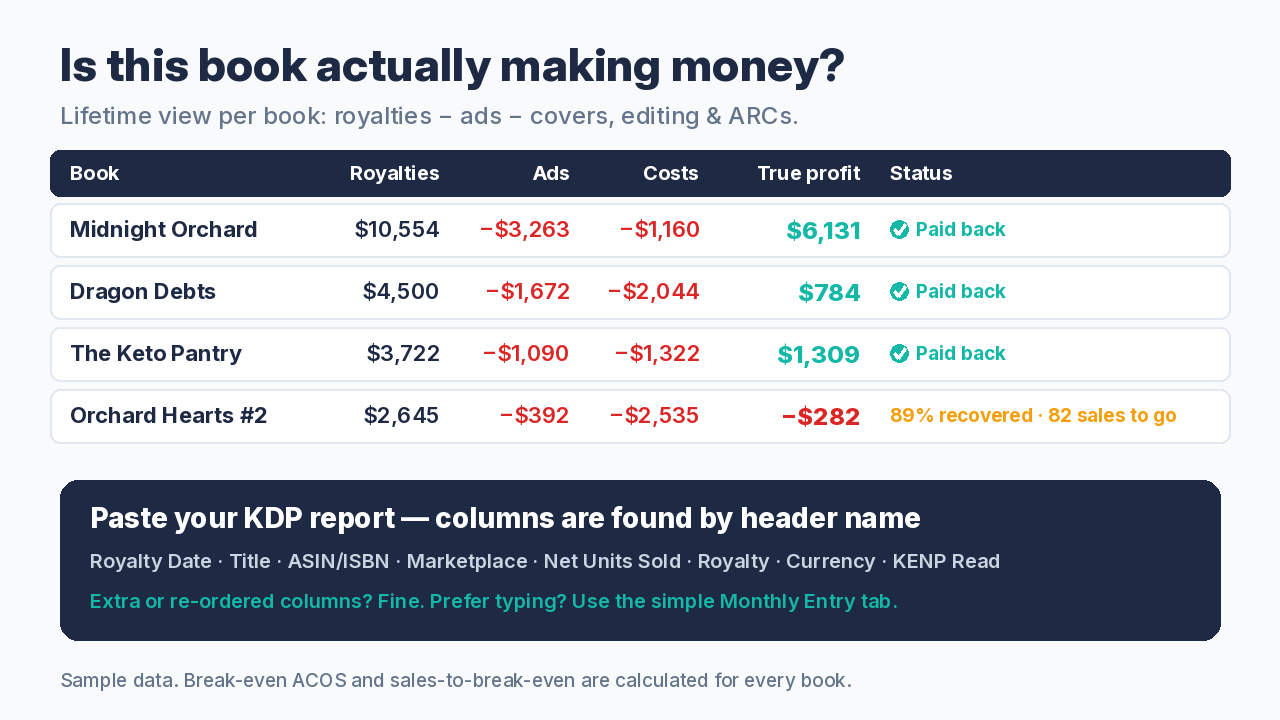
- Paste your KDP report — four import tabs read the export by column header name, not by fixed position, so extra or re-ordered columns don't break it. A status row shows which columns were found, and any row it can't match to a book is flagged.
What you'll see:
- True profit = royalties − Amazon Ads − covers, editing, ARCs and other costs
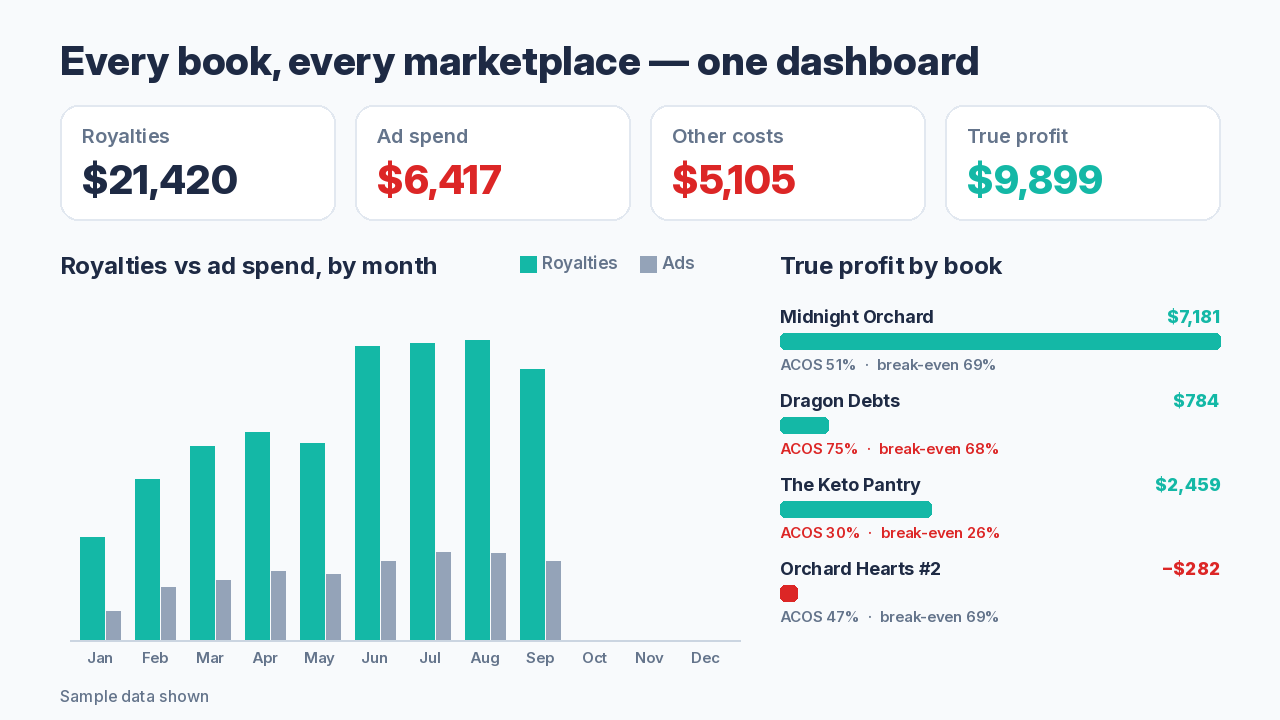
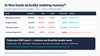
- ACOS and TACOS (est.) per book, next to each book's break-even ACOS (ACOS turns red when ads lose money)
- Lifetime profit per book: paid back yet? If not, how many more sales it needs
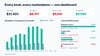
- Monthly table and charts: royalties, KENP share, ad spend, ad sales, ACOS, costs, profit, tax set-aside
- Breakdowns by book, by marketplace and by format
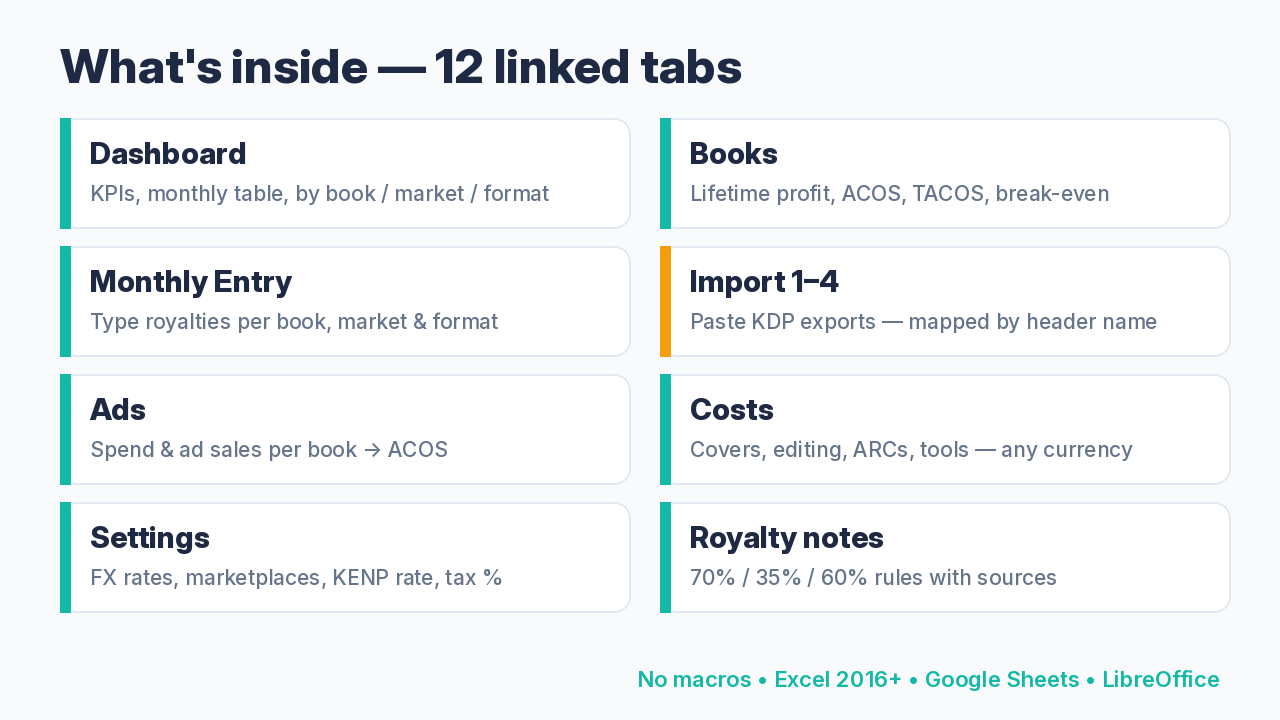
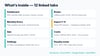
What's inside (12 tabs)
- Dashboard — tax-year KPIs, monthly table, by book / marketplace / format, charts
- Books — catalogue, list price and royalty per sale, lifetime profit, ACOS, TACOS, break-even, payback; Book keys table (ASIN / ISBN / title → book)
- Monthly Entry — 600 rows of simple manual entry
- Import 1–4 — paste-in areas for KDP report exports (500 rows each), mapped by header name
- Ads — monthly spend, ad sales, orders and clicks per book and marketplace
- Costs — covers, editing, proofreading, ARCs, formatting, promos, software (any currency)
- Settings — base currency, exchange rates, 15 marketplaces, KENP rate, editable import column names, tax set-aside %
- Royalty notes — the 70% / 35% eBook and 60% / 50% print rules, KENP and report headers, with sources
- Quick-start guide (PDF)
Details
- .xlsx — works in Excel 2016+, Google Sheets and LibreOffice
- No macros, no add-ons, no subscription; your data stays in your file
- Sample catalogue included (4 books, Jan–Sep) so you can see it working, then clear it
- Yellow = you type, grey = formulas
FAQ
Does it connect to my KDP account? No — that's the point. Download your report from KDP and paste it in, or type monthly totals. Nothing is shared with anyone.
What if Amazon changes the report format? The import finds columns by header name. If Amazon renames a column, type the new name once in Settings → Import column names. If a report changes completely, you can always use Monthly Entry.
Which KDP reports work? Any export that has a row per title with columns like Title or ASIN/ISBN, Marketplace, units, Royalty and Currency — e.g. Prior Months' Royalties or the royalties report. KENP sheets with page reads work too (royalty estimated from your KENP rate if there's no amount).
Does it calculate my royalties? No — KDP does. The sheet adds up what KDP reports. The royalty-per-sale you enter on the Books tab is only used for break-even and TACOS estimates.
Audiobooks / wide distribution? Use the Audiobook or Other format and type monthly totals. Marketplaces and currencies are editable.
Is this tax advice? No. The tax set-aside is a percentage you choose. It's a bookkeeping aid, not tax, legal or financial advice.
Refunds? It's a digital download. If anything doesn't work, message me and I'll fix it or refund you.
More from StraightGate
- Global Freelancer Finance Tracker (if you also freelance; multi-currency): https://payhip.com/b/WZGL9
- All templates: https://payhip.com/StraightGate
Free guide (sources + worked example): https://zcbm2373125333-hub.github.io/en/kdp-break-even-acos/
Not sure yet? Try the free version first: https://payhip.com/b/yFCXx