Hard Surface UV Mapping in Blender
When I first started using Blender, its UV toolset was disappointing.
UV mapping in Blender was very basic. The packing algorithm couldn't handle concave shapes, so packing was very inefficient, and the tools for straightening UV islands were lacklustre.
So like most people, I turned to third-party solutions to fill the gaps in Blender's UV mapping toolset.
That's no longer the case.
Blender's last two releases introduced significant upgrades to its core UV algorithms. Unwrapping is more accurate. Packing is substantially more efficient. And with Sync Selection, the entire UV workflow is faster, more efficient, and far more enjoyable.
On top of that, Mio 3 UV - a free, open-source add-on available directly within Blender - extends the toolset into fully professional territory.
You can now:
- Unwrap with minimal distortion
- Pack complex layouts efficiently (including concave forms)
- Straighten UV islands reliably - even with irregular topology
For hard-surface work, this is a game-changer.
Clean, straight UVs are crucial because they directly impact texture fidelity. When dealing with hard surfaces, the ability to straighten UV islands helps to reduce distortion and allows texture maps to flow correctly across surfaces. Mio 3 UV gives you precise control over island straightening, allowing textures to flow correctly across even the most complex geometry.
The result is a workflow that is:
- Faster
- More predictable
- Production-ready
Blender is no longer a compromise. It's now on par with dedicated UV tools - without the cost or pipeline overhead.
What You'll Learn:
This course is designed to take you from the fundamentals to a fully optimised, professional workflow:
- Core principles of hard-surface UV mapping
- How Blender's unwrapping and packing algorithms work
- Texel density control for consistent, scalable assets
- Techniques for creating clean, readable UV layouts for use in 2D applications
- Selection strategies to dramatically increase unwrapping efficiency
As well as learning the tools, you will develop strategies for troubleshooting common problems.
After the foundational videos, you'll apply everything in two complete, production-style projects:
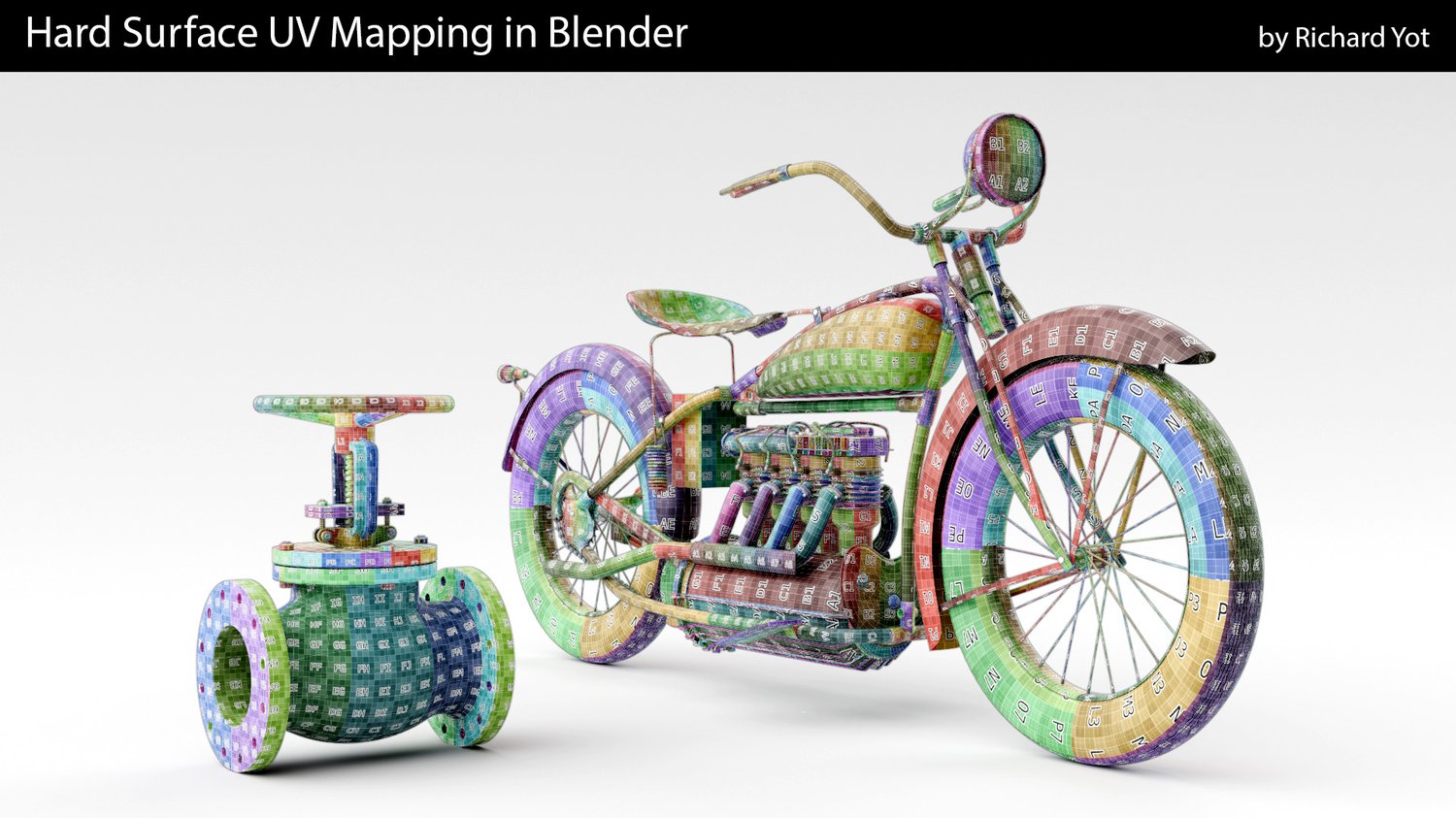
- A complex hard-surface valve with challenging geometry
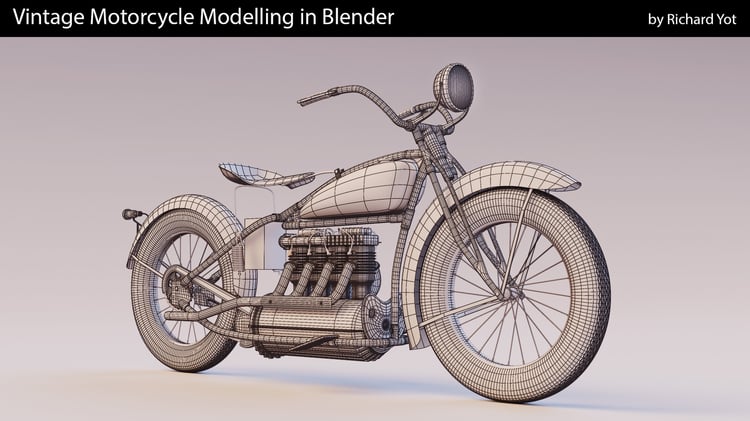
- A full motorcycle asset, from tyres to engine block
Each project breaks down real problems: distortion, density management, layout efficiency - and shows you exactly how to solve them.
By the end of this course, you'll be able to:
- Handle complex hard-surface UVs with confidence
- Produce clean, efficient, distortion-free layouts
- Work faster without relying on external tools
- Achieve professional results using Blender alone
No paid add-ons. No external software. No compromises.
So if you think Blender is not up to the task of UV mapping effectively, join me in Hard Surface UV Mapping in Blender, and prepare to be surprised.