
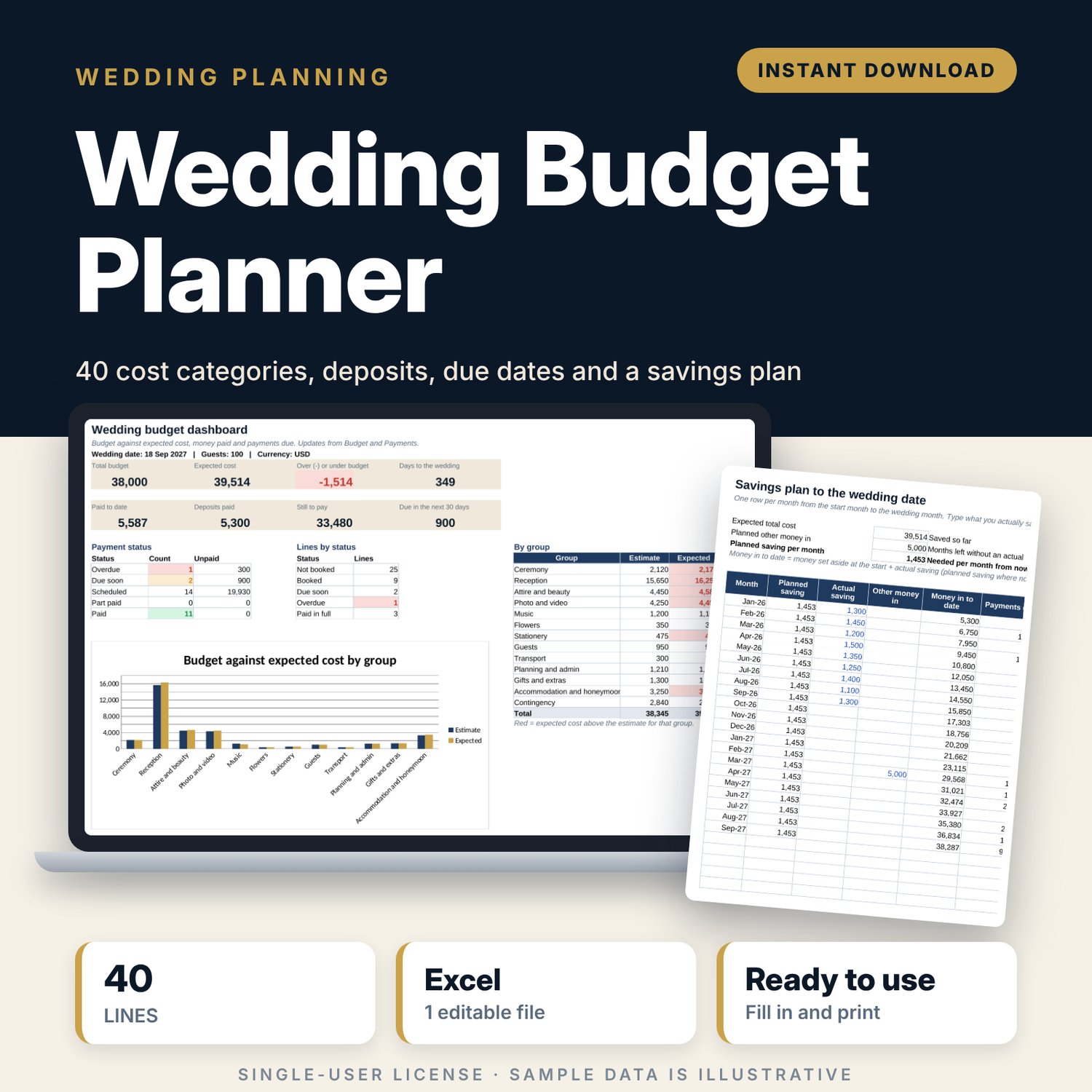
Wedding Budget Planner: Wedding Budget Spreadsheet with Payments and Savings Plan
Full description
For couples, and the planners who help them, who want one clear file for the wedding money. You set a total budget, a guest count and a contingency, then give each of the 40 cost lines a unit cost: fixed, per guest, per table or per invitation. When you book a supplier you type the contract amount and add each deposit and balance with its due date. The workbook shows what you have paid, what is still to pay, what is due in the next 30 days, what the guest count does to the total, and how much to save each month to reach the wedding date.
Save with a bundle: this template is also in the Events & Weddings Bundle, 10 templates for $29 instead of $67. All 141 templates are in the All-Access Hospitality Template Library for $79.
What is inside
- Wedding_Budget_Planner.xlsx: 7 tabs, 1,236 formulas, 2 native charts, 8 drop-down or number rules. No macros.
- Settings: 9 inputs (wedding date, total budget, guests, guests per table, guests per invitation, contingency, savings start and opening savings) and the drop-down lists.
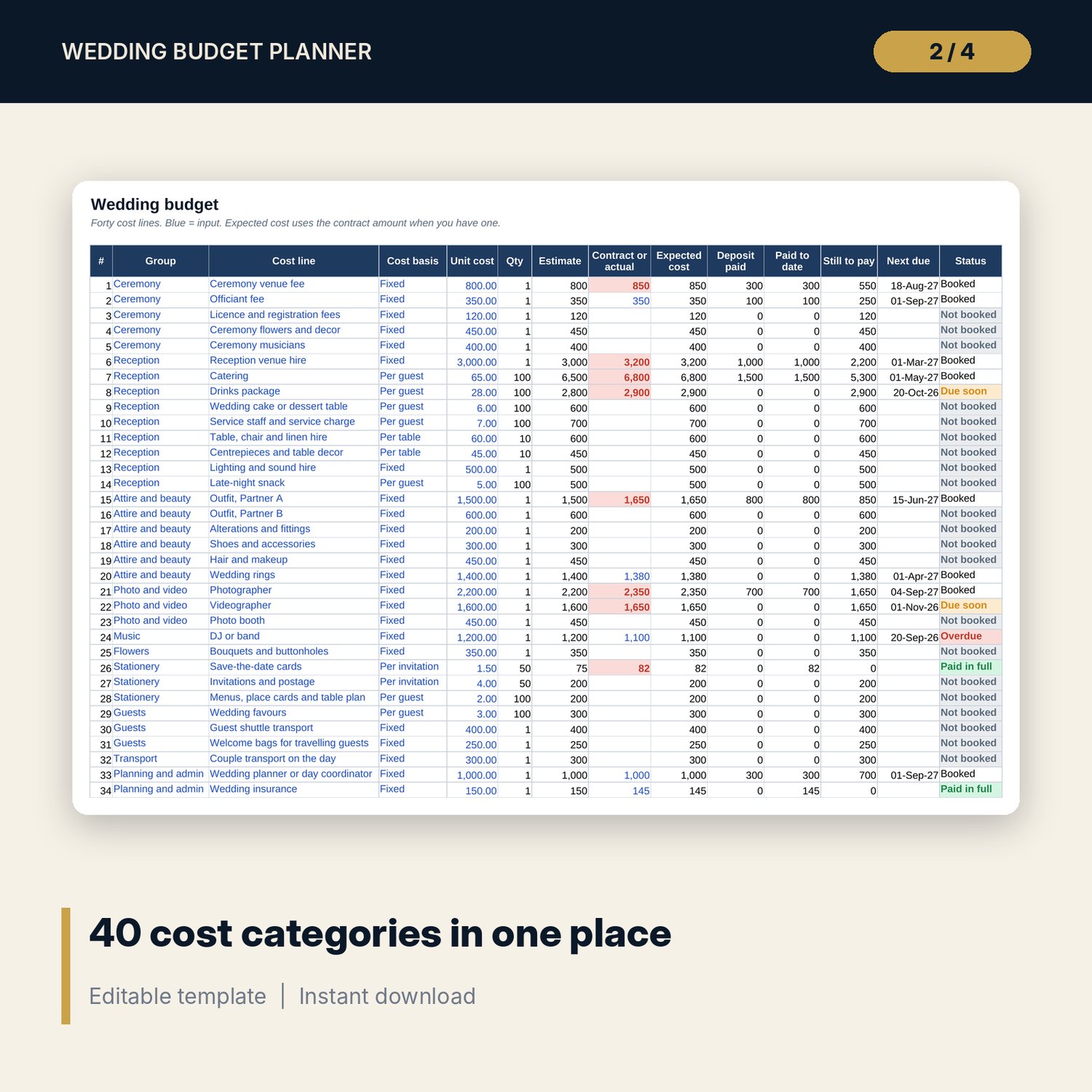
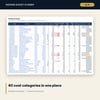
- Budget: 40 cost categories in 12 groups, plus 10 spare lines. Estimate, contract or actual, expected cost, deposit paid, paid to date, still to pay, next due date and status for each, with contingency and a check against the total budget.
- Payments: room for 200 payments (28 sample rows) with due date, type, amount, amount paid, days to go and an overdue flag.
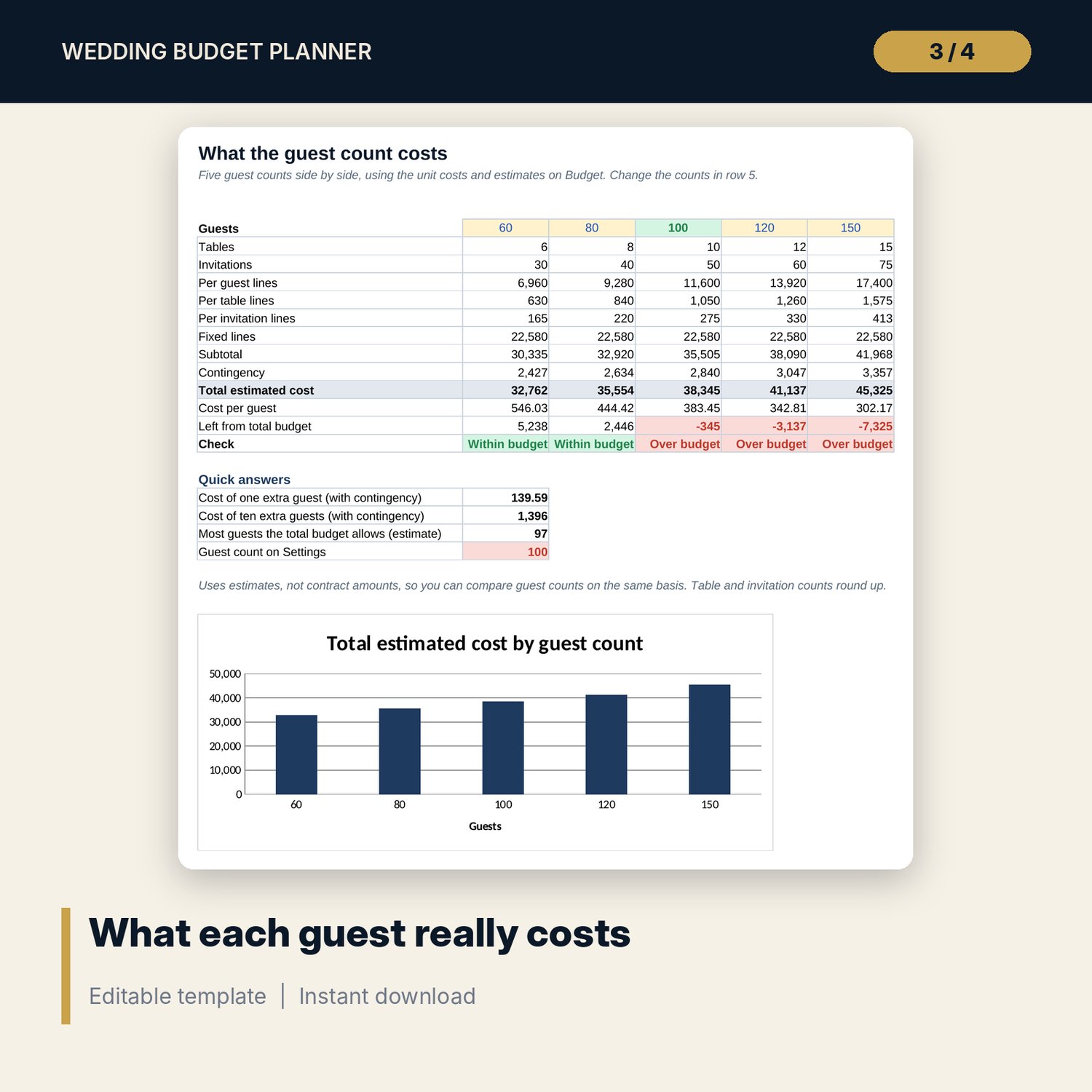
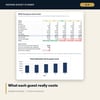
- Guest_Costs: the budget at 5 guest counts side by side, the cost of one and ten extra guests, the most guests the budget allows, and a chart.
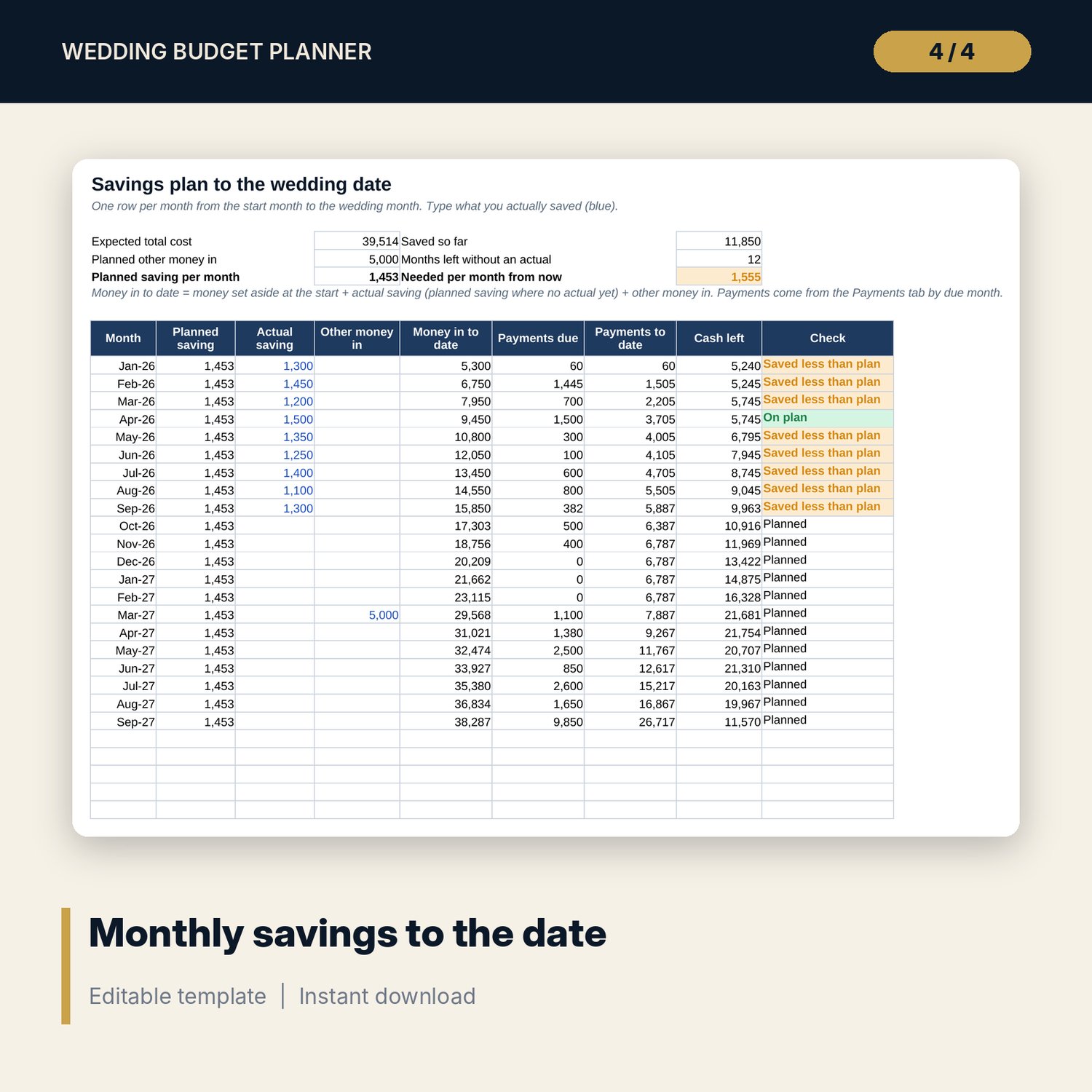
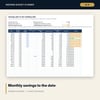
- Savings_Plan: up to 36 months from your start month to the wedding month with planned and actual saving, other money in, payments due and cash left.
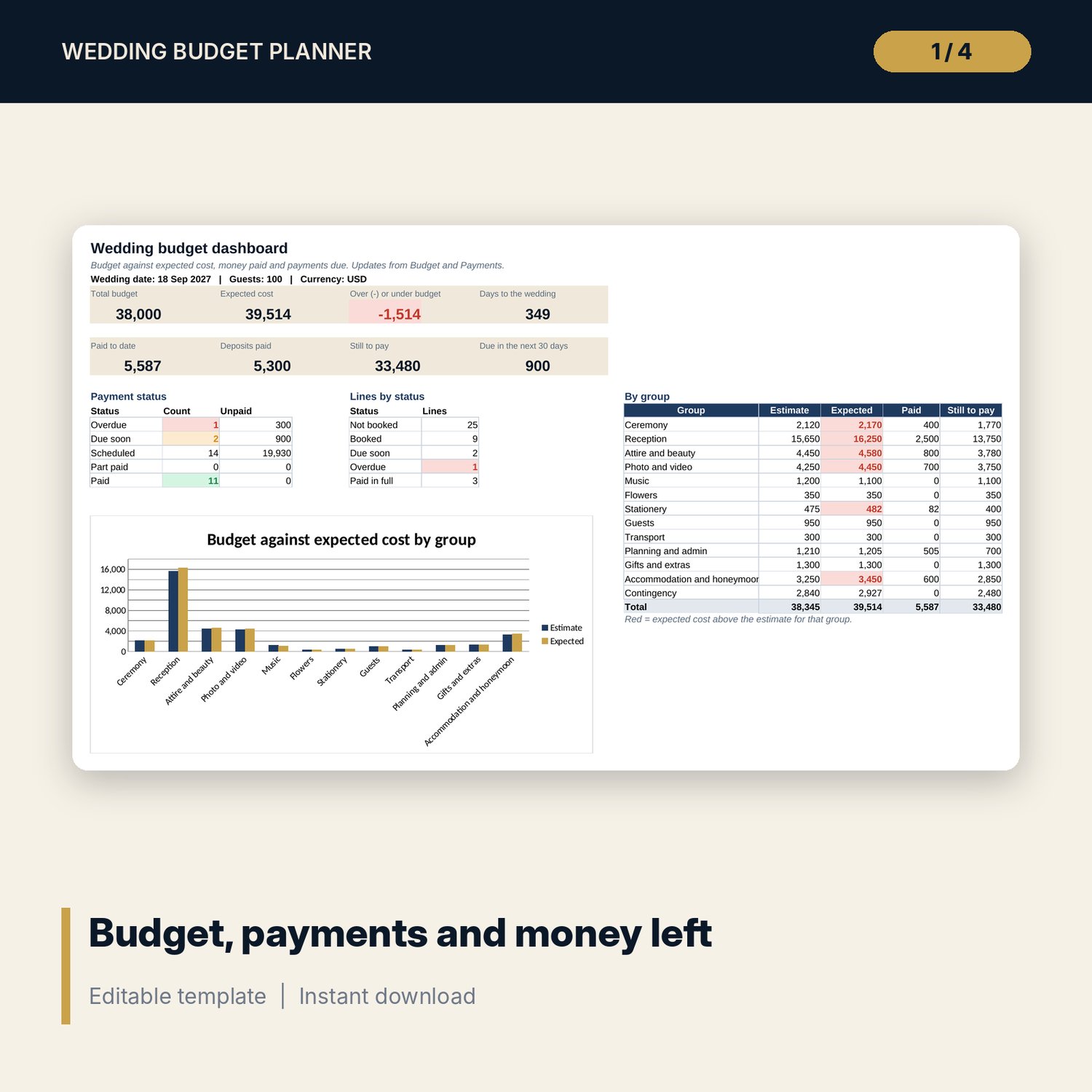
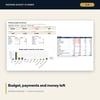
- Dashboard: 8 KPI tiles, totals by group, payment status counts and a budget against expected cost chart.
- README.txt and LICENSE-and-Terms.txt.
How it works
- Enter the wedding date, total budget, guest count and contingency on Settings.
- Set a cost basis and unit cost for each budget line.
- When you book a supplier, type the contract amount and add each payment with its due date.
- Check Guest_Costs before you change the guest list.
- Type what you save each month on Savings_Plan and review the Dashboard.
Details
- Format: Excel workbook (.xlsx). No macros.
- Language: English. Currency is a label you choose.
- Software: Excel 2016 or later, or a spreadsheet program that opens .xlsx files.
- Delivery: instant digital download. Nothing is shipped.
Good to know
- All sample costs, suppliers and dates are illustrative. They are not price guides. Replace them with your own figures.
- Licence, registration and tax costs differ by location. Verify local requirements.
- Not financial advice.
- Single-user license. Do not share or resell the files.
FAQ
Can I rename or add budget categories?
Yes. Type over any cost line and use the 10 spare lines. Pick the new name on Payments for its payments.
How does the guest count change the budget?
Lines set to per guest, per table or per invitation multiply by the guest count, the number of tables or the number of invitations on Settings.
What is the expected cost?
The contract amount where you have one, and the estimate where you do not, plus contingency.
Does it work in Google Sheets?
It opens in Google Sheets and the formulas calculate. Check the drop-downs after import.
Is this a physical product?
No. It is a digital download. Refund terms follow the store policy at the time of purchase.