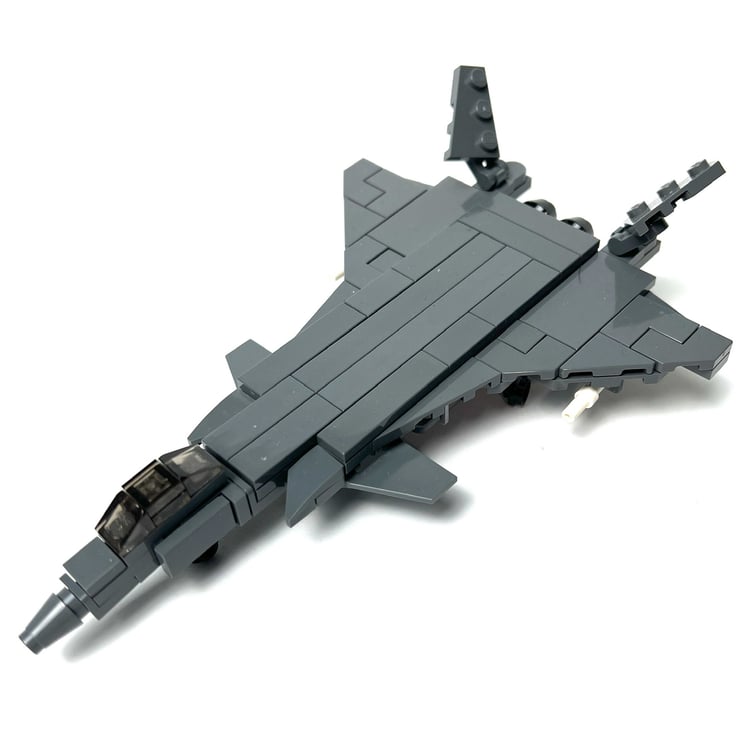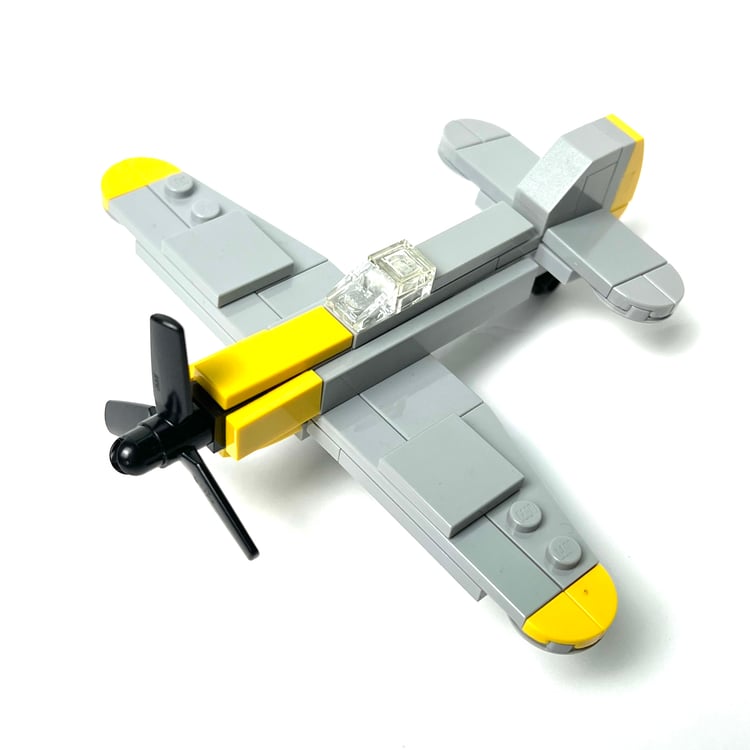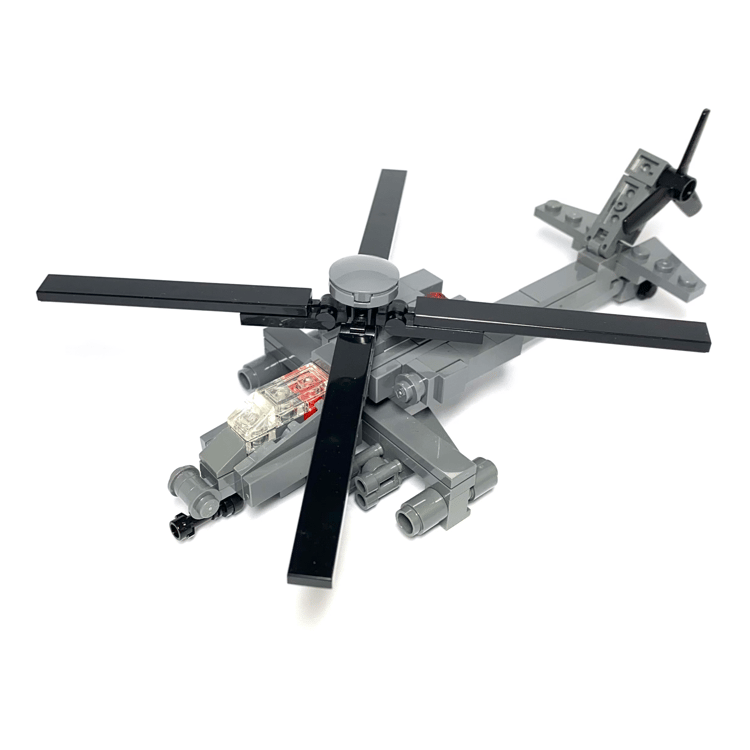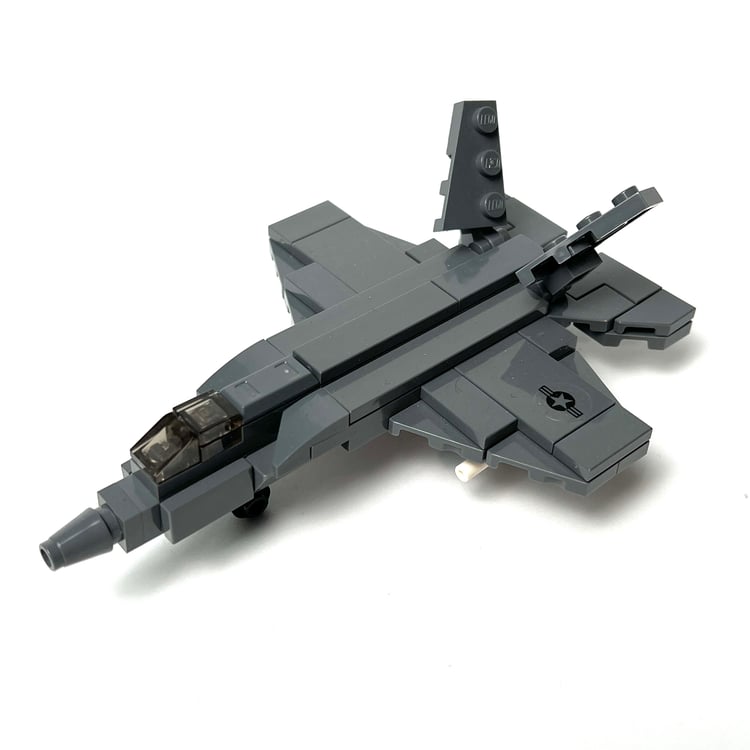

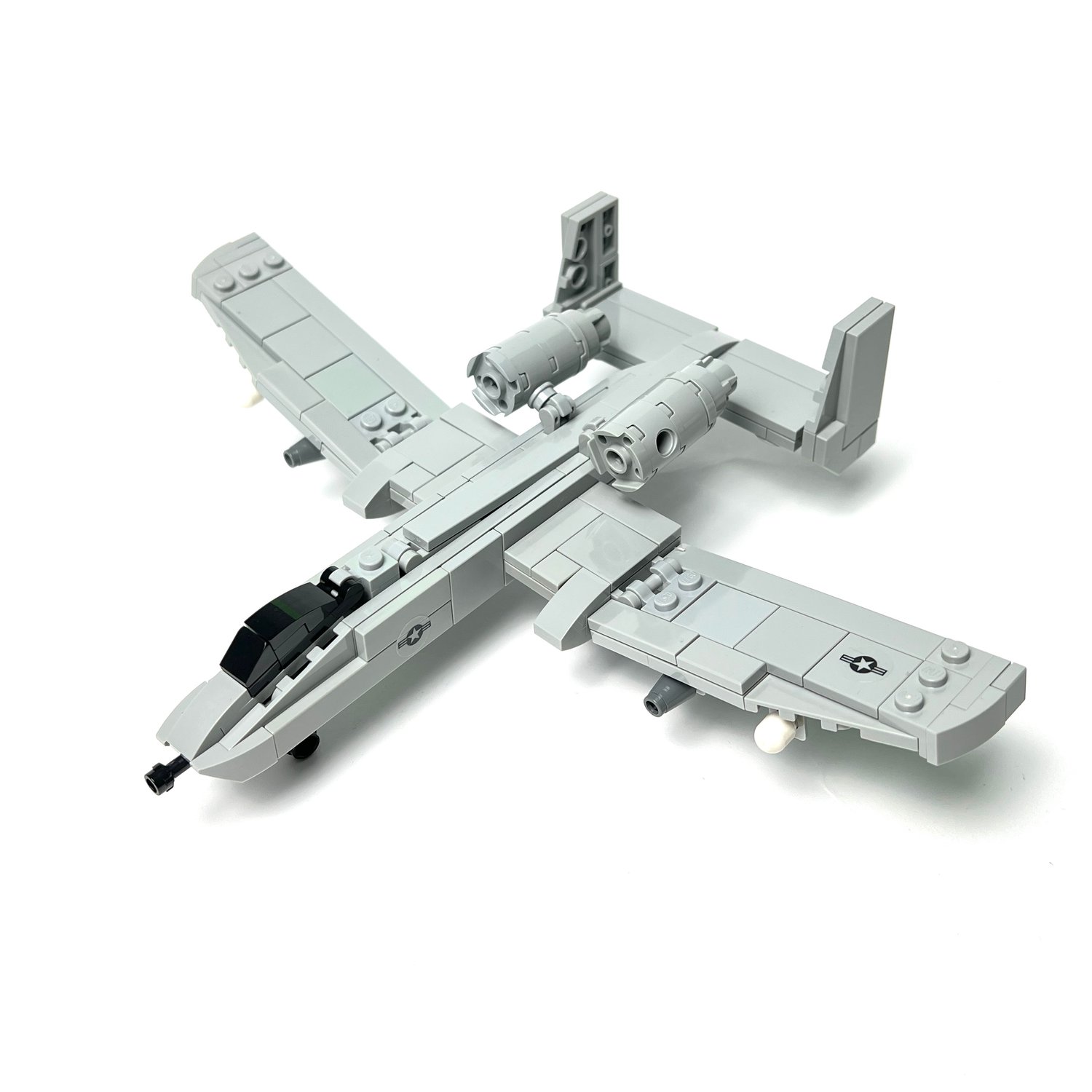
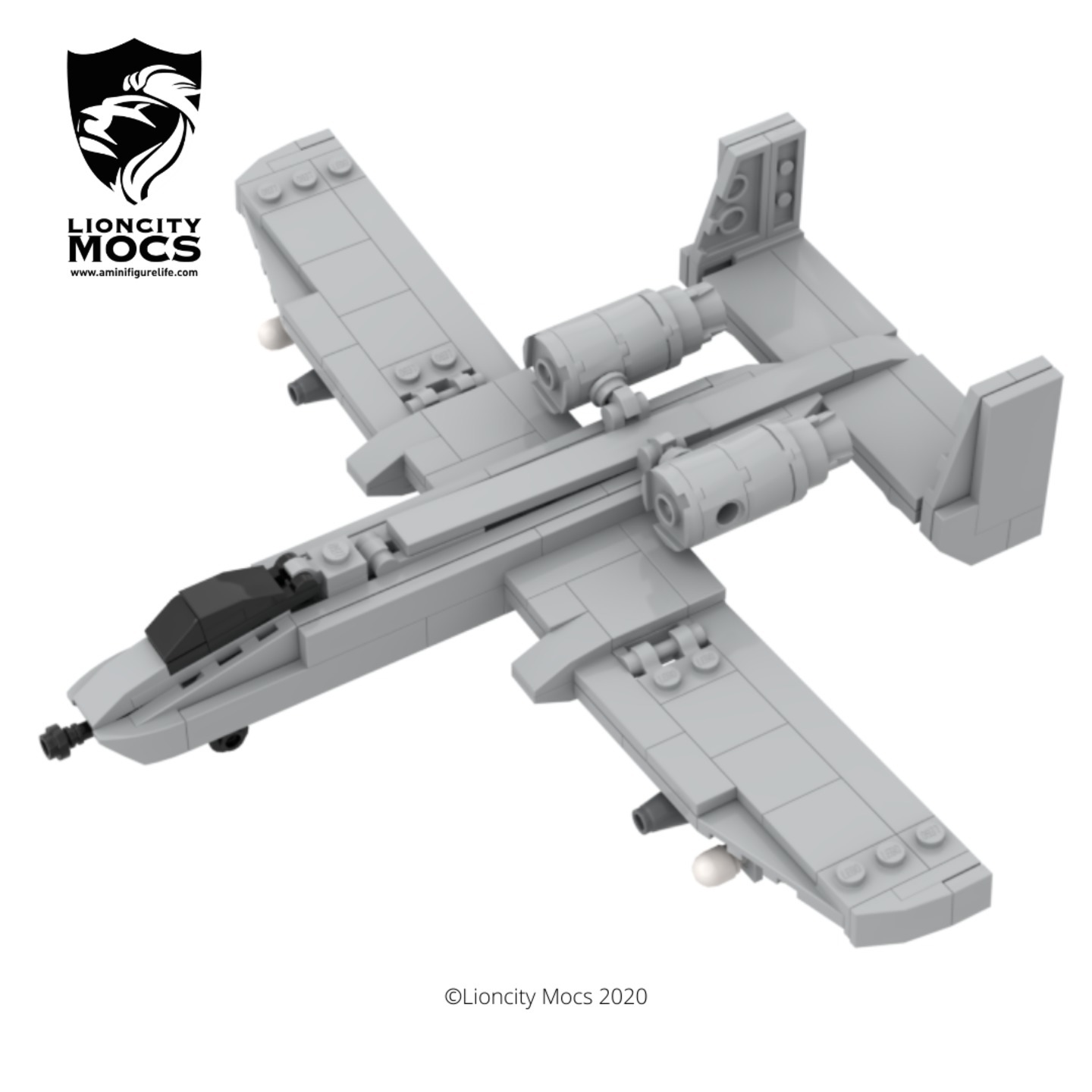
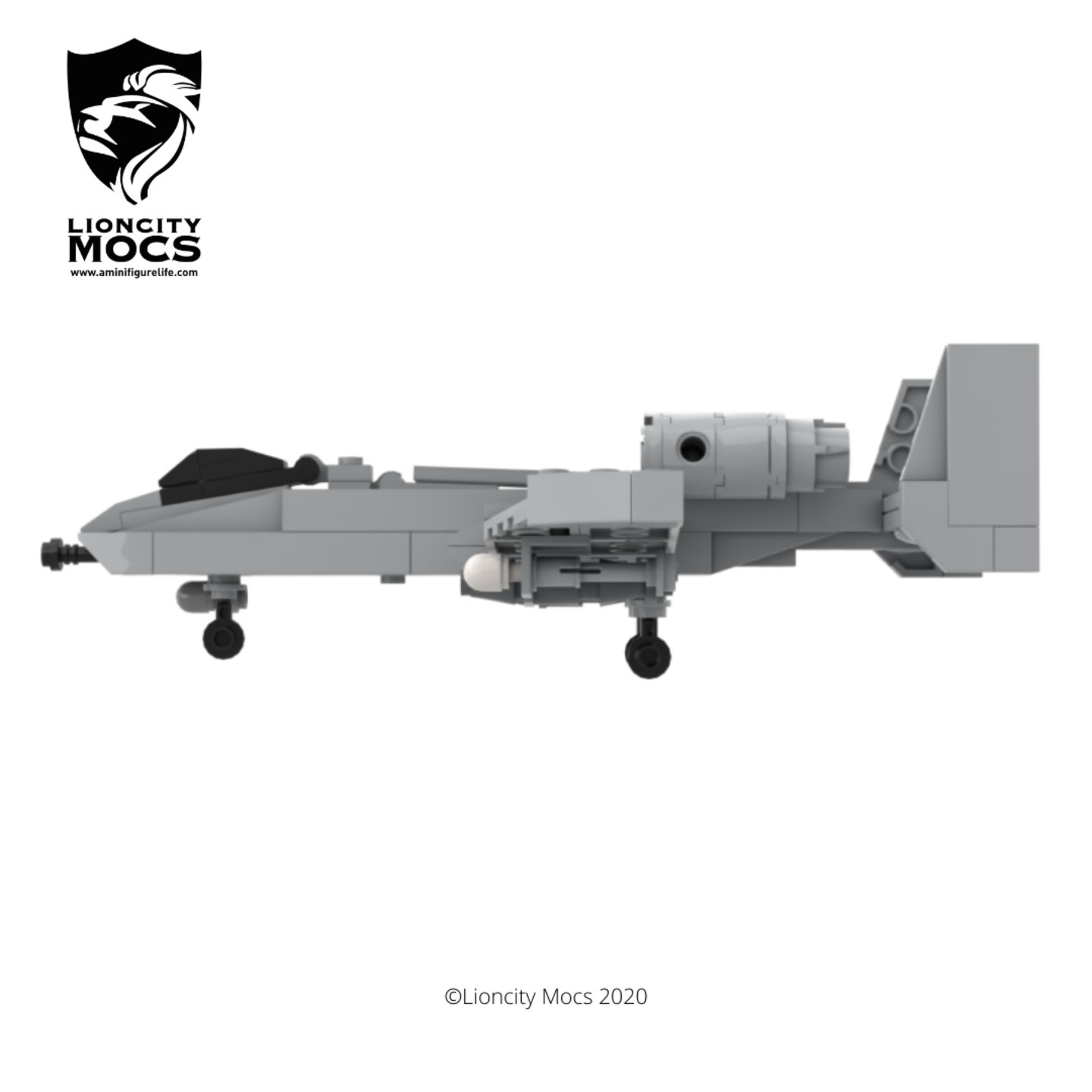
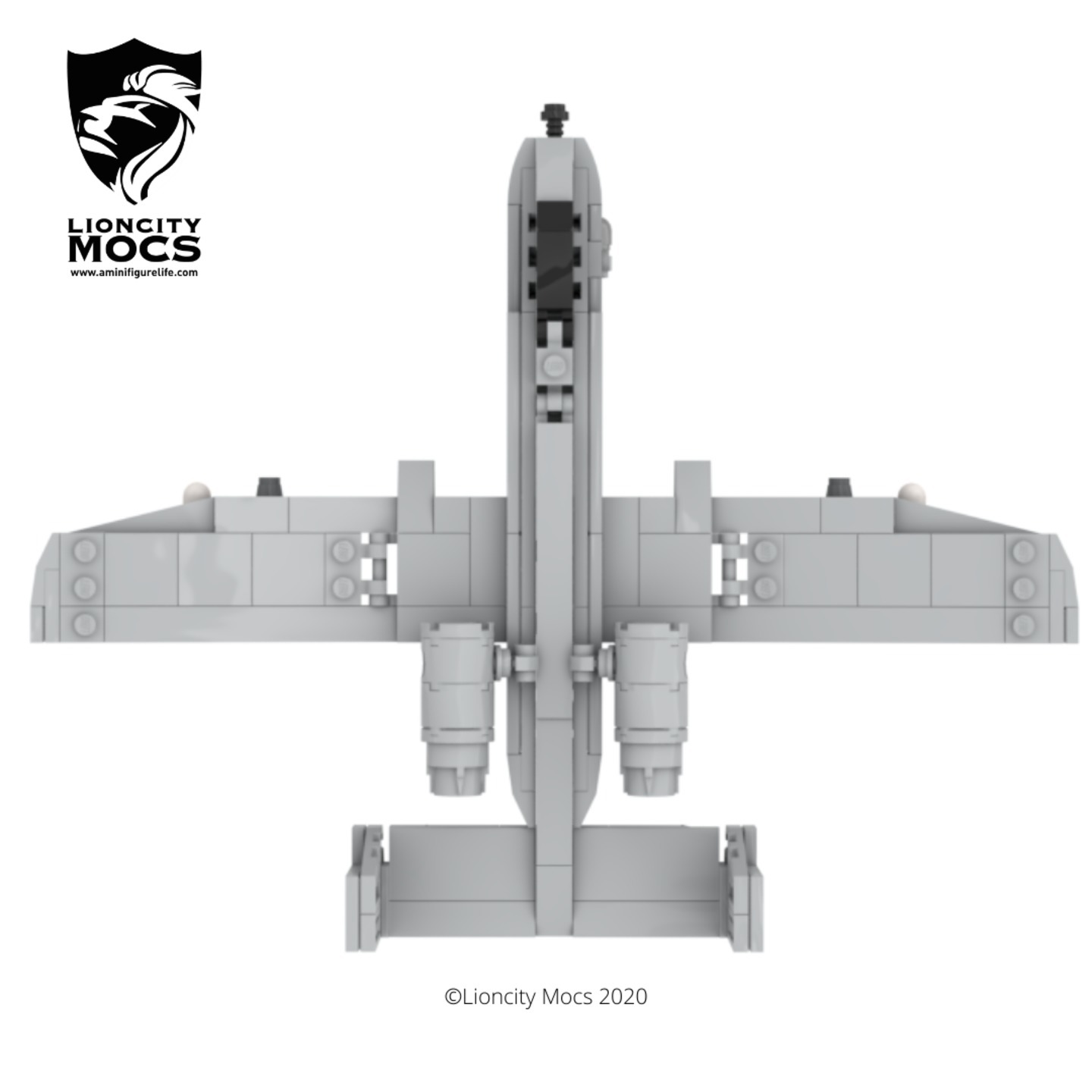
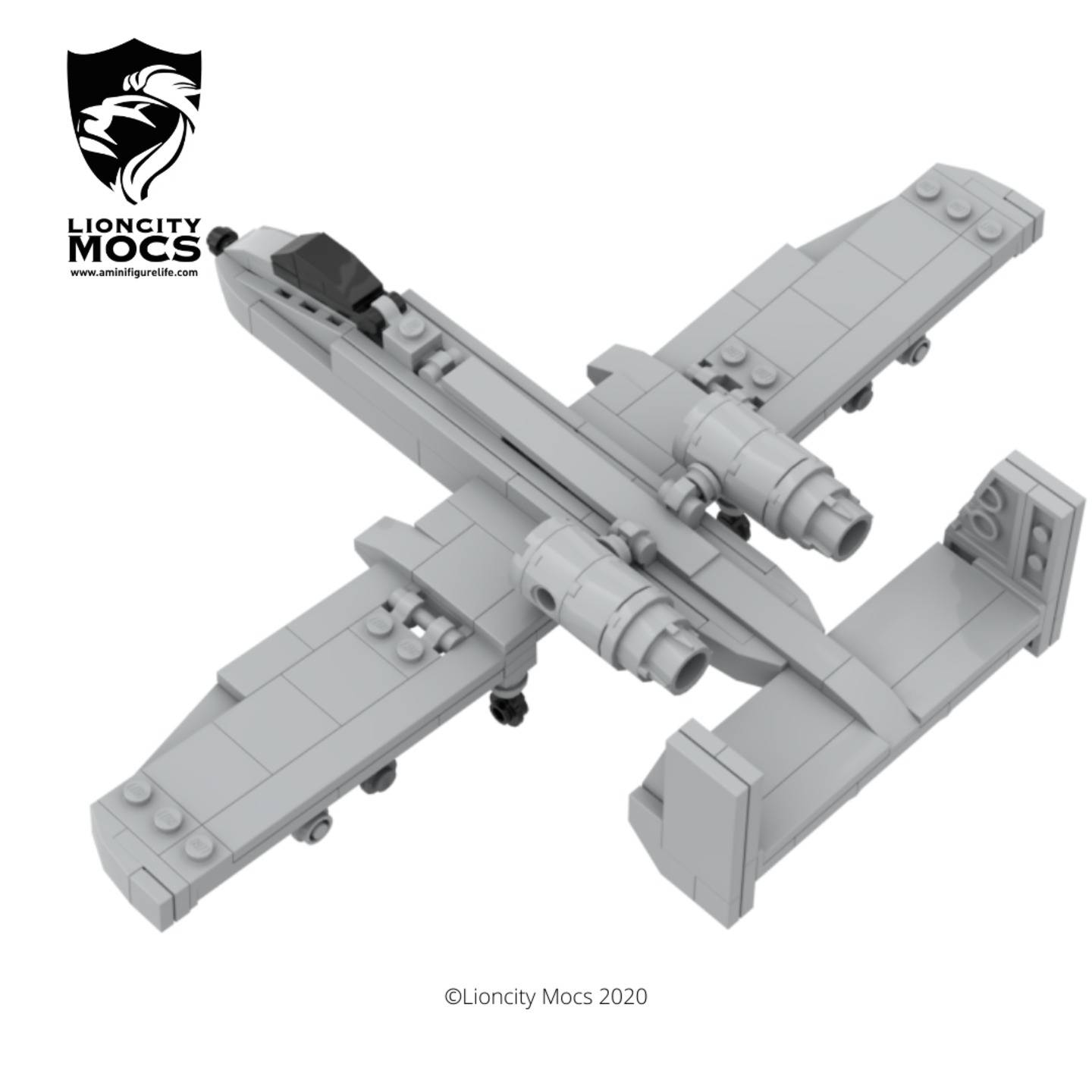
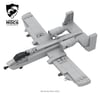
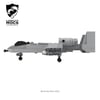
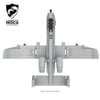
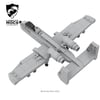
A-10 Thunderbolt II(1:90)(PDF Instructions & XML File)
Here's one of my favourite aircraft called the A-10 Thunderbolt II, also known as the "Warthog" or "BRRRRRTTTTT" among enthusiasts. The aircraft has a unique design and while it's not the most conventional, it sure packs a punch on the battlefield.
I spent a lot hours just honing this model, ended up doing nine different revisions just to get it to this current look and feel. Because of it's weird shape and angles, I had to tweak the model many times to get it to look right in this smaller scale, like the slight decline in the nose and the little bend of the canted wings. I've included two bombs and two missiles in this model.
The wheels can also be removed to simulate the aircraft in flight mode.
Hope you have fun building this model and have a BBRRRTTTT day ahead!
How to Buy Parts from Bricklink:
1. Go to bricklink.com and log into your account. If you don't have one, create a free account first.
2. In the top menu, go to My BrickLink → Wanted List. This is where you'll upload your parts list(XML file).
3. Inside your Wanted List, click Upload at the top. Select Upload BrickLink XML, then choose your exported .xml file. Bricklink will parse every part automatically and populate your wanted list.
4. Once your wanted list is populated, click Buy All at the top. Bricklink will scan all current store inventories and suggest the most cost-efficient combination of sellers to source every part in your list.
5. Review the suggested stores, adjust if needed, and proceed to checkout with each seller individually.