




Vendor Comparison Sheet: Weighted-Score Excel for Party and Wedding Vendors
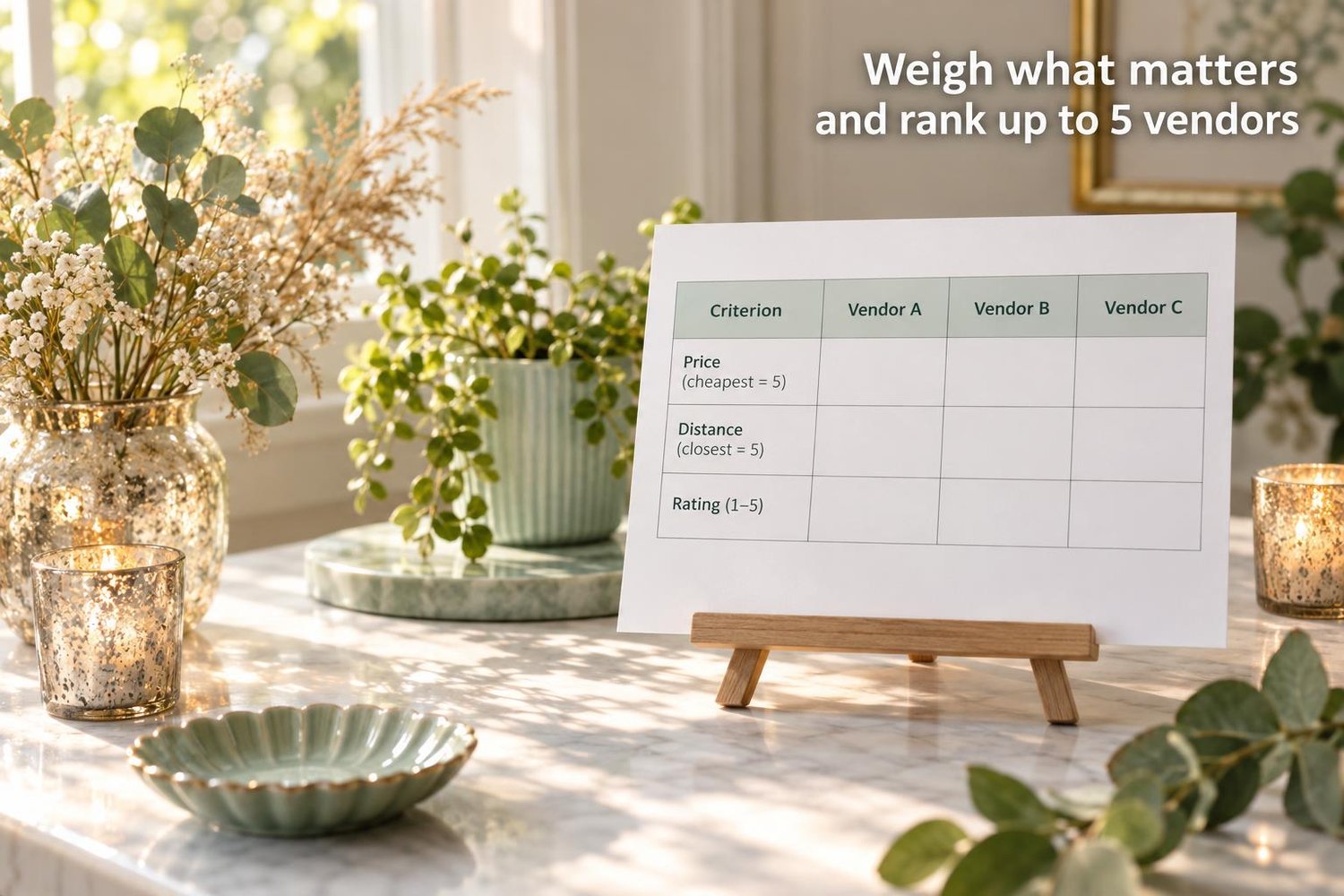
Compare up to 5 vendors side by side, weight what matters to you and let the sheet rank them. A vendor with a deal-breaker is never recommended, however well it scores.
Three caterer quotes look alike until you line them up: one is cheaper but wants the balance a month early, one is closer but slow to reply, one includes setting up and clearing away.
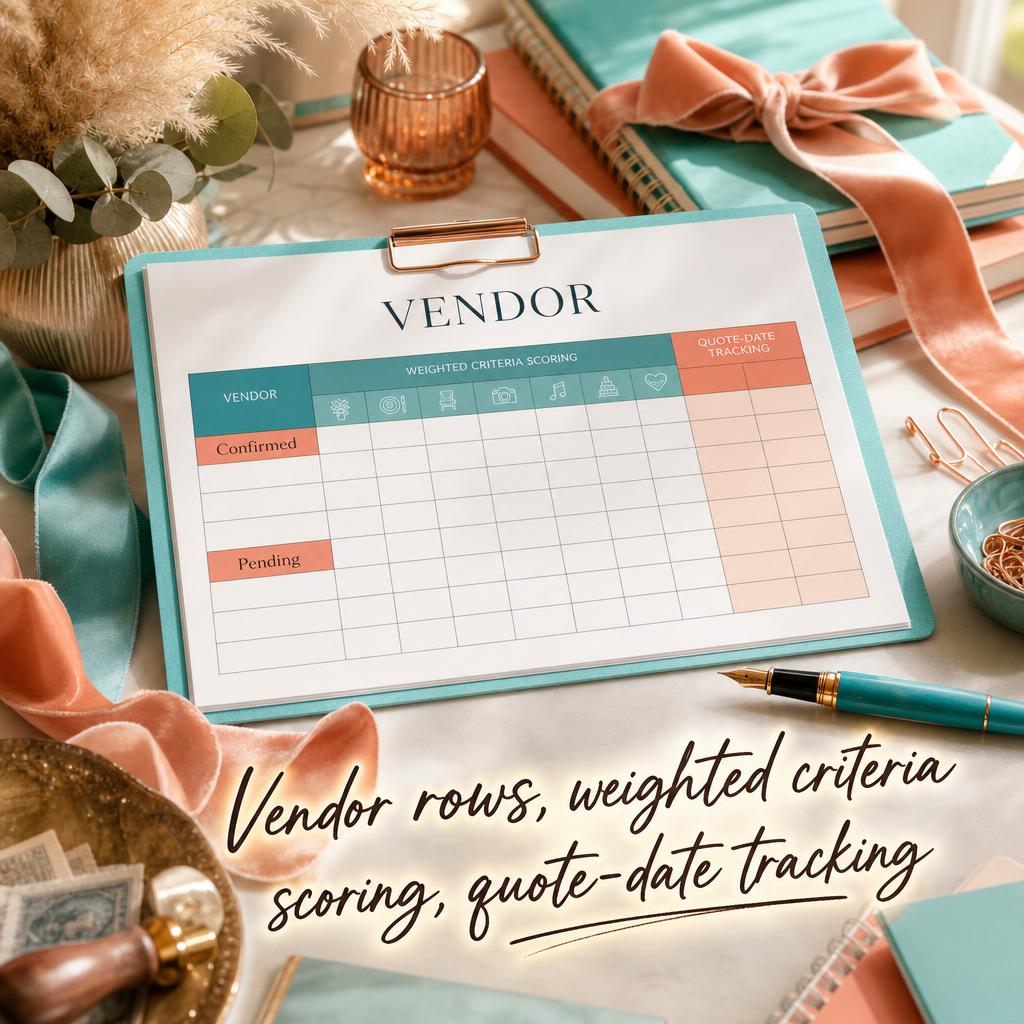
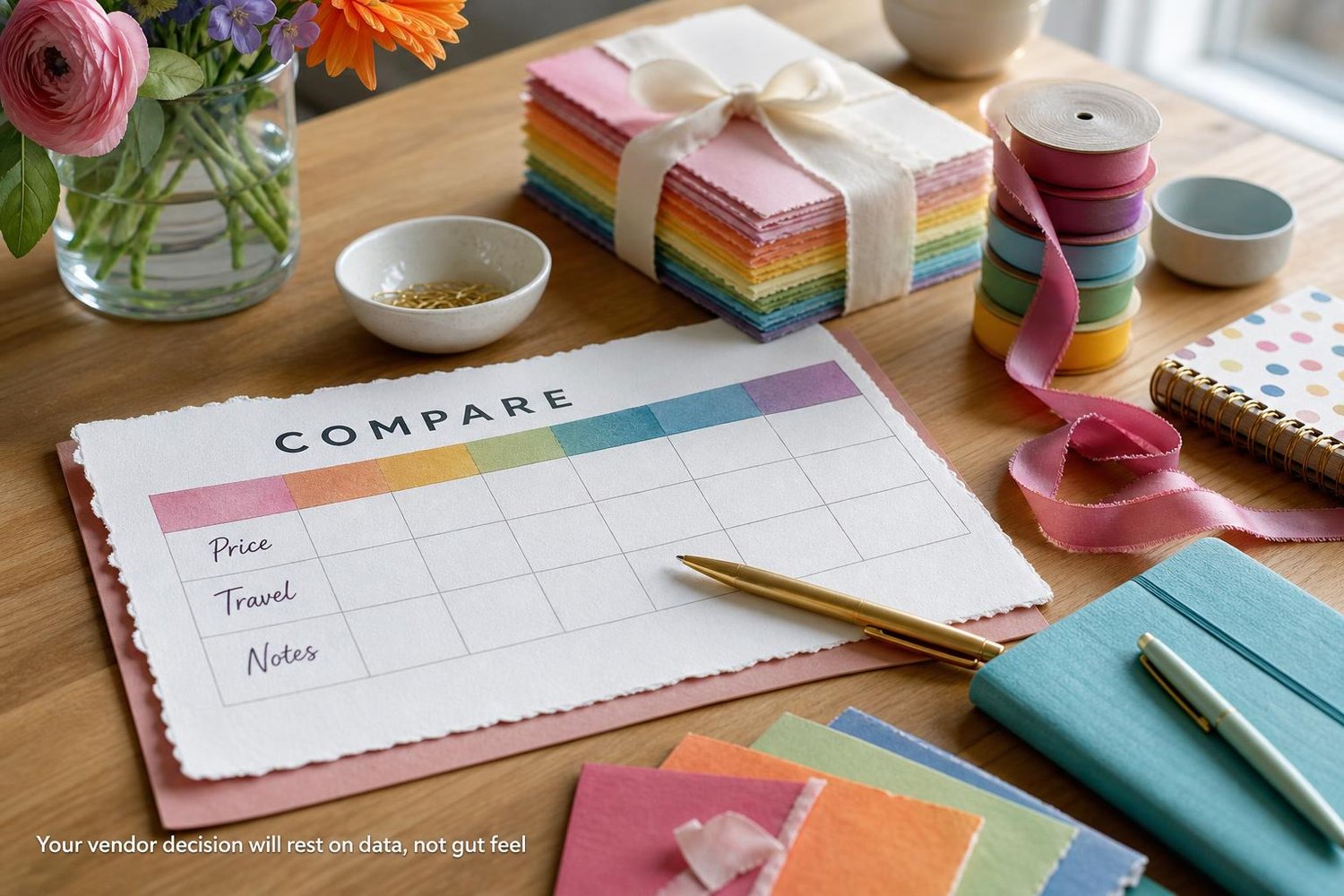
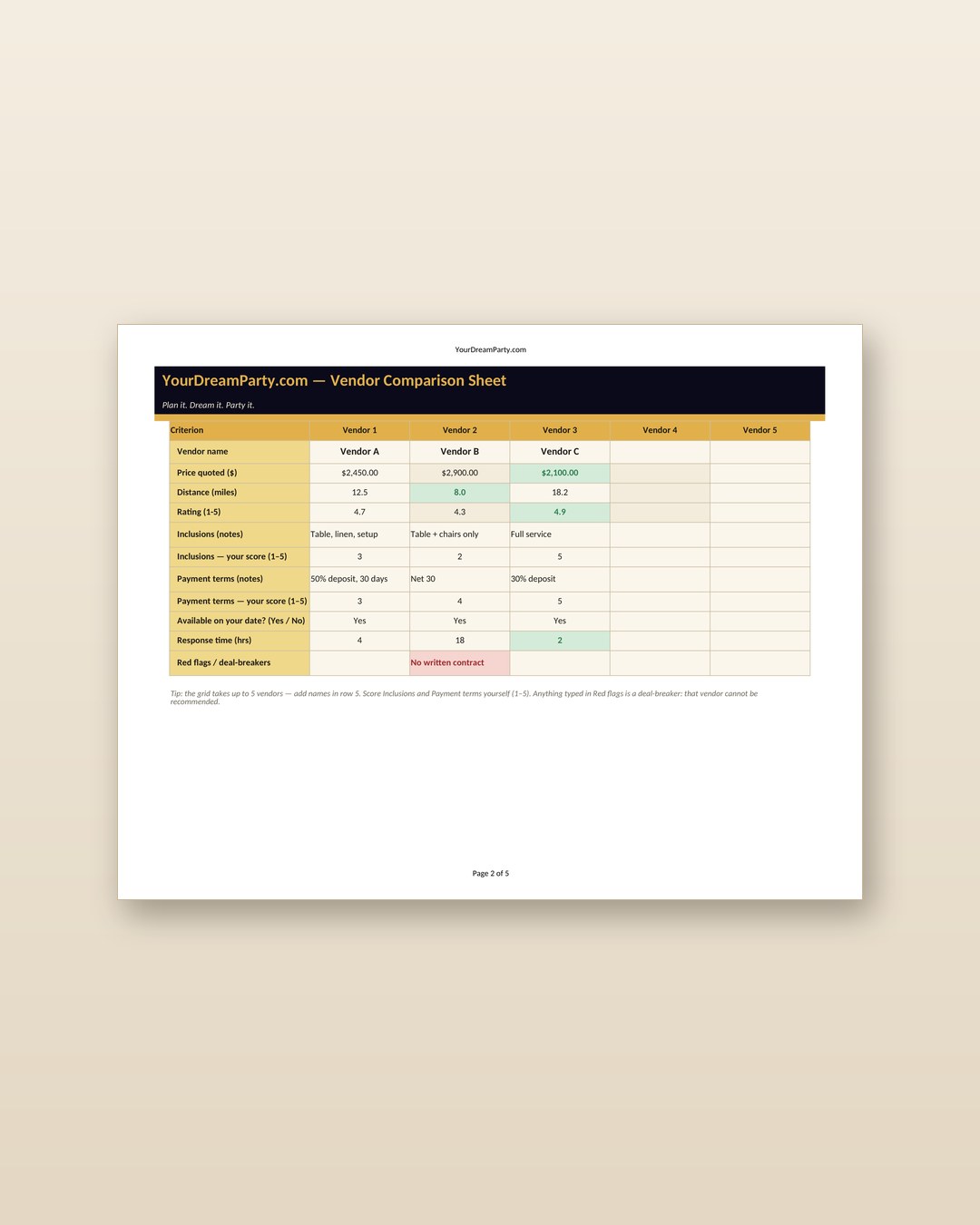
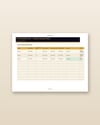
The Comparison Grid lines up to 5 vendors on price, distance, rating, what is included, payment terms, availability on your date, response time and red flags. You score inclusions and payment terms from 1 to 5, with a guide in the sheet.
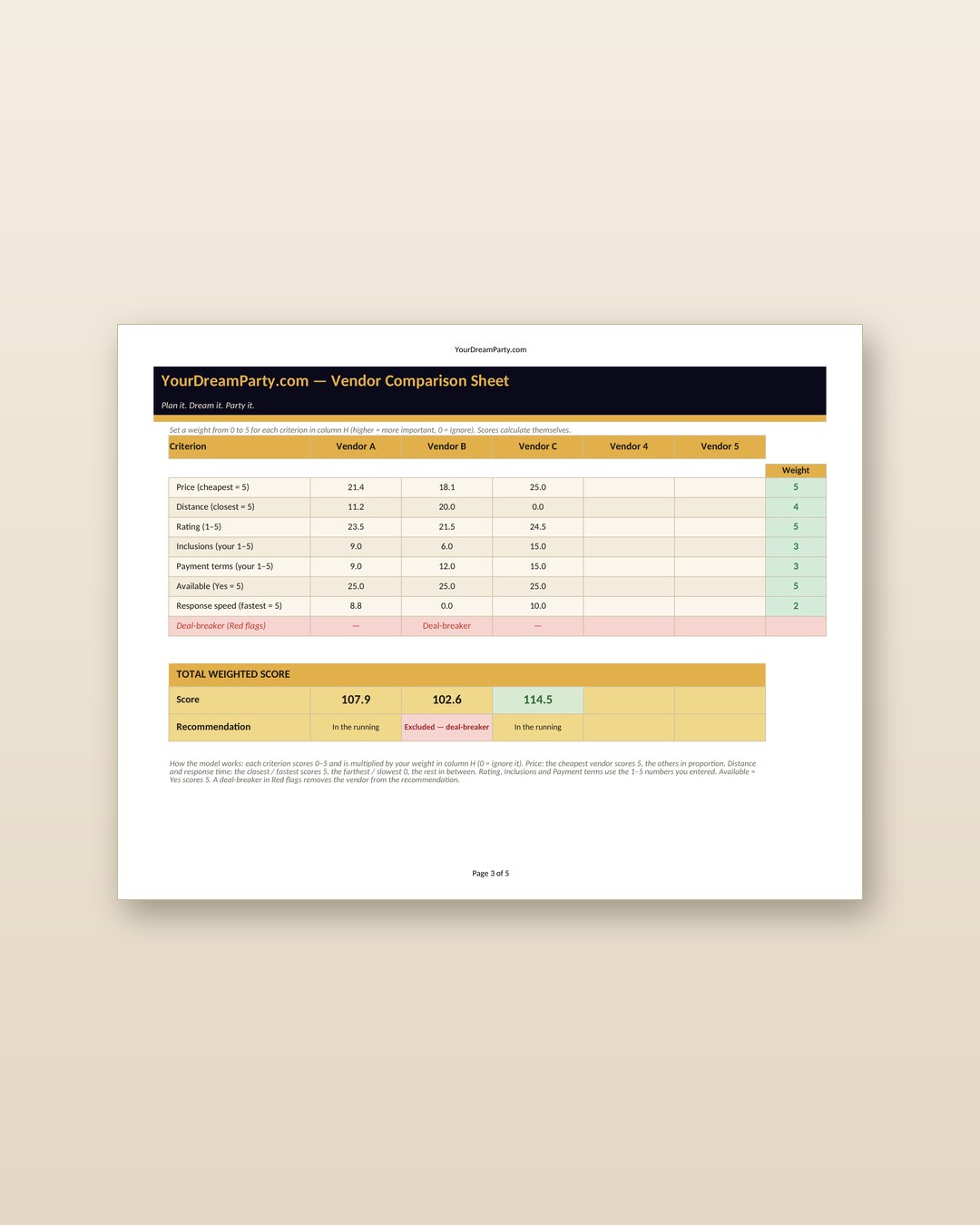
On the Weighted Score sheet you decide how much each criterion counts, from 0 (ignore it) to 5. The cheapest vendor scores top marks on price and the others in proportion; distance and response time work the same way. Type a deal-breaker in the Red flags row and that vendor turns red and drops out of the recommendation.
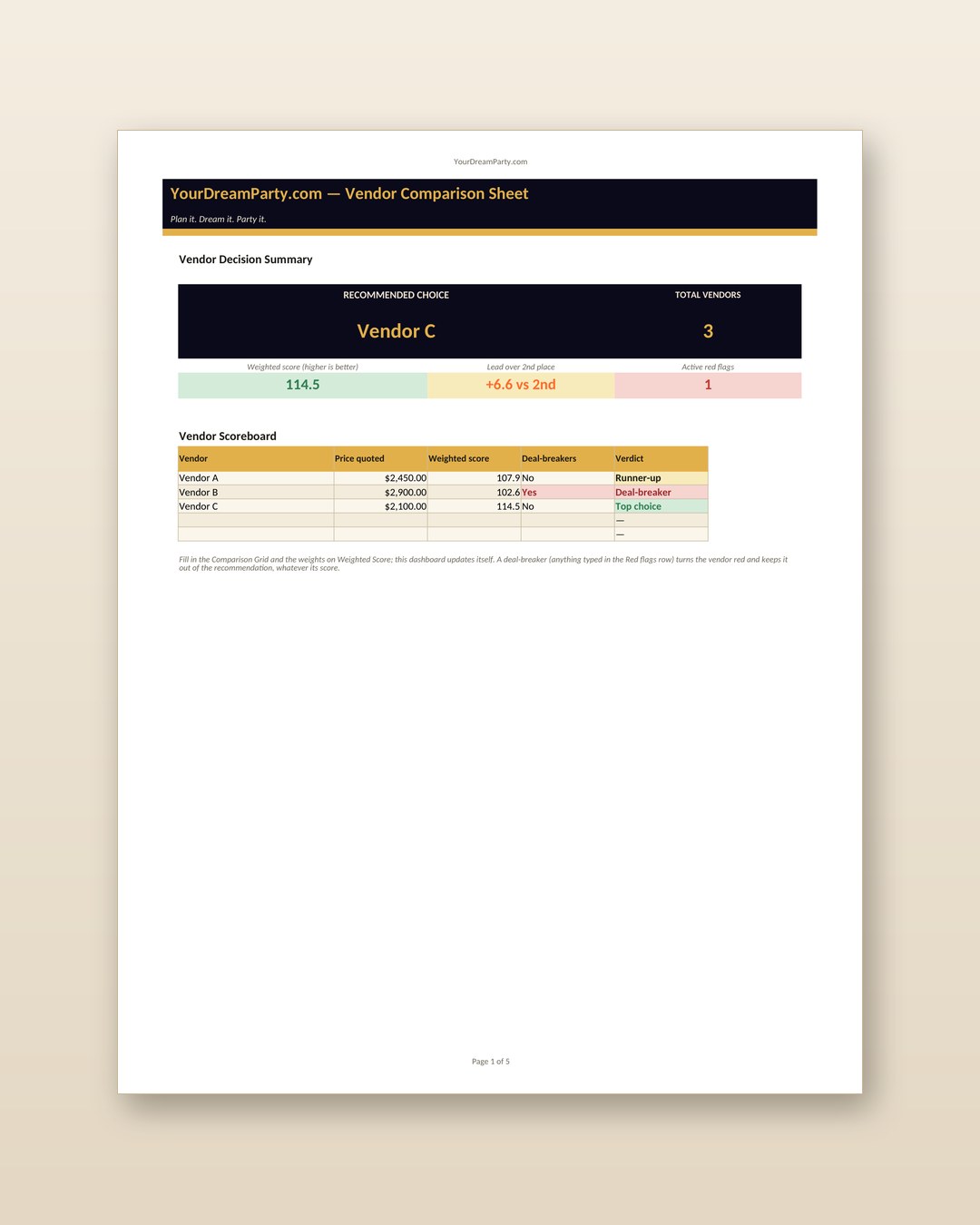
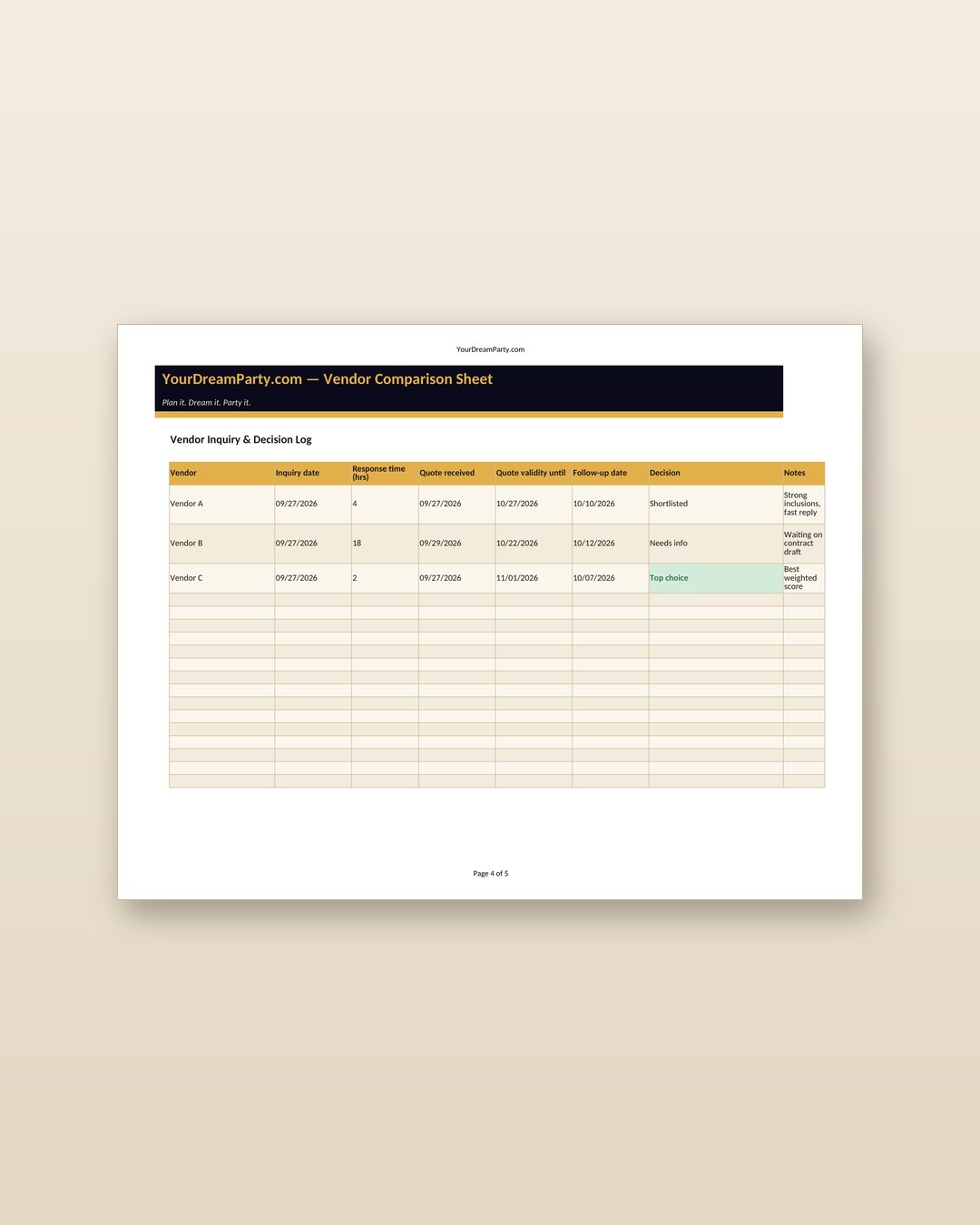
The Dashboard names the top-scoring vendor, the gap to second place and the full scoreboard. The Decision Log tracks inquiry dates, response times, quote expiry and follow-ups, and flags a follow-up date that has passed without a decision. Use it for venues, caterers, photographers, DJs, florists, bakers, rentals and transport. Prints on US Letter. It opens on a Start Here tab with five first steps and a marked picture of where to type, and a one-page Quick Start PDF comes with it. Made for Excel, works in Google Sheets; Apple Numbers can't run some of its formulas.
One download, two editions: the US edition for US paper sizes, and the UK edition for A4 with UK spelling.
What's Included
- Side-by-side grid for up to 5 vendors, with a red-flags row
- 7 weighted criteria, from price and distance to payment terms
- Weights from 0 to 5, so the ranking follows your priorities
- Automatic scores and ranking, with the top choice on the Dashboard
- Deal-breakers turn a vendor red and keep it out of the recommendation
- Decision Log: quote expiry, follow-up dates and decisions
- For venues, catering, photography, DJs, florists, bakers and rentals
- Prints on US Letter
- Start Here tab and a one-page Quick Start PDF: five first steps and where to type
- Made for Excel, works in Google Sheets; Apple Numbers can't run some of its formulas
Format
US edition: Excel workbook (XLSX), 6 sheets, prints on US Letter, plus a Quick Start PDF
UK edition: Excel workbook (XLSX), 6 sheets, prints on A4, plus a Quick Start PDF
License: Personal use. Print as many copies as you need for your own events, at home or at a print shop, fill in and edit the file, and share it with the people planning the event with you. You may not resell, share publicly or redistribute it, include it in products or services you sell, use it for paid event-planning work or use it to train AI models. All content © YourDreamParty.com. All rights reserved.