





Guest List & RSVP Manager: Excel RSVP Tracker for up to 500 Guests
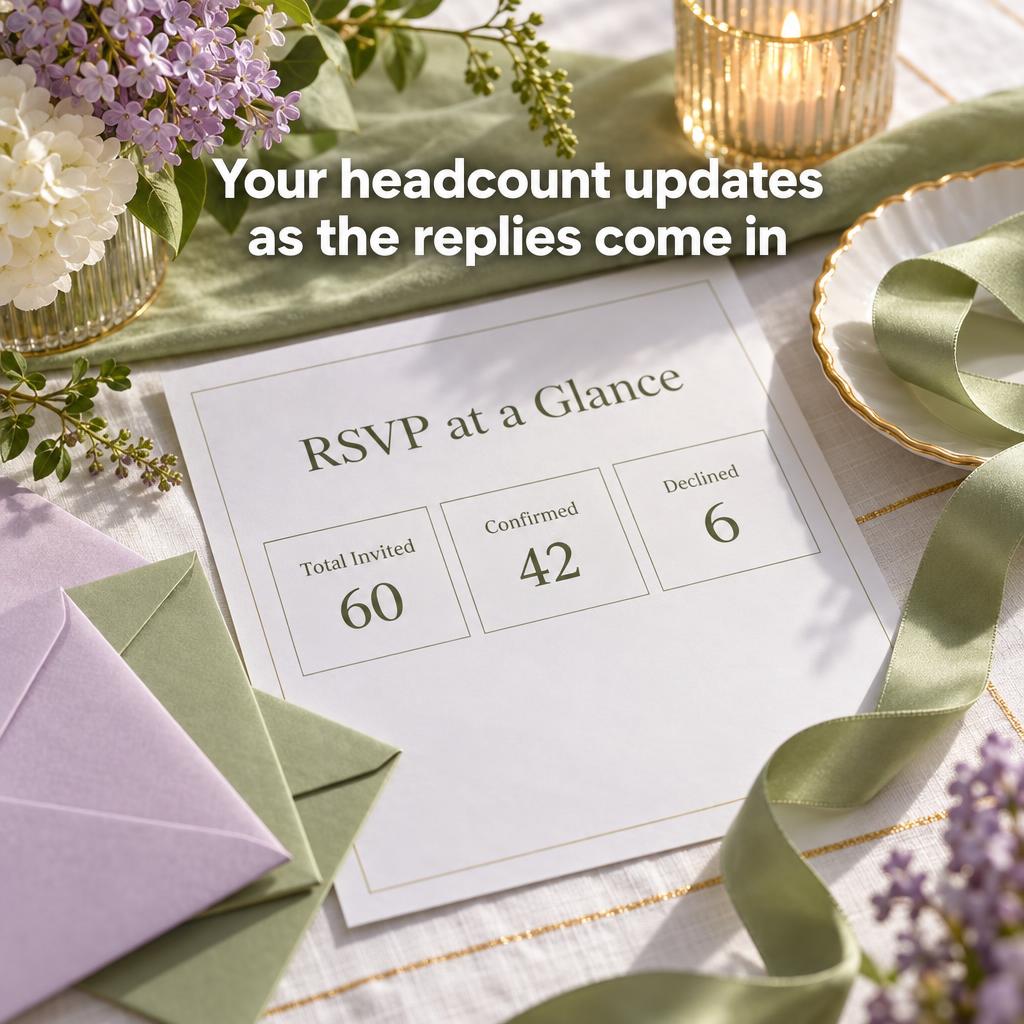
One row per guest: reply, plus-one, dietary need and group. The summary counts your final headcount as the answers come in.
Replies arrive by text, by email, in passing and in a voicemail you half remember. Then the caterer asks for numbers and the answer is spread across four apps.
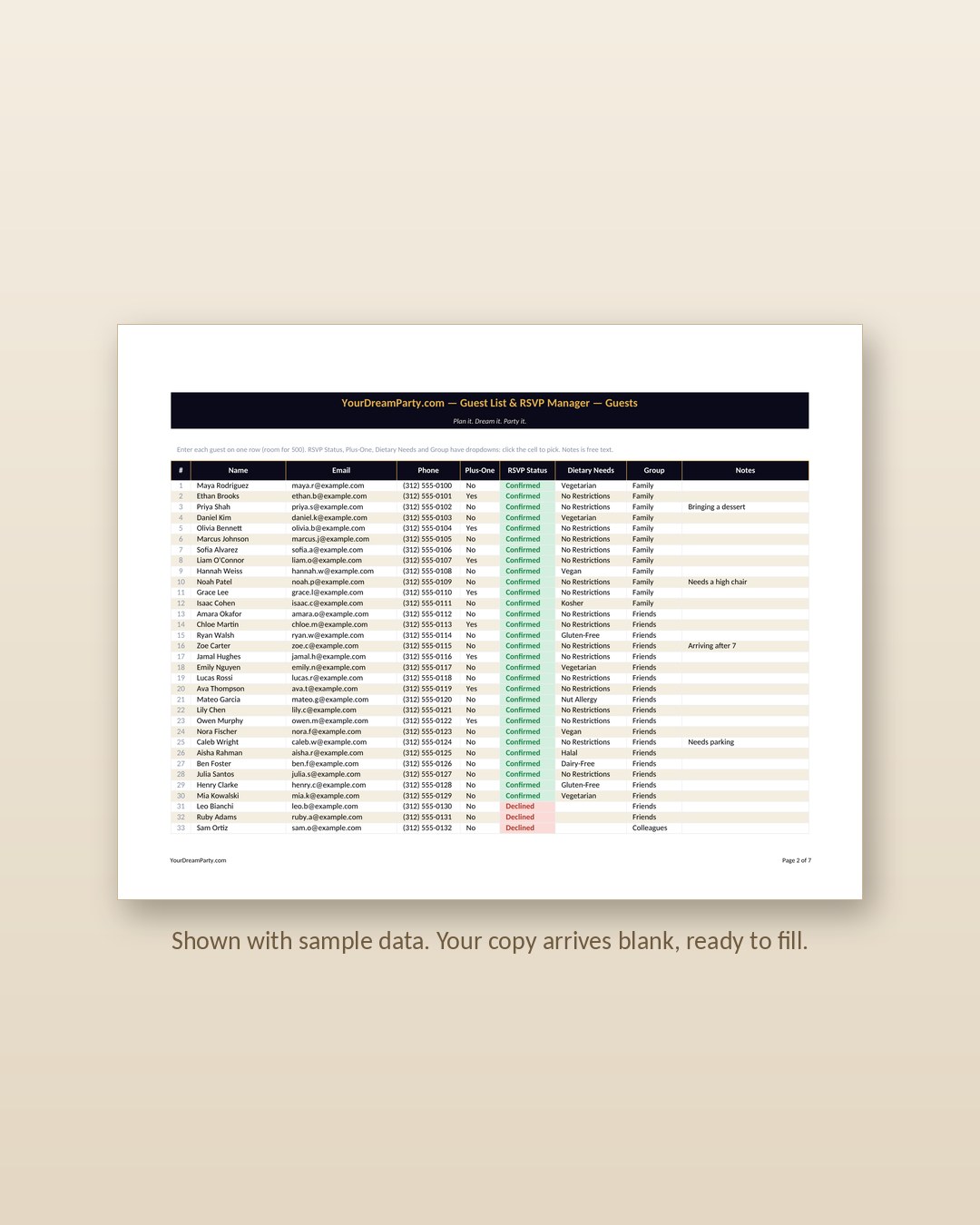
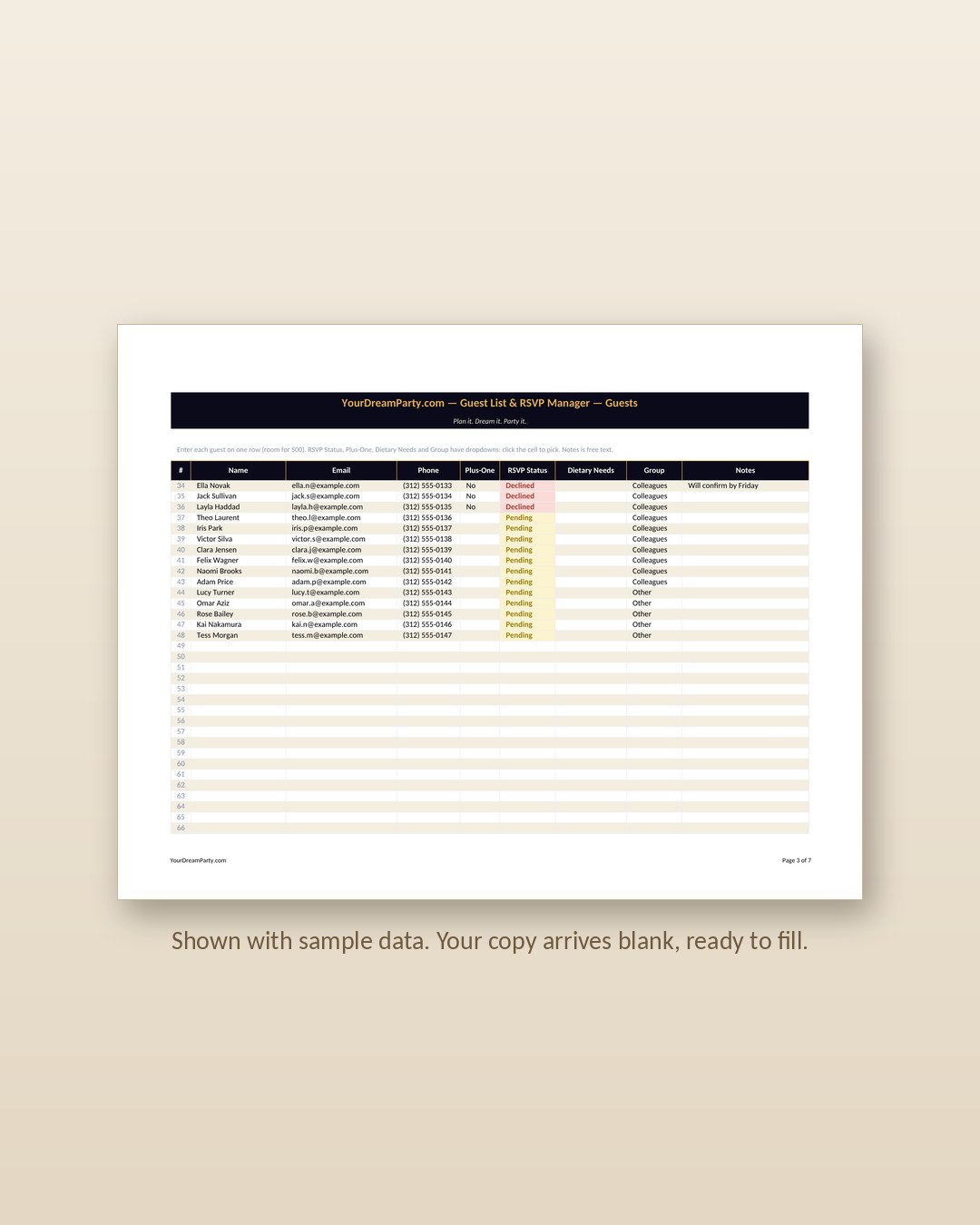
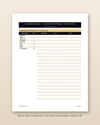
This workbook gives every guest one row, with room for 500: name, email, phone, plus-one, RSVP status, dietary need, group and notes. Plus-one, RSVP, dietary need and group are dropdowns, so the counts stay clean, and the RSVP column turns green, red or yellow as answers come in. Phone numbers keep their leading zero.
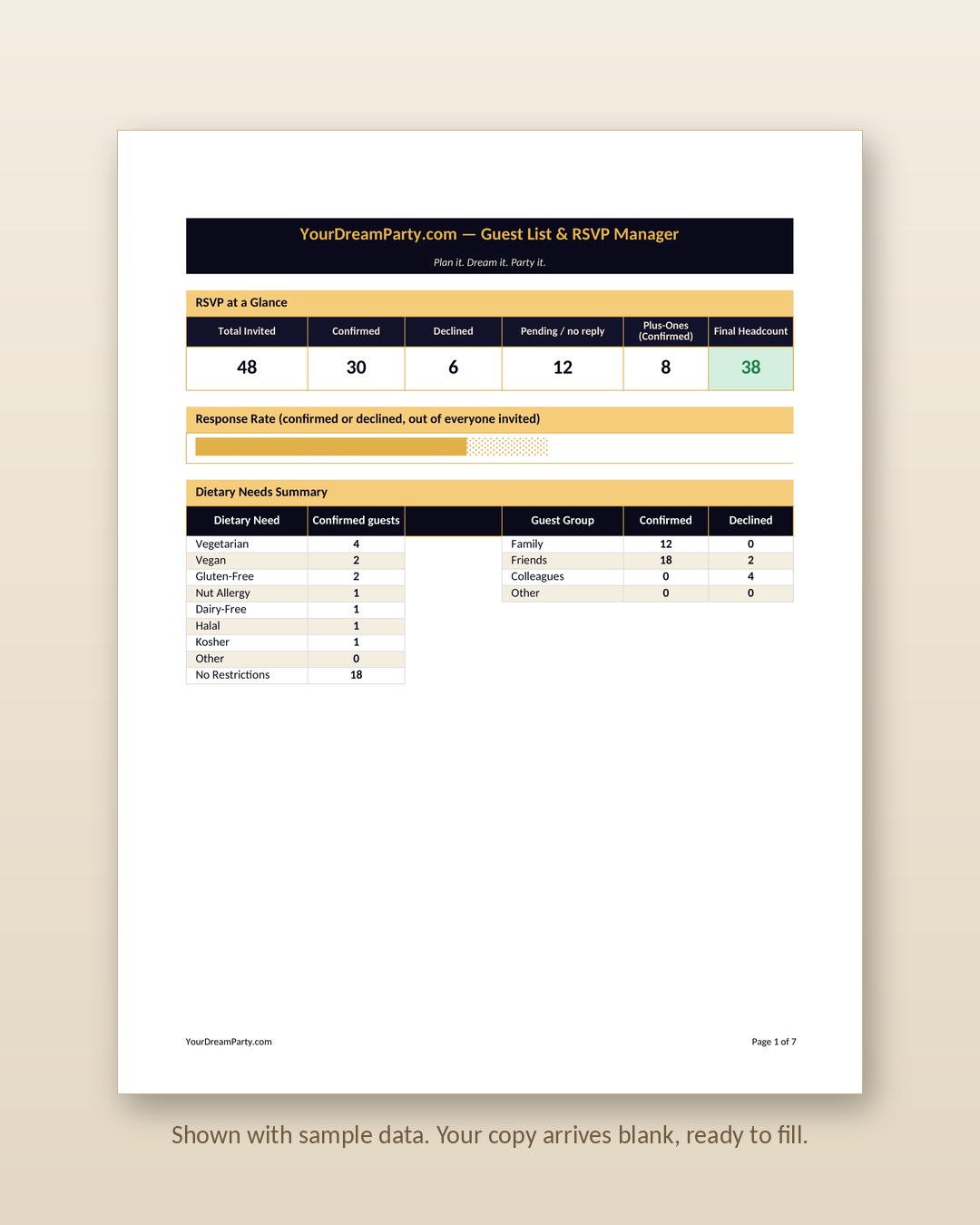
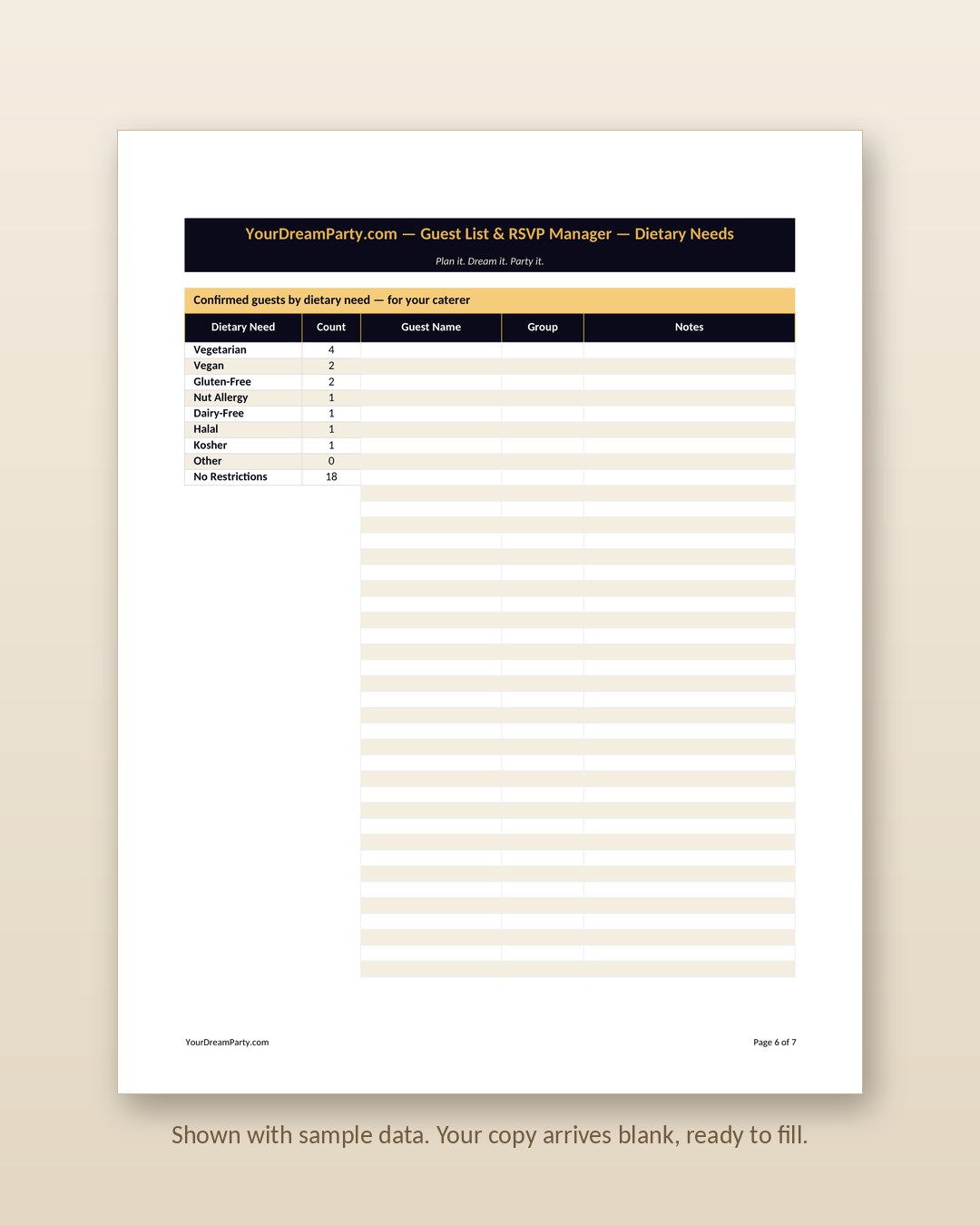
The RSVP Summary works out the numbers: invited, confirmed, declined, still waiting, confirmed plus-ones and the final headcount. A progress bar shows how many people have replied, and confirmed guests are counted by dietary need and by group. The Dietary Needs sheet repeats those counts for your caterer, with space to note who needs what.
The guest list prints US Letter landscape with the header on every page; the summary prints on one page. It opens on a Start Here tab with five first steps and a marked picture of where to type, and a one-page Quick Start PDF comes with it. Made for Excel, works in Google Sheets; Apple Numbers opens it without the dropdowns.
One download, two editions: the US edition for US paper sizes, and the UK edition for A4 with UK spelling.
What's Included
- Guest List for up to 500 guests, one row each, with a Notes column
- Dropdowns for RSVP status, plus-one, dietary need and group
- RSVP colors: green Confirmed, red Declined, yellow Pending
- RSVP Summary: invited, confirmed, declined, waiting and final headcount
- Response-rate progress bar; counts by dietary need and by group
- 8 dietary needs, including vegan, gluten-free, nut allergy, halal and kosher
- Dietary Needs sheet to hand to your caterer
- Prints on US Letter; guest list landscape, header on every page
- Start Here tab and a one-page Quick Start PDF: five first steps and where to type
- Made for Excel, works in Google Sheets; Apple Numbers opens it without the dropdowns
Format
US edition: Excel workbook (XLSX), 5 sheets, prints on US Letter, plus a Quick Start PDF
UK edition: Excel workbook (XLSX), 5 sheets, prints on A4, plus a Quick Start PDF
License: Personal use. Print as many copies as you need for your own events, at home or at a print shop, fill in and edit the file, and share it with the people planning the event with you. You may not resell, share publicly or redistribute it, include it in products or services you sell, use it for paid event-planning work or use it to train AI models. All content © YourDreamParty.com. All rights reserved.